Free • No signup Convert Paper cutout · Free

AI Paper Cutout Art Maker

Just describe the paper cutout style you want and AI transforms your photo.

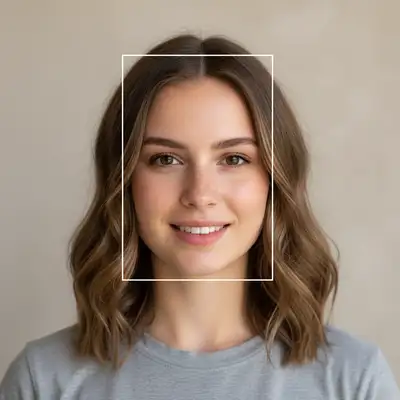
Original portrait photo
Before
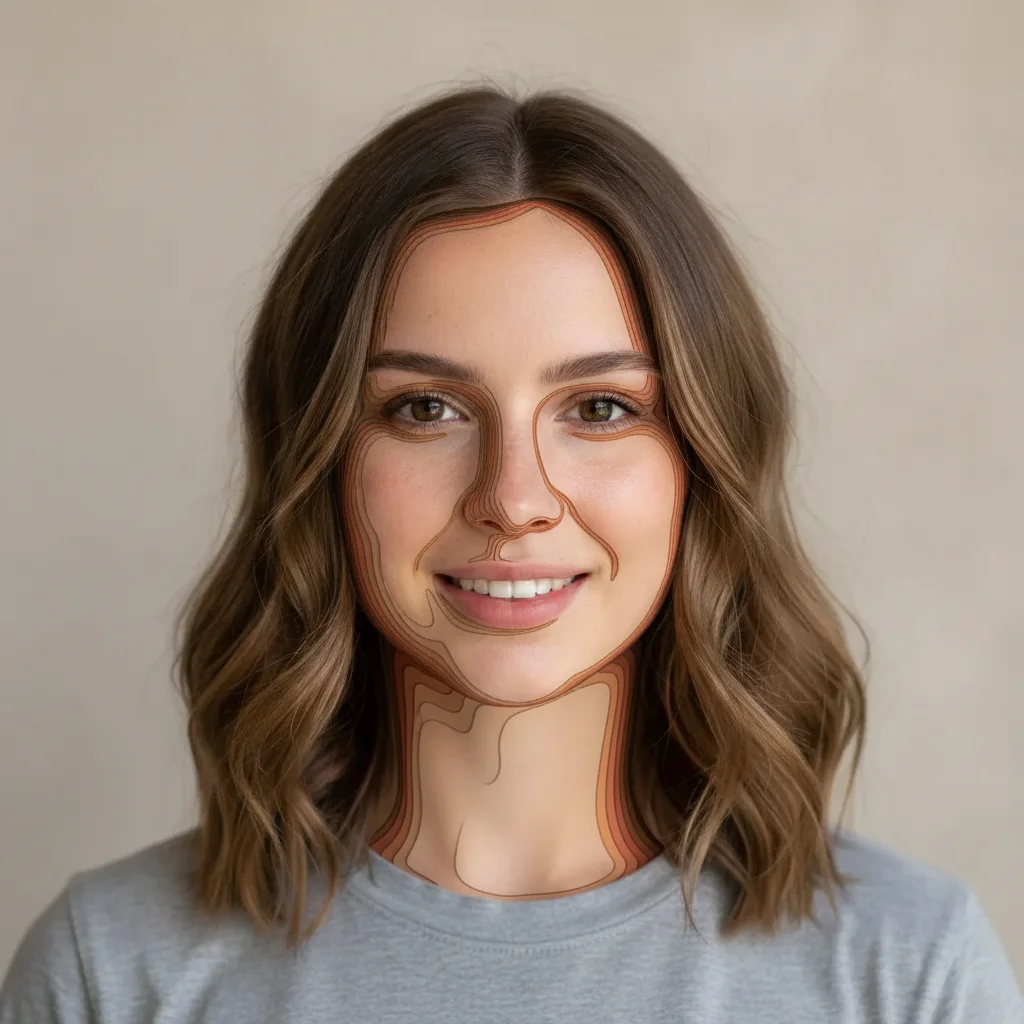
Portrait converted to layered paper cutout art with dimensional shadows
After

Convert Photo to Paper Cutout Art

Drop your photo here

or click to browse

Release to upload

Free • No signup

Advertisement
Popular use cases:
  • craft branding
  • DIY aesthetics
  • children's book illustrations
  • handmade product marketing
  • school projects
  • scrapbooking

Cost
Free No signup required
Time
Instant results in 15-30 seconds
Works on
Any device - browser, phone, tablet, desktop
Powered by
AI-powered photo editing
Scenario Prompt Time
Simple flat cutout convert to paper cutout art style with bold colors and clean edges 20s
Layered 3D convert to layered paper cutout style with visible shadows between layers for 3D depth 25s
Construction paper transform into construction paper collage with vibrant colors and textured edges 25s
Muted cardstock convert to paper cutout art with muted earth tones and subtle cardstock texture 25s
Torn paper transform into torn paper collage style with rough edges and visible paper texture 25s

How it works

  1. Upload your photo

    Drop your image into EditThisPic. Works with JPG, PNG, WebP up to 7MB. Best results with photos that have clear subjects and distinct shapes—the AI needs defined edges to create convincing paper layers.

    Expect: Simple paper cutout effects: 20-30 seconds. Complex multi-layer depth with specific colors: may need 2 refinements.
  2. Describe what you want

    Type your instruction: 'convert to paper cutout art style' or 'transform into layered papercraft collage with textured edges.' Be specific about colors (vibrant construction paper vs. muted cardstock) and depth (flat cutout vs. multi-layer 3D). No marking needed—the AI understands 'paper cutout' as a complete style transformation.

    Tip: Include shadow detail preferences like 'visible layer shadows' for authentic 3D paper depth.

    Copy one of these to get started:

    Simple flat paper cutout convert to paper cutout art style with bold colors and clean edges
    Layered 3D papercraft convert to layered paper cutout style with visible shadows between layers for 3D depth
    Construction paper collage transform into construction paper collage with vibrant colors and textured edges
    Muted cardstock aesthetic convert to paper cutout art with muted earth tones and subtle cardstock texture
    3 more prompts
    Torn paper collage transform into torn paper collage style with rough edges and visible paper texture
    Colorful origami-inspired layers convert to paper cutout art with origami-inspired angular folds and bright gradient papers
    Minimalist paper silhouette transform into minimalist paper cutout silhouette with single-color layers and sharp edges
  3. Generate and review

    Click Generate and watch your photo transform into paper collage art. Check the layer separation, edge texture, and shadow depth. Zoom in to verify the cut-paper aesthetic looks handmade and authentic.

  4. Refine with markers if needed

    If certain elements need more pronounced layering or different textures, tap markers on those areas and regenerate. This is optional—most paper cutout conversions work perfectly without markers.

    Tip: Markers are for precision refinement, not required. Try without them first.
Try it free

Convert Photo to Paper Cutout Art

Drop your photo here

or click to browse

Release to upload

Free • No signup

"Love the paper cutout effect! Made my photo look like it was crafted from colored construction paper. Perfect for my handmade brand." @craftyliving

See it in action

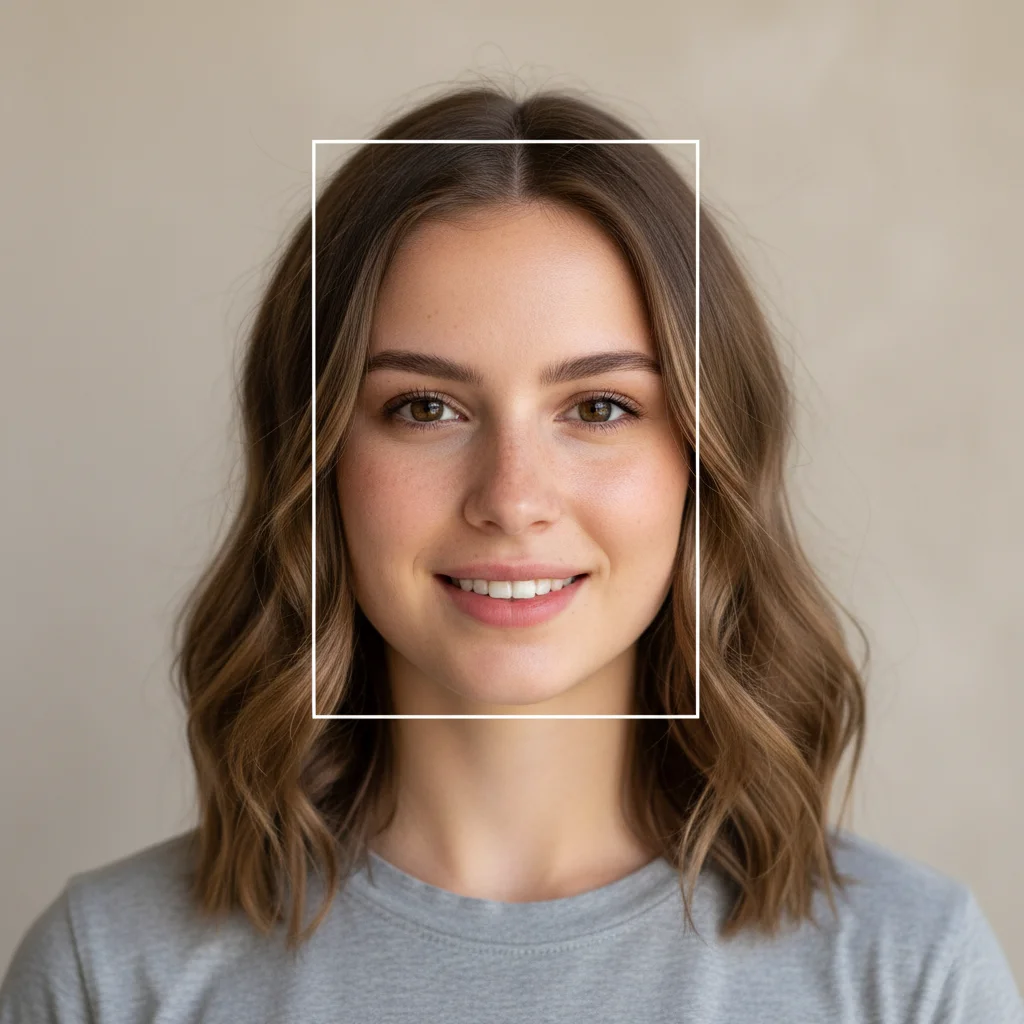
Original portrait photo
Before
->
Portrait converted to layered paper cutout art with dimensional shadows
After

Portrait Transformed to Layered Papercraft

Converted portrait photo into multi-layer paper cutout art with visible depth shadows.

Prompt: convert to layered paper cutout style with visible shadows between layers for 3D depth
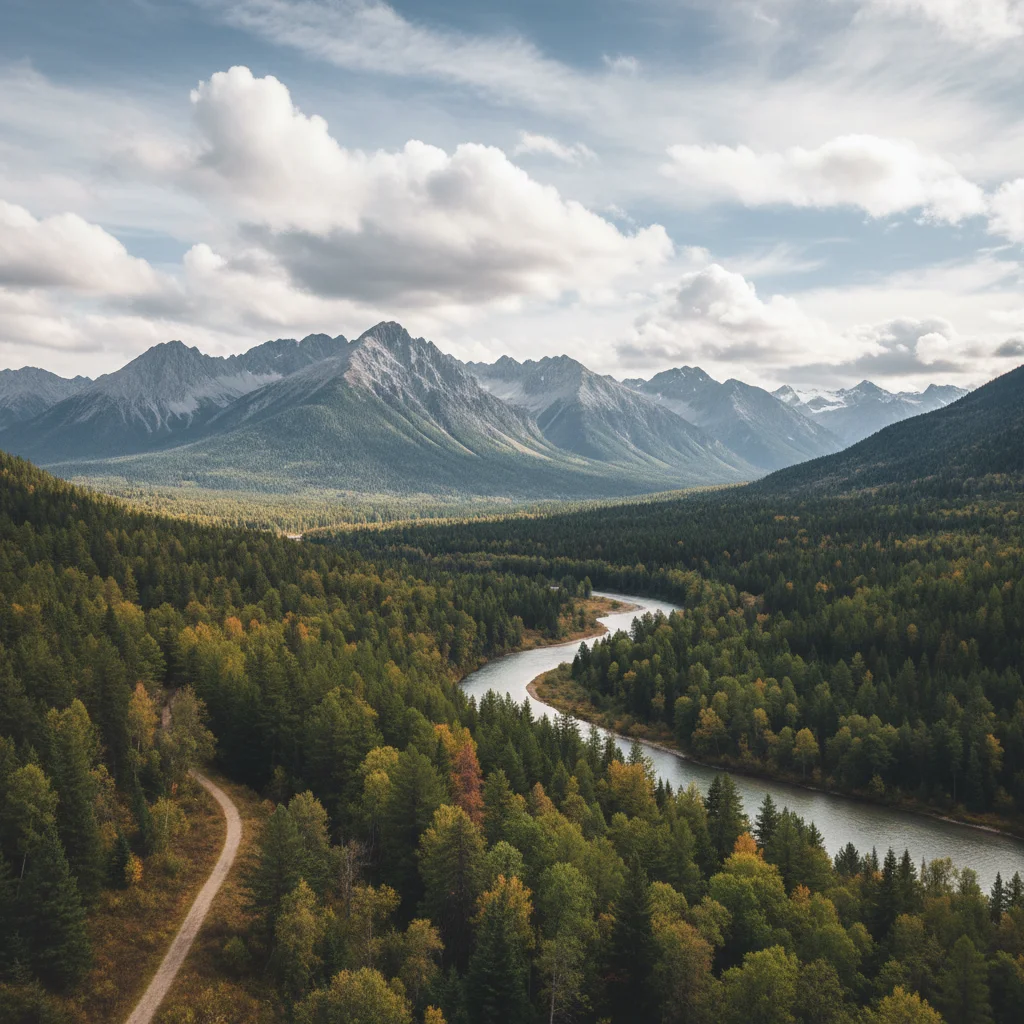
Original landscape photo
Before
->
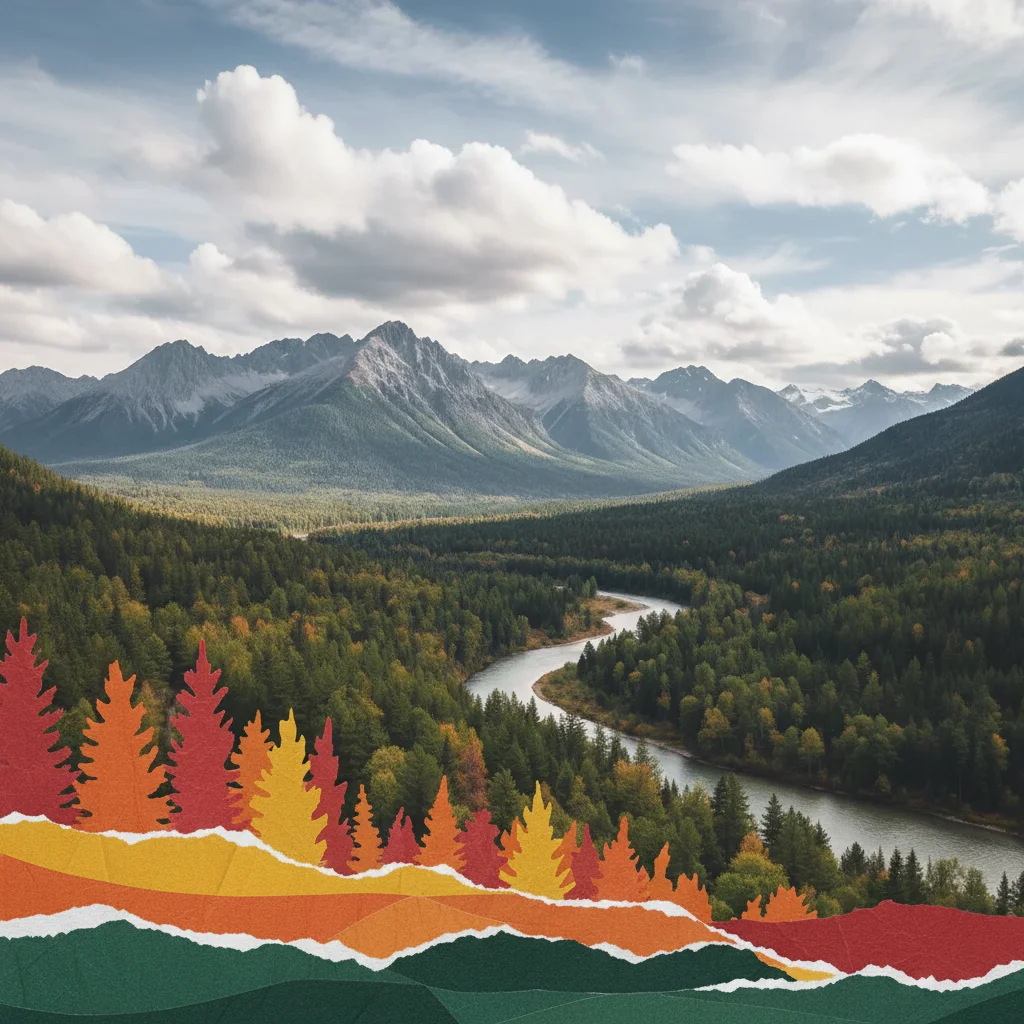
Landscape converted to construction paper collage with vibrant colors
After

Landscape as Construction Paper Collage

Transformed landscape into vibrant construction paper collage with textured edges.

Prompt: transform into construction paper collage with vibrant colors and textured edges
Original flower photo
Before
->
Flowers converted to torn paper collage with textured edges
After

Flower Illustration to Torn Paper Art

Converted floral image into torn paper collage with organic rough edges.

Prompt: transform into torn paper collage style with rough edges and visible paper texture
Advertisement

If something looks off

Paper cutout looks flat without dimensional depth

Why: The AI didn't add inter-layer shadows that create the 3D papercraft illusion.

Try: Request depth explicitly: 'convert to layered paper cutout with visible shadows between layers'

Tip: Real paper collages cast shadows where layers overlap—mention this for authentic results

Edges look too smooth or digital, not like cut paper

Why: The conversion didn't add paper texture or edge roughness.

Try: Specify texture: 'convert to paper cutout with textured edges and visible paper grain'

Tip: Words like 'textured,' 'rough,' or 'torn' trigger more authentic paper edge effects

Colors are too dull or washed out

Why: The AI defaulted to muted tones when you wanted vibrant construction paper colors.

Try: Request saturation: 'convert to paper cutout with vibrant bold colors like construction paper'

Tip: 'Construction paper' suggests bright, saturated hues; 'cardstock' suggests muted tones

Too many layers or overly complex

Why: Detailed photos can produce excessive layer separation.

Try: Request simplification: 'convert to simple paper cutout with 3-4 main color layers'

Tip: Specify layer count (3-5 layers) for controlled complexity

AI changed the wrong area or added effects I didn't want

Why: The AI couldn't determine exactly which area you meant from description alone. This happens with ambiguous requests.

Try: Tap a marker on the specific area you want to change, then regenerate with the same prompt

Tip: Markers tell the AI 'I mean THIS area specifically.' Use them when description alone is ambiguous.

Quick answers

Do I need to mark areas before converting to paper cutout style?

No! Just describe what you want: 'convert to paper cutout art style' or 'transform into layered papercraft.' The AI applies the effect to your whole image. Only use markers if you want specific elements to have different paper textures or layer depths than others.

How do I make it look like real handmade papercraft, not digital?

Include texture and shadow keywords: 'visible shadows between layers,' 'textured edges,' or 'paper grain.' Real paper collages have dimensional depth and imperfect edges. Avoid requesting 'smooth' or 'clean'—those make it look more digital. The AI is trained on real papercraft images.

Is there a free paper cutout tool that doesn't require login?

Yes. EditThisPic converts photos to paper cutout art with AI, completely free with no account needed. Just upload, describe your desired papercraft aesthetic, and download your collage-style image with no watermark.

What type of photos work best for paper cutout conversion?

Photos with clear subjects and distinct shapes work best—portraits, objects, or simple landscapes. The AI needs recognizable edges to create convincing paper layers. Very detailed or busy photos may produce overly complex results. Start with simpler compositions.

Can I control how many paper layers the AI creates?

Yes. Specify layer count in your prompt: 'convert to paper cutout with 3-4 main color layers' or 'simple paper cutout with minimal layers.' This prevents overly complex results and gives you more control over the final aesthetic.

Ready to create paper cutout art from your photo?

Free to try. No signup required.

Try it free