Free • No signup Convert Day to night · Free

AI Day to Night Converter

Just describe the night scene you want and AI transforms day to night.
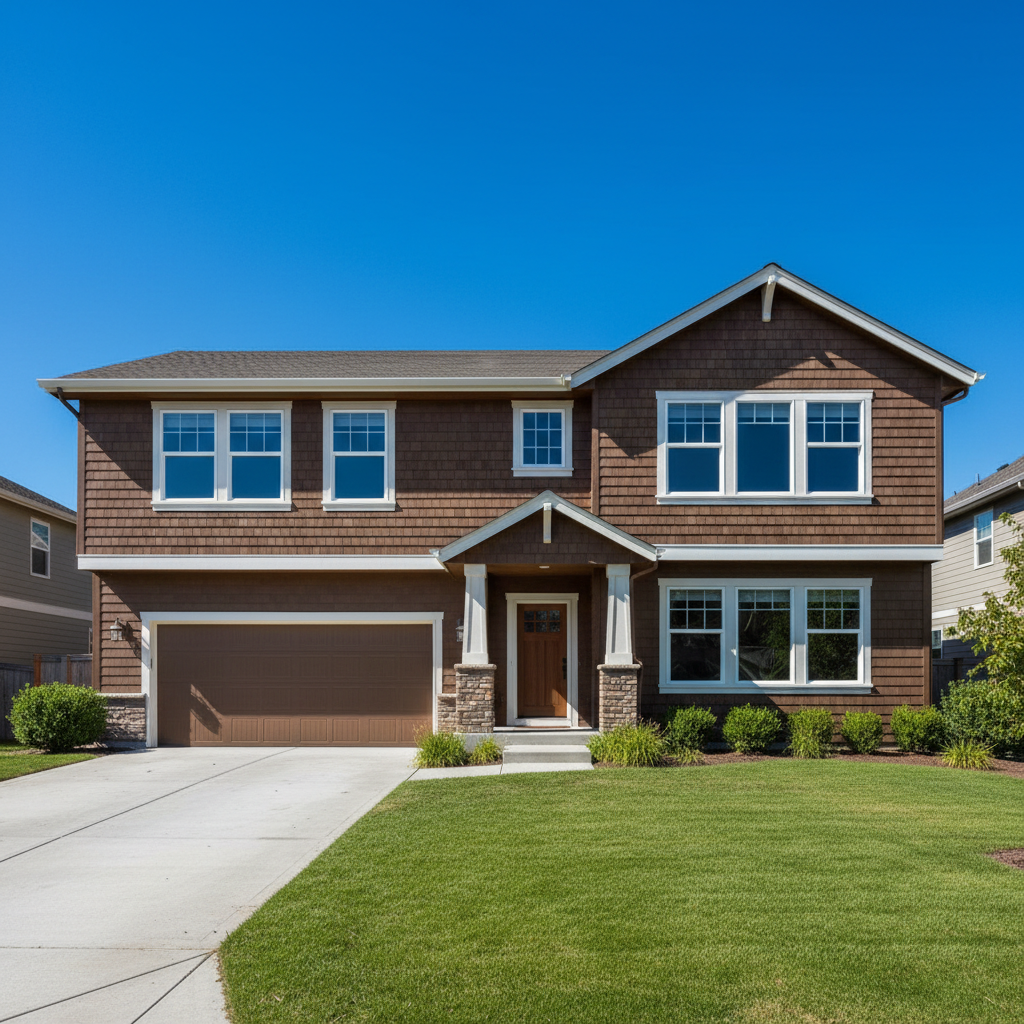
Daytime city street with bright sky
Before
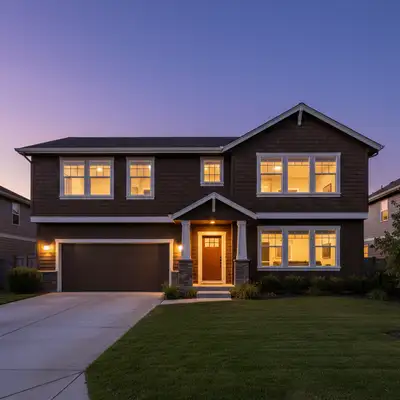
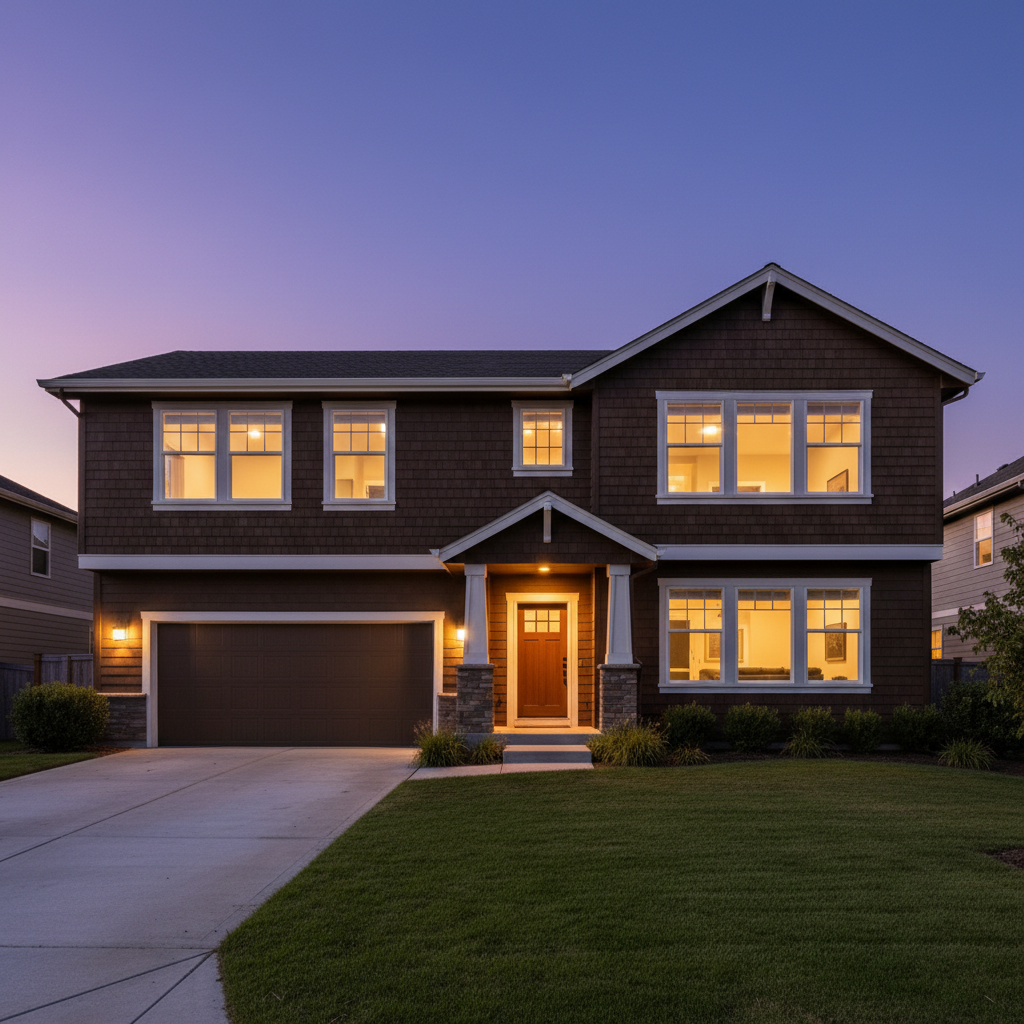
Same street at night with lit windows and dark sky
After

Convert Day to Night in Photos

Drop your photo here

or click to browse

Release to upload

Free • No signup

Advertisement
Popular use cases:
  • cityscape photography
  • landscape transformation
  • creative editing
  • time conversion
  • night scene creation
  • astrophotography
  • urban photography

Cost
Free No signup required
Time
Instant results in 15-30 seconds
Works on
Any device - browser, phone, tablet, desktop
Powered by
AI-powered photo editing
Scenario Prompt Time
Basic starry night convert to nighttime with dark blue sky and visible stars 25s
City lights at night transform to night with glowing city lights in windows 30s
Night with moon convert to nighttime with starry sky and visible moon 30s
Street lights glowing transform to night with street lamps glowing 30s

How it works

  1. Upload your daytime photo

    Drop your daylight image into EditThisPic. Works with JPG, PNG, WebP up to 7MB. Best results with outdoor scenes—cityscapes, landscapes, buildings, streets. The AI will transform the bright sky and lighting to nighttime.

    Expect: Simple conversions (add night sky): 25 seconds. Complex transformations (add city lights, stars, moon): 30-35 seconds and may need refinement.
  2. Describe the night scene you want

    Type your instruction: 'convert to nighttime with starry sky and moon' or 'transform to night scene with glowing city lights in windows.' Specify what makes it night—dark sky, stars, moon, lit windows, street lights. No marking needed—the AI understands day-to-night conversion.

    Tip: Mention specific night elements: 'stars', 'moon', 'city lights', 'street lamps' tells the AI what to add.

    Copy one of these to get started:

    Basic day to night with stars convert this daytime scene to nighttime with dark blue sky and visible stars
    Night cityscape with lit windows transform to night scene with glowing warm city lights in building windows and dark sky
    Starry night with moon convert to nighttime with starry sky, visible moon, and natural night lighting
    Night with street lights transform to night scene with street lamps glowing and dark evening sky
    3 more prompts
    Deep night dramatic convert to deep nighttime with black sky, bright stars, and dramatic night atmosphere
    Twilight blue hour transform to early night twilight with deep blue sky, first stars appearing
    Night with Milky Way convert to nighttime with visible Milky Way galaxy across the dark sky
  3. Generate and review

    AI darkens the sky, adds night elements, and adjusts lighting to look like nighttime. Check that the sky is dark blue or black, lights are glowing where appropriate, and the overall mood feels like night.

  4. Refine the night effect if needed

    If the sky isn't dark enough or lights need adjustment, regenerate: 'make the sky darker with more stars' or 'add brighter city lights in buildings.' This is optional—many conversions work on first try.

    Tip: Night scenes are subjective. Try variations: 'early night twilight' vs 'deep midnight' for different moods.
Try it free

Convert Day to Night in Photos

Drop your photo here

or click to browse

Release to upload

Free • No signup

"Turned my boring daytime cityscape into a dramatic night scene with glowing windows. Absolutely magical." @night_photographer

See it in action

Daytime city street with bright sky
Before
->
Same street at night with lit windows and dark sky
After

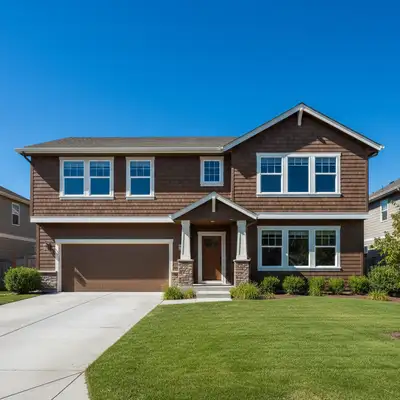
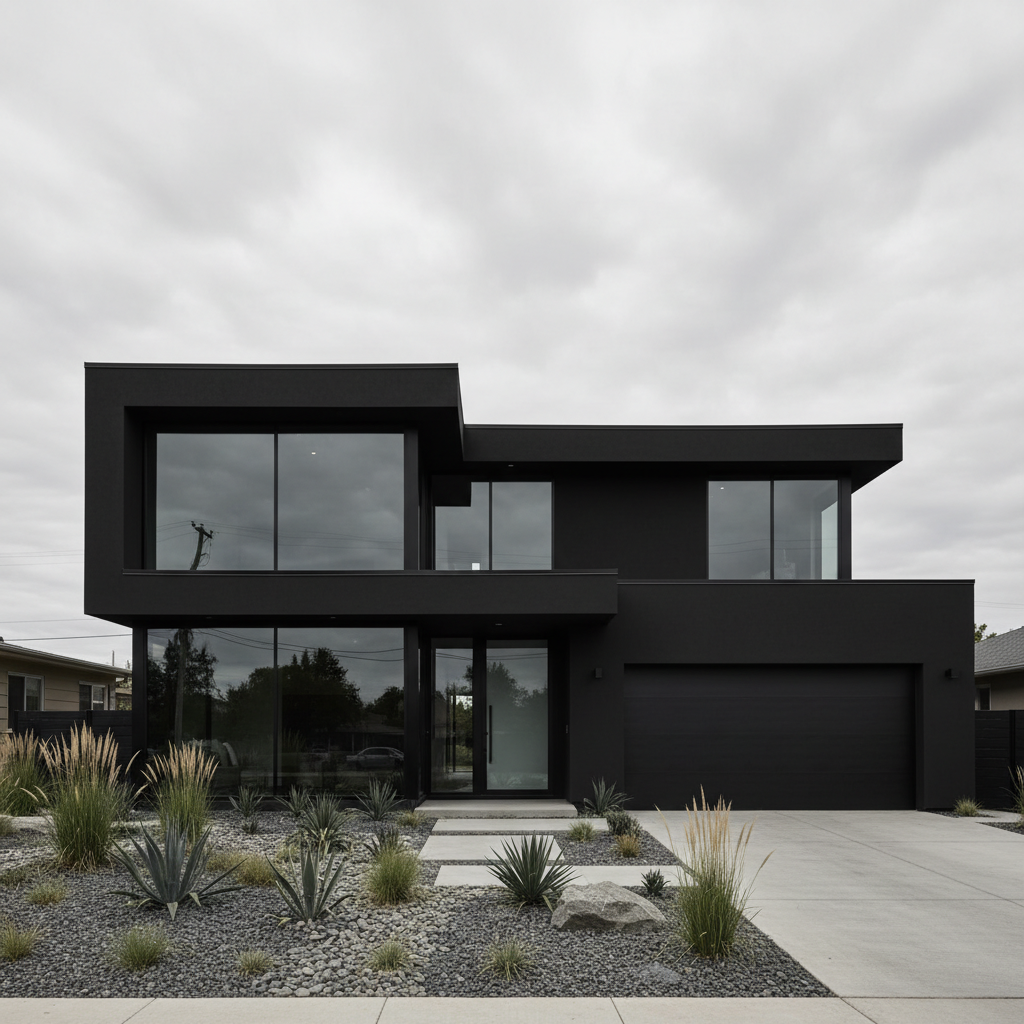
Cityscape Day to Night

Daytime city street. AI transformed to night with glowing building windows and dark sky.

Prompt: transform to night scene with glowing warm city lights in building windows and dark sky
Mountain landscape in daylight
Before
->
Same mountains at night with stars and moon
After

Landscape to Starry Night

Mountain landscape in daylight. AI added starry sky and night atmosphere.
Prompt: convert to nighttime with starry sky, visible moon, and natural night lighting
Street in daytime with lamps off
Before
->
Same street at night with lamps glowing
After

Street Scene with Lights

Suburban street in daytime. AI transformed to night with glowing street lamps.

Prompt: transform to night scene with street lamps glowing and dark evening sky
Advertisement

If something looks off

AI changed the wrong area or conversion doesn't look like night

Why: Day-to-night is complex. The AI may not have darkened enough or missed key night elements.

Try: Be more specific: 'make the sky much darker black and add bright stars' emphasizes the transformation

Tip: Describe both what should happen (dark sky, lights) and the overall mood (dramatic night atmosphere).

Sky is dark but scene still looks like daytime

Why: The AI darkened the sky but didn't adjust the lighting on subjects. Daytime shadows remained.

Try: Try: 'convert entire scene to nighttime with night lighting throughout, not just dark sky'
Lights (windows/lamps) didn't turn on

Why: The AI focused on sky conversion but didn't add artificial light sources.

Try: Specifically request lights: 'add glowing lights in windows and street lamps'
Stars or moon look fake or poorly placed

Why: Celestial elements are hard to add realistically. The AI may have created unrealistic patterns.

Try: Try: 'add subtle realistic stars' or 'natural-looking crescent moon' for more believable sky
Colors look wrong or unnatural for nighttime

Why: Night photos have specific color casts (cool blue, warm orange from lights). The AI may not have matched this.

Try: Specify color: 'cool blue night atmosphere with warm orange city lights'
Some areas too dark, detail lost

Why: Aggressive night conversion can crush shadows and lose detail in dark areas.

Try: Try: 'convert to night while preserving detail in dark areas' or accept that deep night means less visible detail

Quick answers

Do I need to mark anything before converting to night?

No! Just describe the night scene: 'convert to nighttime with stars and moon' or 'add city lights at night.' The AI handles the entire day-to-night transformation automatically. No marking needed.

How do I convert day to night in a photo for free?

Upload your daytime image to EditThisPic and describe the night scene you want: 'transform to nighttime with starry sky' or 'add glowing city lights.' The AI darkens the sky, adjusts lighting, and adds night elements like stars or lit windows. Free to use, no account needed.

Will this work on any daytime photo?

Best results with outdoor scenes—cityscapes, landscapes, buildings, streets. Indoor photos or photos without visible sky may not convert as dramatically. Clear daylight photos transform better than overcast or already-dim images.

Can I specify what time of night?

Yes! 'Early twilight' creates blue hour with some light remaining. 'Deep midnight' makes very dark night. 'Dusk' or 'just after sunset' gives subtle nighttime. Describe the specific time for different night moods.

What's the difference between this and Night to Day?

This converts bright daylight to dark nighttime. Night to Day does the opposite—brightens night photos to look like day. Use this when you have a daytime photo but want it to look like it was taken at night.

Ready to convert day to night?

Free to try. No signup required.

Try it free