Fix Photo Being Used in Presentation
← Browse all creative effectsLast updated
Someone's using your photo in their presentation. Fix it before it goes on screen.

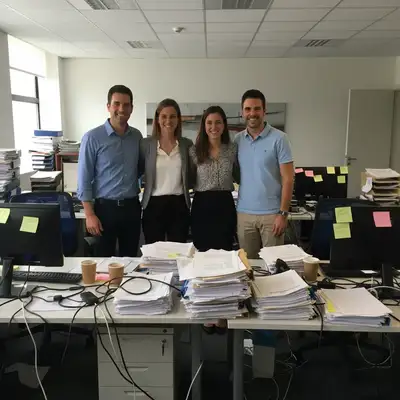
Upload photo to fix photo in presentation
"remove all desk clutter, cables, papers, and distractions, keep the subject sharp and clear"
Free to try · no sign-up · never used for AI training
Release to upload
<30stypical edit
1 freeedit weekly
Photo on your phone?
Scan to open this editor there — free edit works on your phone too.
How it works
See it in action
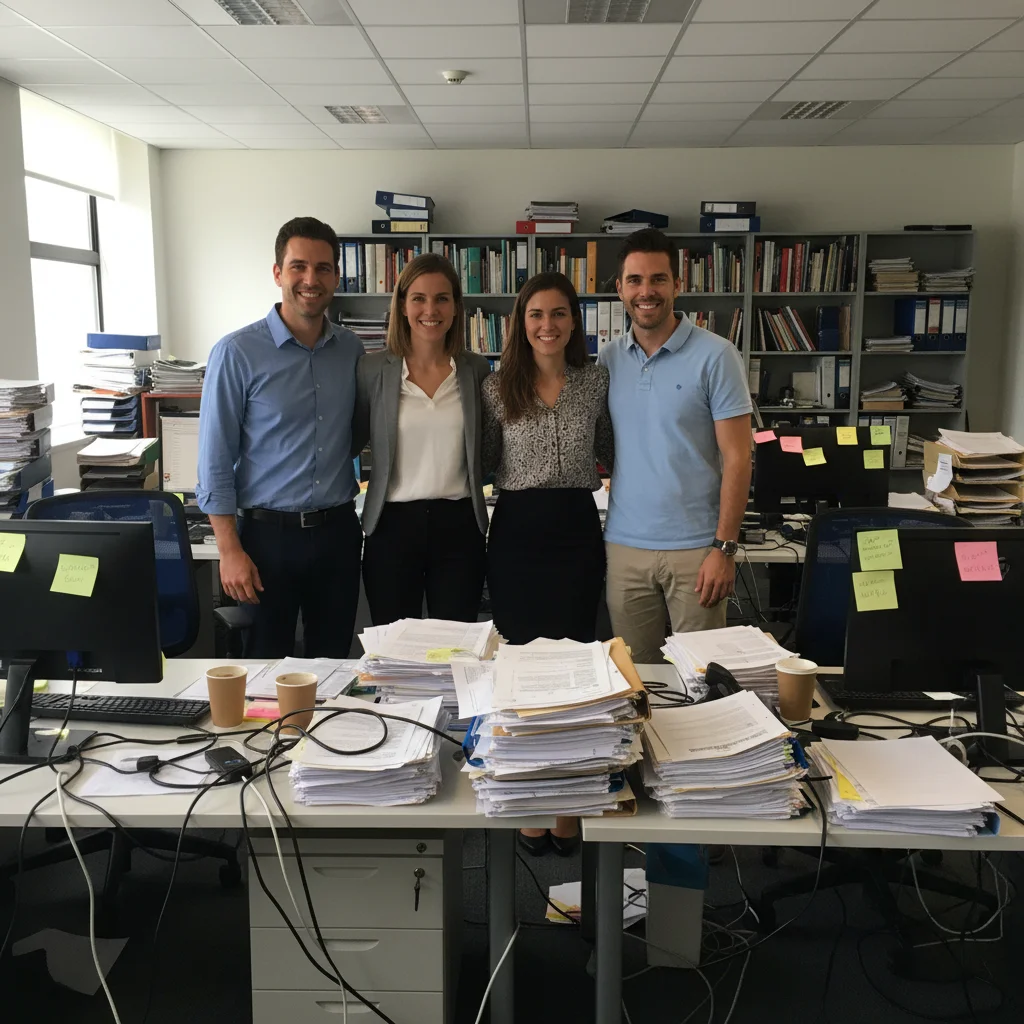
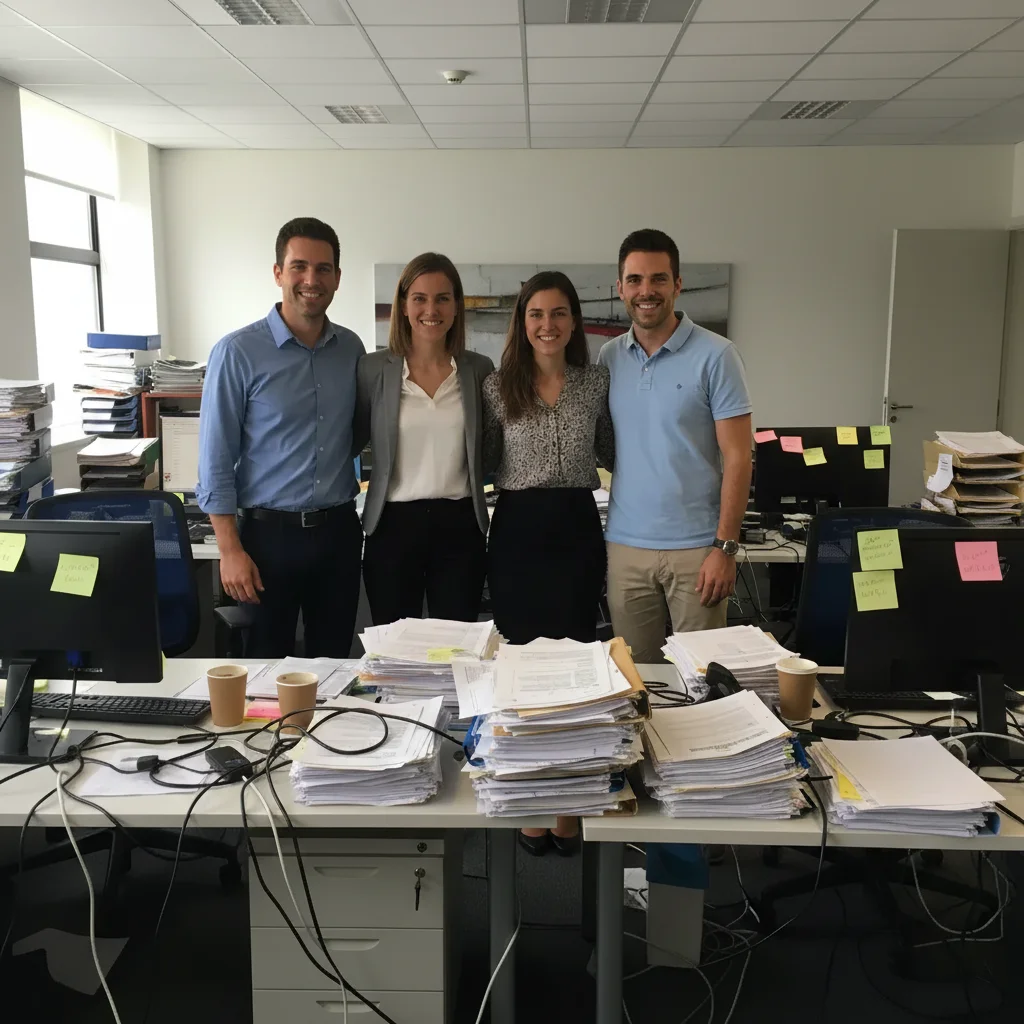
Team photo for quarterly review presentation
Manager needed the team photo for slides but the office background was messy with visible clutter. Cleaned it up so the focus stayed on the team.
Prompt:
remove all office clutter, cables, papers from background, replace with clean neutral office setting, keep team sharp


Product photo for sales presentation
Sales team was using a product photo with the warehouse visible in the background. Needed clean white background for professional slides.
Prompt:
remove warehouse background completely, create pure white solid background, keep product sharp and well-lit
Quick answers
Popular use cases
Ready to fix your presentation photo?
Free to try. No signup required.