Free • No signup Edit Car photos · Free

AI Car Photo Editor

Describe your car photo edit and AI handles paint, reflections, and backgrounds. No marking needed.
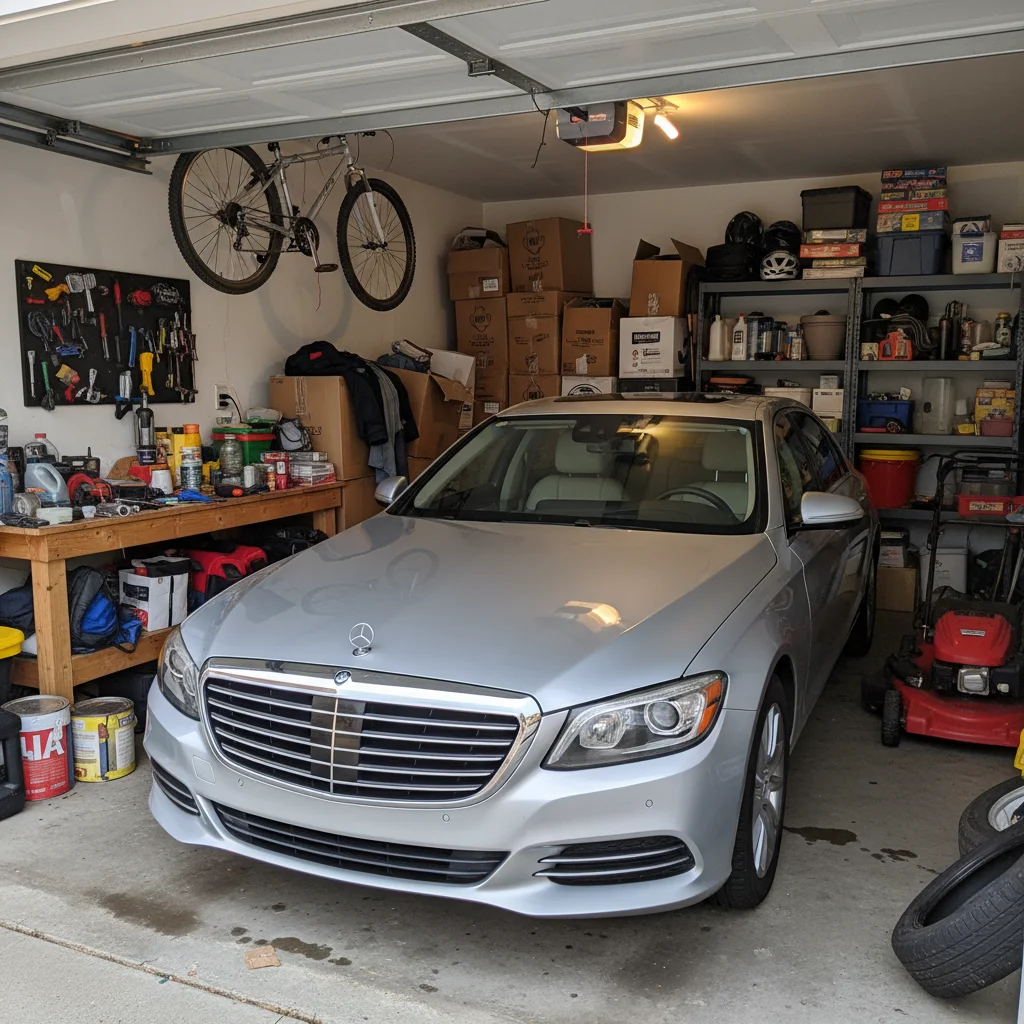
Silver sedan in cluttered residential driveway with trash bins
Before
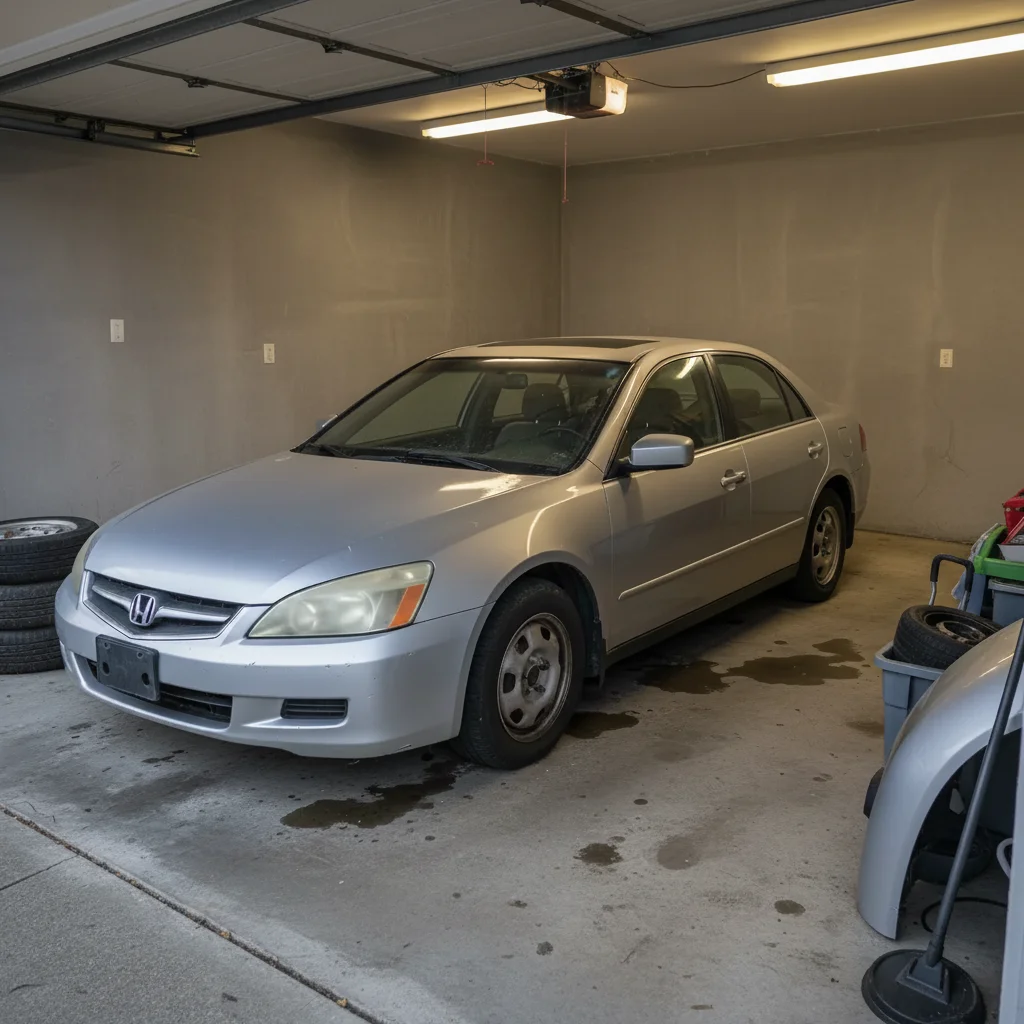
Same silver sedan in clean grey showroom studio with professional lighting
After

AI Car Photo Editor

Drop your photo here

or click to browse

Release to upload

Free • No signup

Advertisement
Popular use cases:
  • car dealer listing photos
  • automotive photography
  • car sale listing images
  • vehicle photo editing
  • dealer inventory photos
  • private car sale photos
  • car enthusiast photography
  • auto auction photos

Cost
Free No signup required
Time
Instant results in 15-30 seconds
Works on
Any device - browser, phone, tablet, desktop
Powered by
AI-powered photo editing
Scenario Prompt Time
Showroom background replace background with grey studio showroom 35s
Paint enhancement enhance paint to look glossy and freshly waxed 30s
Full listing cleanup studio background, enhance paint, remove clutter 45s

How it works

  1. Upload your car photo

    Drop your automotive image into EditThisPic. JPG, PNG, WebP up to 7MB. Exterior shots, interior details, and engine bay photos all work. The car should be clearly visible and well-framed.

    Expect: Simple edits like background swap: 30-40 seconds. Complex fixes like paint enhancement plus background plus reflections: 45-60 seconds and may need refinements.
  2. Describe the edit you want

    Type your instruction: 'replace background with clean studio showroom' or 'enhance the paint to look glossy and freshly waxed.' Be specific about what you need. No marking needed—the AI understands automotive terms like 'paint', 'wheels', 'headlights', and 'interior.'

    Tip: Mention the car's color for better results: 'make the red paint look deep and glossy' guides the AI to enhance the specific paint finish.

    Copy one of these to get started:

    Showroom background for listings replace background with a clean grey studio showroom floor and backdrop, keep natural car reflections
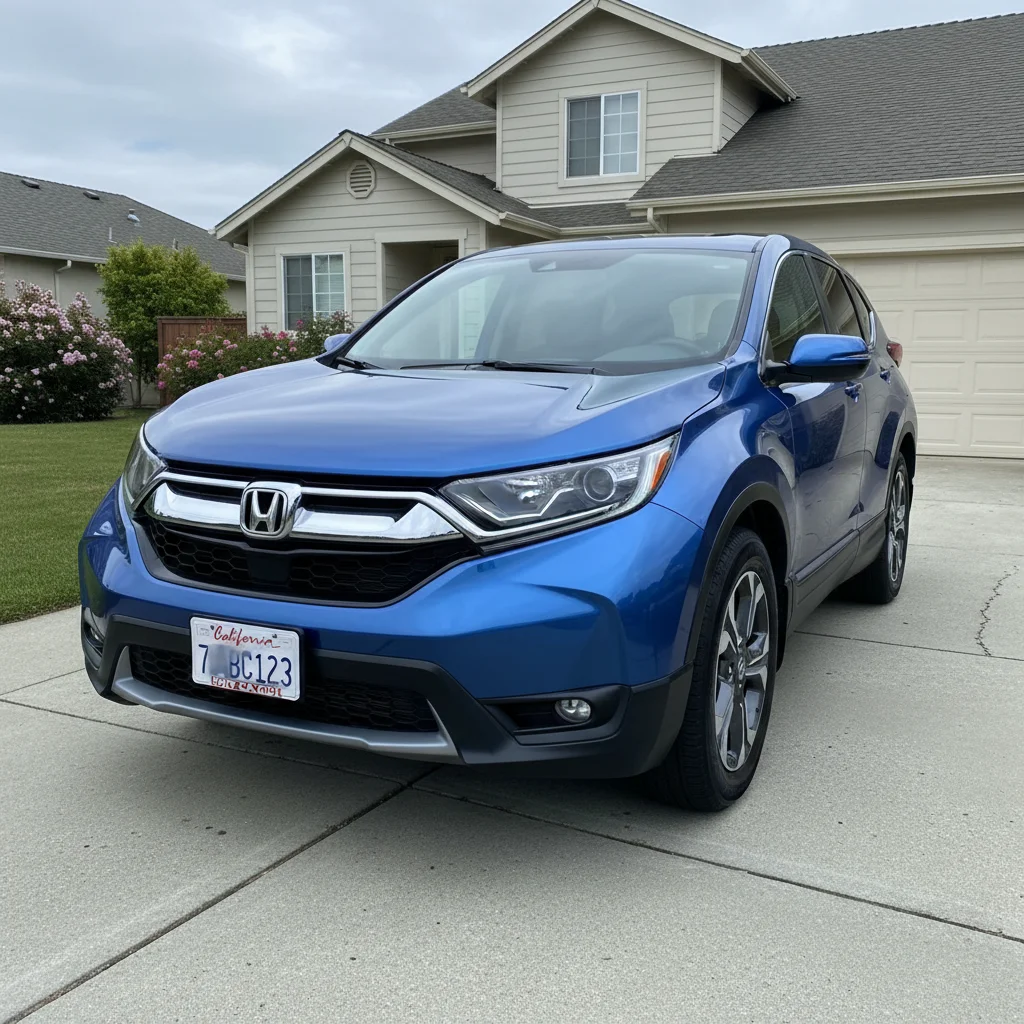
    Enhance paint and finish enhance the car paint to look deep, glossy and freshly waxed, bring out the metallic flake
    Fix dull or overcast photo brighten this car photo, add warm sunlight and blue sky, make the paint pop with vibrant color
    Clean up for private sale listing clean up this car photo for a sale listing, remove distractions around the car, enhance the overall appearance
    3 more prompts
    Dramatic car photography look give this car photo a dramatic automotive look with moody lighting, deep shadows, and cinematic color grading
    Interior detailing photo enhance this car interior photo, make the leather look rich and clean, improve the dashboard lighting
    Remove scratches and minor damage remove the visible scratches and minor paint chips from the car body, blend the repair naturally
  3. Review the result

    Check that paint reflections look natural, body lines are preserved, and details like badges, wheels, and trim are intact. Zoom in on complex areas like grilles, mirrors, and window edges.

  4. Refine with markers if needed

    If specific areas like wheel rims, chrome trim, or body panel reflections need adjustment, tap markers on those spots and regenerate. Most car photo edits produce clean results on the first try.

    Tip: Markers are for precision refinement only. Try without them first—cars with clear outlines against distinct backgrounds rarely need them.
Try it free

AI Car Photo Editor

Drop your photo here

or click to browse

Release to upload

Free • No signup

"I flip cars as a side business and this tool is incredible for listings. Take a quick phone photo in the driveway, swap the background to a studio, and suddenly the car looks like a dealer ad." @CarFlip_Marcus

See it in action

Silver sedan in cluttered residential driveway with trash bins
Before
->
Same silver sedan in clean grey showroom studio with professional lighting
After

Driveway photo to showroom listing

A car photographed in a cluttered driveway transformed into a professional studio-style dealer listing.

Prompt: replace background with a clean grey studio showroom floor and backdrop, keep natural car reflections
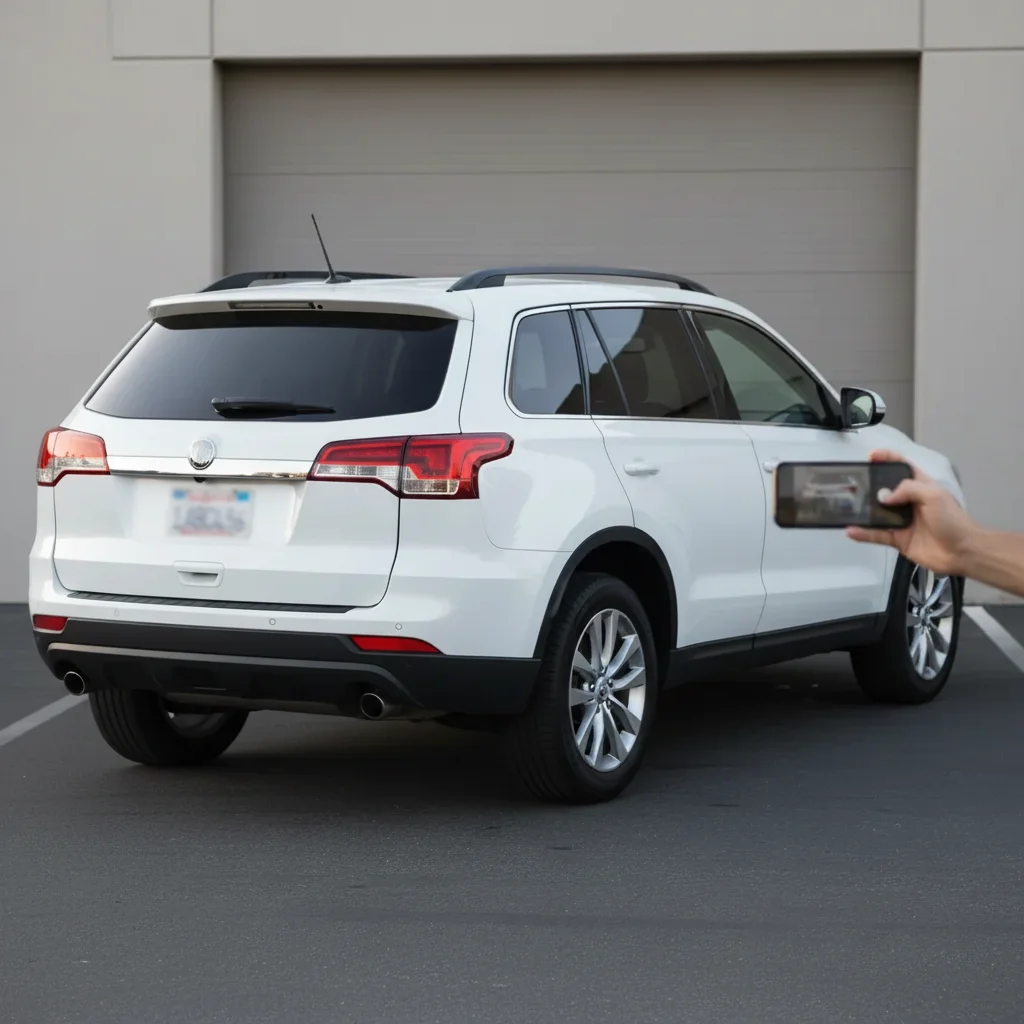
Red sports car in parking lot under grey overcast sky
Before
->
Same red sports car with vivid paint under warm sunlight and blue sky
After

Overcast parking lot to vibrant outdoor shot

A dull car photo taken under grey skies enhanced with warm sunlight and vibrant paint colors.

Prompt: brighten this car photo, add warm sunlight and blue sky, make the paint pop with vibrant color
Advertisement

If something looks off

AI changed the wrong area or something I didn't want changed

Why: The AI couldn't determine exactly which part of the car you meant from description alone. This happens when the car blends with a similarly colored background.

Try: Tap a marker on the specific area you want to change, then regenerate with the same prompt

Tip: Markers tell the AI 'I mean THIS part specifically.' Use them when the car color is close to the background color.

Car body lines or proportions look distorted

Why: Background replacement can shift the perspective if the AI interprets the car shape differently in the new setting.

Try: replace background but keep the car shape and proportions exactly as in the original photo

Tip: 'Keep proportions exactly' prevents the AI from adjusting the car's perceived shape to match the new scene.

Reflections on the car look wrong after background change

Why: The original background reflections on the car body don't match the new studio or outdoor background.

Try: replace background with studio showroom and update the reflections on the car body to match the new environment

Tip: 'Update reflections to match' tells the AI to recalculate car body reflections for the new setting.

Wheels or chrome trim look flat after editing

Why: The AI enhanced the paint but treated shiny metallic surfaces the same way, removing their natural sparkle.

Try: enhance the car paint but keep the chrome trim and wheels with their natural metallic shine and reflections

Tip: Separate paint and chrome in your prompt—they need different treatments for realistic results.

License plate or badges are blurred or changed

Why: The AI interpreted small text and emblems as part of the background or as artifacts to clean up.

Try: keep all badges, emblems, and text on the car exactly as they are, only change the background

Tip: If you want to blur the plate intentionally, say so: 'blur out the license plate for privacy.'

Quick answers

Do I need to mark the car before describing the edit I want?

No! Just describe what you want: 'replace background with showroom' or 'enhance the paint.' The AI recognizes cars and understands automotive terms. Only use markers when you need to point out a specific detail—like one scratch to fix or one body panel to enhance.

How do I make my car photos look professional for a sale listing?

Upload your car photo and type: 'replace background with clean studio showroom, enhance the paint, remove distractions.' This creates a dealer-quality listing image from a driveway phone photo. The AI handles background, paint, and lighting in one prompt. Works for dealer lots, private sales, and auction sites.

Is there a free car photo editor that doesn't require signup?

Yes, EditThisPic edits car photos for free with no account needed. Upload your automotive photo, describe the edits, and download the result. No watermarks. Handles background replacement, paint enhancement, scratch removal, and interior photo improvement.

What's the best free AI tool for editing car sale photos?

EditThisPic transforms car photos with plain language instructions. Swap messy backgrounds for showrooms, enhance paint gloss, fix lighting, and clean up clutter. Works on phone photos from any angle. No automotive photography experience or Photoshop skills needed.

Ready to edit your car photos?

Free to try. No signup required.

Try it free