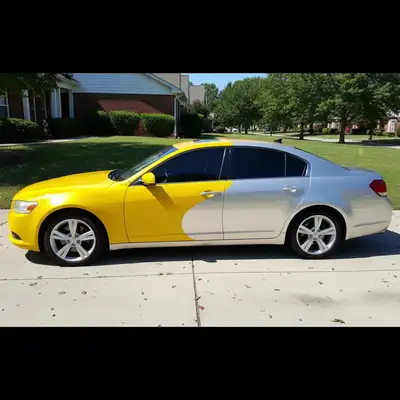
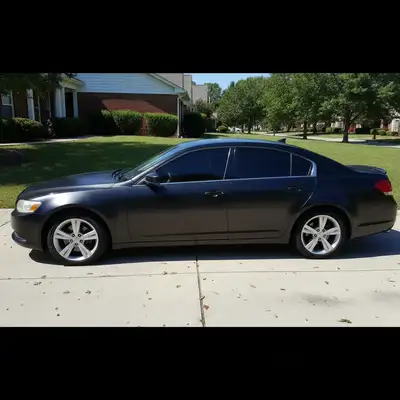
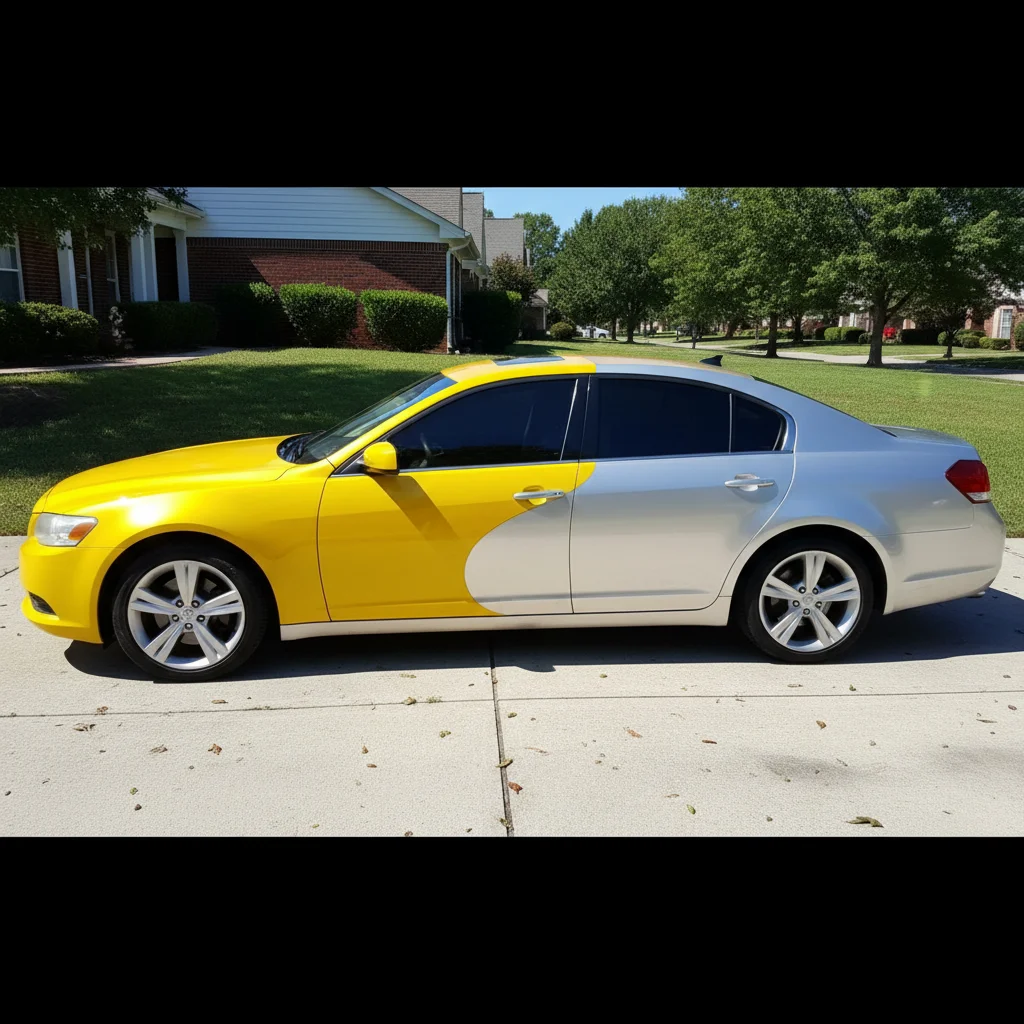
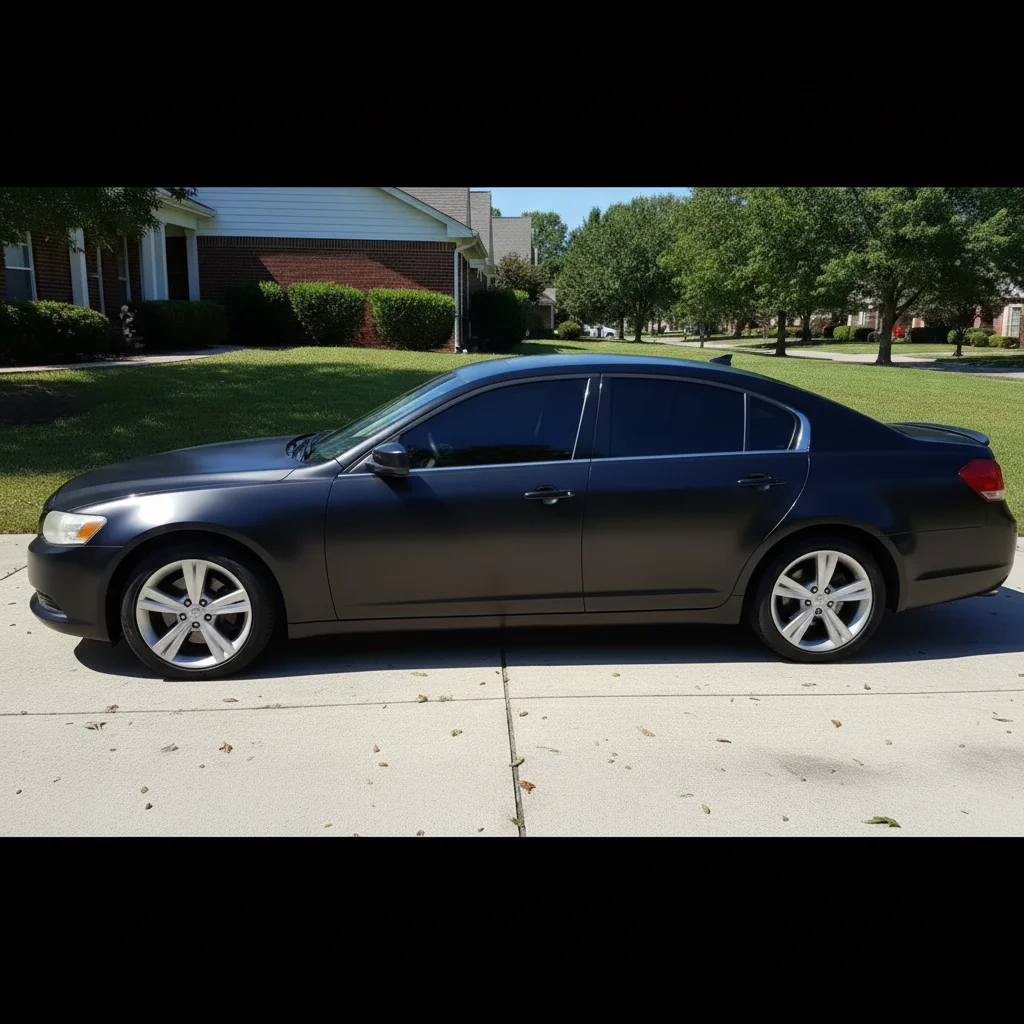
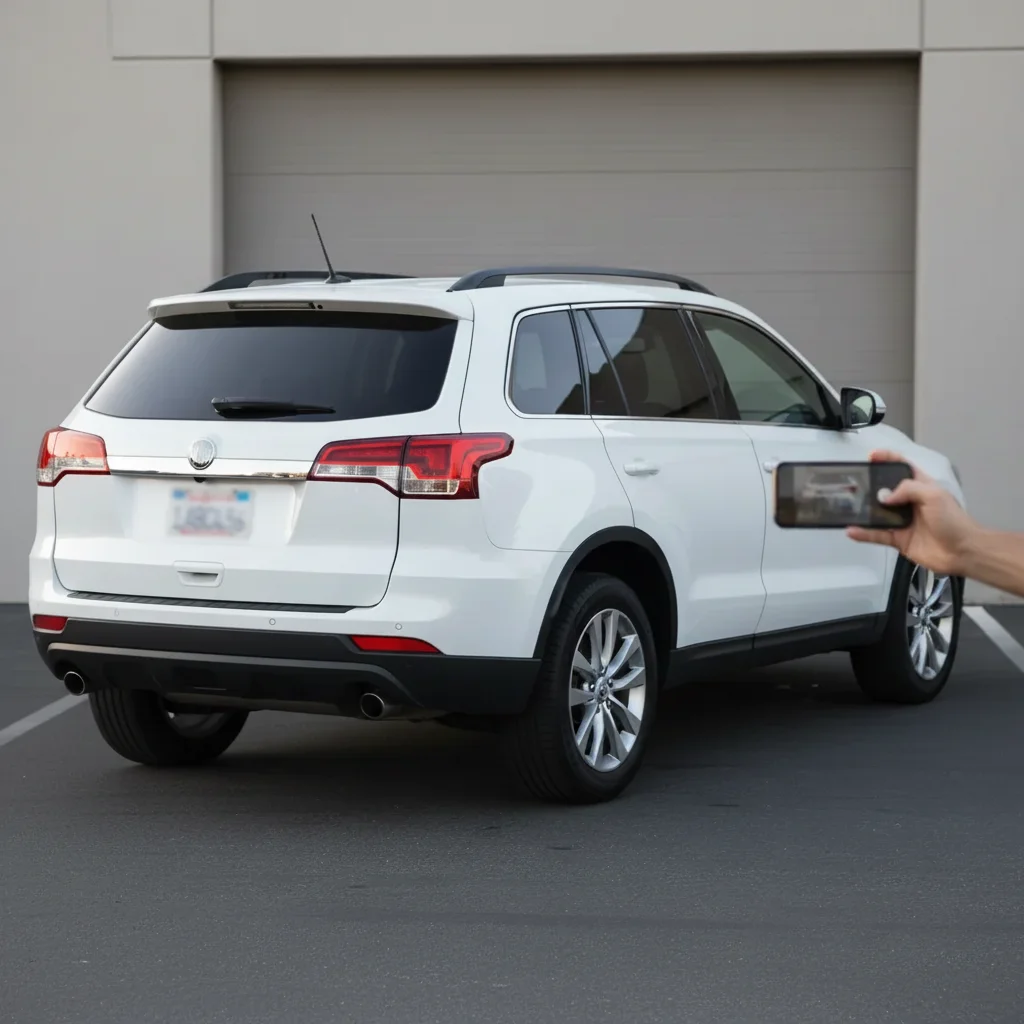
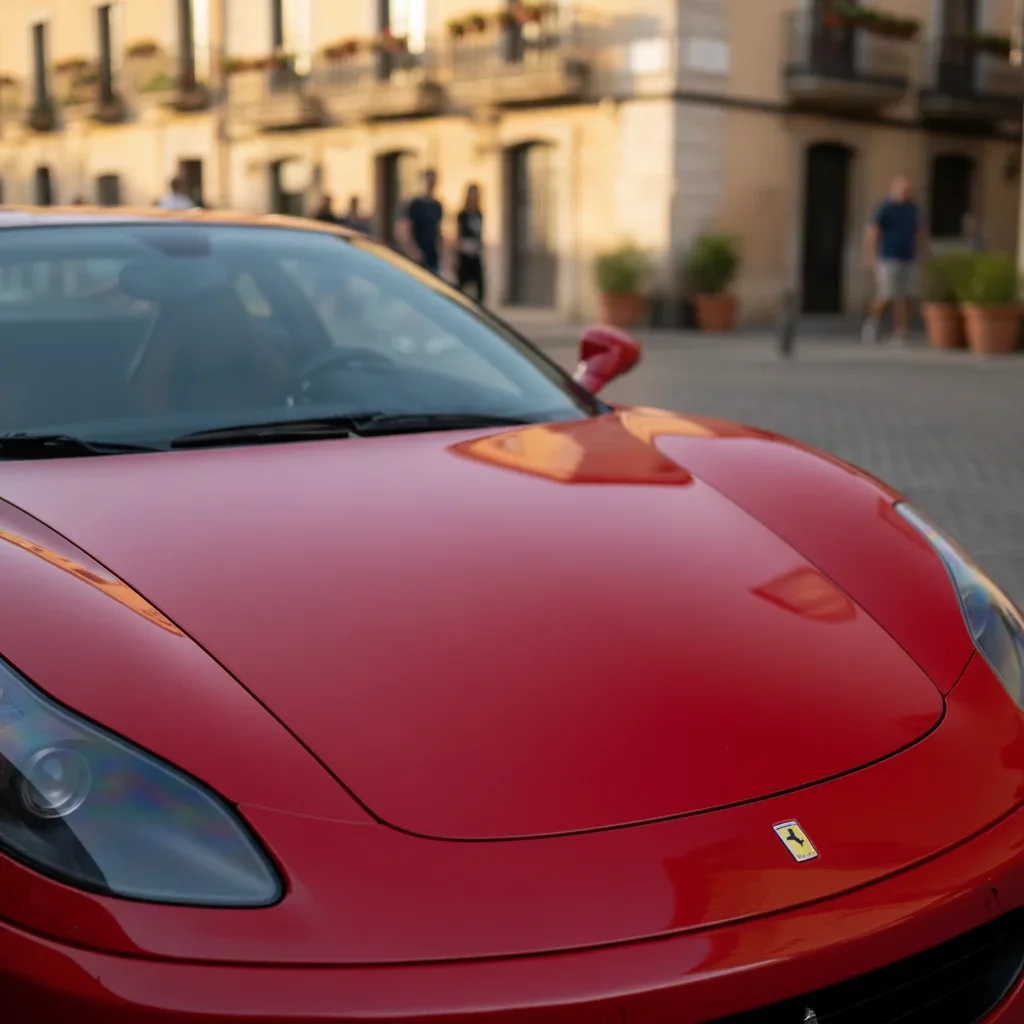
Free • No signup Visualize Car wrap design · Free

AI Car Wrap Visualizer

Before
Before
After
After

Free AI Car Wrap Visualizer

Drop your photo here

or click to browse

Release to upload

Free • No signup

Advertisement
Popular use cases:
  • car wrap visualization
  • vehicle wrap mockup
  • wrap design preview
  • car wrap business
  • fleet vehicle graphics
  • custom car wrap
  • wrap shop tool
  • vinyl wrap preview
  • commercial vehicle wrap
  • car wrap colors

Cost
Free No signup required
Time
Instant results in 15-30 seconds
Works on
Any device - browser, phone, tablet, desktop
Powered by
AI-powered photo editing
Scenario Prompt Time
15-30s
15-30s
15-30s
15-30s
15-30s

How it works

  1. Upload your car photo

    Choose a clear, well-lit photo of your vehicle from a side or three-quarter angle. The car should be clean and clearly visible. Works with any vehicle type: cars, trucks, vans, SUVs, motorcycles. Outdoor photos with good natural lighting work best for realistic wrap visualization.

    Expect: Simple solid color wraps: 25-35 seconds. Complex graphics, patterns, or custom designs: 35-45 seconds and may need refinements.
  2. Describe your car wrap design

    Type exactly what wrap design you want to see on your vehicle. Be specific about color, finish (gloss, matte, satin, chrome), patterns, graphics, or custom designs. The AI understands descriptions like 'matte black full wrap' or 'glossy red with black racing stripes' or 'chrome silver wrap with blue accents'. For custom graphics, describe placement and style. No need to mark the car—AI applies the wrap to the entire vehicle body automatically.

    Tip: Specify which parts to wrap: 'full vehicle wrap', 'wrap only the body, keep chrome trim', or 'partial wrap on hood and roof only' for precise results.

    Copy one of these to get started:

    Popular stealthy, sophisticated look Matte black full vehicle wrap covering entire body, keeping chrome trim original
    Classic muscle car or sports car styling Glossy red wrap with two black racing stripes down the center of the hood and roof
    Attention-grabbing show car look Chrome silver full wrap with mirror finish
    Modern two-tone luxury aesthetic Satin white wrap with gloss black accents on the hood, roof, and side mirrors
    6 more prompts
    Military or tactical vehicle theme Matte army green full wrap with darker green camouflage pattern
    Bold, vibrant color change Electric blue metallic wrap with glossy finish
    Performance car aesthetic without real carbon fiber cost Carbon fiber wrap pattern on hood, roof, and trunk, rest of car matte black
    Commercial fleet vehicle branding Company logo and phone number on both sides of the van in blue and white vinyl graphics
    Luxury feminine custom look Rose gold chrome wrap with color-shifting finish that shows pink and gold tones
    Unique artistic statement wrap Full custom wrap with geometric pattern in purple, teal, and black with gradient transitions
  3. Review the wrap visualization

    Check that the wrap covers the intended areas, the color and finish look realistic, patterns align properly, and any graphics are positioned correctly. Make sure the wrap follows the car's body lines and door seams naturally. If adjustments are needed, refine your description and regenerate.

  4. Download Your Wrap Preview

    Save your car wrap visualization in high resolution. Use it to get client approval, share design ideas with your wrap installer, or make final decisions before committing to a $2,000-$5,000 wrap installation.

Try it free

Free AI Car Wrap Visualizer

Drop your photo here

or click to browse

Release to upload

Free • No signup

See it in action

Before
Before
->
After
After

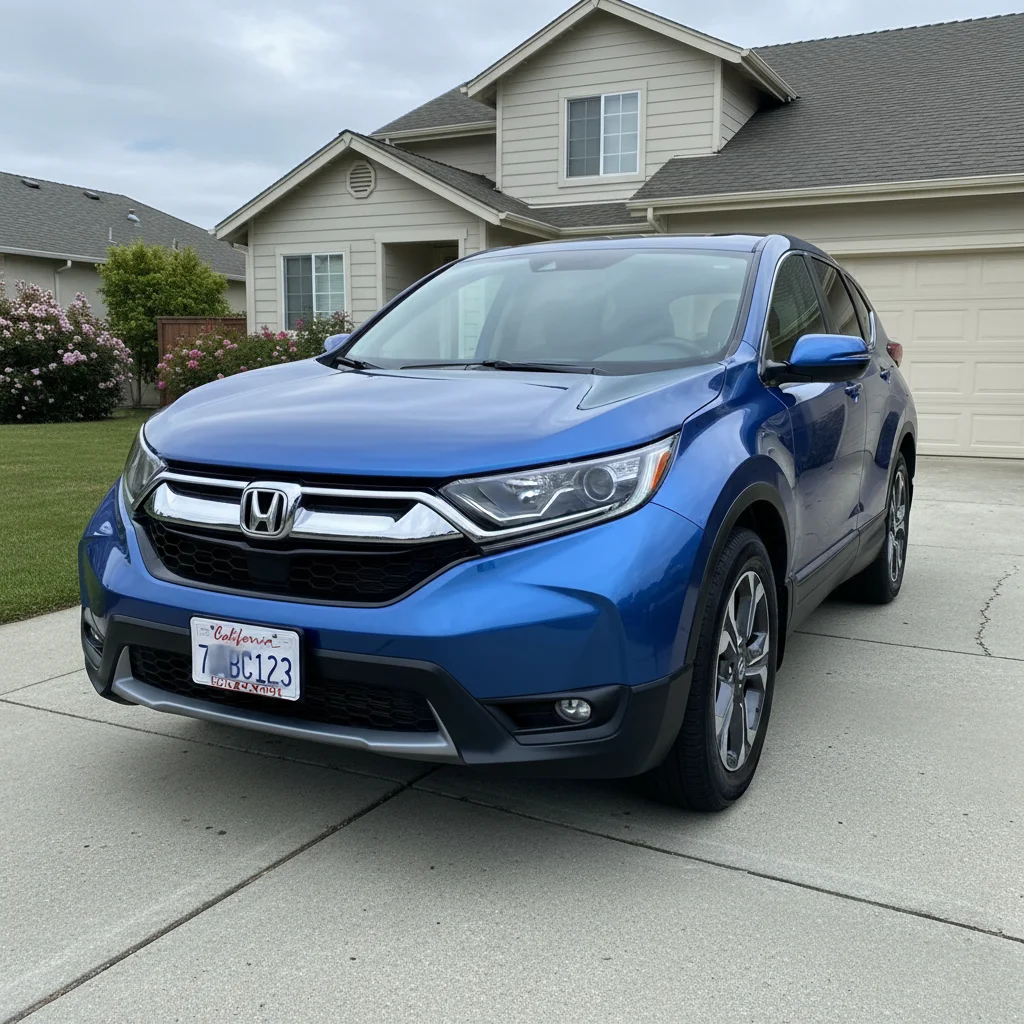
Prompt: Matte black full vehicle wrap covering entire body, keeping chrome trim and windows original
Before
Before
->
After
After

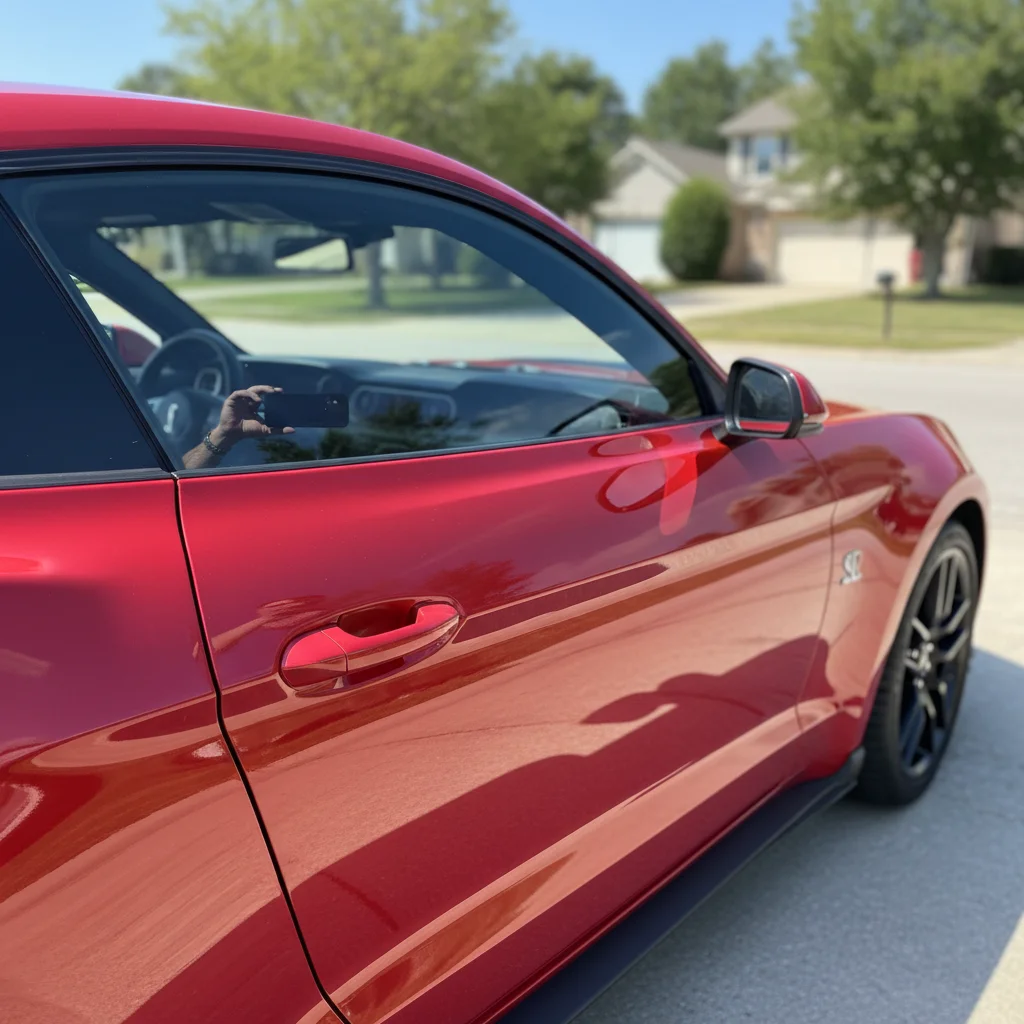
Prompt: Glossy candy apple red wrap with two matte black racing stripes running down the center from hood to trunk
Before
Before
->
After
After

Prompt: White base wrap with company logo on doors, blue and orange graphics with 'ABC Plumbing' and phone number on sides
Advertisement

If something looks off

AI changed the wrong area or something I didn't want changed

Why: The AI couldn't determine exactly which area you meant from description alone.

Try: Tap a marker on the specific area you want to change, then regenerate with the same prompt

Tip: Markers tell the AI 'I mean THIS one specifically.' Use them when description alone is ambiguous.

Wrap doesn't follow body lines or looks stretched

Why: Complex angles, reflections, or poor photo quality can confuse wrap application

Try: Use a photo with the car at a simpler angle (direct side view works best) and specify 'wrap should follow all body lines and panel seams'

Tip: Three-quarter views work well, but avoid extreme angles. Clean, well-lit photos give better wrap accuracy.

Wrap covered windows, lights, or chrome trim I wanted to keep

Why: Without specific instructions, AI may wrap the entire visible vehicle

Try: Specify exclusions: 'wrap body panels only, keep chrome trim, windows, headlights, and taillights original'

Tip: Always mention what NOT to wrap: 'preserve all glass, lights, and chrome' prevents unwanted coverage.

Racing stripes or graphics aren't aligned properly

Why: Precise graphic placement requires clear spatial references

Try: Be more specific about placement: 'two parallel stripes centered on hood, 8 inches apart, running straight from front to back'

Tip: Reference car features for alignment: 'stripe aligned with center of hood' or 'graphics centered on door panel'.

Color doesn't look like the wrap finish I wanted

Why: Generic color terms don't convey finish type clearly

Try: Always specify finish with color: 'matte dark gray' vs 'glossy dark gray' vs 'satin dark gray'—each looks dramatically different

Tip: Wrap finishes: gloss (shiny like paint), matte (flat, no shine), satin (subtle sheen), chrome (mirror-like reflective).

Pattern or graphic looks low quality or pixelated

Why: Complex custom graphics require more specific description

Try: Simplify the design or describe it more clearly: instead of 'cool tribal pattern', try 'geometric angular pattern in black and silver'

Tip: Simple, bold designs visualize better than intricate detailed artwork. For complex graphics, focus on overall style and placement.

Quick answers

Do I need to mark my car or outline the body panels?

No! Just describe the wrap design you want and AI automatically detects your vehicle and applies the wrap to the body panels. The AI understands car shapes and wraps the body while avoiding windows, lights, and trim (unless you want those wrapped too). You only need markers if you want a partial wrap in specific custom areas.

Can I visualize commercial vehicle wraps with logos and text?

Yes! Describe your business wrap design including logo placement, text, colors, and graphics. For example: 'white base wrap with company logo on front doors, phone number on rear panels, blue and green accent graphics'. The AI will create a realistic visualization of your fleet vehicle wrap design.

How accurate is the wrap color and finish?

Very accurate for standard colors and finishes. The AI adjusts for your vehicle's lighting and angles. However, screen displays vary and specialty finishes (color-shift, metallic flake) may look slightly different in person. Consider this a realistic preview, not an exact match—real wrap samples should always be viewed before final decisions.

Can I see different wrap designs on the same car photo?

Absolutely! Save your original photo, then try multiple descriptions: 'matte black', then 'glossy red with stripes', then 'chrome silver'. Compare all visualizations side-by-side to decide which wrap design you prefer before committing to installation costs.

What about partial wraps or two-tone designs?

Yes! Be specific about coverage: 'matte black on hood and roof only, rest of car stays original', or 'gloss white on body, matte black on hood, roof, and mirrors for two-tone look'. The AI understands partial wraps and multi-color designs.

Can wrap shops use this to show designs to clients?

Yes! This is perfect for client consultations. Upload the customer's vehicle photo, visualize multiple wrap options in seconds, and let them see designs before ordering expensive vinyl. Much faster and cheaper than creating manual mockups in Photoshop or other design software.

Ready to visualize your car wrap design?

Free to try. No signup required.

Try it free