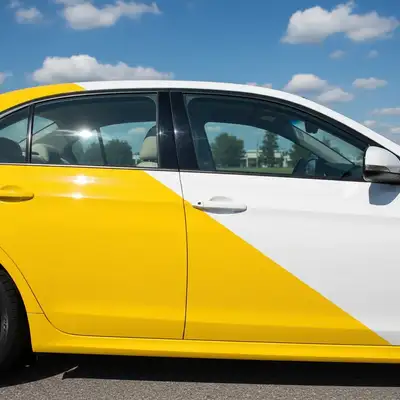
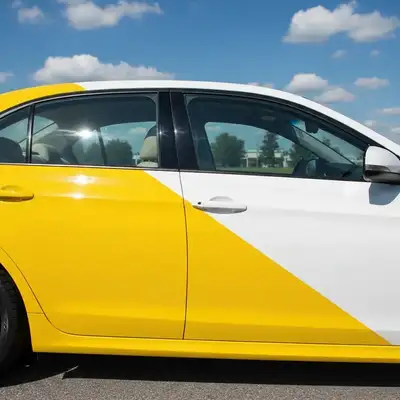
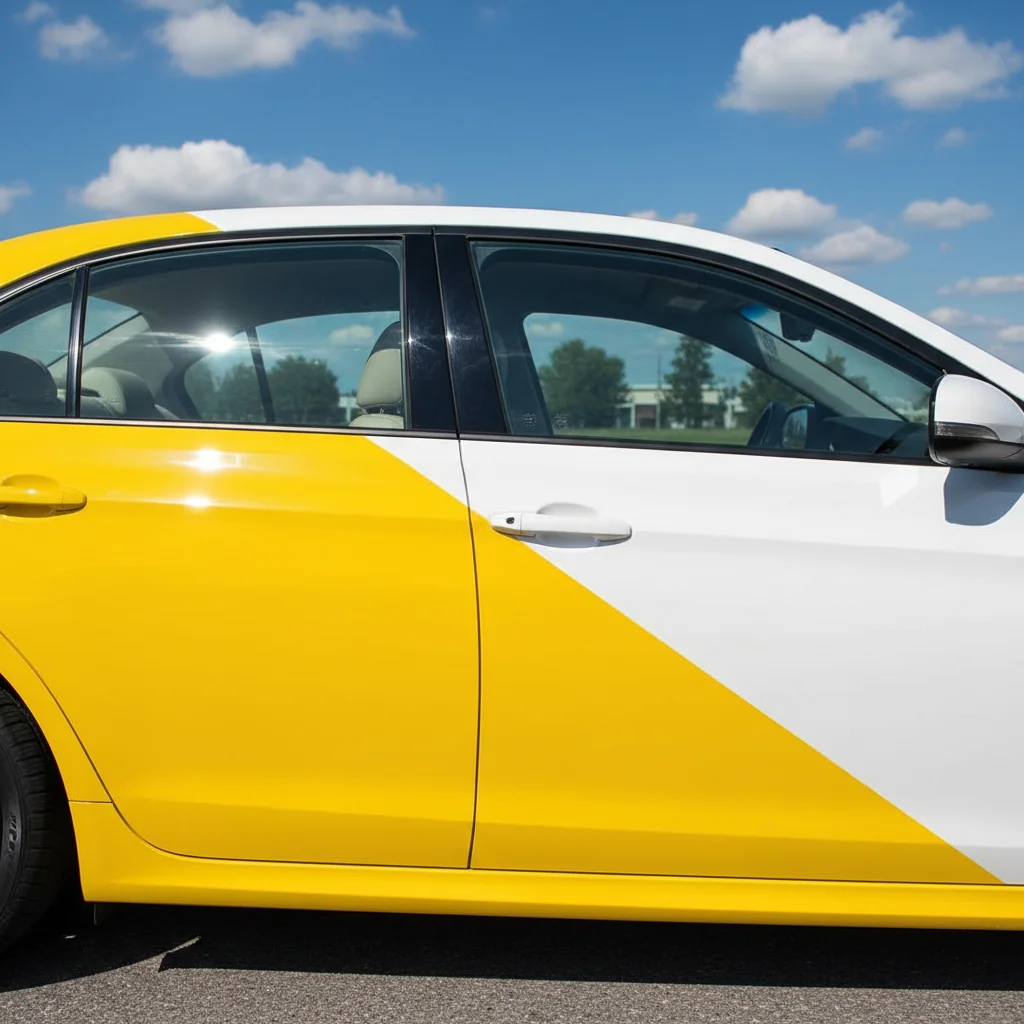
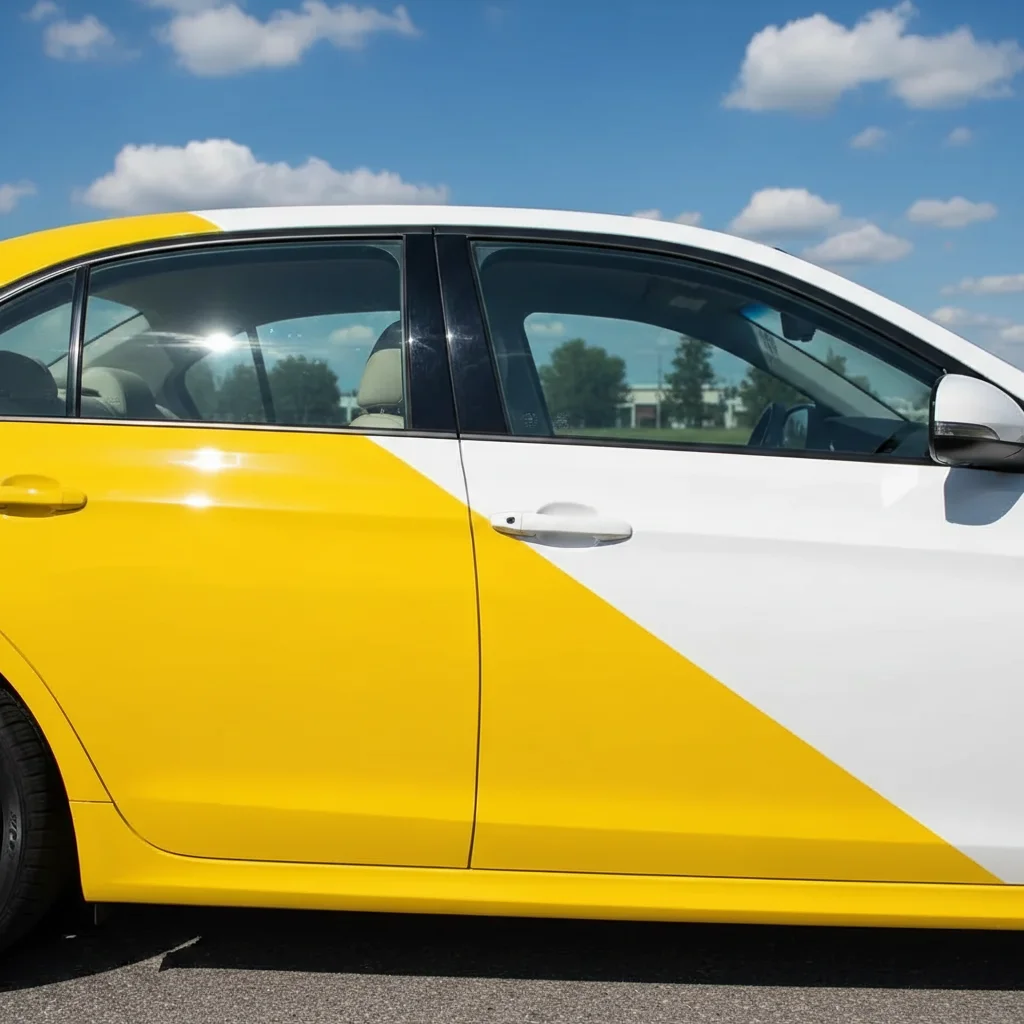
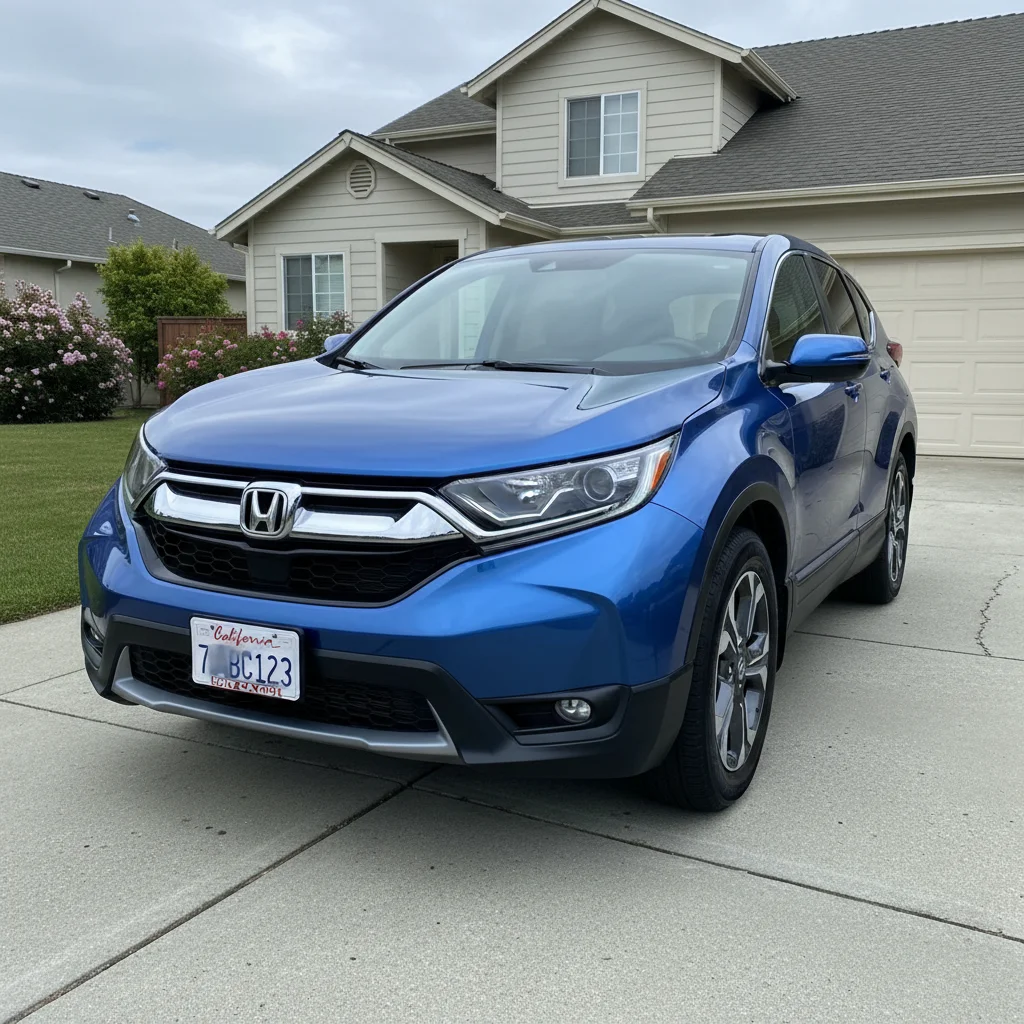
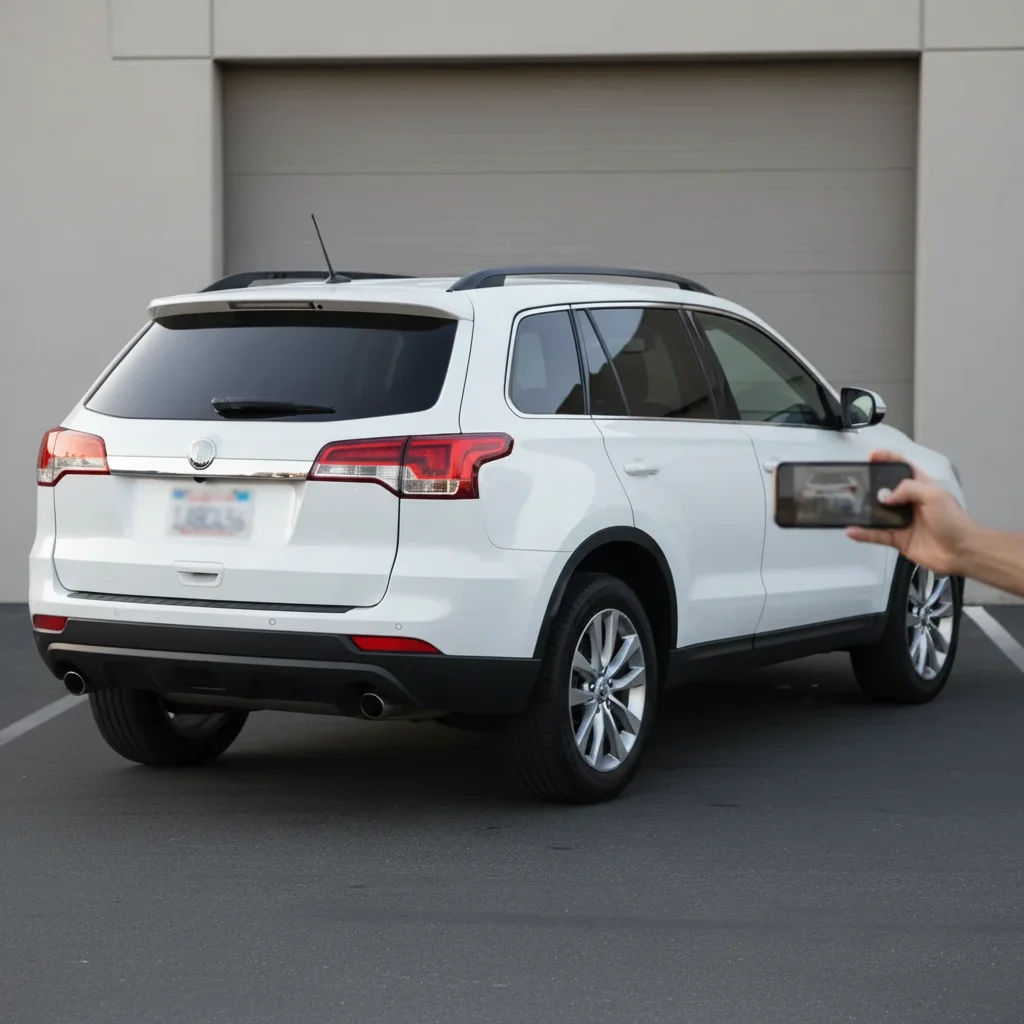
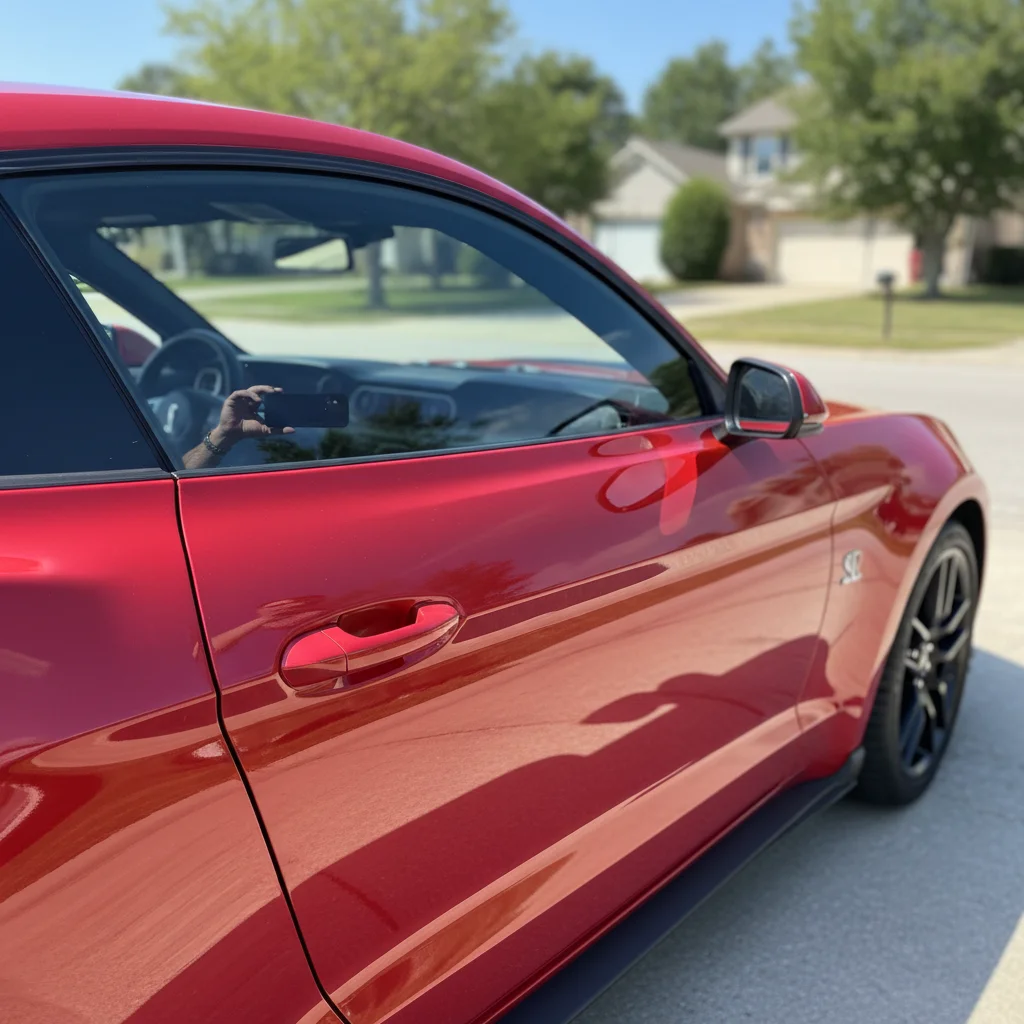
Do I need to mark each window to tint it?
No! Just describe which windows you want tinted and the darkness percentage. AI automatically detects all car windows and applies tint to the ones you specify. You only need markers if you want to tint unusual glass areas or need to clarify which specific window in a complex photo.
What do tint percentages mean?
Tint percentage is Visible Light Transmission (VLT)—how much light passes through. 50% = light tint (half the light blocked), 35% = medium darkness (most popular), 20% = dark tint (80% light blocked), 5% = limo tint (very dark, 95% light blocked). Lower percentage = darker tint. Check your state laws—most allow 35-50% on front sides.
How accurate is the tint darkness preview?
Very accurate for standard tint percentages. However, your photo's lighting affects appearance—the same 35% tint looks lighter in bright sun than in shade. Also, screens display colors differently. Use this as a realistic guide, but expect slight variations based on lighting conditions when actually installed.
Can I preview different tint levels before deciding?
Absolutely! Save your original car photo, then generate multiple previews: try 50%, 35%, 20%, and 5% to compare. View them side-by-side to see exactly which darkness level you prefer before spending $150-$500 on professional tint installation.
What about different tint colors like blue or green?
Yes! While most automotive tint is neutral gray or charcoal, you can specify colored tint: 'light blue 35% tint' or 'green 20% tint'. Just note that colored tints are less common and may be illegal in some jurisdictions—check local laws before installing colored tint.
Can tint shops use this tool for customer consultations?
Yes! This is perfect for showing customers what different tint levels look like on their actual vehicle before installation. Much better than generic tint samples—customers see their specific car with the exact tint they're considering, leading to better decisions and fewer complaints about darkness after installation.
Is EditThisPic's AI window tint level previewer really free?
Yes — you get 1 free edit per week, no account needed. For unlimited edits, plans start at $3.99/month.
Can I preview window tint level on my phone?
Yes. EditThisPic works in any mobile browser — iPhone, Android, tablet. No app download needed.