Do I need to mark the car before changing the color?
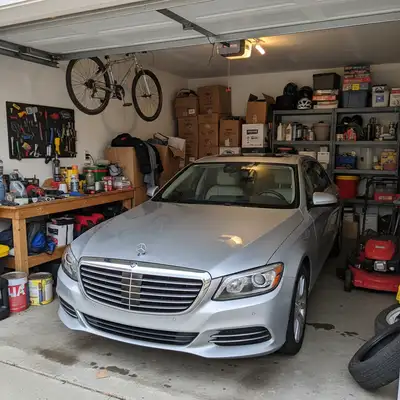
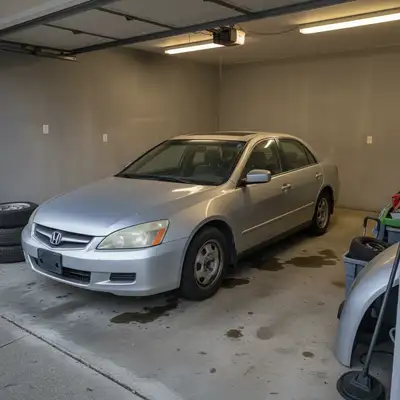
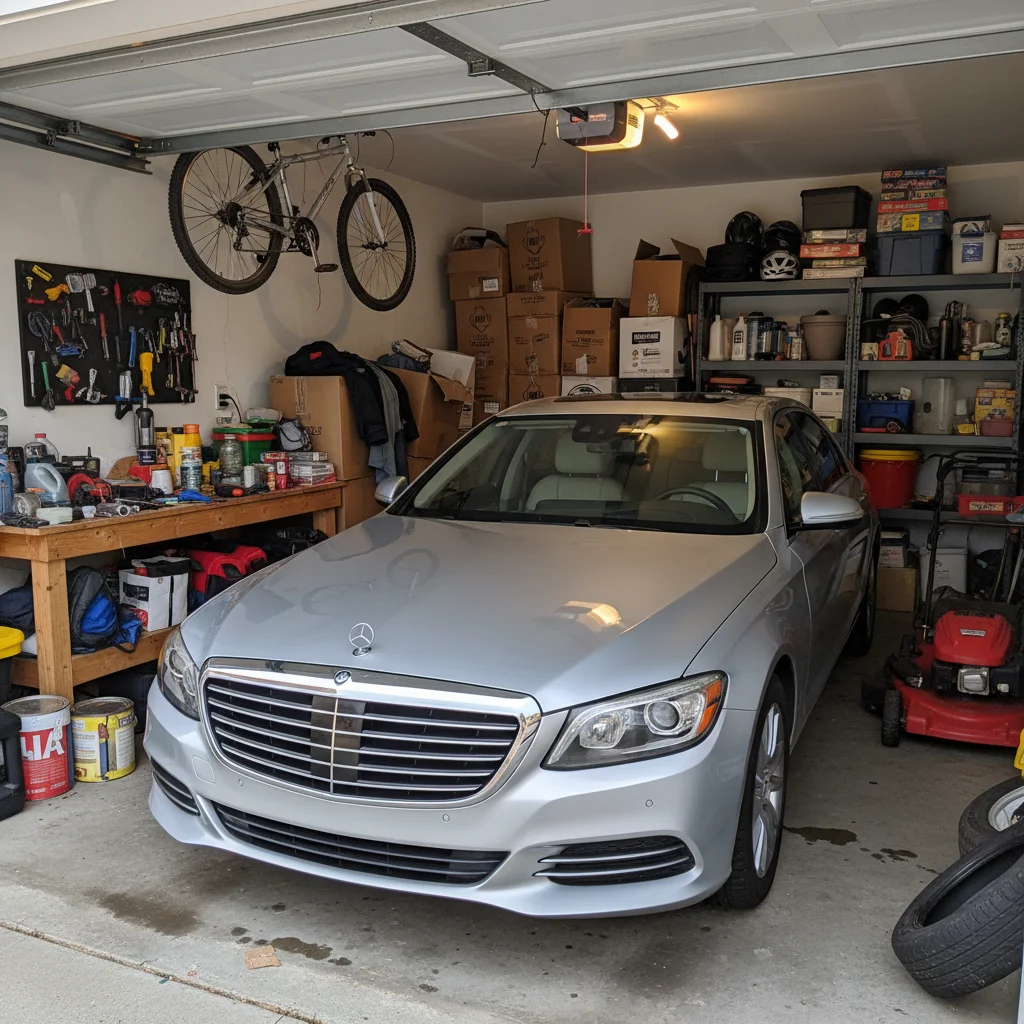
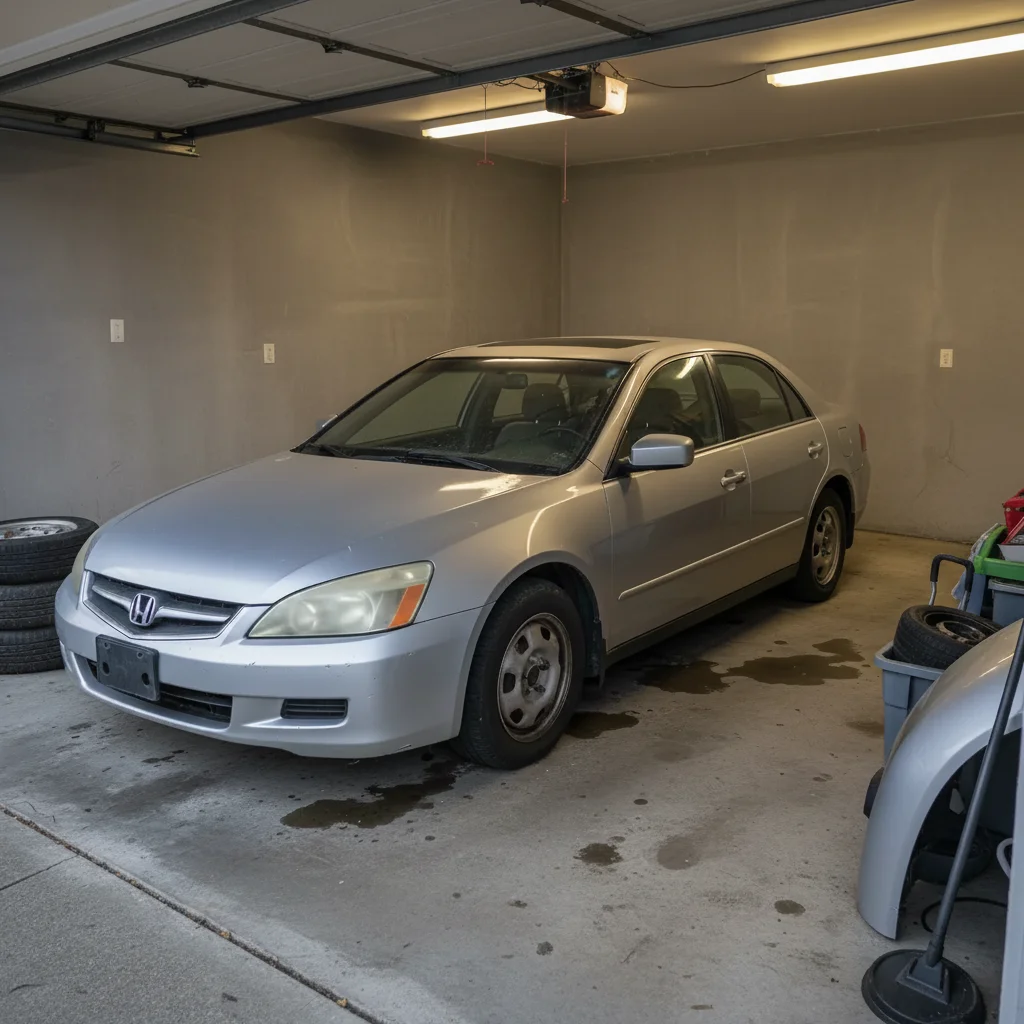
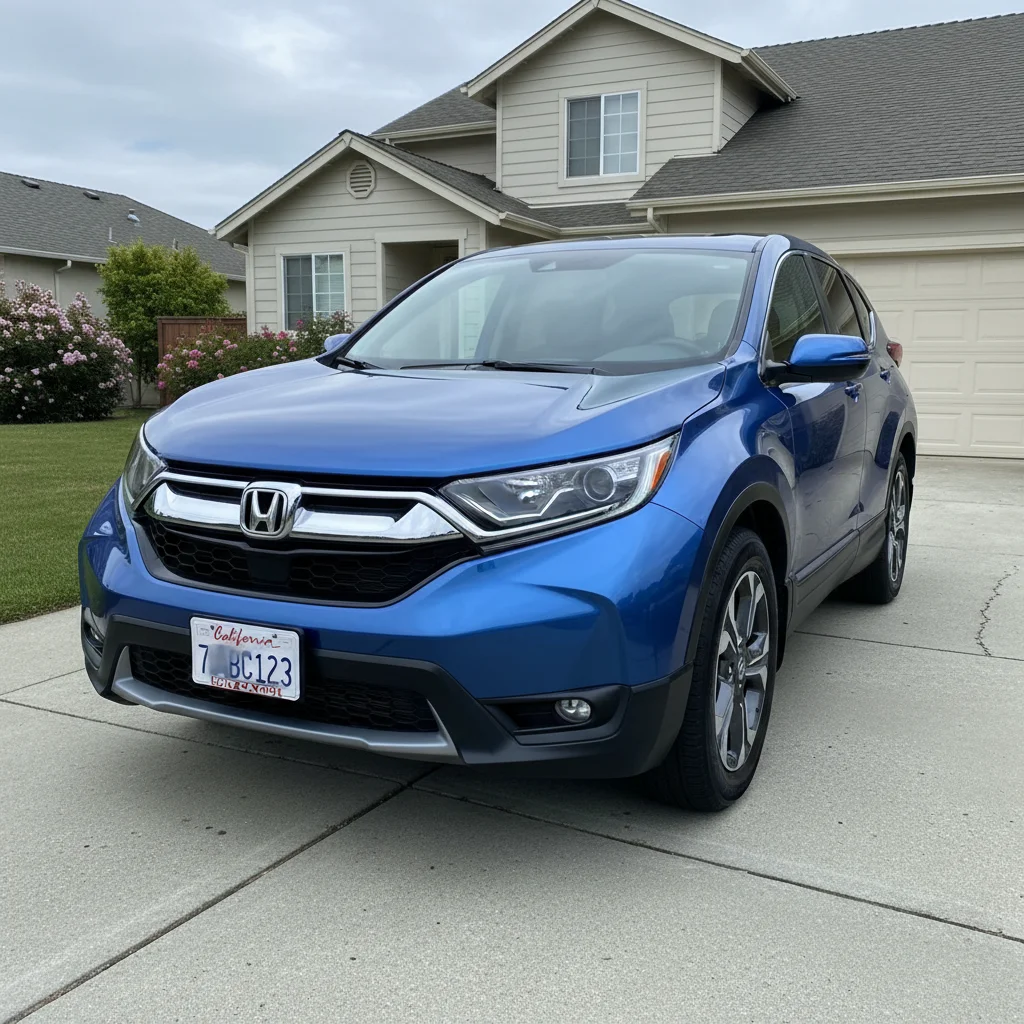
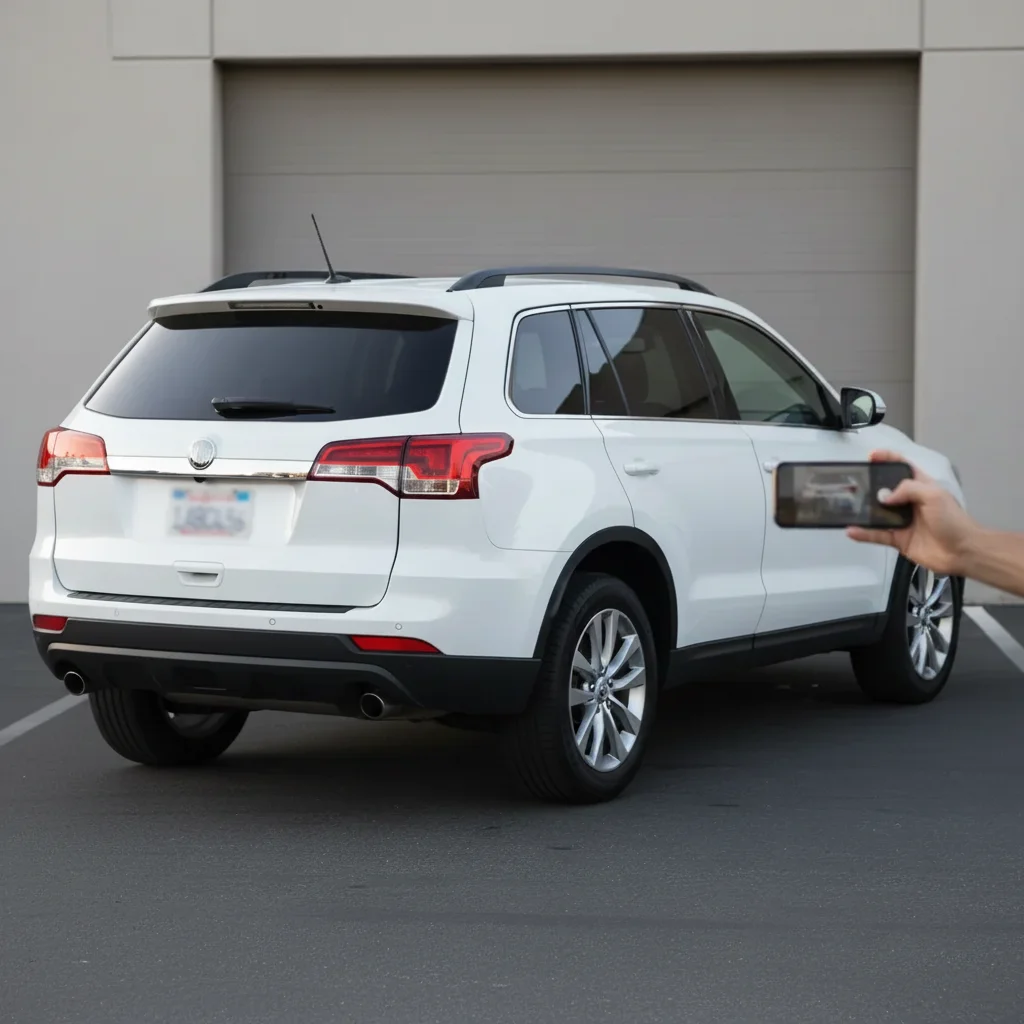
No! Just describe the color: 'change the car to midnight blue' or 'make the car red.' The AI recognizes car bodies in photos and applies color to the vehicle while keeping windows, trim, and tires original.
Can I try multiple colors on the same car?
Yes! Upload once, then try different prompts: 'change to red', 'change to black', 'change to metallic blue.' Each generates a new result so you can compare options side-by-side before deciding on a real repaint or wrap.
How realistic do the color changes look?
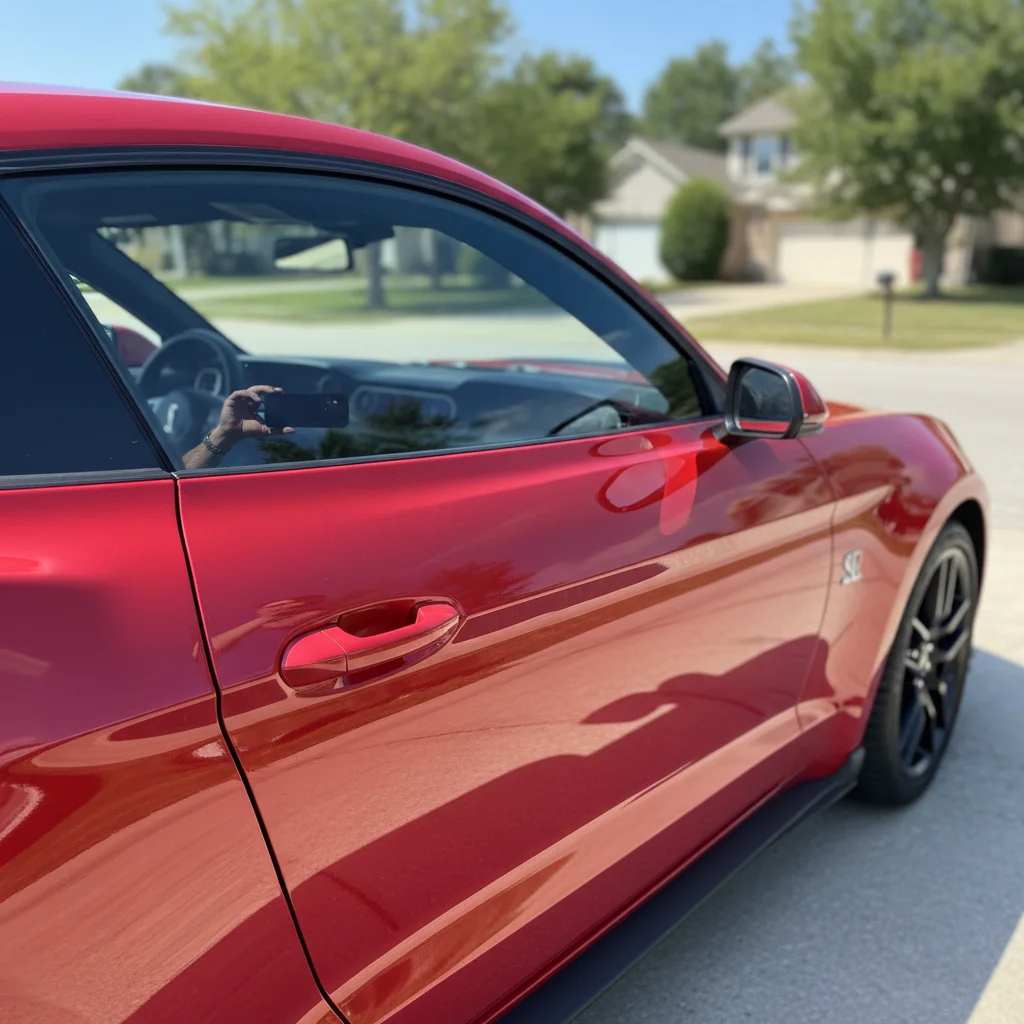
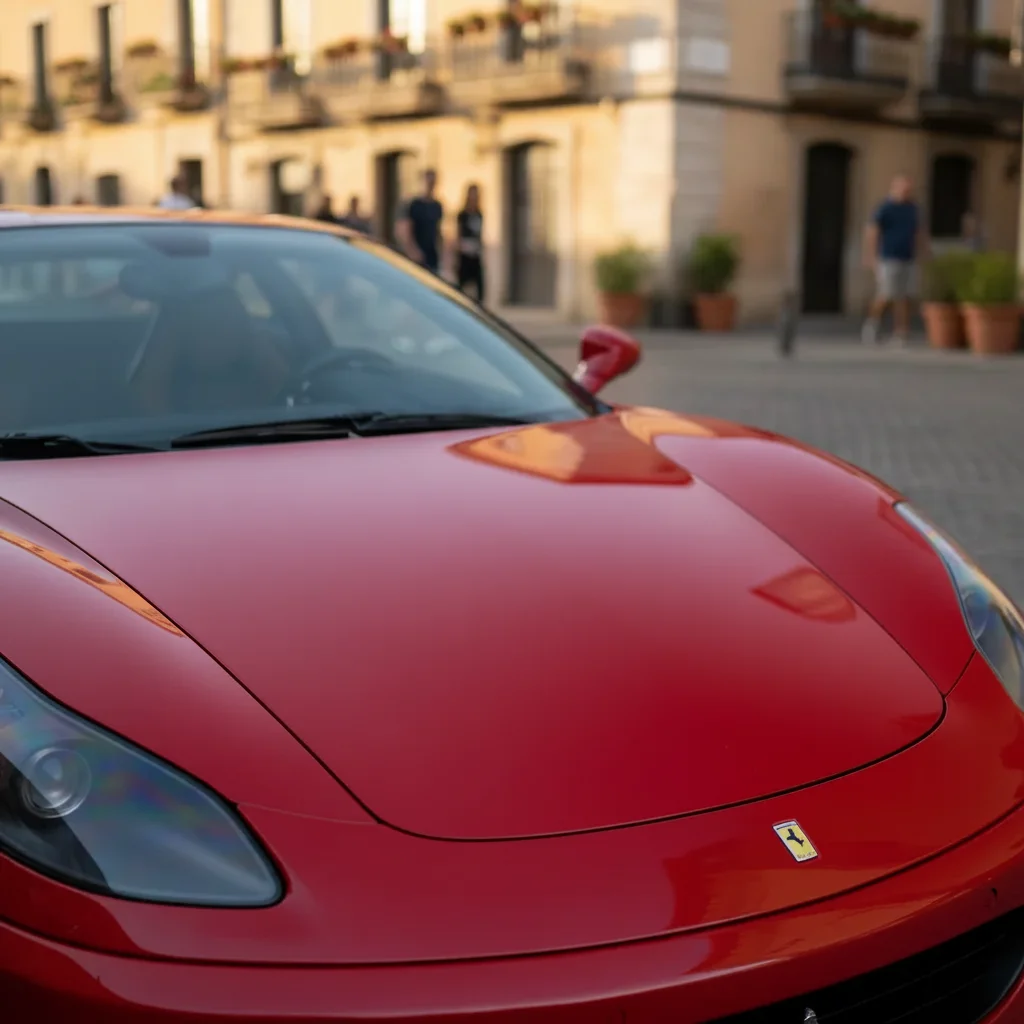
Very realistic when you specify finish type. Include 'glossy', 'metallic', 'matte', or 'pearl' in your prompt. The AI preserves reflections, shadows, and lighting that make the new color look like actual automotive paint, not a flat overlay.
Can I change car color for sales listings or marketing?
Absolutely! This is perfect for dealers who want to show buyers how a car would look in different colors, or for creating marketing materials. The realistic results help customers visualize options without needing multiple photos of the same model in different colors.
What's the best free tool to change car color in photos?
EditThisPic offers free AI car color changing with no signup. Unlike manual tools that require careful masking and painting, just describe the color you want. The AI handles reflections, shadows, and trim preservation automatically, generating realistic automotive paint results in 30-40 seconds.
Is EditThisPic's AI car color changer really free?
Yes — you get 1 free edit per week, no account needed. Credit packs start at $4.99 for 10 edits.
What photo formats does the AI car color changer support?
JPG, PNG, WebP, and HEIC. Upload any common photo format and EditThisPic handles the rest.
How long does it take to change car color?
Usually 15-30 seconds. Upload your photo, describe what you want, and the AI delivers the result.
How much does EditThisPic cost?
You get 1 free edit per week — no account needed. After that, one-time credit packs start at $4.99 for 10 edits, valid 12 months, no subscription. Power users who edit daily can pick Studio Membership, a monthly workspace at $49.99/mo for 300 edits. Purchased downloads are clean with no watermark.