Free • No signup Change Car background · Free

AI Car Background Changer

Describe the new background and AI replaces the car's setting instantly. No marking needed.
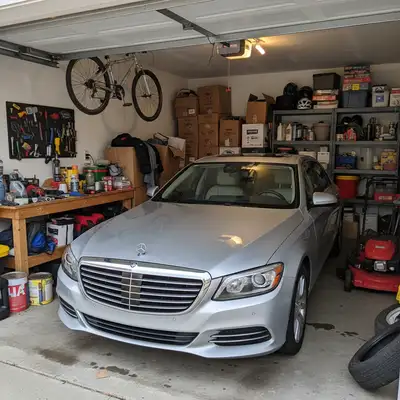
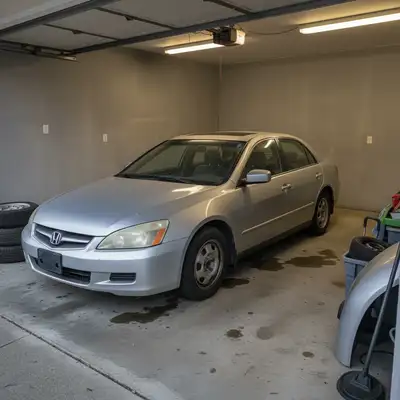
Red sedan in cluttered parking lot
Before
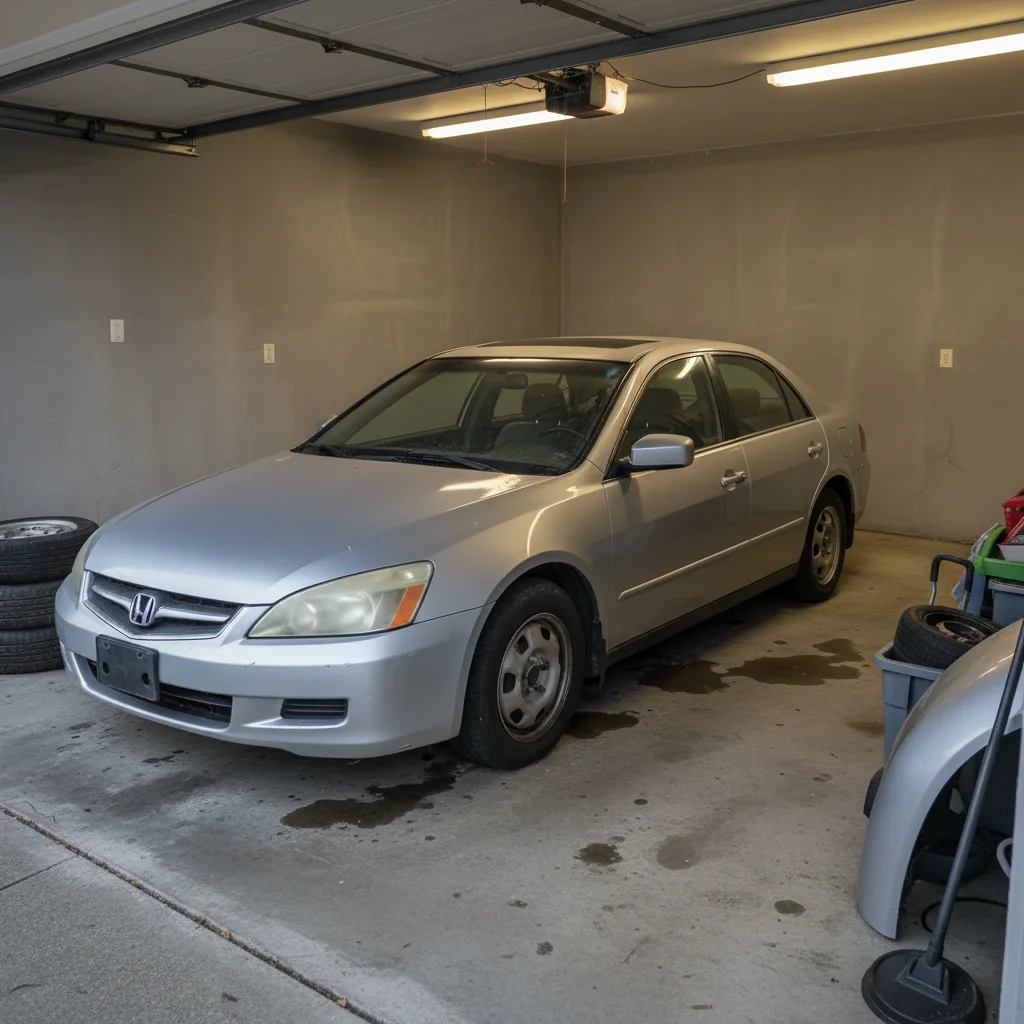
Same sedan in bright professional showroom with clean floors
After

AI Car Background Changer

Upload photo to change car background

Free • Results in 30 seconds • No signup

Release to upload

FreeNo signupNo watermark
Popular use cases:
  • car sales listings
  • dealership marketing
  • automotive photography
  • vehicle presentations
  • online car sales
  • showroom photos
  • car advertising
  • professional car photos

Cost
Free No signup required
Time
Instant results in 15-30 seconds
Works on
Any device - browser, phone, tablet, desktop
Powered by
AI-powered photo editing
Scenario Prompt Time
Professional showroom change to bright showroom with white floors 45s
Clean studio place on simple grey studio background 40s
Scenic location change to mountain road with landscape 50s

How it works

  1. Upload your car photo

    Upload a sharp photo of the vehicle from a clear angle. Natural daylight and minimal reflections help the AI handle car background accurately. JPG, PNG, WebP up to 7MB.

    Expect: Simple backgrounds: 40-45 seconds. Complex scenes with reflections: 50-60 seconds.
  2. Describe the new background

    Type what you want: 'change the background to a professional showroom' or 'place the car on a scenic mountain road.' Be specific about the setting—showroom, studio, city street, nature, or any location. The AI understands environments and replaces the background naturally.

    Tip: Include lighting context for best results: 'bright showroom' or 'sunset mountain road' helps the AI match lighting to the car.

    Copy one of these to get started:

    Professional showroom change the background to a bright professional car showroom with clean white floors
    Clean studio backdrop place the car on a simple grey studio background, professional lighting
    Scenic mountain location change the background to a scenic mountain road with natural landscape
    Urban city street place the car on a modern city street with buildings in the background
    3 more prompts
    Sunset backdrop change the background to a sunset scene with warm golden light
    Beach coastal setting place the car on a coastal road with ocean and beach in the background
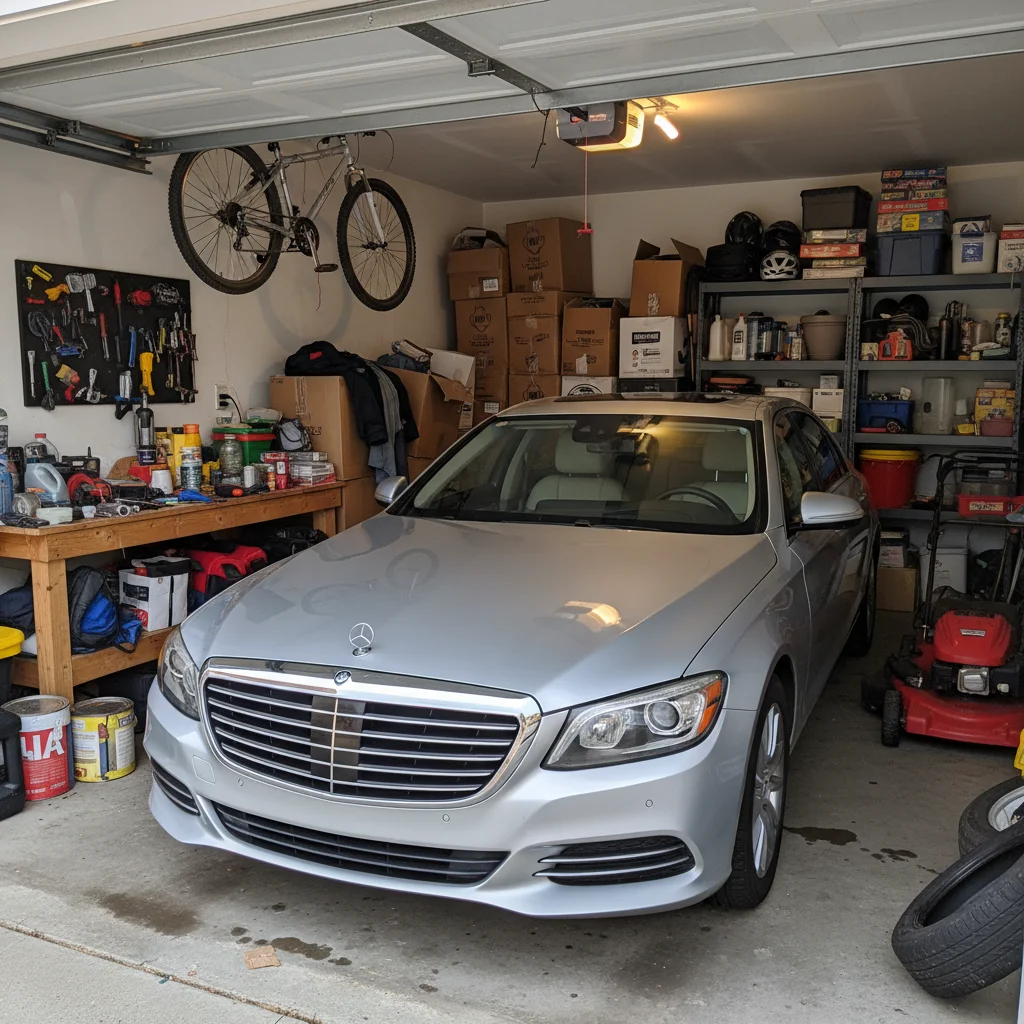
    Garage workshop environment change the background to a clean garage workshop with tools and equipment
  3. Review the new setting

    Check that the car looks naturally placed in the new background. Verify lighting matches, shadows make sense, and the car's edges blend cleanly. Reflections on the car should complement the new environment.

  4. Refine with markers if needed

    If the car's edges look rough or parts of the original background remain visible, tap markers around the car and regenerate. Most background changes work perfectly on the first try.

    Tip: Markers help the AI understand complex car edges like spoilers, mirrors, or antennas that might be tricky to detect.
Try it free

AI Car Background Changer

Upload photo to change car background

Free • Results in 30 seconds • No signup

Release to upload

Free • No signup

"I photograph cars in customer driveways and messy lots. Now I drop them into clean studio backgrounds for listings. The professionalism upgrade is instant—same cars, way better presentation." @DealerPro_Tony

See it in action

Red sedan in cluttered parking lot
Before
->
Same sedan in bright professional showroom with clean floors
After

Parking lot to showroom transformation

A car photographed in a cluttered parking lot moved to a bright professional showroom for listing photos.

Prompt: change the background to a bright professional car showroom with clean white floors
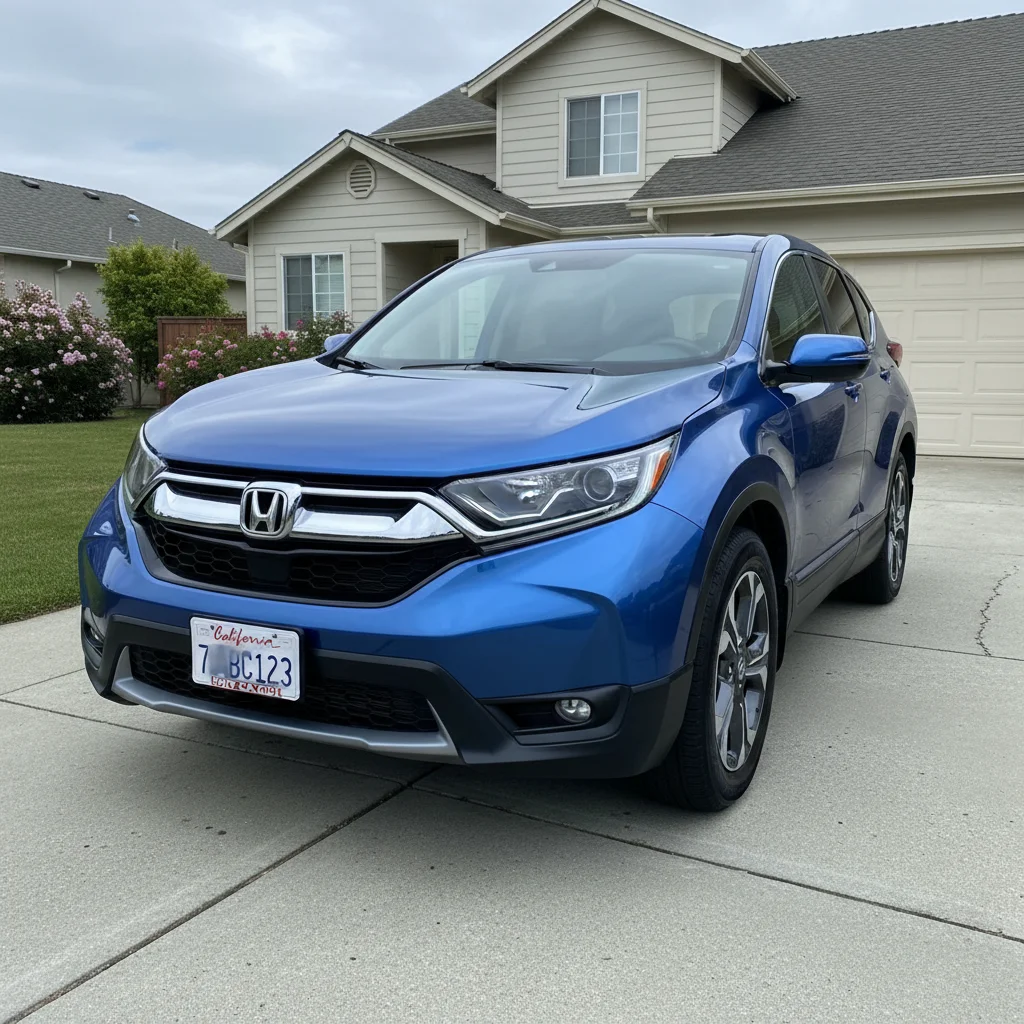
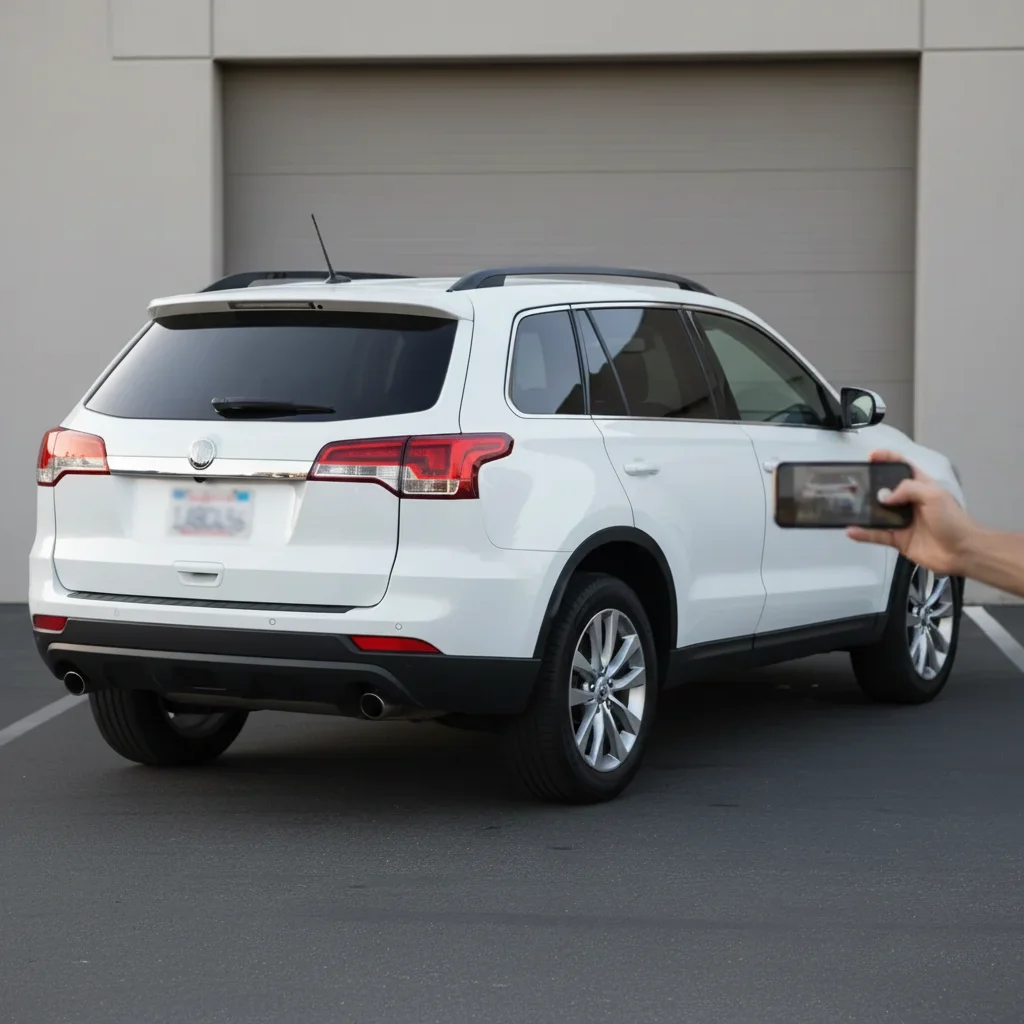
Silver SUV in residential driveway
Before
->
Same SUV on clean grey studio background with professional lighting
After

Driveway to studio backdrop

A home driveway photo upgraded to clean grey studio background for professional presentation.
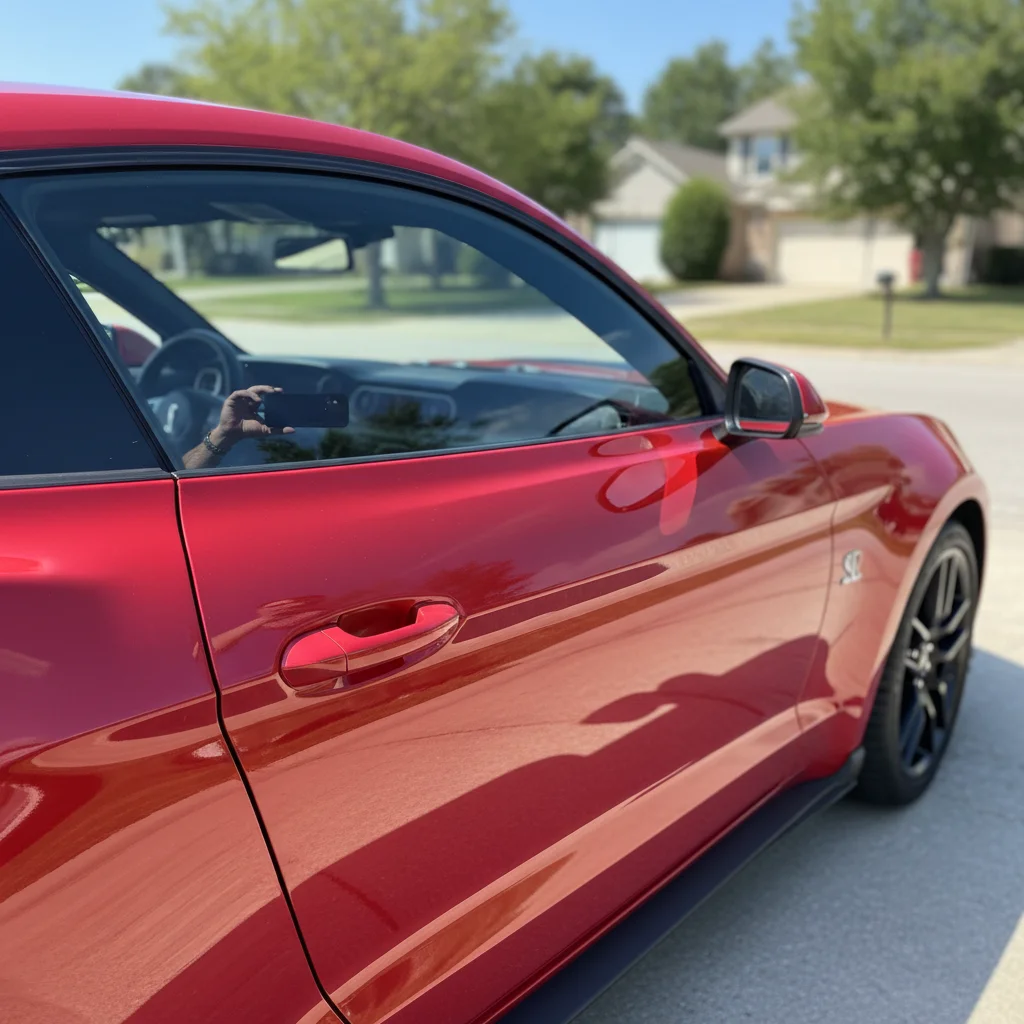
Prompt: place the car on a simple grey studio background, professional lighting
Black pickup truck on city street
Before
->
Same truck on scenic mountain road with natural landscape
After

Urban to scenic mountain setting

A city-shot truck moved to scenic mountain road to emphasize adventure and capability.

Prompt: change the background to a scenic mountain road with natural landscape

Detailed Guides by Scenario

📷

Home & Interior Design

Preview how car background would look in a room or space before committing to a purchase or renovation.

Common Scenarios

  • Visualizing car background in a living room, bedroom, or office before buying
  • Creating client mockups that show car background in their actual space
  • Comparing different placements of car background in renovation plans

Best Practices

  • Upload a well-lit, straight-on photo of the room for the most realistic result
  • Specify the size and position — e.g., 'add a large car background on the left wall'
  • Match the room's lighting in your prompt: 'warm lighting' for evening shots, 'natural daylight' for window-lit rooms
📷

Creative & Social Content

Use car background to create eye-catching content for social media, digital art, or personal projects.

Common Scenarios

  • Adding car background to photos for unique social media posts that stand out in feeds
  • Creating fantasy or composite images that incorporate car background for art projects
  • Making holiday or themed content by placing car background in seasonal photos

Best Practices

  • Be specific about the style — 'realistic car background' vs. 'illustrated car background' gives very different results
  • Use reference images when you want the AI to match a particular look
  • For social content, try unusual placements that create a surreal or humorous effect
📷

Professional & Marketing Use

Incorporate car background into marketing materials, presentations, and product catalogs without expensive photo shoots.

Common Scenarios

  • Adding car background to product mockups and marketing banners
  • Creating presentation slides that show car background in context
  • Building a catalog of variations that feature car background in different settings

Best Practices

  • Use high-resolution source images — marketing materials demand sharp details
  • Keep brand guidelines in mind: specify colors and style that match when adding car background
  • Generate multiple versions and A/B test which placement performs best in ads

If something looks off

AI changed the wrong area or something I didn't want changed

Why: The AI couldn't determine exactly which area you meant from description alone.

Try: Tap a marker on the specific area you want to change, then regenerate with the same prompt

Tip: Markers tell the AI 'I mean THIS one specifically.' Use them when description alone is ambiguous.

AI changed part of the car or removed car elements like mirrors or spoilers

Why: Complex car edges and protruding elements can be mistaken for background by the AI.

Try: Tap markers on the car body including mirrors and spoilers, then regenerate: replace only the background, keep the entire car unchanged

Tip: Explicitly stating 'keep the entire car unchanged' tells the AI to preserve all car elements.

Lighting on the car doesn't match the new background

Why: The original photo's lighting was different from what the new background setting would naturally have.

Try: change the background to [setting] and adjust the car's lighting to match the new environment

Tip: Adding 'adjust lighting to match' ensures the car looks naturally placed in the new setting.

Car edges look rough or have halos around them

Why: Difficult edge detection around wheels, undercarriage, or complex car shapes creates imperfect cutouts.

Try: Tap markers along the car edges, regenerate: replace background with clean smooth edges around the car

Tip: 'Clean smooth edges' tells the AI to focus on perfect car-to-background blending.

Reflections on the car still show the old background

Why: Preserving original reflections can create inconsistency when the background changes.

Try: change the background to [setting] and update the car's reflections to match the new environment

Tip: Requesting reflection updates makes the car look like it was actually photographed in the new location.

New background looks unrealistic or doesn't match the perspective

Why: The car's camera angle and the background's perspective need to align for natural appearance.

Try: change the background to [setting] with perspective matching the car's angle and position

Tip: 'Perspective matching' ensures the background's viewing angle aligns with how the car was shot.

Ground shadow missing or looks wrong in new background

Why: Background changes can lose or misplace the car's ground shadow, making it look floating.

Try: change the background to [setting] and add a natural ground shadow under the car

Tip: Ground shadows anchor the car to the new environment—always check that shadows exist and make sense.

Quick answers

Do I need to mark the car before changing the background?

No! Just describe the new background: 'change the background to a professional showroom' or 'place the car on a mountain road.' The AI identifies the car automatically and replaces only the background. Use markers only if the AI changes car parts by mistake or edges look rough.

Can I use a reference photo for the background I want?

Yes! Click '+ Add reference image' and upload a photo of the background setting you want. Then say 'change the background to match the reference image.' This is perfect when you have a specific location or showroom style in mind.

Will lighting and reflections match the new background?

The AI attempts to match lighting automatically. For best results, include lighting context in your prompt: 'bright showroom with professional lighting' or 'sunset mountain road with warm light.' You can also explicitly request: 'adjust lighting and reflections to match the new background.'

Can I change a car background for professional sales listings?

Absolutely! This is perfect for dealers and private sellers. Shoot cars wherever convenient, then digitally place them in professional showrooms, clean studios, or appealing locations. The upgraded presentation helps buyers focus on the vehicle instead of messy surroundings.

What's the best free tool to change car backgrounds?

EditThisPic offers free AI background replacement with no signup. Unlike manual tools requiring precise selection and masking, just describe the setting you want. The AI handles car detection, edge refinement, lighting matching, and background generation in 40-50 seconds.

Is EditThisPic's AI car background changer really free?

Yes — you get 1 free edit per week, no account needed. For unlimited edits, plans start at $3.99/month.

What photo formats does the AI car background changer support?

JPG, PNG, WebP, and HEIC. Upload any common photo format and EditThisPic handles the rest.

How long does it take to change car background?

Usually 15-30 seconds. Upload your photo, describe what you want, and the AI delivers the result.

Ready to change your car's background?

Free to try. No signup required.