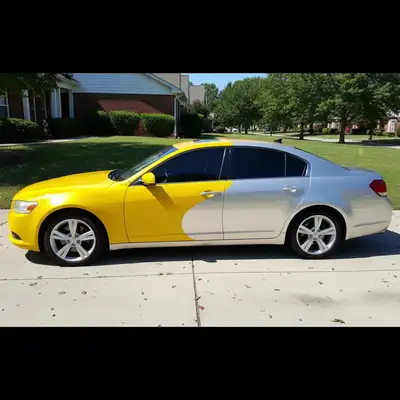
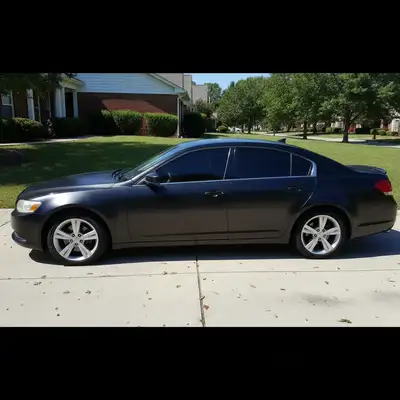
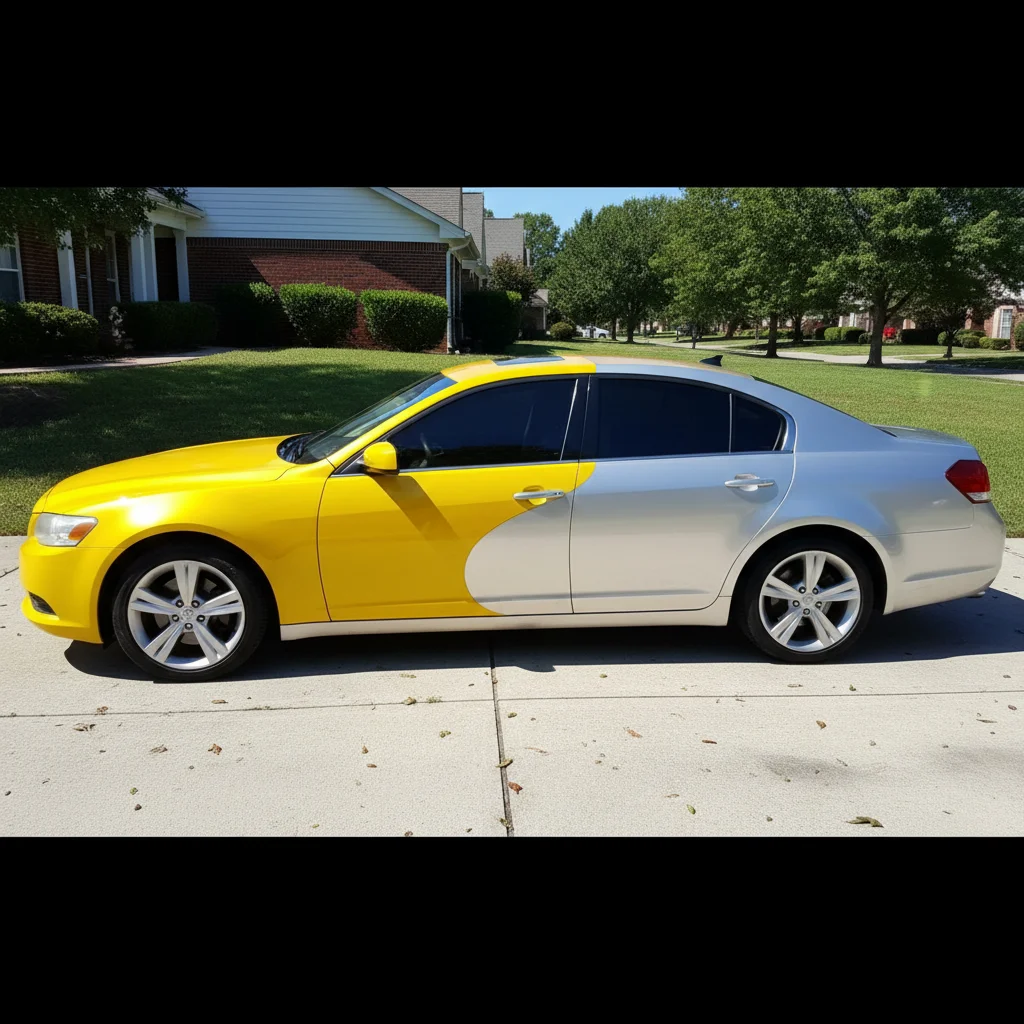
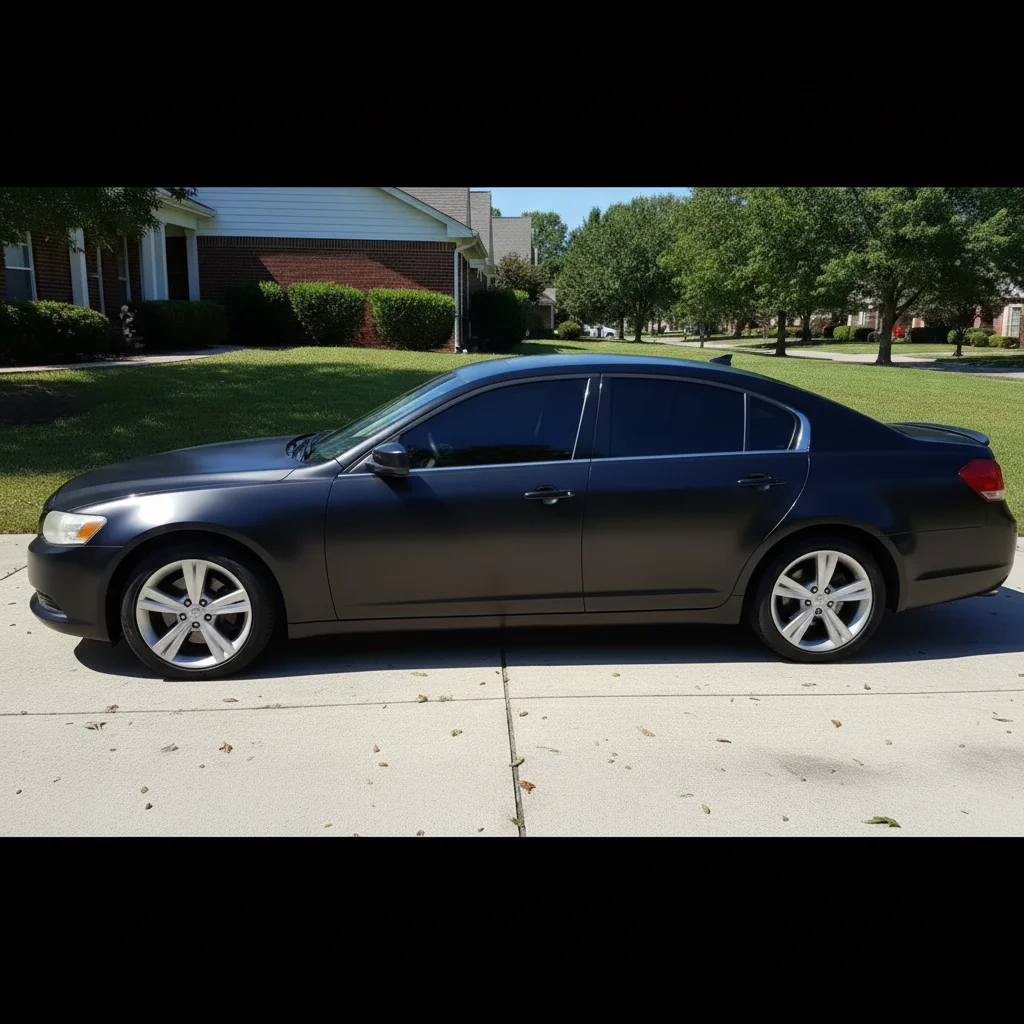
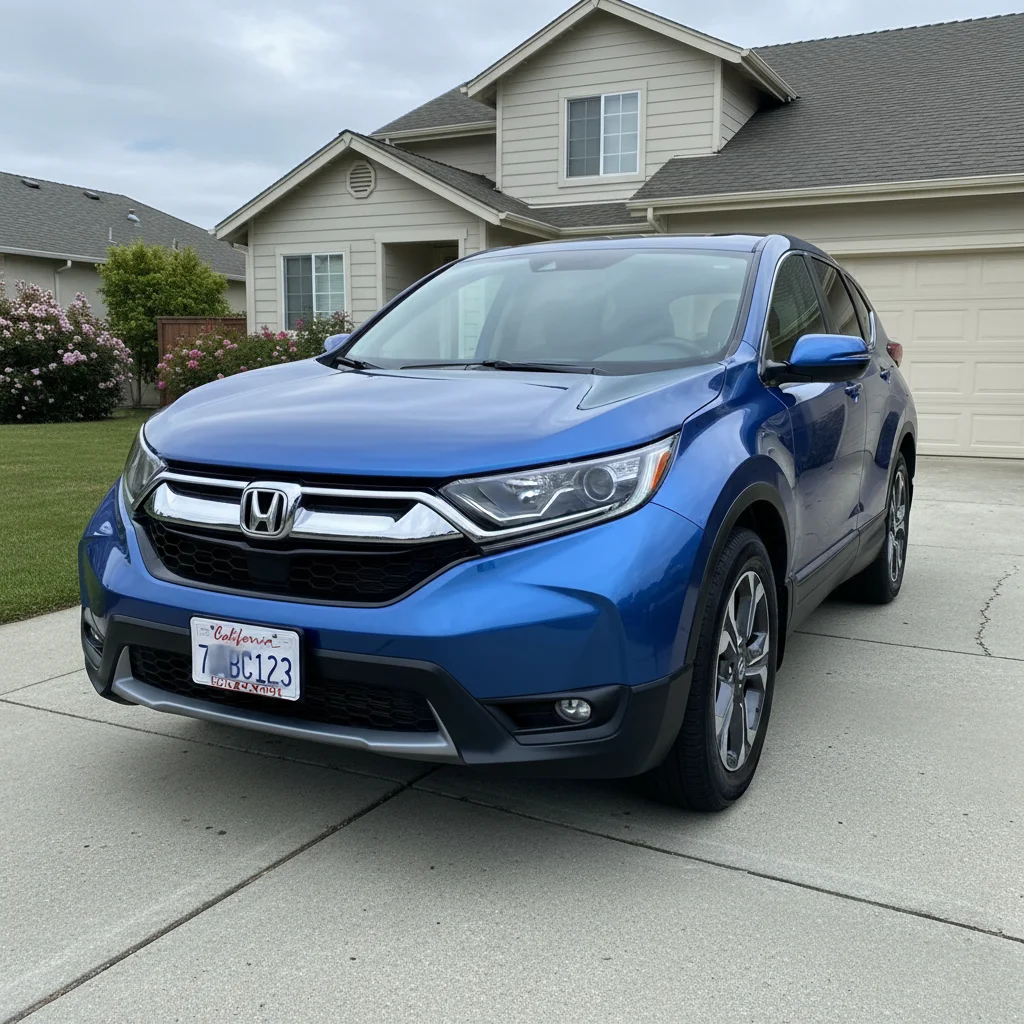
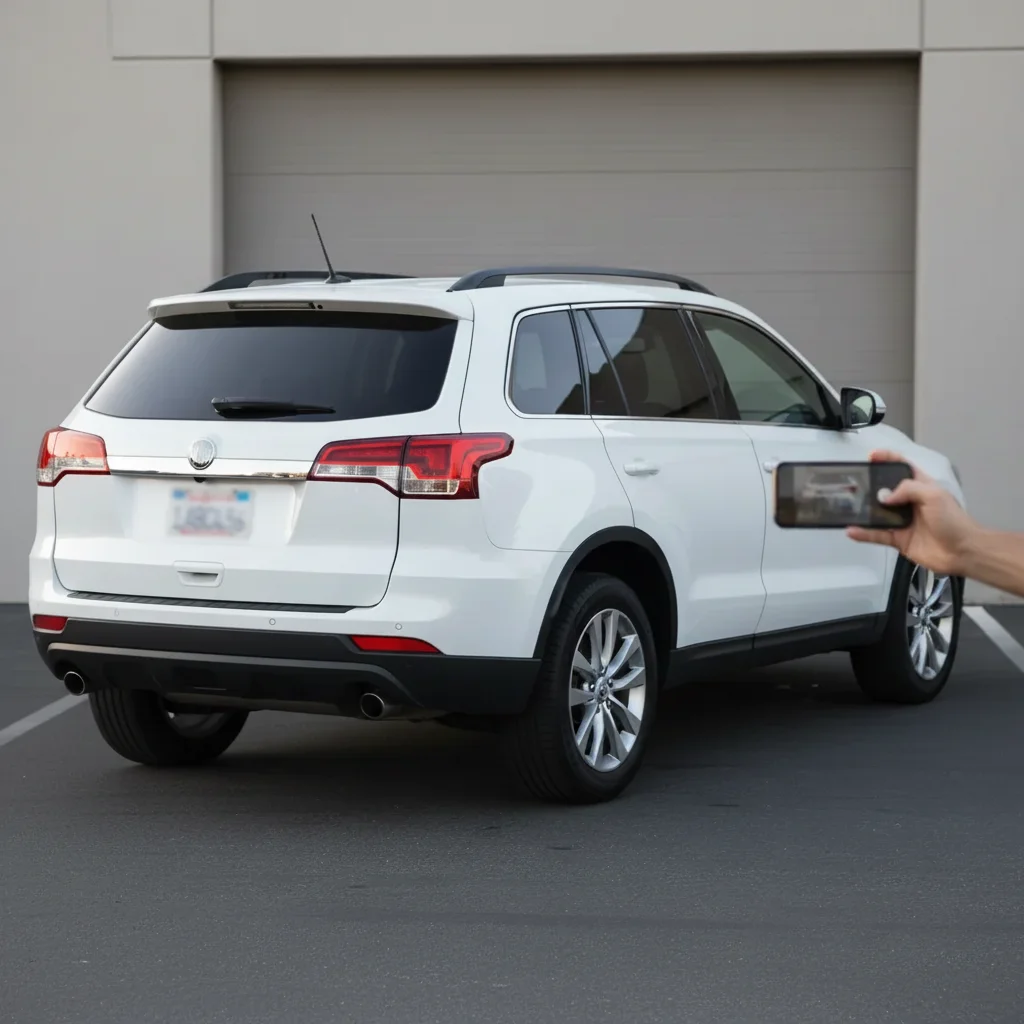
How specific should my prompt be to get a good Edit Car Photos for Listings result on the first try?
One sentence is usually enough: 'Edit the car s.' If the first result is off, refine with details — color, position, lighting, or what to keep. Each pass takes 20-45 seconds and runs separately, so you can compare. Free first edit per week, no signup.
How do I make my car photos look like dealer photos?
Type 'replace background with clean white showroom with professional lighting' - this gives you that dealer website look instantly. You can also add 'blur the license plate' and 'remove reflections' in the same prompt for the full treatment.
Should I blur my license plate when selling a car online?
Yes, it's strongly recommended. License plates can be used to look up registration info or track you. Most experienced sellers blur plates on Marketplace, Craigslist, and similar platforms. EditThisPic makes this instant - just type 'blur the license plate.'
Can I edit multiple things in one photo?
Yes! You can combine requests: 'replace background with showroom, blur the plate, and remove the reflections on the hood' all works in one prompt. The AI handles each part of your request.
What's the best way to photograph a car before editing?
Shoot in soft, even light (overcast days or shade work well). Get multiple angles - front 3/4, rear 3/4, sides, and interior. Even imperfect photos can be dramatically improved, but starting with decent lighting makes AI edits look more natural.
How do I remove reflections without making paint look flat?
Specify 'remove reflections but keep the paint glossy' or 'clean up reflections while maintaining shine.' The AI understands you want to remove distracting reflections but preserve the natural glossy appearance of automotive paint.
Will it work on dark interior photos?
Yes. Type 'brighten the interior naturally' and the AI increases exposure while preserving detail. For very dark photos, try 'significantly brighten' or 'enhance interior lighting.' The AI won't blow out highlights or create that fake HDR look.
Can I use this for car dealership inventory?
Absolutely. Many dealers use EditThisPic to standardize lot photos into professional listings. Process each car with the same prompt ('replace background with showroom, blur plate') for consistent inventory presentation across your website.
Is there a free car photo editor that works without login?
Yes - EditThisPic is free to try with no signup required. Just upload your photo, describe what you want, and download the result. No watermarks on your edited photos. Perfect for quick listing edits without creating yet another account.
Can I remove other cars from the background?
Yes. Type 'remove the other cars from the background' and the AI replaces them with appropriate background content. Works great for car meet photos where you want your car to be the focus without distracting vehicles.
How much does EditThisPic cost?
You get 1 free edit per week — no account needed. After that, one-time credit packs start at $4.99 for 10 edits, valid 12 months, no subscription. Power users who edit daily can pick Studio Membership, a monthly workspace at $49.99/mo for 300 edits. Purchased downloads are clean with no watermark.