Free • No signup Change Object color · Free

AI Object Color Changer

← Browse all change & replace tools

Last updated

Just describe which object and what color. AI handles the rest.
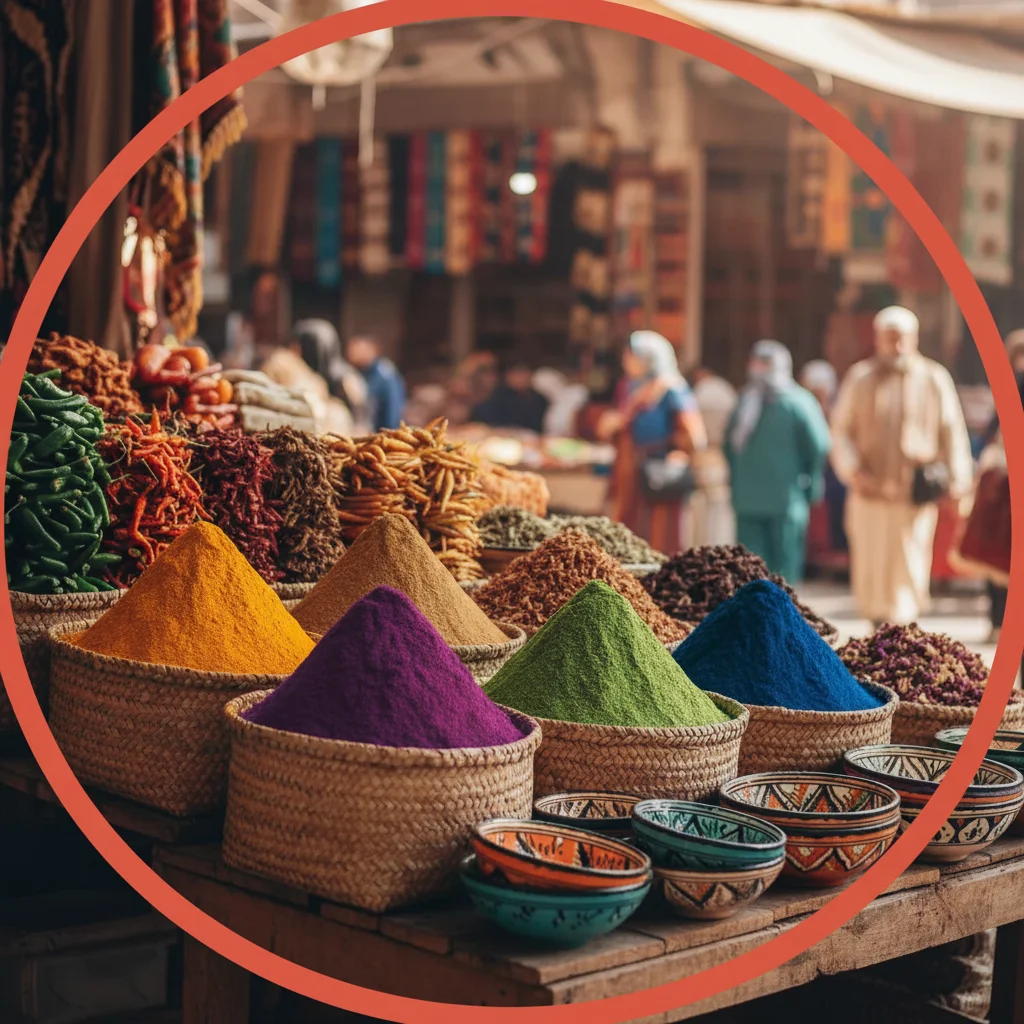
Person wearing bright blue t-shirt Same person with t-shirt changed to forest green

Upload photo to change object color

"change the red car to matte black, preserving all reflections and keeping the original lighting and shine"

Release to upload

50,000+photos edited
<30stypical edit
1 freeedit weekly

1 free edit·then from $4.99

How it works

  1. Upload your photo

    Upload any photo for color work. Images with varied tones give the AI more to work with for object color adjustments. JPG, PNG, WebP up to 7MB.

    Expect: Simple single-object recolors: 15-30 seconds. Complex multi-object or pattern changes: may need 2-3 refinements for consistent color.
  2. Describe the color change

    Type your instruction: 'change the blue shirt to red' or 'make the white walls sage green.' Be specific about which object and what color. Include the current color if there are multiple similar objects: 'change the red car to matte black' helps AI identify the right item. No marking needed—the AI understands object descriptions.

    Tip: For precise color matching, use specific color names: 'navy blue', 'forest green', 'burgundy red' instead of just 'blue', 'green', 'red'. Mention finish: 'matte', 'glossy', 'metallic' to control surface appearance.

    Copy one of these to get started:

    Change clothing color change the blue t-shirt to forest green while keeping all wrinkles and fabric texture natural
    Recolor vehicle change the red car to matte black, preserving all reflections and keeping the original lighting and shine
    Change wall color make the white walls sage green, maintaining all shadows, light fixtures, and texture exactly as they are
    Recolor furniture change the beige sofa to navy blue fabric, keeping the cushion wrinkles and natural wear patterns intact
    3 more prompts
    Change product color change the silver phone case to rose gold metallic finish, preserving all highlights and reflections for a realistic metallic look
    Recolor kitchen cabinets change the oak wood cabinets to painted white, keeping the wood grain visible underneath for a whitewashed effect
    Change multiple matching objects change all the red dining chairs to emerald green velvet, maintaining the upholstery texture and button tufting on each chair
  3. Generate and review

    Click Generate and AI recolors your object while preserving textures, wrinkles, shadows, and highlights. Check that color is consistent across the entire object and lighting looks natural. Zoom in to verify edges are clean and the new color matches your vision.

See it in action

Person wearing bright blue t-shirt
Before
->
Same person with t-shirt changed to forest green
After

T-Shirt Color Change

Changed a plain blue t-shirt to forest green while preserving all fabric wrinkles and texture for a natural look.

Prompt: change the blue t-shirt to forest green while keeping all wrinkles and fabric texture
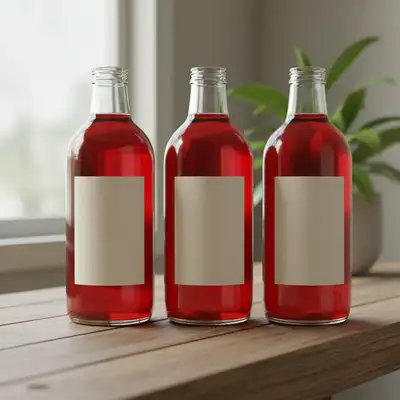
Bright red sports car with glossy paint
Before
->
Same car transformed to matte black finish
After

Car Color Transformation

Converted a glossy red sports car to matte black finish, maintaining all reflections and body contours.

Prompt: change the red car to matte black, preserving all reflections and keeping the original lighting
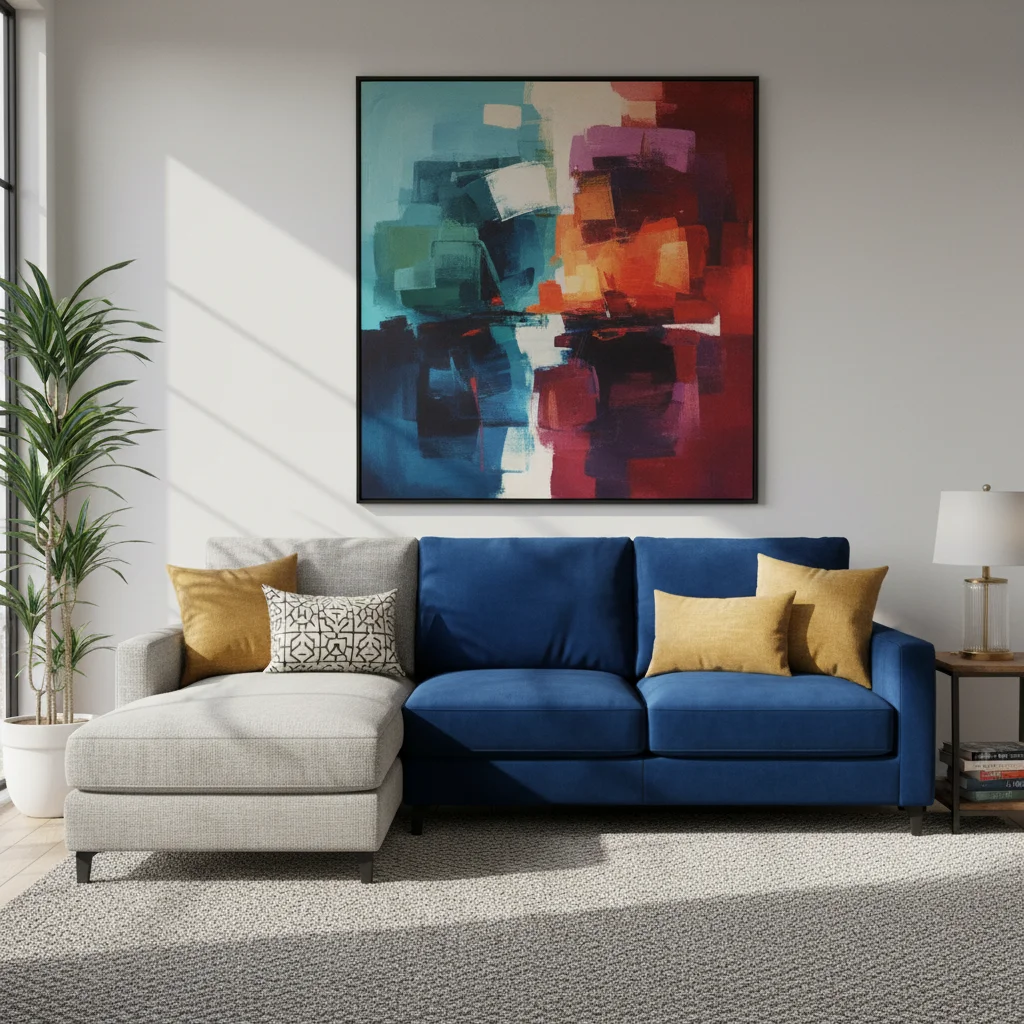
Living room with white walls
Before
->
Same room with walls changed to sage green
After

Living Room Wall Recolor

Changed white walls to sage green for interior design visualization, keeping all shadows and fixtures intact.

Prompt: make the white walls sage green, maintaining all shadows, light fixtures, and texture exactly as they are

Quick answers

Do I need to mark the object before describing the color change?

No! Just describe which object and what color: 'change the blue shirt to red' or 'make the white walls gray'. The AI understands object descriptions.

How do I change color without losing texture and details?

Add texture preservation to your prompt: 'change the sofa to navy blue while keeping all cushion wrinkles' or 'change shirt to green preserving fabric texture'. Keywords like 'keeping', 'preserving', 'maintaining' signal the AI to retain surface details while changing color.

Can I change multiple objects to the same color at once?

Yes. Use 'all the' in your prompt: 'change all the red chairs to blue' or 'make all the white cabinets gray'. The AI will apply the color change consistently to every matching object in the photo.

What color names work best for accurate results?

Specific color names work better than generic ones. Use 'navy blue' instead of 'blue', 'forest green' instead of 'green', 'burgundy' instead of 'red'. For exact matching, reference familiar items: 'sky blue', 'grass green', 'charcoal gray'. Add finish: 'matte black', 'glossy red', 'metallic silver'.

Is there a free color changer tool that works without signup?

Yes, EditThisPic's AI Object Color Changer is completely free to try with no account required. Upload your photo, describe the color change, and download the result with no watermark. No hidden fees or registration needed.

Is EditThisPic's AI object color changer really free?

Yes — you get 1 free edit per week, no account needed. Plans start at $4.99/month for 15 edits.

Can I change object color on my phone?

Yes. EditThisPic works in any mobile browser — iPhone, Android, tablet. No app download needed.

What photo formats does the AI object color changer support?

JPG, PNG, WebP, and HEIC. Upload any common photo format and EditThisPic handles the rest.

How much does EditThisPic cost?

You get 1 free edit per week — no account needed. After that, credit packs start at $1.99 for 3 edits. Monthly plans start at $4.99/mo for 20 edits with unused credits rolling over. All edits are full resolution with no watermark.

Ready to change object colors?

Free to try. No signup required.

1 free edit included·Credit packs from $4.99