AI Object Adder
← Browse all add & replace toolsLast updated
Add any object to your photo using a reference image — AI composites it with matched lighting, scale, and perspective.
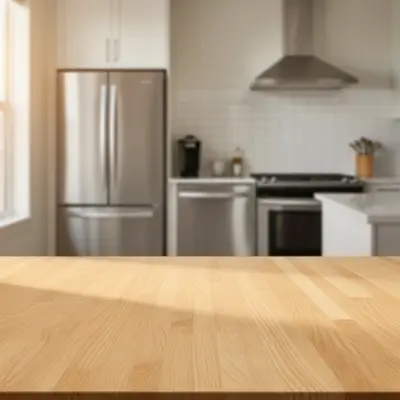
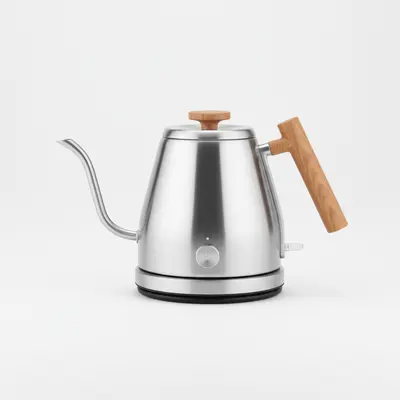
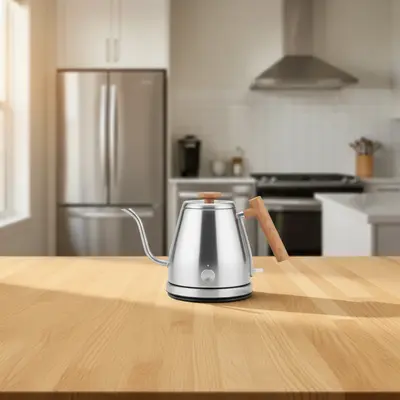
Upload photo to add object
"add this item to the right side of the scene, scale it to look realistic in the space, with lighting matching the natural window light from the left"
Free to try · no sign-up · photos are never shared
Release to upload
How it works
See it in action
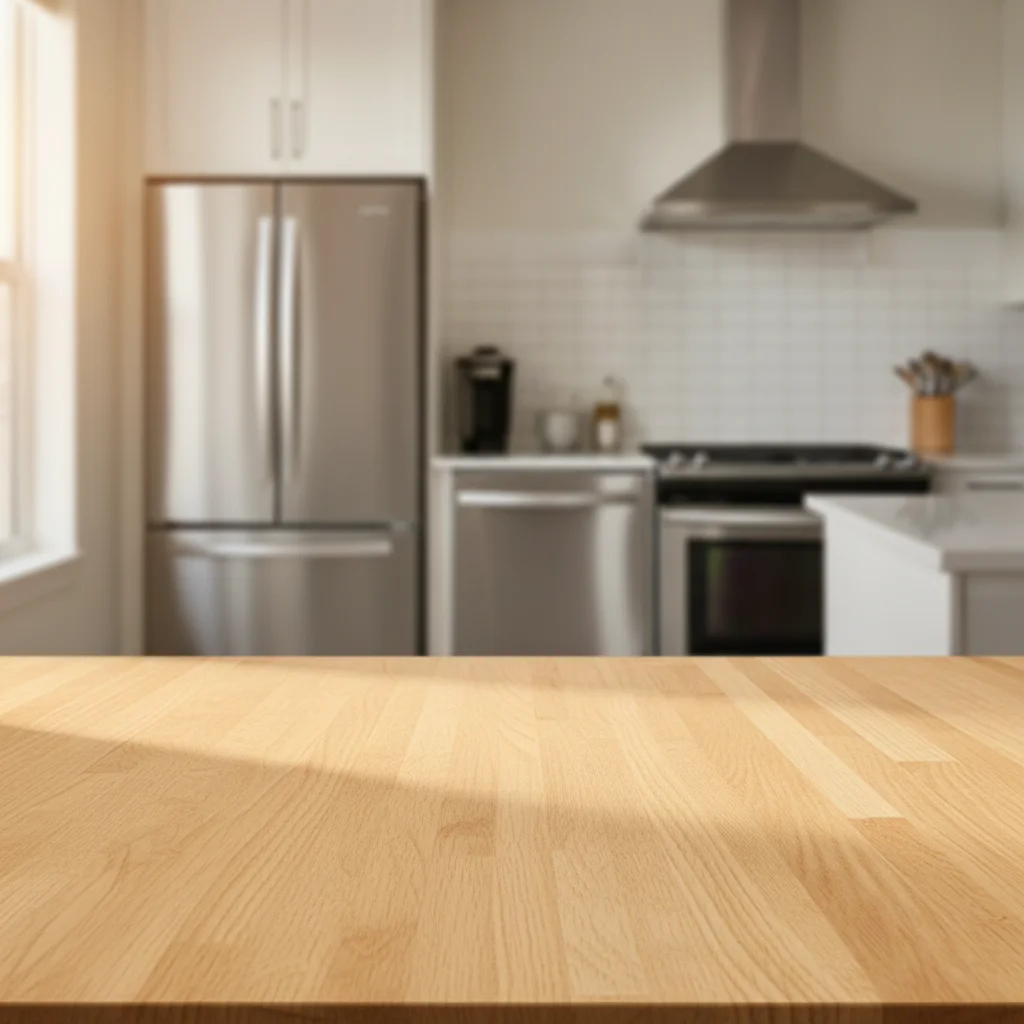
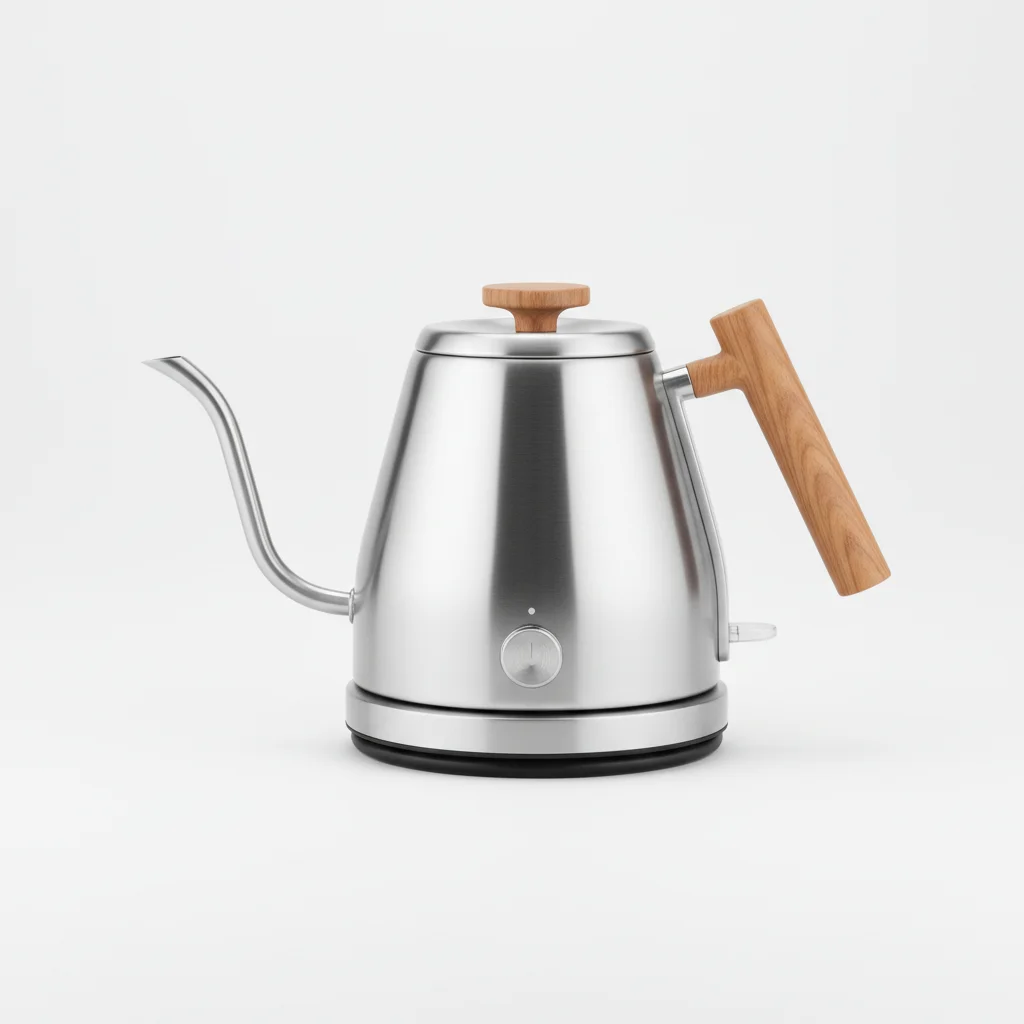
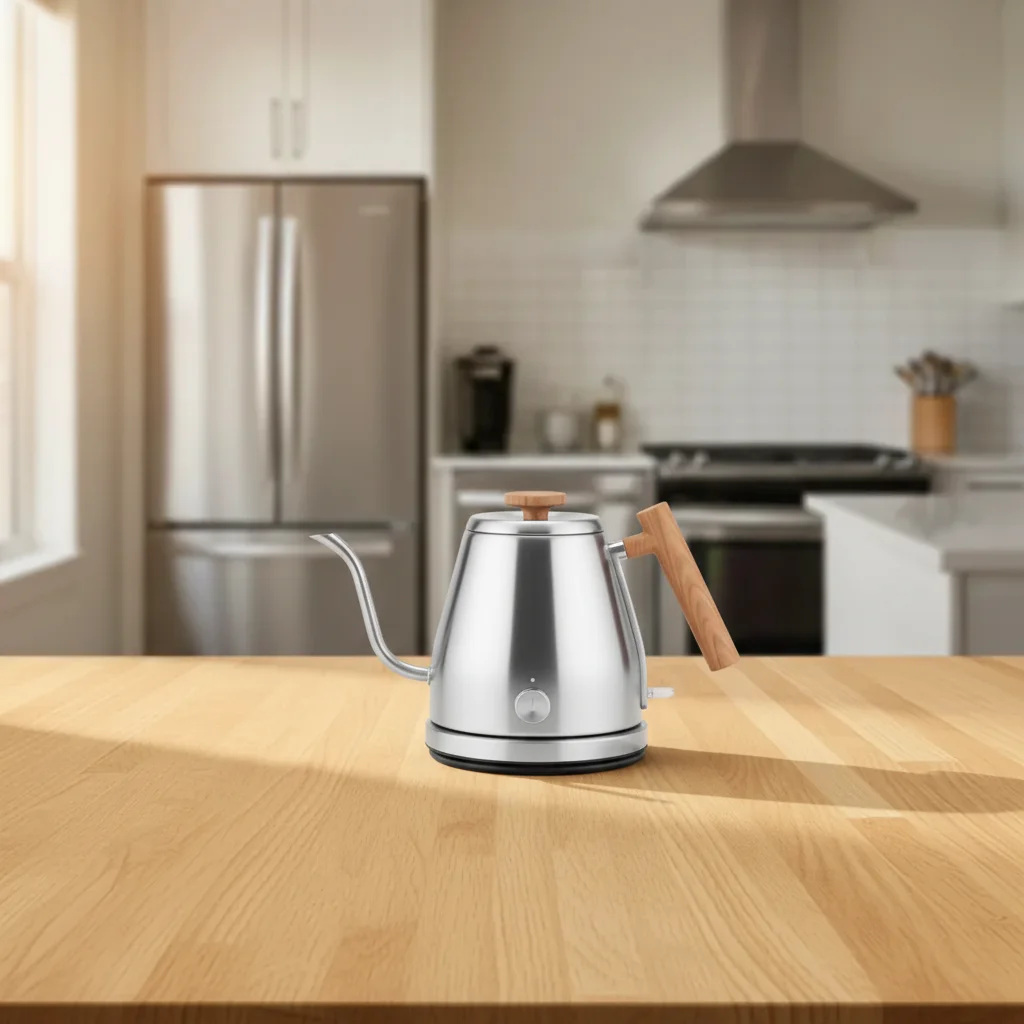
Product added to kitchen lifestyle scene
Empty kitchen table — AI composited a ceramic mug from a reference product shot, matching the warm overhead lighting and adding a subtle shadow on the wooden surface.
Add the mug from the reference photo to the center of the table, with a natural shadow beneath it matching the warm lighting from above.
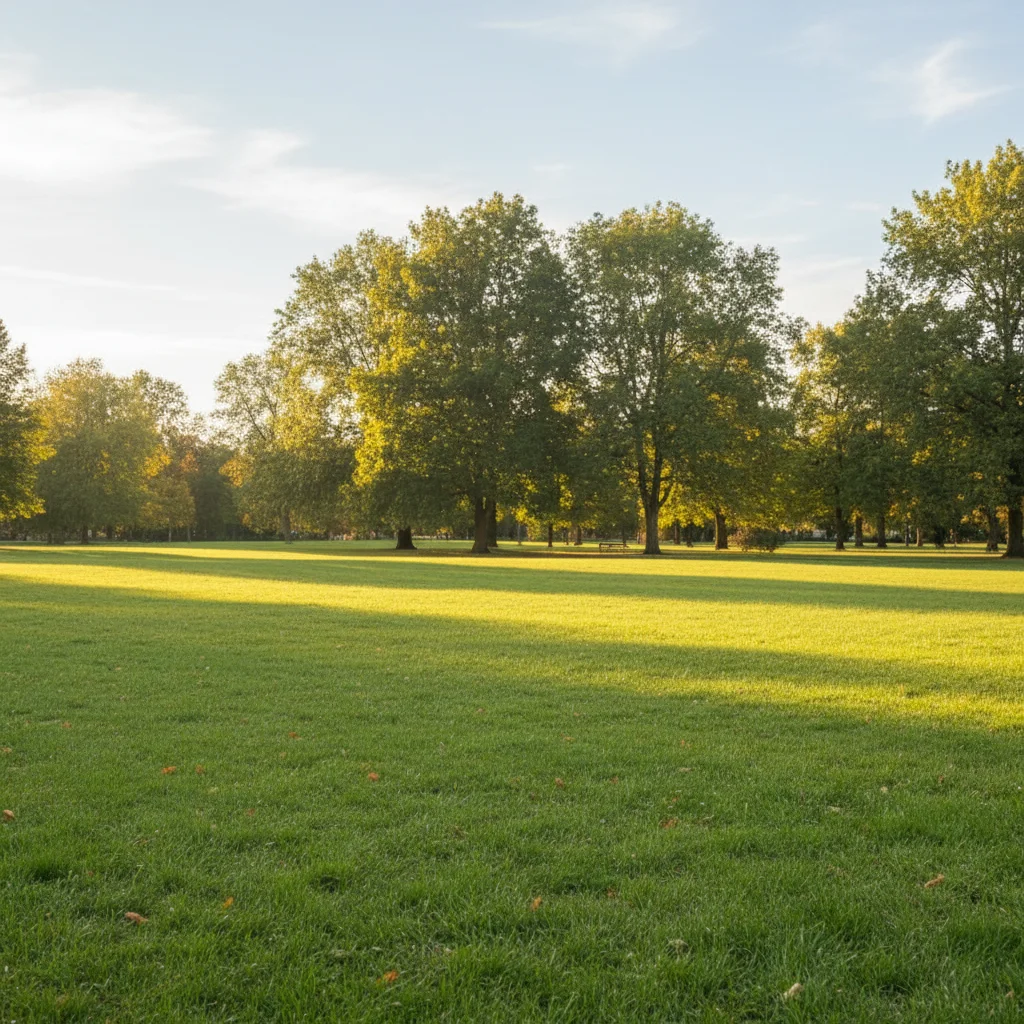
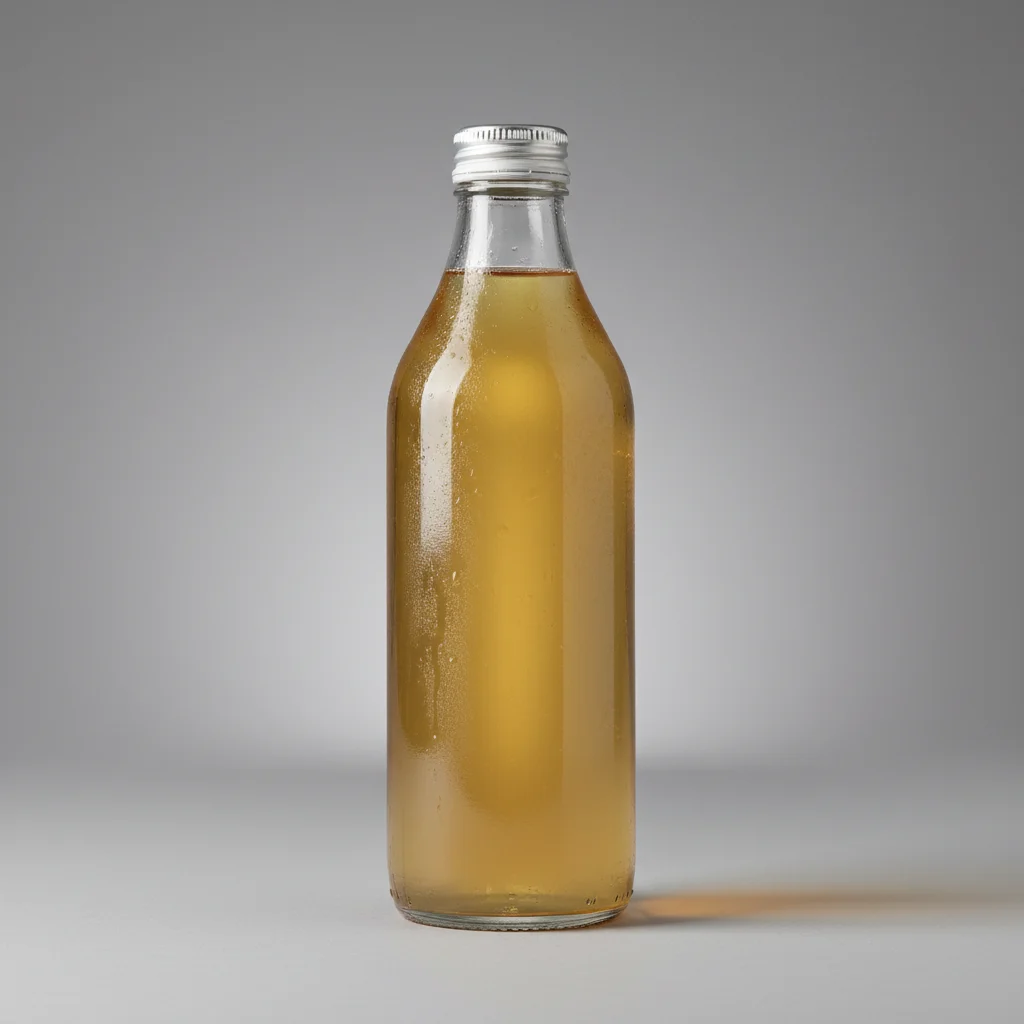
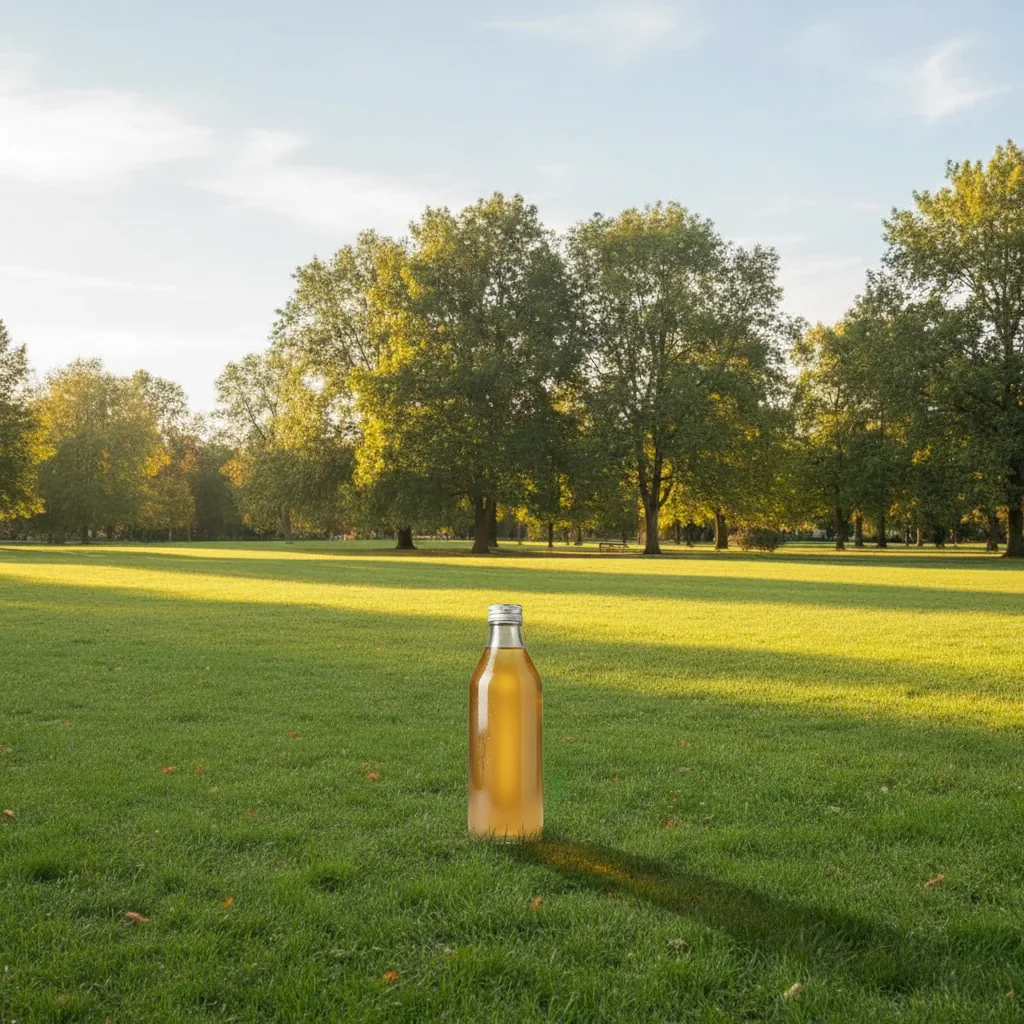
Branded bottle added to outdoor lifestyle photo
Outdoor grass scene — AI placed a beverage bottle from a reference photo in the foreground, with correct daylight shadows falling in the same direction as the ambient light.
Place the bottle from the reference photo into the grass in the foreground. Make it look natural by matching the afternoon lighting and adding a long shadow.
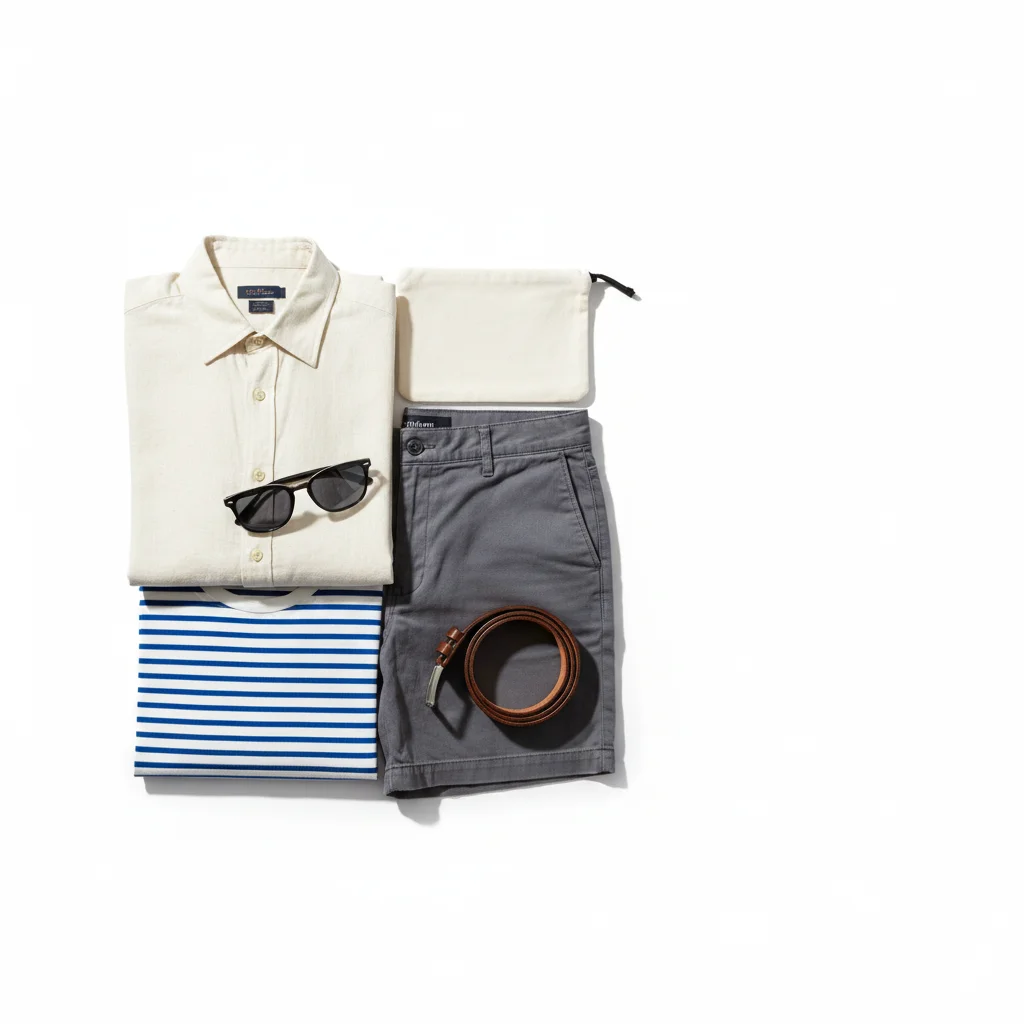
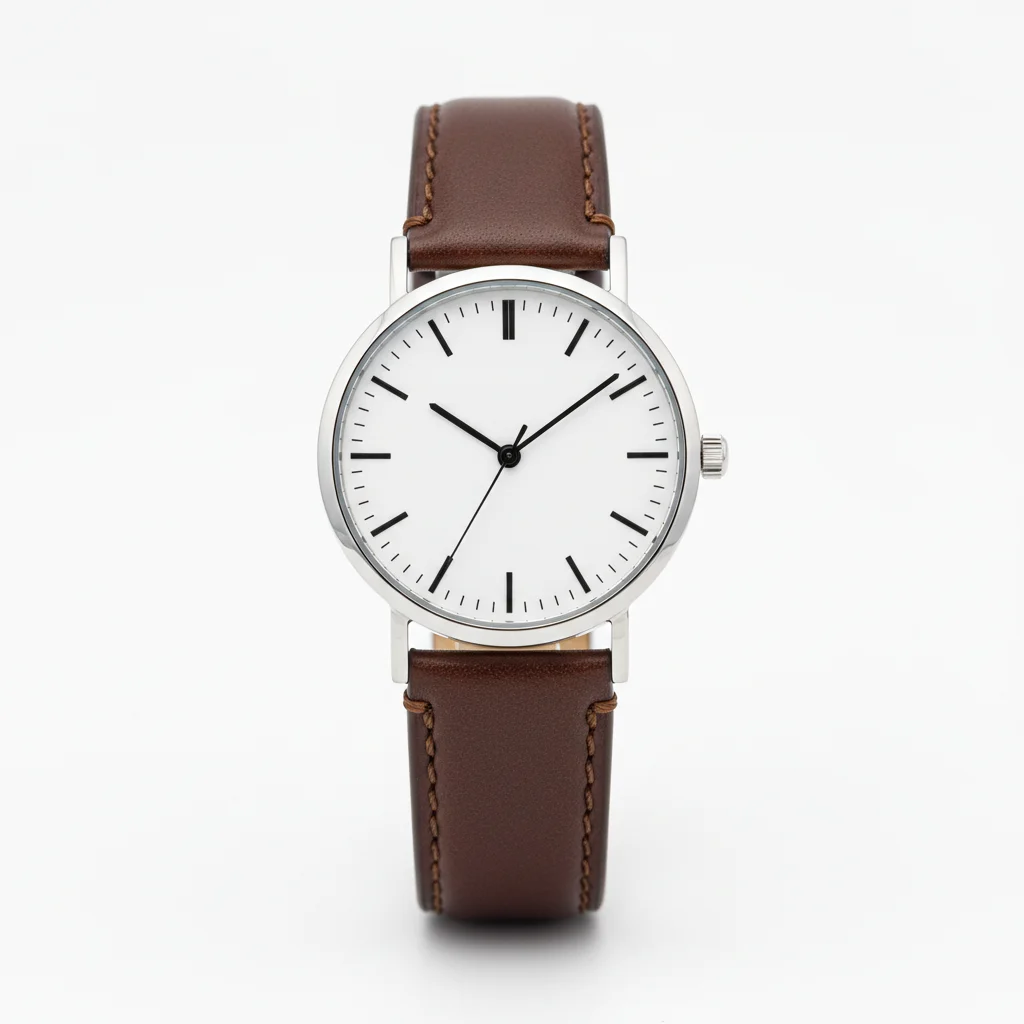
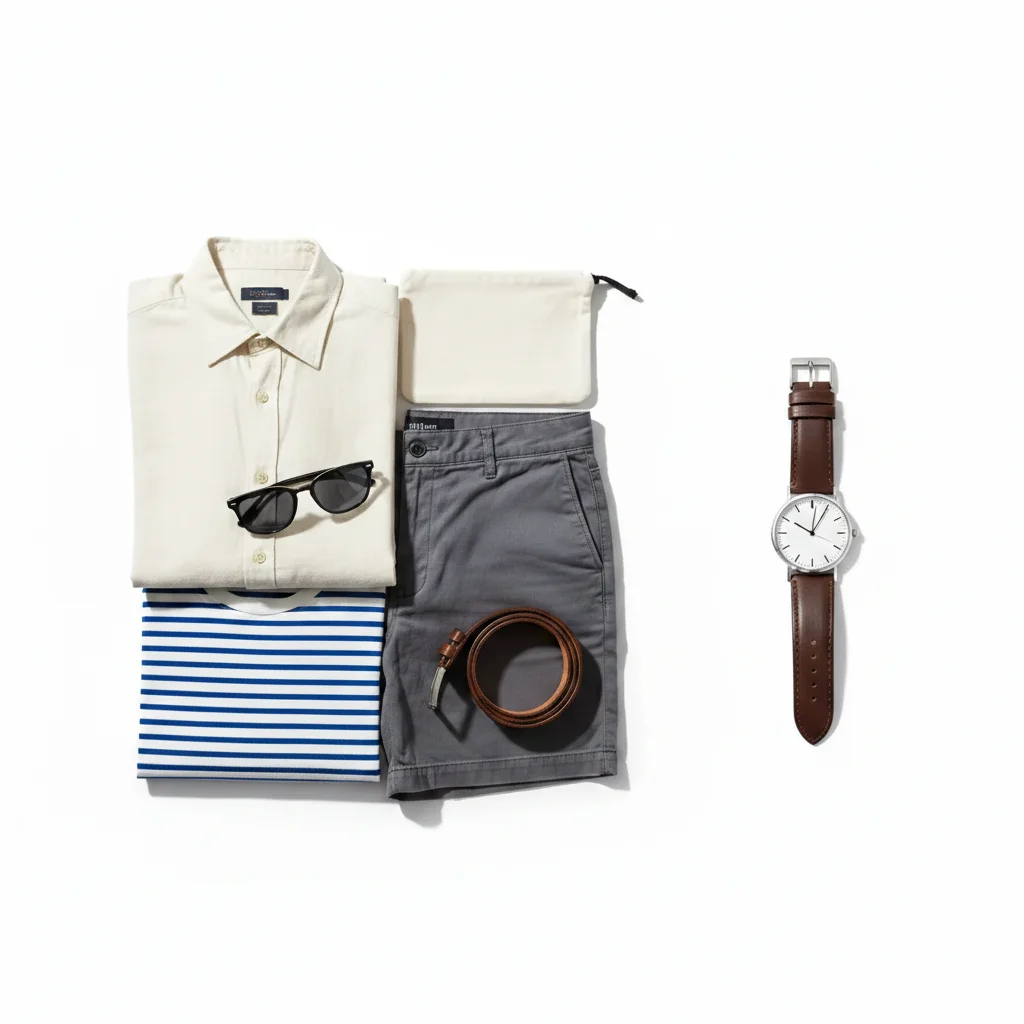
Accessory added to fashion flat-lay
White background flat-lay with clothing — AI added a watch from a reference photo, positioned naturally among the other accessories with consistent overhead studio lighting.
Add the watch from the reference photo into the empty space on the right side of the flat-lay.
Quick answers
You might also like
Popular use cases
Ready to composite your object?
Upload your scene and reference photo. Free, no account needed.