Insert Object into Image
Last updated
Insert a specific object into an image at an exact location — upload your image and a reference photo of the object, then mark or describe where it goes.

Upload photo to insert object
"insert this item into the lifestyle image at the center, at a realistic scale for the scene, with natural window lighting matching the ambient light visible in the image"
Free to try · no sign-up · photos are never shared
Release to upload
How it works
See it in action

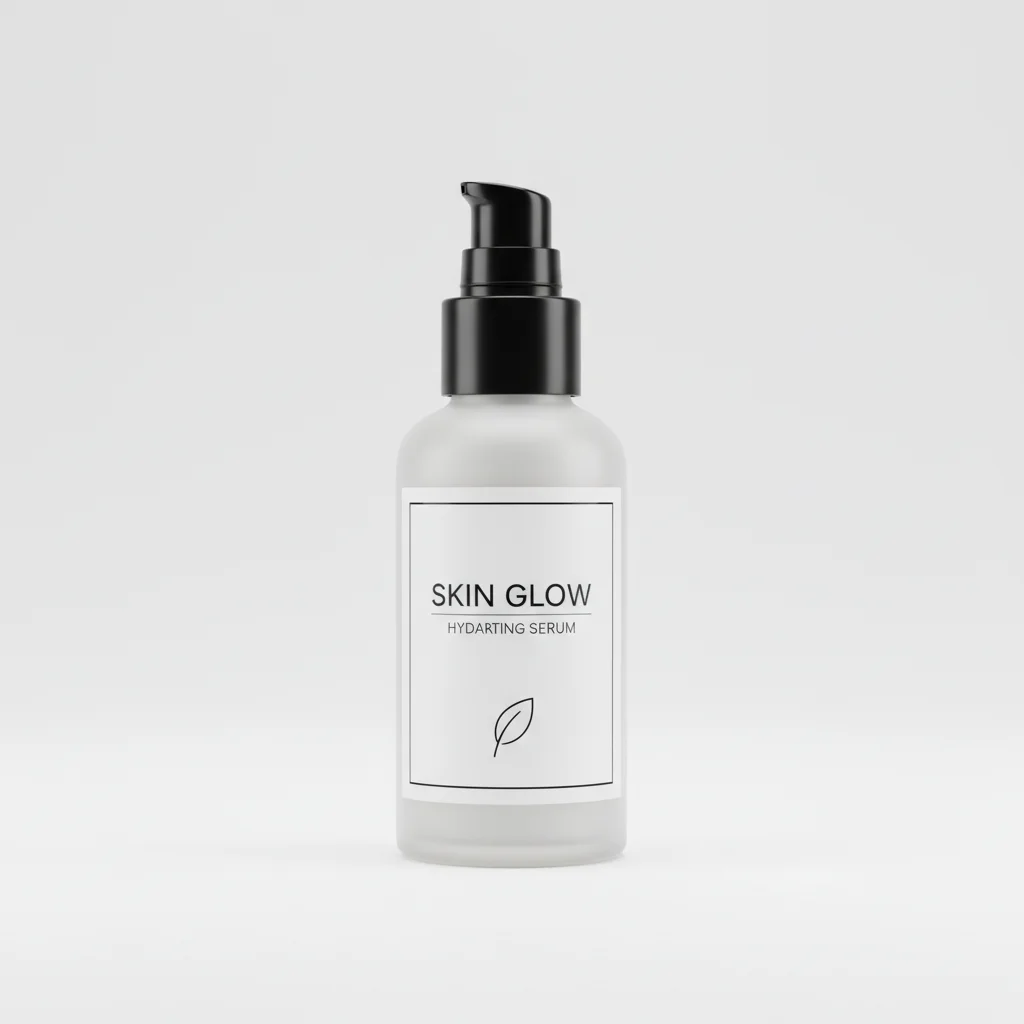
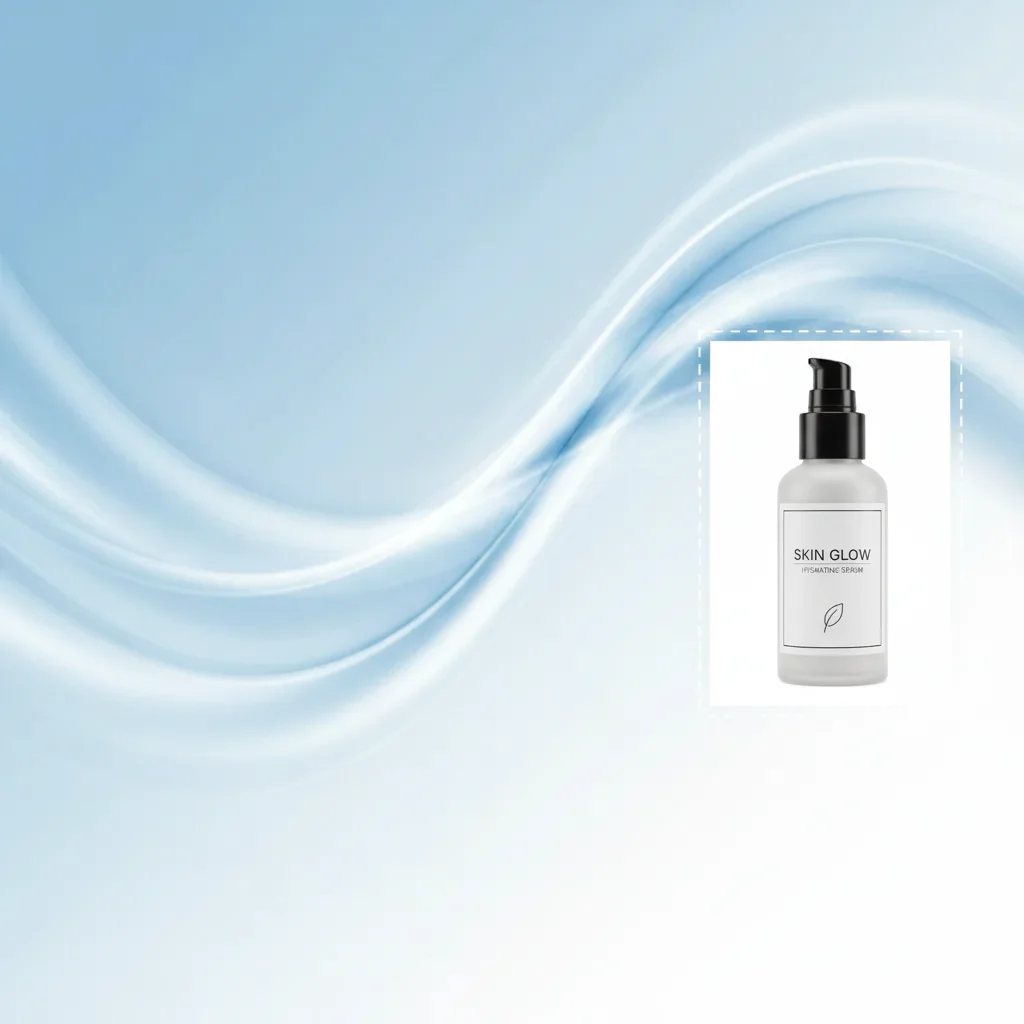
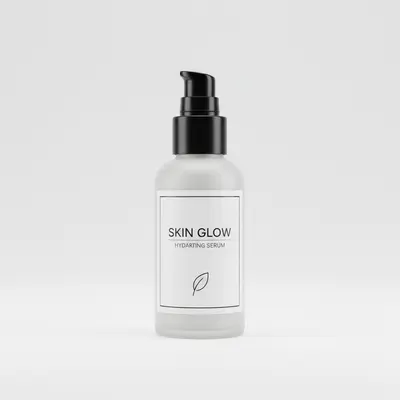
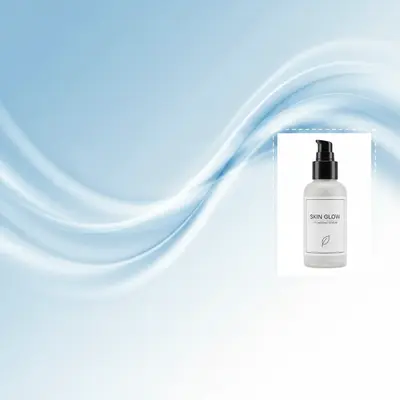
Product inserted into marketing banner image
A styled marketing banner with a gradient background and empty product zone — AI inserted a skincare bottle from a reference photo into the designated area with matched gradient lighting.
Insert the skincare bottle from the reference photo into the empty space on the right side of the banner. Make sure the label is front-facing and it matches the soft lighting from the upper left.
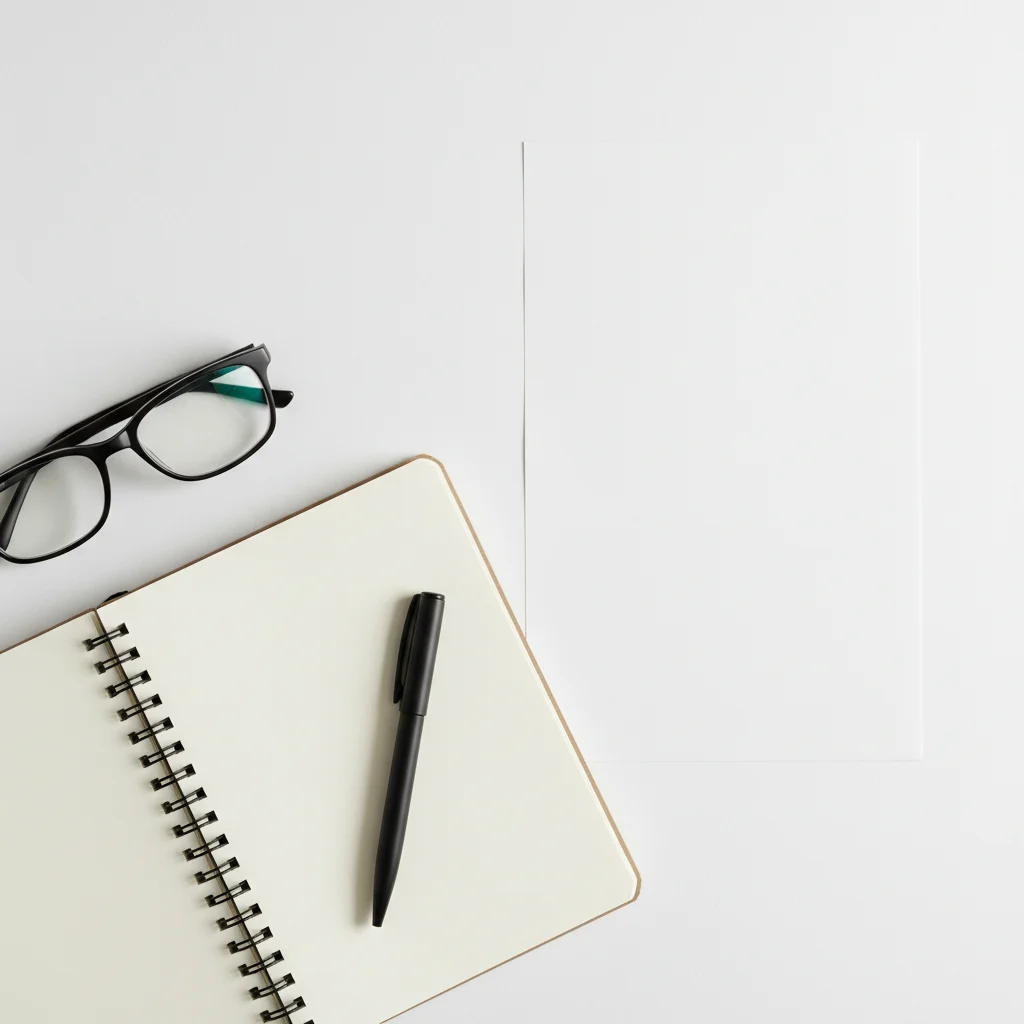


Coffee cup inserted into styled desk image for social media
A flat-lay desk image for Instagram — AI inserted a specific branded coffee cup from a reference photo into the upper corner of the flat-lay, matching the overhead studio lighting.
Place the coffee cup from the reference photo onto the empty upper right corner of the desk. Make sure to match the overhead lighting and add a realistic, soft shadow underneath it.
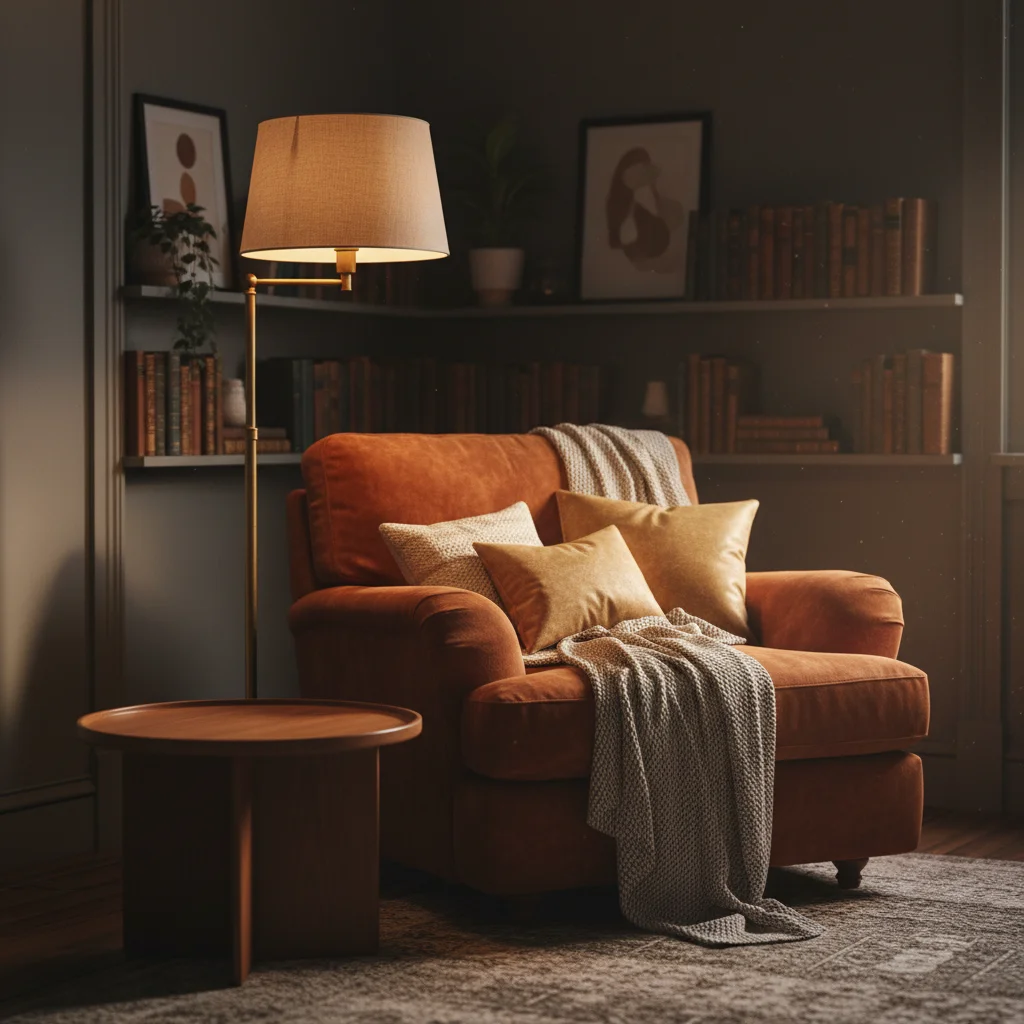
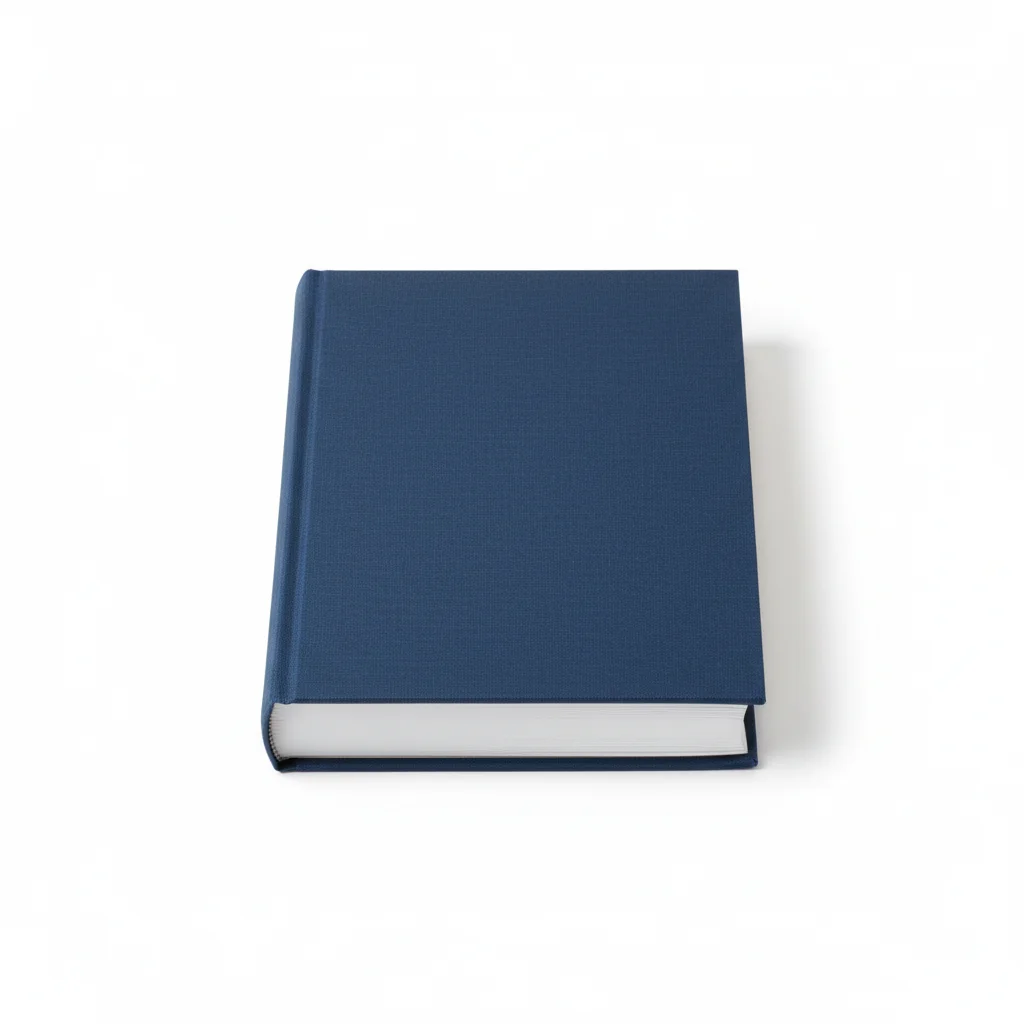
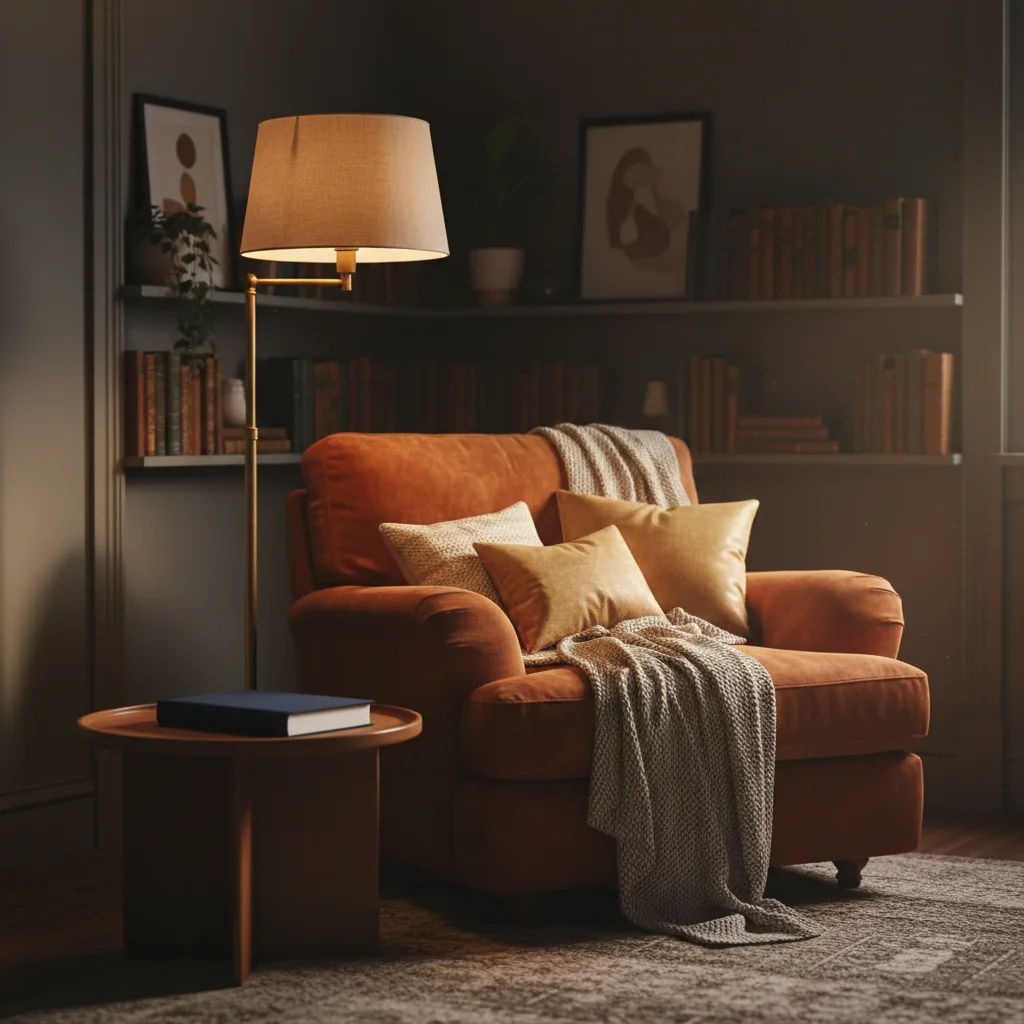
Book inserted into interior design image
An interior design portfolio image of a reading corner — AI inserted a specific book from a reference photo onto the side table surface, matching the warm ambient interior light.
Insert the book from the reference photo onto the surface of the side table in the lower left, cover facing up. Match the warm ambient lamp light and add a soft shadow on the table.
Quick answers
You might also like
Popular use cases
Ready to insert your object?
Upload your image and reference photo. Mark the spot. Done in 30 seconds.