AI Object Replacer
← Browse all replace toolsLast updated
Just describe what to replace and what should take its place. The AI handles the rest.
Upload photo to replace object
"replace the sedan with a black SUV, match the lighting and shadows on the driveway"
Free to try · no sign-up · photos are never shared
Release to upload
<30stypical edit
1 freeedit weekly
Photo on your phone?
Scan to open this editor there — free edit works on your phone too.
Watch it happen: one sentence, one edit
How it works
See it in action
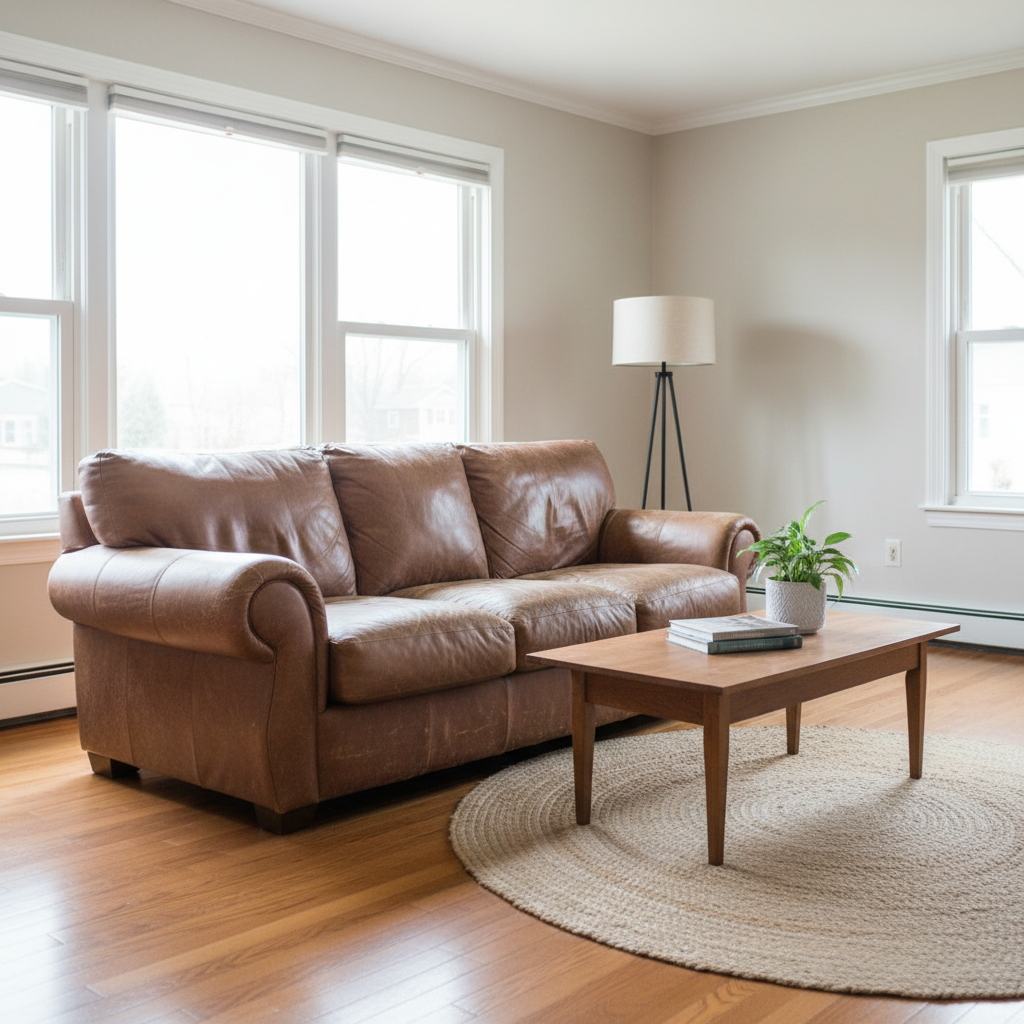
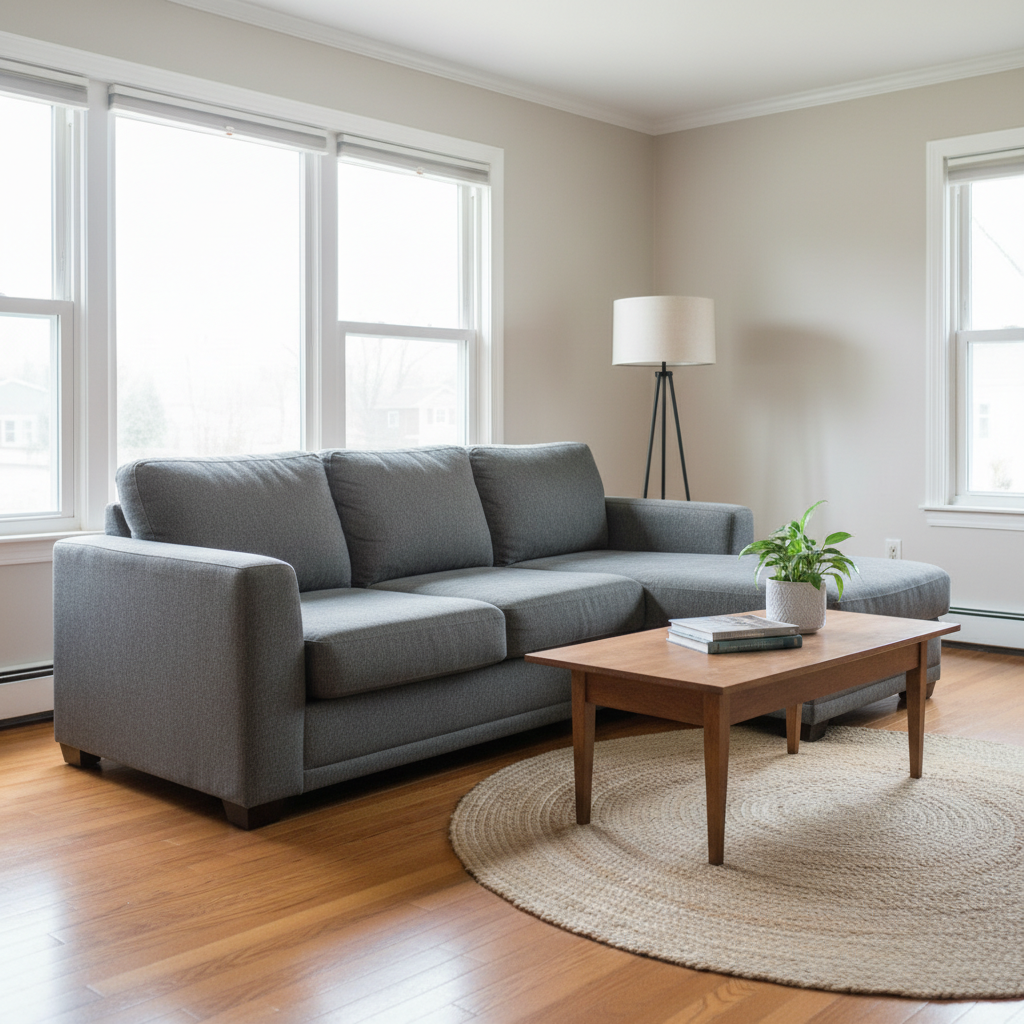
Living room sofa upgrade
Real estate listing needed updated staging. The old sofa was replaced with a modern sectional that fits the space.
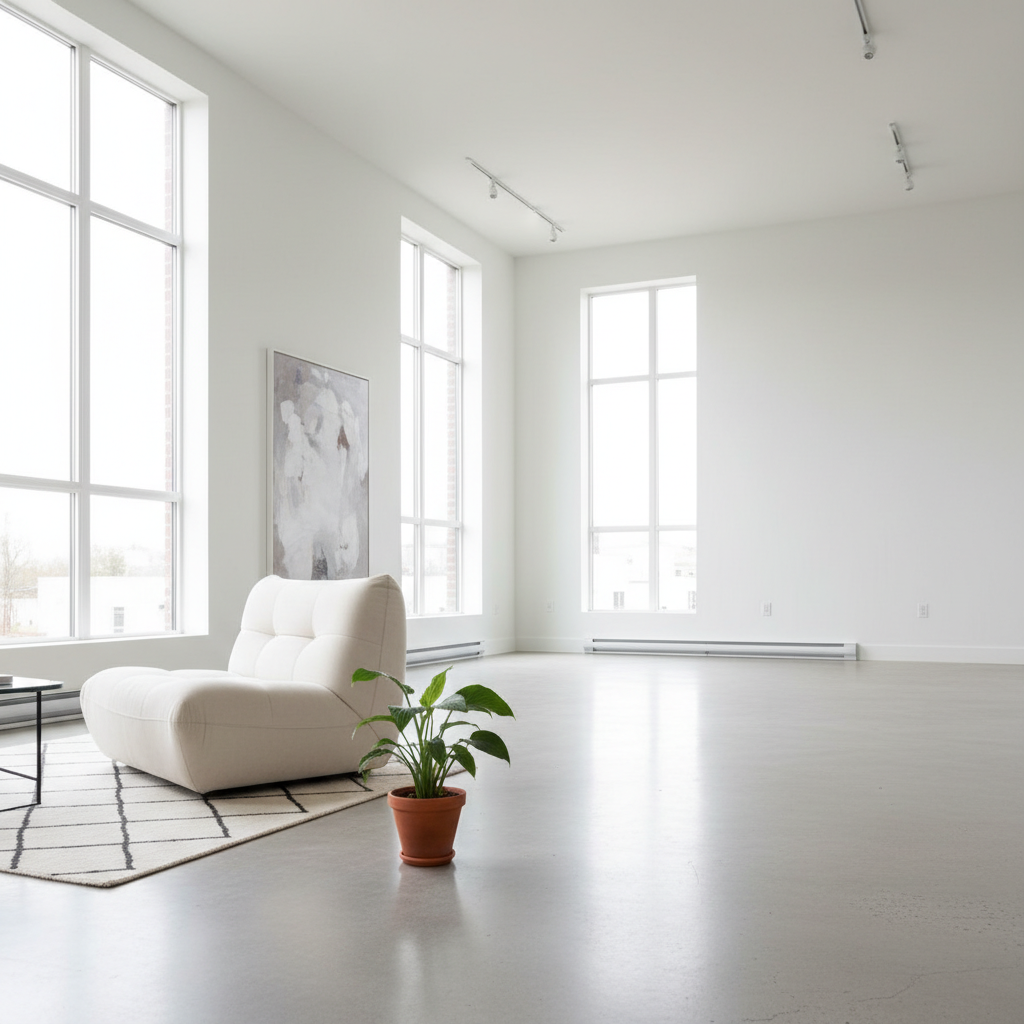
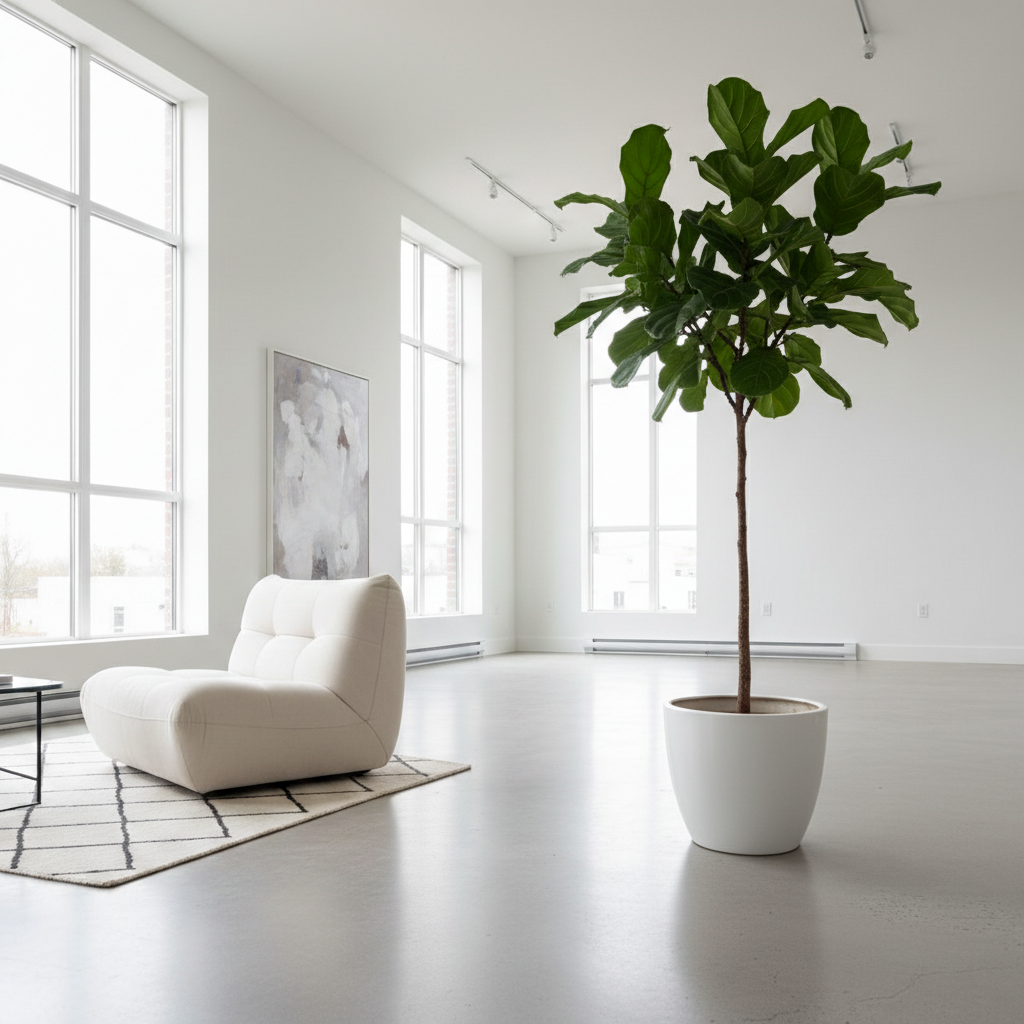
Plant swap for interior design
Designer wanted to show a client how a different plant would look. Small plant replaced with statement tree.
Prompt:
replace the small potted plant with a tall fiddle leaf fig tree in a white ceramic pot
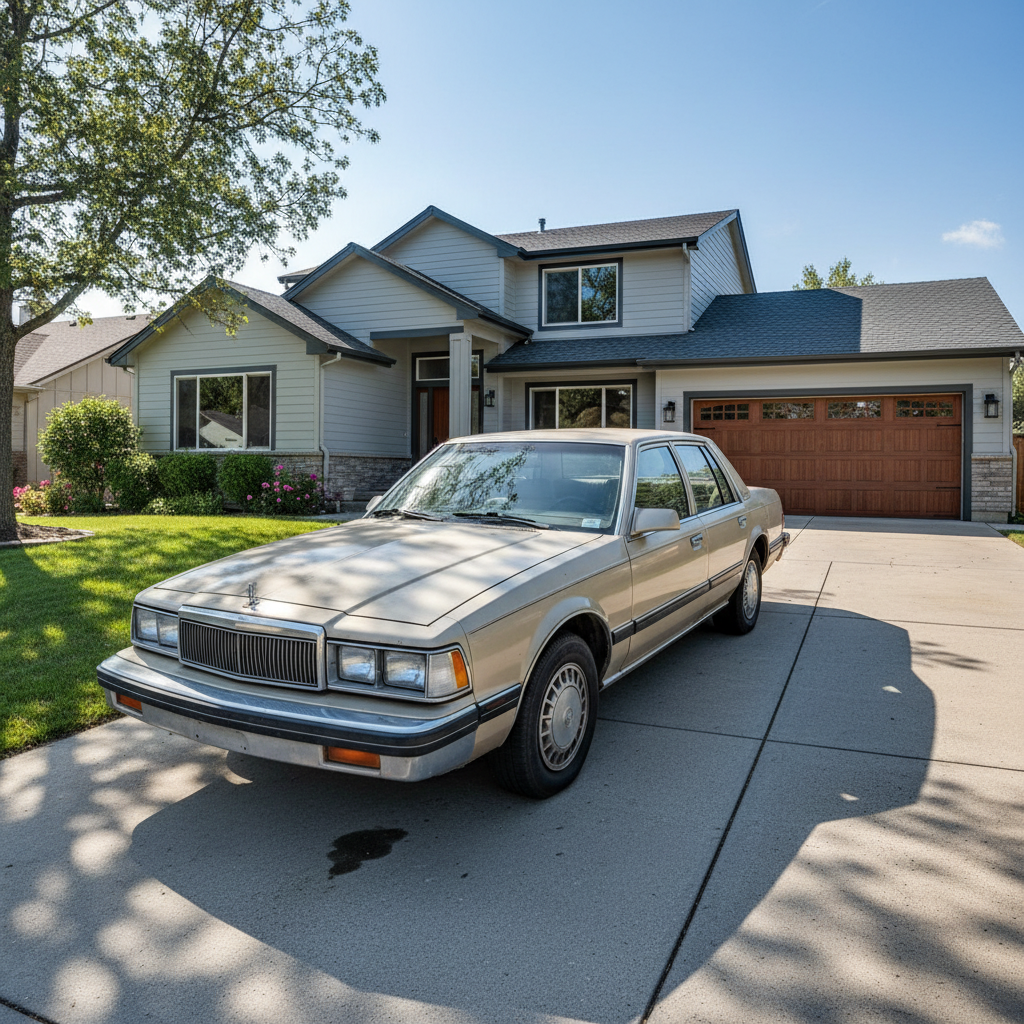
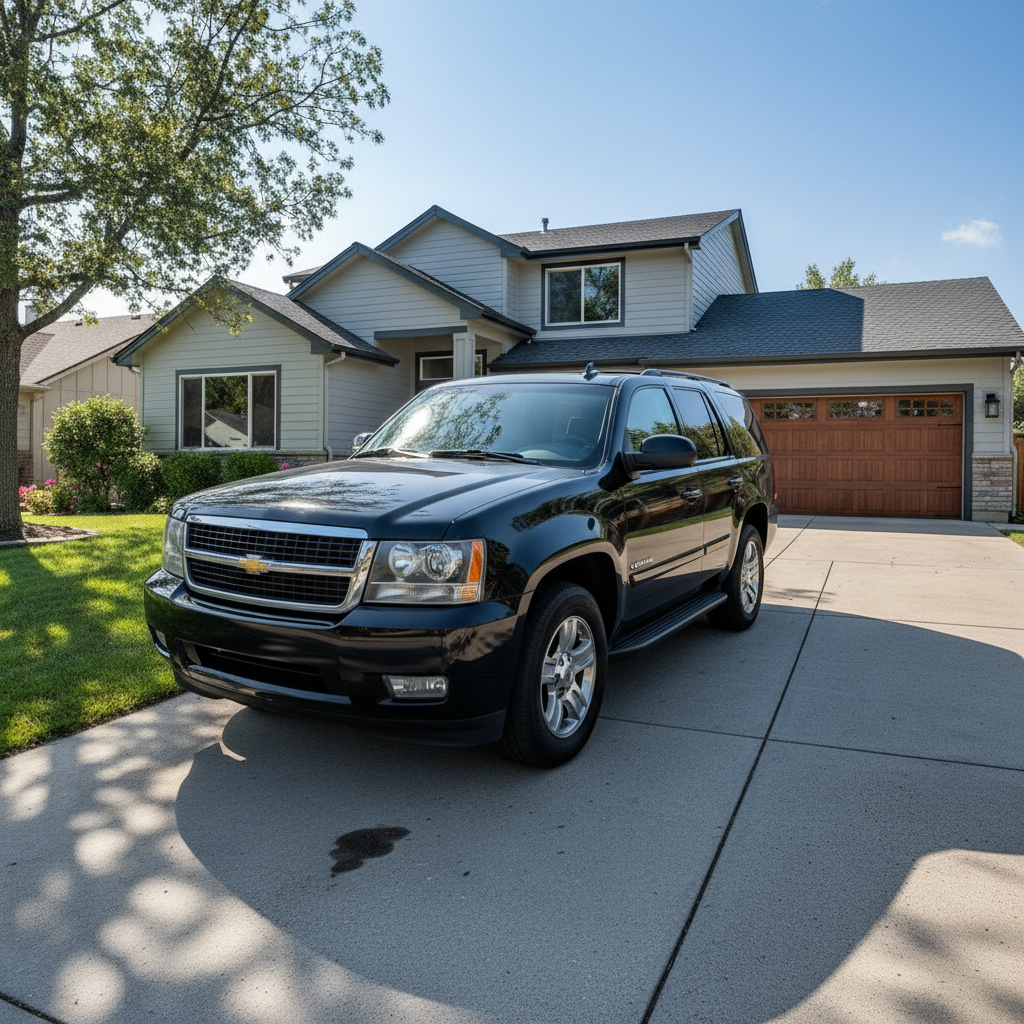
Car swap in real estate photo
Homeowner's old car was in the driveway shot. Replaced with a nicer vehicle for the listing.
Prompt:
replace the sedan with a black SUV, match the lighting and shadows on the driveway
Quick answers
You might also like
Popular use cases
Ready to swap objects in your photo?
Free to try. No signup required.