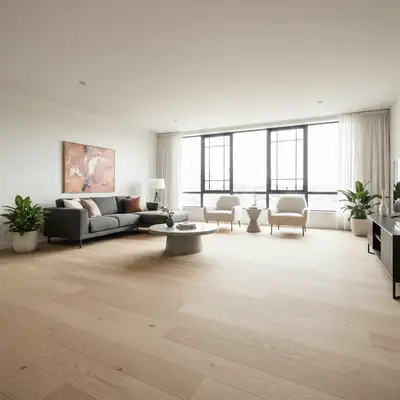
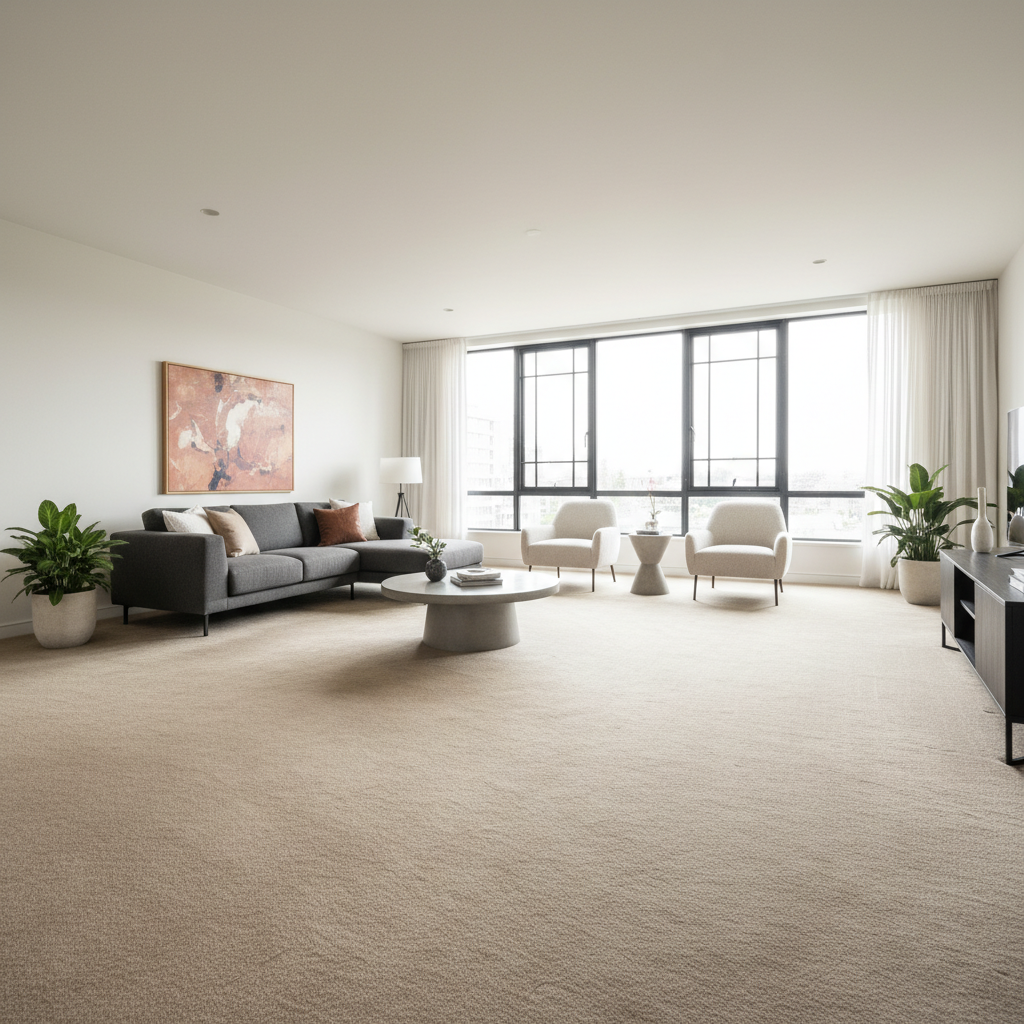
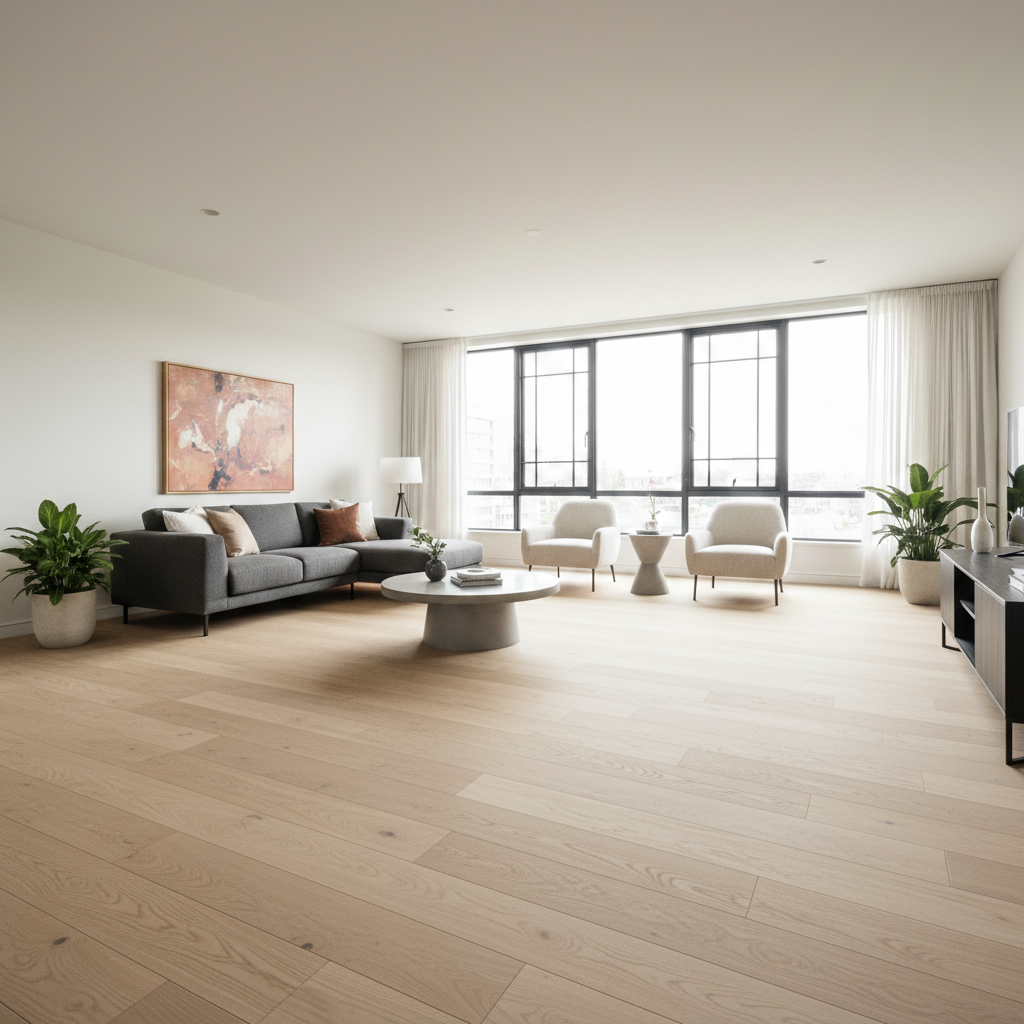
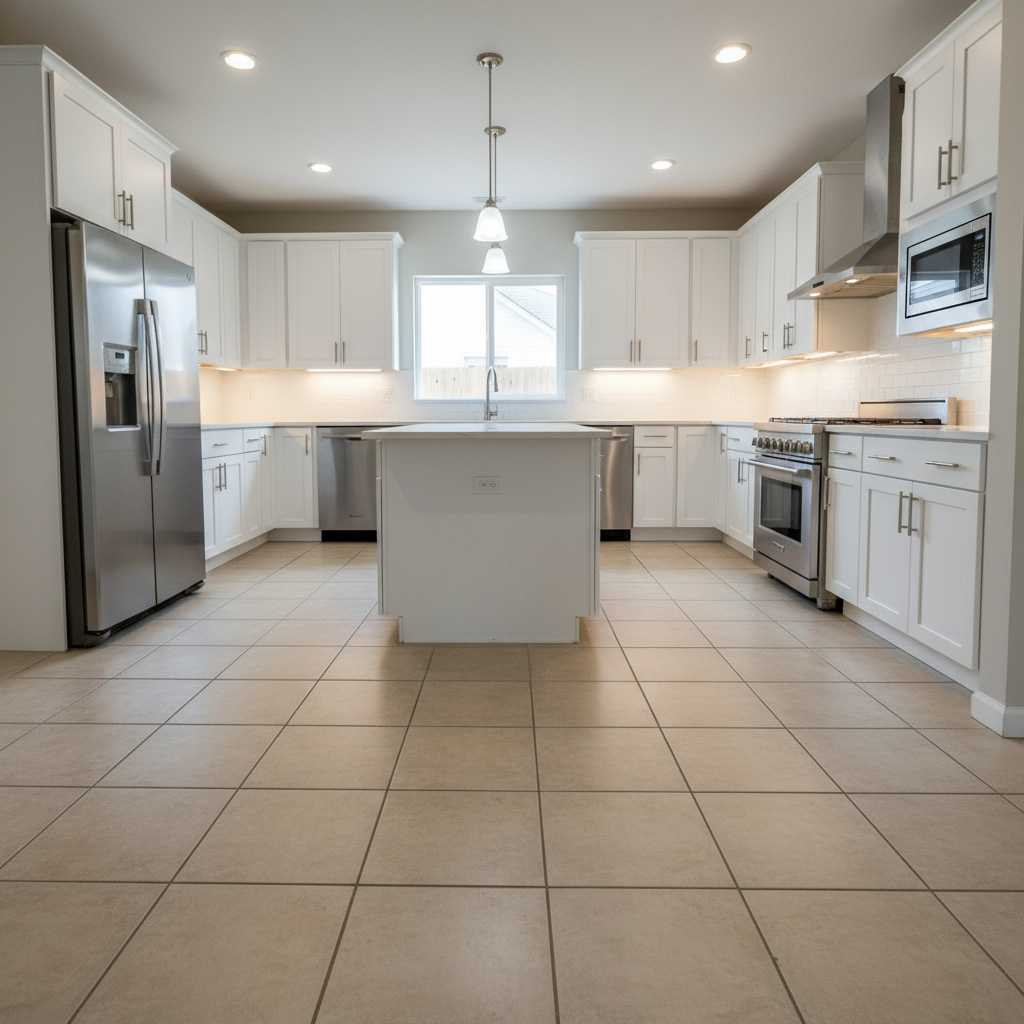
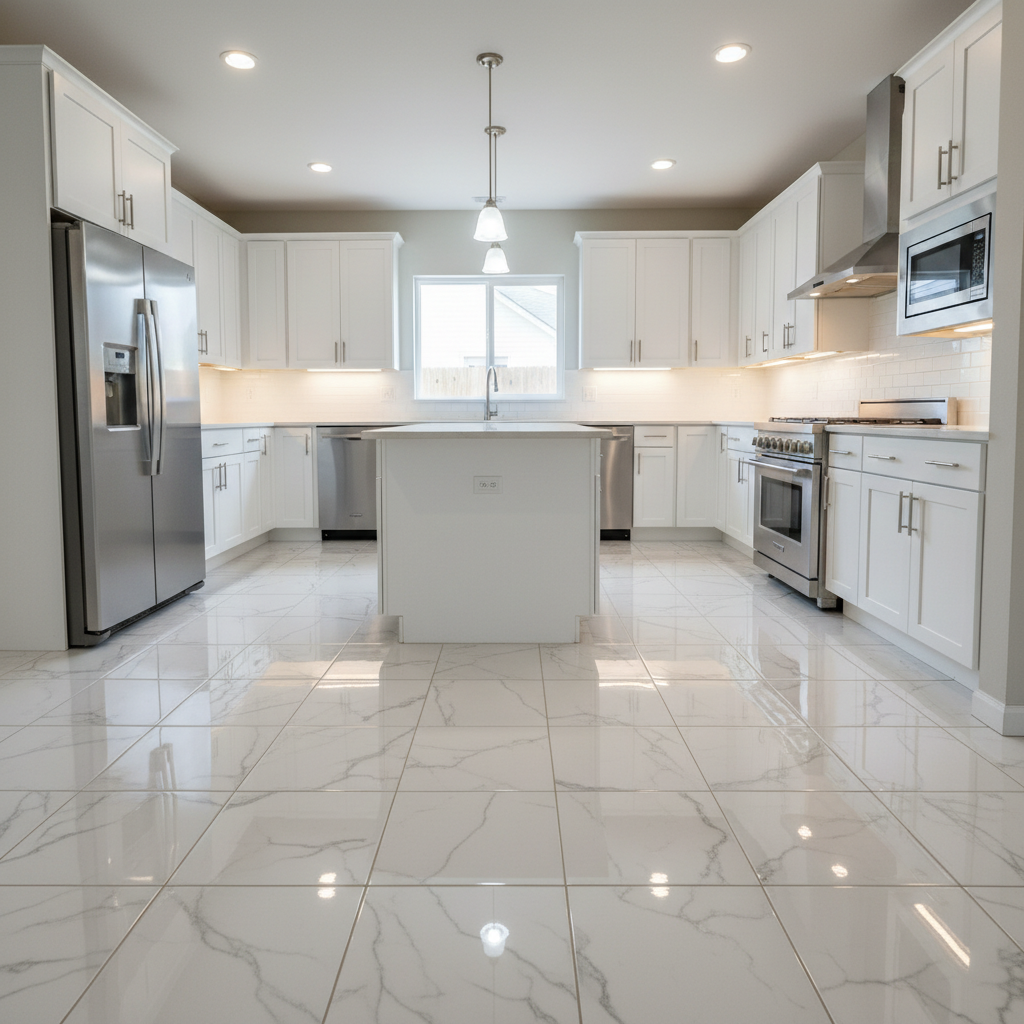
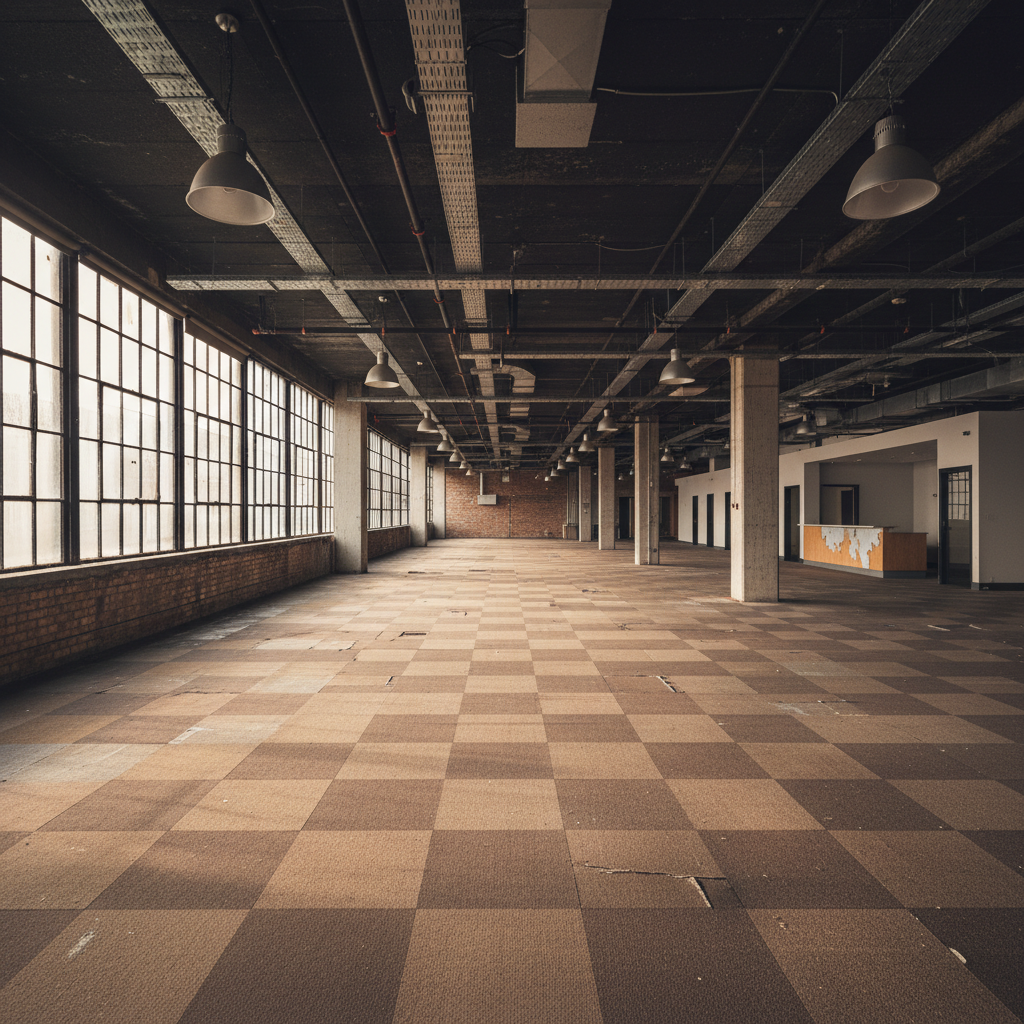
Do I need to select the floor before replacing it?
No. Just describe the new flooring you want: 'replace the carpet with hardwood floors.' The AI identifies the floor automatically.
How do I replace flooring in a photo for free?
Upload your interior photo to EditThisPic and type 'replace the floor with [flooring type].' Be specific about material and color. The AI swaps it in 25-40 seconds. Free, no login, no watermarks.
Is there a free floor replacement tool that doesn't need an account?
Yes. EditThisPic replaces flooring without signup. Upload, describe the new floor, download. No watermarks. Works in your browser for renovation visualization.
What is the best free AI tool for replacing floors in photos?
EditThisPic offers free AI floor replacement with no signup. Unlike interior design software that requires 3D room models, just upload a photo and describe the flooring you want. The AI handles perspective matching, shadow rendering, and material textures automatically. Works on carpet, hardwood, tile, marble, and concrete.
Can I use a reference image of the flooring I want?
Yes. Click '+ Add reference image' to upload a photo of your desired flooring, then describe 'replace the floor with the flooring from the reference image.' Great for matching specific products.
Will the new floor have proper perspective for my room?
The AI analyzes the room angle and applies flooring with matching perspective. For best results, use photos with clear floor visibility and typical room angles. Extreme angles may need refinement.
Is EditThisPic's AI floor replacer really free?
Yes — you get 1 free edit per week, no account needed. Credit packs start at $4.99 for 10 edits.
Can I replace floor on my phone?
Yes. EditThisPic works in any mobile browser — iPhone, Android, tablet. No app download needed.
What photo formats does the AI floor replacer support?
JPG, PNG, WebP, and HEIC. Upload any common photo format and EditThisPic handles the rest.
Can I compare multiple flooring options side by side?
Yes. Upload the same room photo and run it with different prompts: 'replace with oak hardwood,' then 'replace with white marble,' then 'replace with dark walnut.' Save each result and compare them side by side to see which flooring suits your space best.
Does the AI handle furniture and rugs on the floor correctly?
The AI preserves furniture, rugs, and objects resting on the floor while replacing the visible floor surface underneath and around them.
Can I replace outdoor flooring like patios or decks?
Yes. The tool works on any visible floor surface, indoors or outdoors. Try prompts like 'replace the concrete patio with natural stone pavers' or 'change the wooden deck to composite decking in gray.' Outdoor photos with clear floor visibility produce the best results.
Are my uploaded interior photos stored or shared?
No. EditThisPic processes your photo in real time and does not store images on any server. Your interior photo is sent to the AI for floor replacement and the result is returned directly to your browser. Nothing is saved or used for training.
How much does EditThisPic cost?
You get 1 free edit per week — no account needed. After that, one-time credit packs start at $4.99 for 10 edits, valid 12 months, no subscription. Power users who edit daily can pick Studio Membership, a monthly workspace at $49.99/mo for 300 edits. Purchased downloads are clean with no watermark.