Free • No signup Design Patio or deck · Free

AI Patio Designer

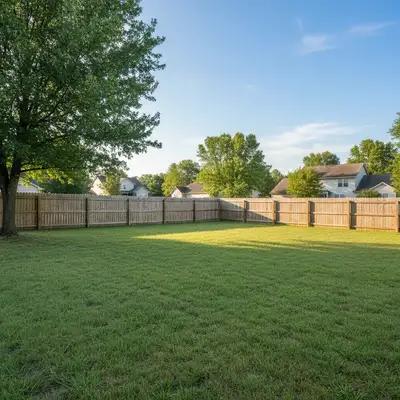
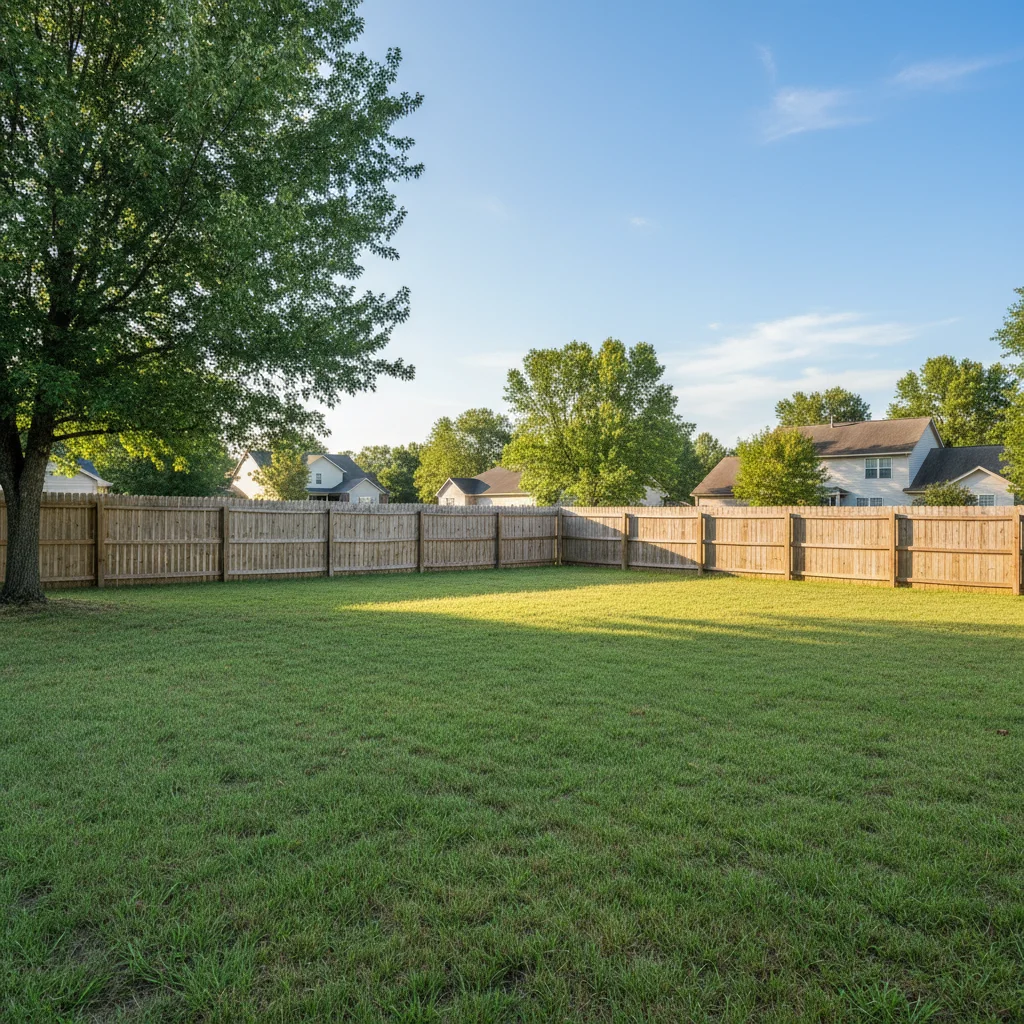
Before
Before
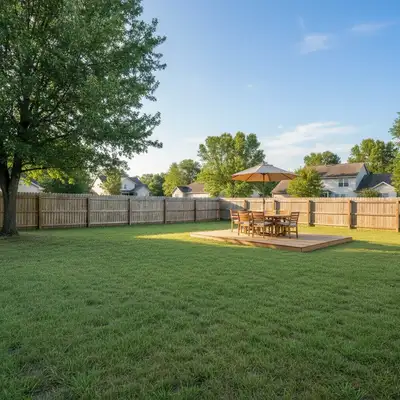
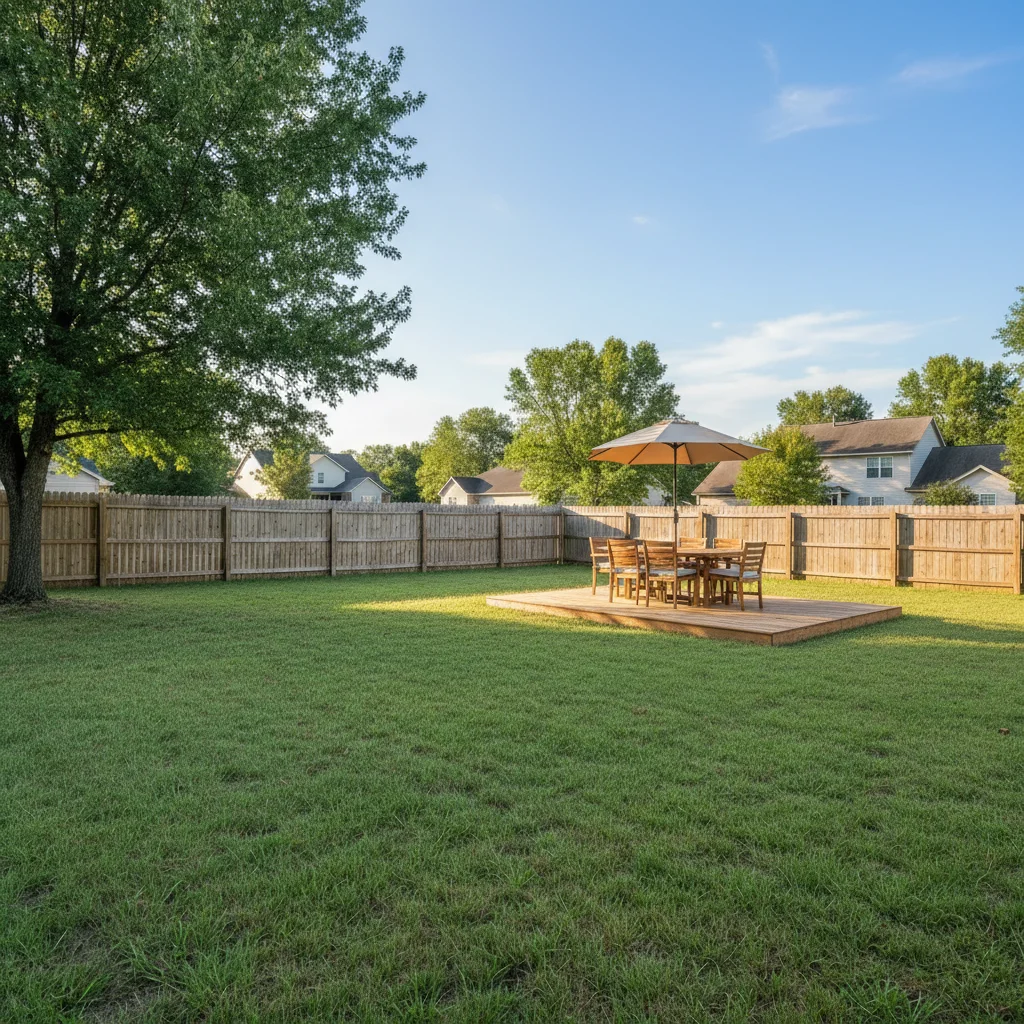
After
After

Free AI Patio Designer

Drop your photo here

or click to browse

Release to upload

Free • No signup

Advertisement
Popular use cases:
  • patio design ideas
  • deck visualization
  • outdoor living space design
  • backyard patio planning
  • deck remodel ideas
  • patio before and after
  • outdoor space planning
  • deck and patio ideas

Cost
Free No signup required
Time
Instant results in 15-30 seconds
Works on
Any device - browser, phone, tablet, desktop
Powered by
AI-powered photo editing
Scenario Prompt Time
Simple deck addition 15-30s
Stone patio design 15-30s
Complete outdoor room 15-30s
Patio upgrade 15-30s

How it works

  1. Upload your outdoor space photo

    Take a photo of your backyard, deck area, or patio space from a good angle. The AI works best with clear daytime photos showing the full area where you want to add or redesign a patio. Both existing patios and empty yards work perfectly.

    Expect: 30-45 seconds for AI to analyze your space and prepare for design visualization.
  2. Describe your patio design

    Simply type what you want to see—the AI creates the visualization automatically. Be specific about materials (wood, stone, concrete), furniture, features (pergola, fire pit, plants), and style. No need to mark where things go.

    Tip: Include specific details like 'composite deck with gray finish' or 'travertine paver patio with built-in seating'. Mention furniture, lighting, and plants to create a complete design vision you can actually build from.

    Copy one of these to get started:

    Entertainment and dining space Add a wooden deck with outdoor dining table and chairs
    Cozy gathering space Create a stone patio with fire pit and lounge seating
    Contemporary outdoor living Design a modern concrete patio with pergola and potted plants
    Low-maintenance entertaining area Add a composite deck with built-in benches and string lights
    5 more prompts
    Outdoor cooking and entertaining Create a brick paver patio with outdoor kitchen and bar area
    Sloped yards or dramatic designs Design a multi-level deck with stairs and planters
    Natural, garden-integrated design Add a flagstone patio with water feature and garden beds
    Bug-free outdoor room Create a screened-in porch with ceiling fan and wicker furniture
    Urban outdoor spaces Design a rooftop deck with modern furniture and privacy screens
  3. Review your patio design

    Check how the patio looks in your actual space. The AI automatically adjusts perspective and scale to match your yard. If you want to try different materials, furniture arrangements, or features, just describe the changes.

  4. Download Your Patio Design Visualization

    Save your patio design mockup in full resolution with no watermark. Perfect for planning your project, getting contractor quotes, or sharing with family.

Try it free

Free AI Patio Designer

Drop your photo here

or click to browse

Release to upload

Free • No signup

See it in action

Before
Before
->
After
After

Wooden Deck Addition

Prompt: Add a wooden deck with outdoor dining table, six chairs, and large umbrella
Before
Before
->
After
After

Stone Patio with Fire Pit

Prompt: Replace with stone paver patio, add fire pit in center with four Adirondack chairs around it
Before
Before
->
After
After

Complete Deck Design

Prompt: Design a composite deck with gray finish, white pergola, built-in bench seating, and corner planters with flowers
Advertisement

If something looks off

AI changed the wrong area or something I didn't want changed

Why: The AI couldn't determine exactly which area you meant from description alone.

Try: Tap a marker on the specific area you want to change, then regenerate with the same prompt

Tip: Markers tell the AI 'I mean THIS one specifically.' Use them when description alone is ambiguous.

The patio size doesn't match my actual space

Why: Without dimensions, the AI estimates size based on visual context.

Try: Add size details to your description: 'create a 12x16 foot patio' or 'small intimate patio' vs 'large entertaining patio'

Tip: Mention specific dimensions or relative sizes (small, medium, large) to control the scale of your patio design.

The perspective looks off or doesn't match the yard angle

Why: Photos taken from unusual angles can create perspective challenges.

Try: Use a photo taken from a more standard viewing angle, or add 'matching the perspective of my yard' to your description

Tip: Photos taken from standing height, roughly where you'd view the patio, give the most realistic results.

Furniture or features are too big or too small

Why: Scale can be tricky when adding elements to outdoor spaces.

Try: Specify 'standard-size dining table' or 'compact fire pit' to control proportions

Tip: Reference real furniture dimensions or use size descriptors (full-size, apartment-size, oversized) for better scaling.

The design doesn't match my house style

Why: Generic descriptions may not consider your home's architecture.

Try: Add style context: 'modern patio to match contemporary house' or 'traditional design matching colonial home'

Tip: Mention your house style (modern, traditional, craftsman, etc.) to get designs that complement your architecture.

The materials look unrealistic or wrong texture

Why: Material descriptions can be interpreted in different ways.

Try: Be very specific: 'natural cedar planks' vs just 'wood', or 'tumbled limestone pavers' vs just 'stone'

Tip: Use specific material names (composite, travertine, bluestone, cedar) for more accurate texture rendering.

Quick answers

Do I need to mark where the patio should go?

No! Just describe what you want and the AI will intelligently place the patio in the appropriate area of your yard. The AI understands outdoor spaces and positions patios naturally. Markers are only needed if you want to specify an exact unusual location.

Is this really free with no watermark?

Yes, completely free with no watermark on your downloaded images. No account required, no hidden fees. You get full-resolution design visualizations ready to share with contractors or family.

Can I try multiple design ideas for the same space?

Absolutely! Upload your photo once and try as many different designs as you want. Compare wood vs stone, different furniture arrangements, with or without pergolas—experiment freely to find your perfect design.

Will this work for decks attached to my house?

Yes! The AI handles both attached decks and freestanding patios. Just describe what you want and the AI will create a design that connects naturally to your house if that's what you're envisioning.

Can I redesign an existing patio instead of starting from scratch?

Definitely. Upload a photo of your current patio and describe changes: 'replace concrete with stone pavers' or 'add pergola and new furniture'. The AI can upgrade, modify, or completely redesign existing spaces.

How accurate are the designs for actual construction?

The visualizations give you a realistic idea of how designs will look in your space, perfect for planning and discussions with contractors. For actual construction, you'll still need professional measurements and engineering, but these images are excellent starting points.

Ready to design your dream patio?

Free to try. No signup required.

Try it free