Free β€’ No signup Add Pool Β· Free

Add Pool to Photo with AI

See how an in-ground or above-ground pool would look in your backyard instantly.

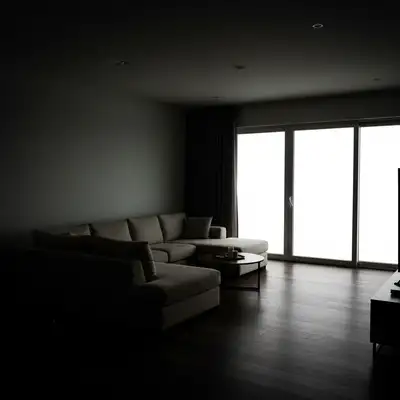
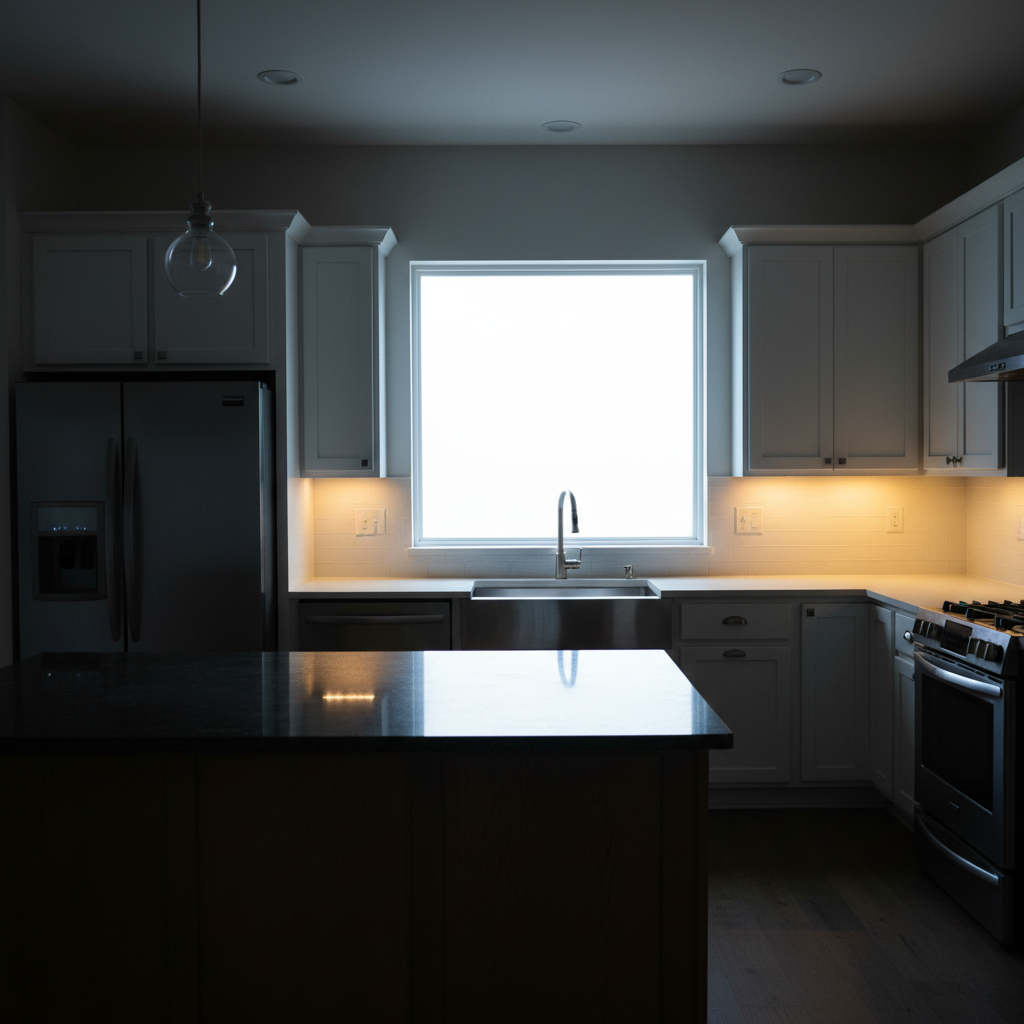
Original photo before Add Pool to Photo with AI
Before
β†’
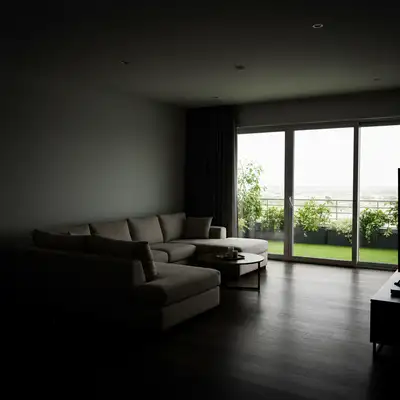
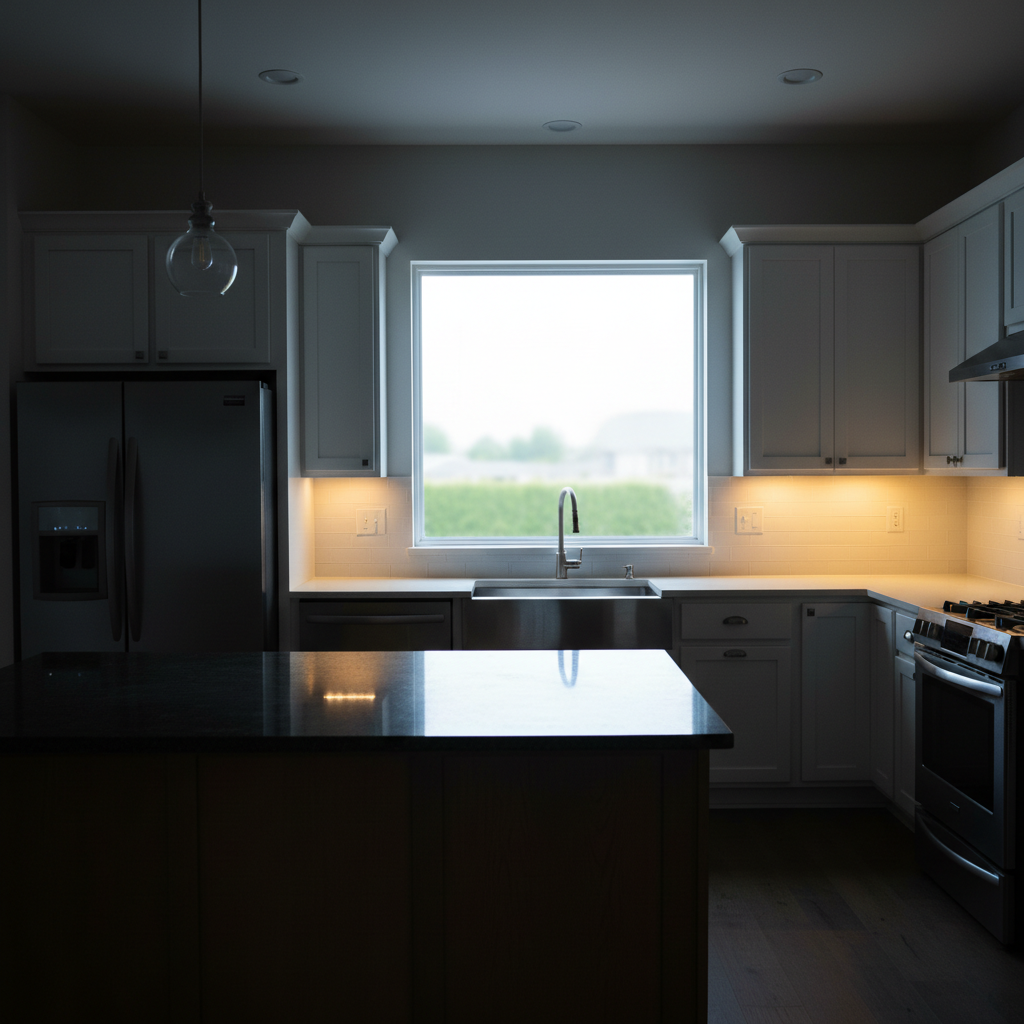
Result after Add Pool to Photo with AI using EditThisPic
After

AI Add Pool to Photo

Upload photo to add pool

Free β€’ Results in 30 seconds β€’ No signup

Release to upload

FreeNo signupNo watermark

Cost
Free No signup required
Time
Instant results in 15-30 seconds
Works on
Any device - browser, phone, tablet, desktop
Powered by
AI-powered photo editing

How it works

  1. Upload Your Backyard Photo

    Upload a clear photo of your backyard or outdoor space where you want to visualize a pool. The AI works best with well-lit photos showing the ground area clearly. You'll get accurate pool placement and realistic shadows without marking anything.

    Expect: Simple add: 20-30 seconds. Complex add: 30-45 seconds and may need refinements.
  2. Describe Your Pool Vision

    Tell the AI exactly what kind of pool you want: type (in-ground, above-ground, infinity edge, lap pool), size, shape (rectangular, kidney, freeform), location in the yard, and materials (tile, concrete, liner). Be specific about features like steps, coping, or surrounding deck area.

    Copy one of these to get started:

    Add a rectangular in-ground pool with Add a rectangular in-ground pool with blue tile in the center of the backyard
    Add a kidney-shaped pool with stone Add a kidney-shaped pool with stone coping on the left side of the yard
    Add an infinity edge pool with Add an infinity edge pool with dark grey tile overlooking the back fence
    Add a lap pool 40 feet Add a lap pool 40 feet long with white tile along the right property line
    4 more prompts
    Add a freeform natural pool with Add a freeform natural pool with rock edges and waterfall feature in the back corner
    Add a raised above-ground pool with Add a raised above-ground pool with wooden deck surround in the right backyard area
    Add a small plunge pool with Add a small plunge pool with spa jets and turquoise mosaic tile near the patio
    Add a large resort-style pool with Add a large resort-style pool with tanning ledge, beach entry, and travertine decking filling most of the yard
  3. Review Pool Placement

    The AI generates your pool design with realistic water, shadows, and integration with your yard. Check that the size and position match your vision. If needed, refine your description to adjust pool dimensions, shape, or landscaping around it.

  4. Compare Designs

    Try different pool styles to see what works best for your space. Compare rectangular vs. freeform shapes, different tile colors, or adding features like waterfalls or tanning ledges. Each generation takes seconds.

  5. Download Your Visualization

    Download your pool visualization in high resolution for planning, contractor discussions, or HOA approval. No watermark. Share with family to decide on your pool design before breaking ground.

Try it free ↓

AI Add Pool to Photo

Upload photo to add pool

Free β€’ Results in 30 seconds β€’ No signup

Release to upload

Free β€’ No signup

"I use this for all my product photos now. Game changer." via Trustpilot

See it in action

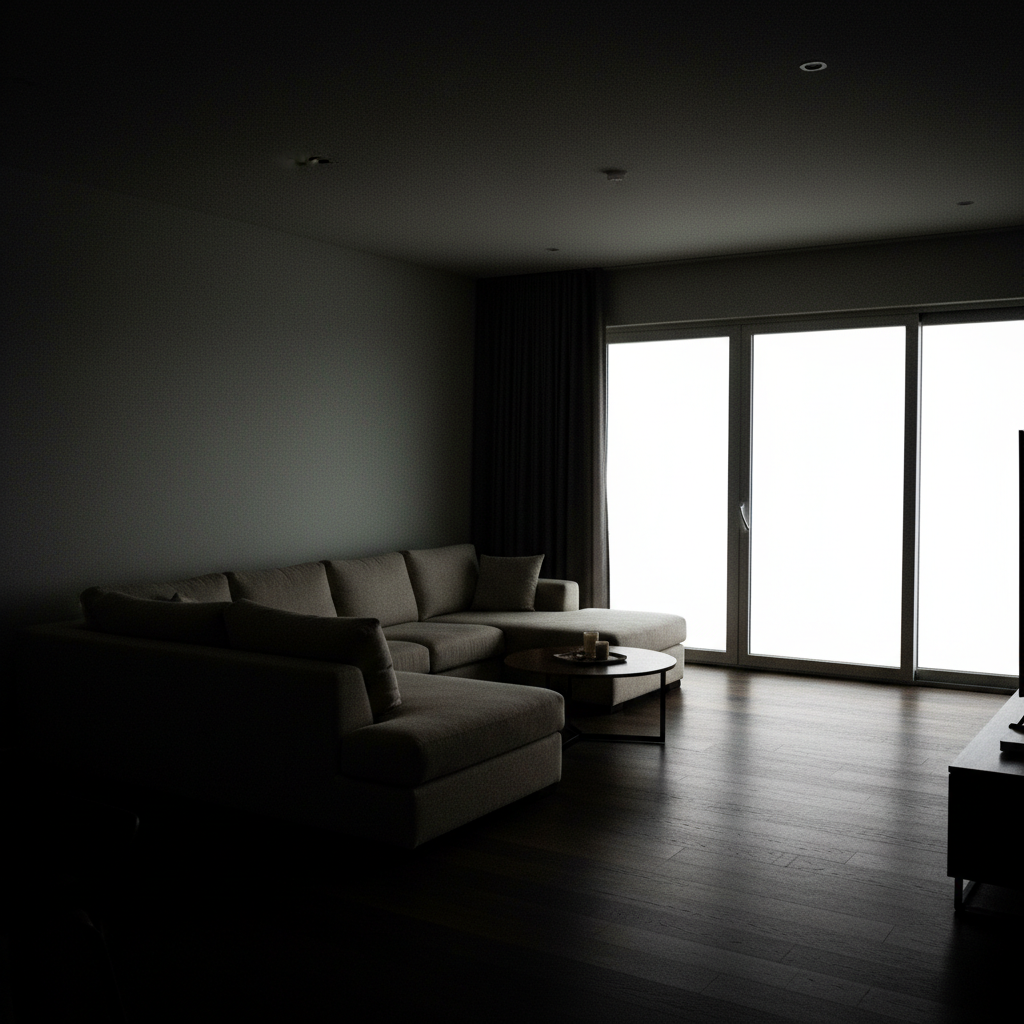
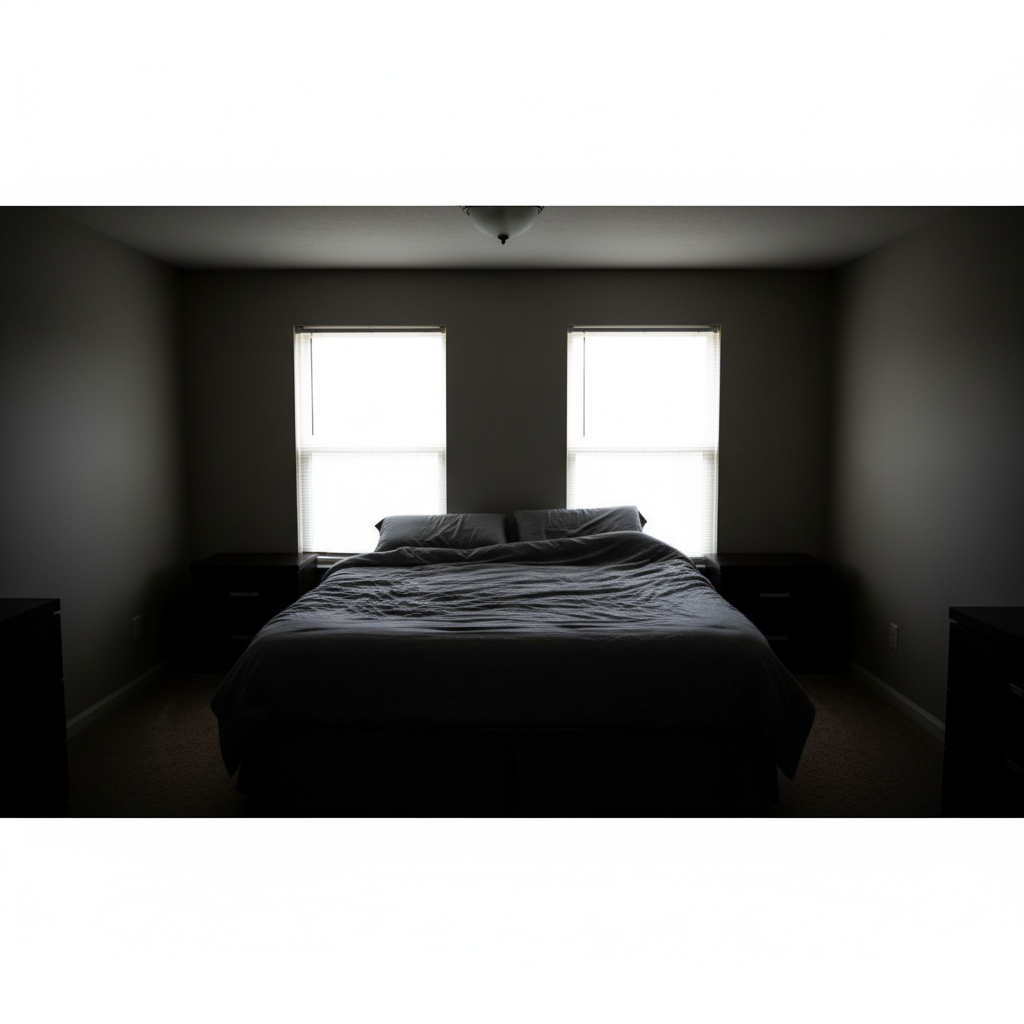
Original photo before Add Pool to Photo with AI
Before
->
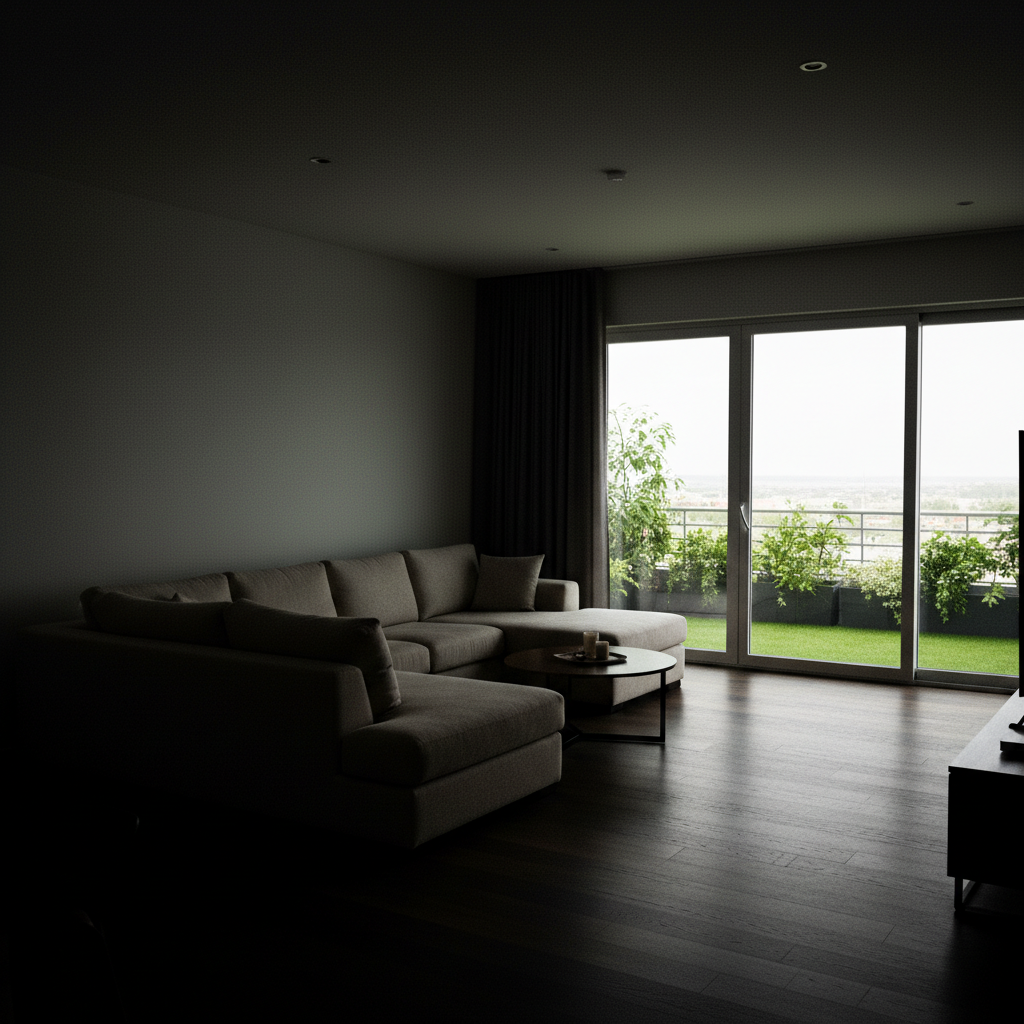
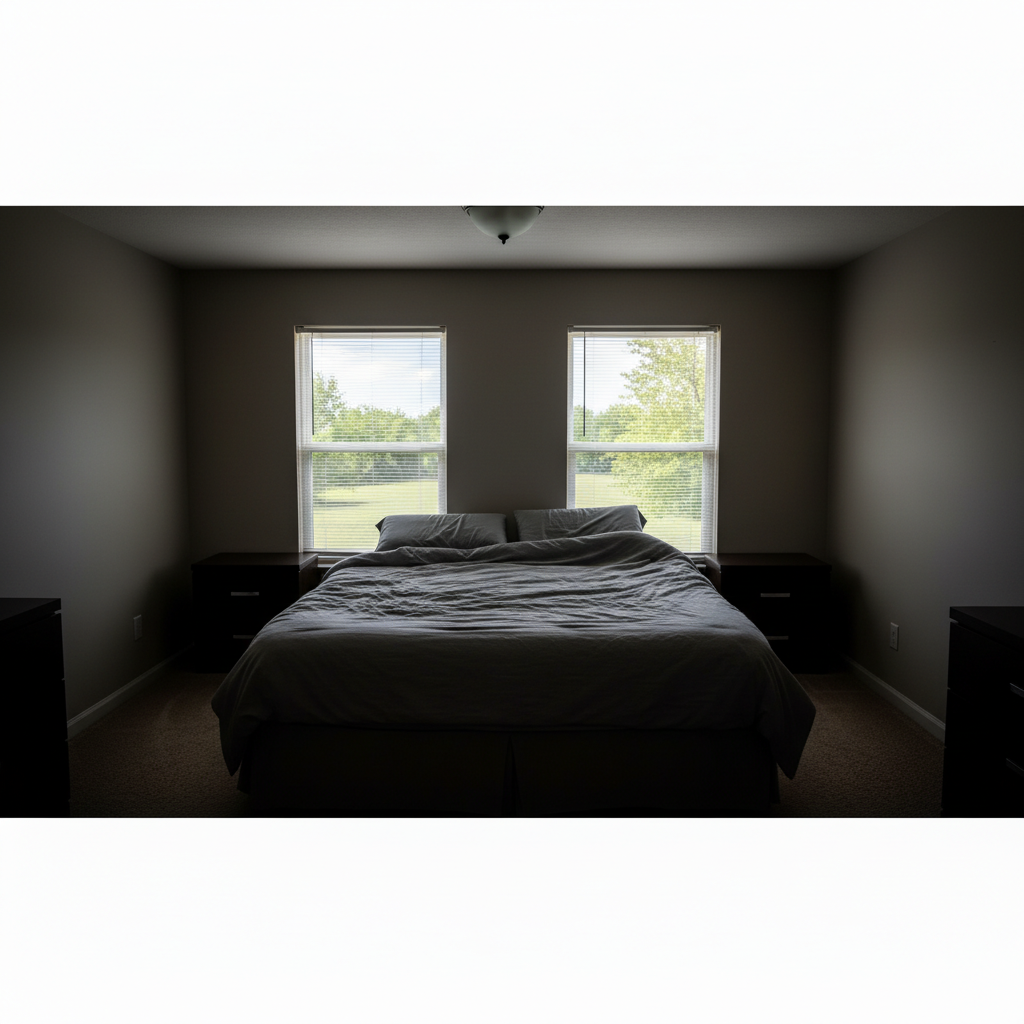
Result after Add Pool to Photo with AI using EditThisPic
After

Rectangular in-ground pool with blue tile and concrete copin...

Rectangular in-ground pool with blue tile and concrete coping

Prompt: Rectangular in-ground pool with blue tile and concrete coping
Original photo before Add Pool to Photo with AI
Before
->
Result after Add Pool to Photo with AI using EditThisPic
After

Infinity edge pool with dark tile blending into horizon view

Infinity edge pool with dark tile blending into horizon view

Prompt: Infinity edge pool with dark tile blending into horizon view
Original photo before Add Pool to Photo with AI
Before
->
Result after Add Pool to Photo with AI using EditThisPic
After

Compact plunge pool with surrounding stone deck

Compact plunge pool with surrounding stone deck

Prompt: Compact plunge pool with surrounding stone deck

Detailed Guides by Scenario

πŸ“·

Home & Interior Design

Preview how pool would look in a room or space before committing to a purchase or renovation.

Common Scenarios

  • Visualizing pool in a living room, bedroom, or office before buying
  • Creating client mockups that show pool in their actual space
  • Comparing different placements of pool in renovation plans

Best Practices

  • Upload a well-lit, straight-on photo of the room for the most realistic result
  • Specify the size and position β€” e.g., 'add a large pool on the left wall'
  • Match the room's lighting in your prompt: 'warm lighting' for evening shots, 'natural daylight' for window-lit rooms
πŸ“·

Creative & Social Content

Use pool to create eye-catching content for social media, digital art, or personal projects.

Common Scenarios

  • Adding pool to photos for unique social media posts that stand out in feeds
  • Creating fantasy or composite images that incorporate pool for art projects
  • Making holiday or themed content by placing pool in seasonal photos

Best Practices

  • Be specific about the style β€” 'realistic pool' vs. 'illustrated pool' gives very different results
  • Use reference images when you want the AI to match a particular look
  • For social content, try unusual placements that create a surreal or humorous effect
πŸ“·

Professional & Marketing Use

Incorporate pool into marketing materials, presentations, and product catalogs without expensive photo shoots.

Common Scenarios

  • Adding pool to product mockups and marketing banners
  • Creating presentation slides that show pool in context
  • Building a catalog of variations that feature pool in different settings

Best Practices

  • Use high-resolution source images β€” marketing materials demand sharp details
  • Keep brand guidelines in mind: specify colors and style that match when adding pool
  • Generate multiple versions and A/B test which placement performs best in ads

If something looks off

AI changed the wrong area or something I didn't want changed

Why: The AI couldn't determine exactly which area you meant from description alone.

Try: Tap a marker on the specific area you want to change, then regenerate with the same prompt

Tip: Markers tell the AI 'I mean THIS one specifically.' Use them when description alone is ambiguous.

Quick answers

Do I need to mark where the pool should go?

No, you never need to mark or outline anything. Just describe where you want the pool in relation to visible features in your photo. For example, 'add a rectangular pool in the center of the backyard lawn' or 'add a pool on the left side of the yard near the fence.' The AI understands spatial descriptions and places the pool automatically.

What pool types can I add?

You can visualize in-ground pools (rectangular, kidney, freeform, L-shaped), above-ground pools, infinity edge pools, lap pools, plunge pools, natural pools with rock edges, and even indoor pools. Specify the style, shape, and any features like waterfalls, spa sections, beach entries, or tanning ledges.

How do I get accurate pool dimensions?

Include specific measurements in your description: 'add a 16 by 32 foot rectangular pool' or 'add a 50-foot lap pool.' If you don't have exact dimensions, describe proportionally: 'add a medium-sized pool that takes up about half the lawn area' or 'add a small plunge pool about 10 feet across.'

Can I add pool decking and landscaping too?

Yes, describe the complete pool area in one prompt. For example: 'add a freeform pool with travertine deck, lounge chairs on the right side, and palm trees in planters.' Or 'add a rectangular pool with brick coping and grassy lawn around the perimeter.' The AI handles pool, hardscape, and landscaping together.

Will the pool look realistic for contractor quotes?

The AI generates realistic visualizations suitable for planning and initial design discussions. However, actual pool construction requires professional site surveys, soil testing, and engineering for proper grading, drainage, and utilities. Use these visualizations to communicate your vision to pool contractors, who will create detailed construction plans.

Can I visualize pools for sloped yards?

Yes, but describe how you want the pool to work with the slope. 'Add a pool with retaining wall on the downhill side' or 'add an infinity edge pool that appears to drop off with the slope' or 'add a pool leveled into the hillside with elevated deck on the high side.' The AI can show various solutions for sloped properties.

Is EditThisPic's AI pool adder really free?

Yes β€” you get 1 free edit per week, no account needed. For unlimited edits, plans start at $3.99/month.

What photo formats does the AI pool adder support?

JPG, PNG, WebP, and HEIC. Upload any common photo format and EditThisPic handles the rest.

Ready to start editing?

Free to try. No signup required.