Free • No signup Enhance Parade float photos · Free

Enhance Parade Float Photos

Last updated

Upload your event photo and describe the fix. AI rescues imperfect moments in seconds.

Original photo before parade float photos editing — memory book photo improvement Result after AI parade float photos editing — memory book photo improvement

Upload photo to enhance parade float photos

"enhance parade float photos and make it crisp enough for a large print. Sharpen details, reduce noise, and ensure colors are vibrant and accurate for printing"

Release to upload

1 free edit·then from $4.99

Popular use cases:
  • enhance parade float photos
  • AI parade float photos editor
  • photo parade float photos tool
  • free parade float photos editing

Cost
Free No signup required
Time
Instant results in 15-30 seconds
Works on
Any device - browser, phone, tablet, desktop
Powered by
AI-powered photo editing

How it works

  1. Upload your photo

    Upload the photo that needs restoration. Even low-quality scans work — the AI is designed to handle parade float photos from degraded source material. JPG, PNG, WebP up to 7MB.

    Expect: Most edits complete in 20-45 seconds. Complex changes may need 1-2 refinements.
  2. Describe your edit

    Type what you want: 'enhance parade float photos.' Be specific about details for best results. The AI understands natural language — no technical skills needed.

    Tip: Describe the mood you want — 'warm festive atmosphere' guides the AI better than 'make it look nice.'

    Copy one of these to get started:

    Rescuing a damaged family heirloom photo enhance parade float photos — this is an old family photo with sentimental value. Fix the damage while preserving the original character and era of the photograph
    Preparing a photo for enlargement or printing enhance parade float photos and make it crisp enough for a large print. Sharpen details, reduce noise, and ensure colors are vibrant and accurate for printing
    Fixing a poorly lit event photo enhance parade float photos — the original was taken in bad lighting. Fix the exposure, bring out the faces, and correct the color cast without making it look over-processed
    Professional portfolio or resume submission enhance parade float photos to professional quality — clean, sharp, and color-accurate. It needs to look polished for a portfolio or official submission
    2 more prompts
    Social media post from an old phone photo enhance parade float photos — this was taken on an old phone with a low-quality camera. Sharpen it, reduce the graininess, and make the colors pop for social sharing
    Memorial or tribute project enhance parade float photos with care and sensitivity — this is for a memorial tribute. Restore it beautifully while keeping the person looking exactly as they were
  3. Review the result

    Compare the restored version against the original using the slider. Check that damaged areas look natural, colors appear authentic to the era, and no AI artifacts were introduced.

See it in action

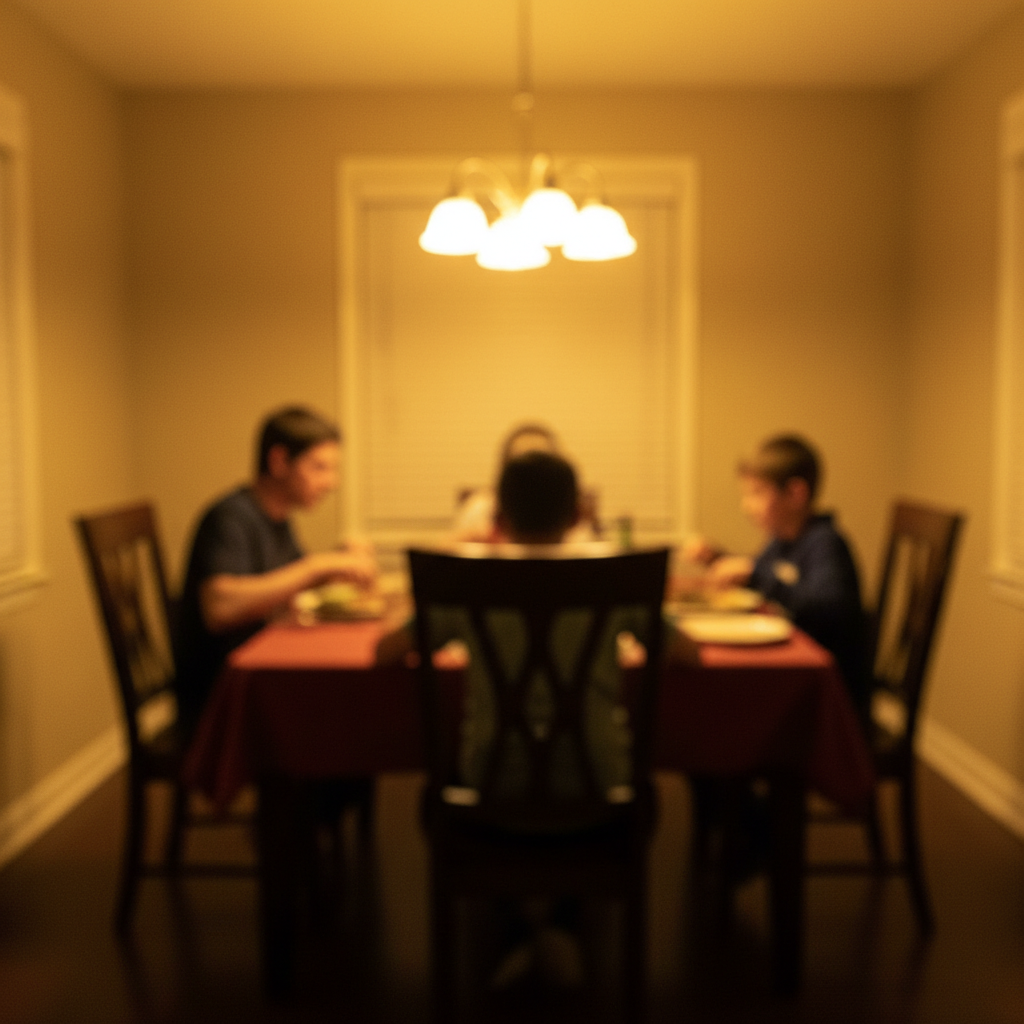
Original photo before parade float photos editing — memory book photo improvement
Before
->
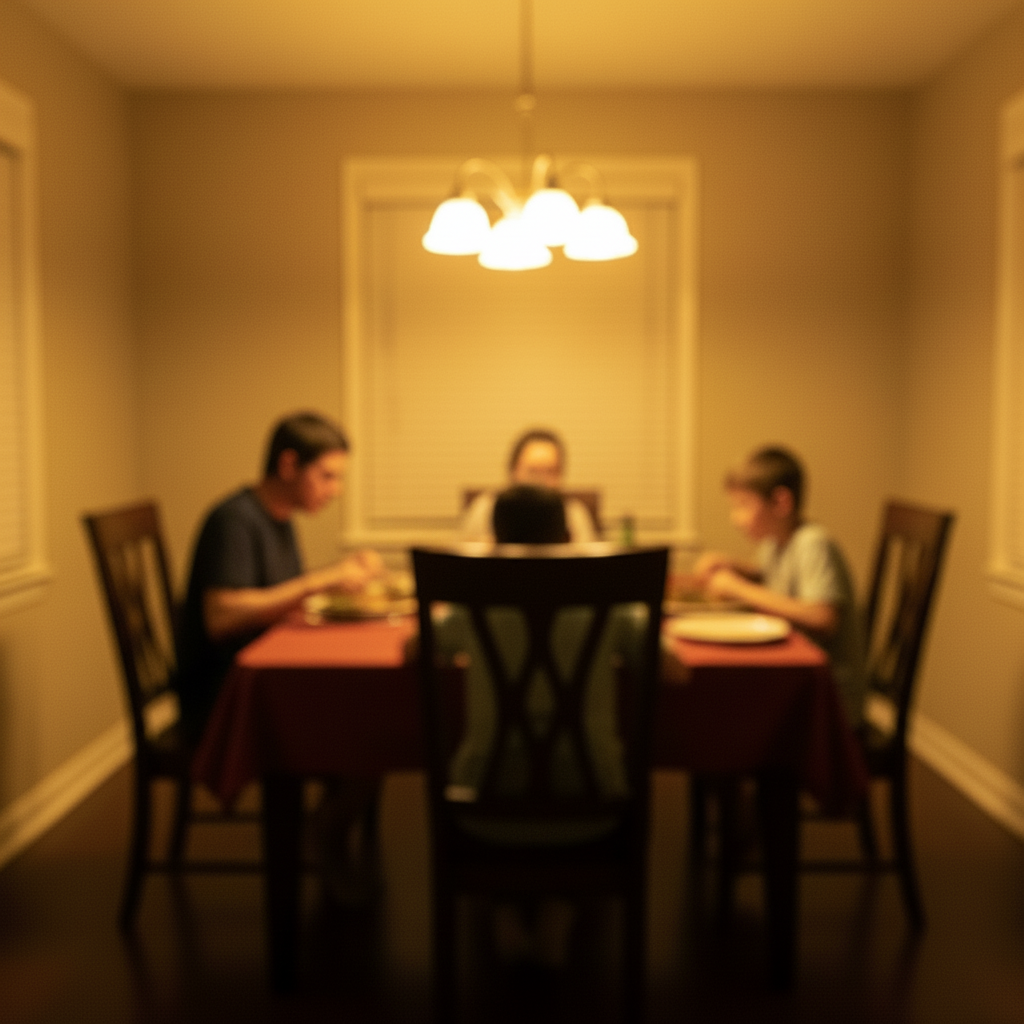
Result after AI parade float photos editing — memory book photo improvement
After

Memory Book Photo Improvement

A meaningful photo deserved better quality for a printed memory book. The AI improved the parade float photos without losing the authentic feel of the original moment.

Prompt: enhance parade float photos — make it look natural and professional
Original photo before parade float photos editing — personal blog feature image
Before
->
Result after AI parade float photos editing — personal blog feature image
After

Personal Blog Feature Image

A social media photo that needed professional-level quality. The AI delivered clean, natural results that looked like they were done by a skilled editor.

Prompt: enhance parade float photos with attention to detail, matching lighting and perspective

Detailed Guides by Scenario

📷

Parade Float Builders and Participants Documenting Their Work

Building a float takes months of work. Photos from the parade itself often disappoint due to motion, crowds, and lighting. AI enhancement recovers the images that show off what the team created.

Common Scenarios

  • Sharpening motion-blurred float photos taken as it passed at parade speed
  • Enhancing the vivid decoration colors and costume details on a float entry
  • Recovering detail in photos taken with partial crowd obstruction

Best Practices

  • For motion blur: 'sharpen the float and decorations, reduce motion blur, keep energy'
  • For color: 'enhance the vivid float decoration colors, make flowers and designs vibrant'
  • For crowd obstructions: 'enhance the float through the crowd, clean up foreground interference'
sharpen this parade float photo: reduce motion blur, enhance vivid decoration colors and detail
enhance parade float for portfolio: vivid colors, sharp decoration detail, crowd reduced
📷

Community Organizations and Event Coordinators Sharing Parade Coverage

Parade coverage drives community pride and event promotion for future years. High-quality float and performance photos that clearly show the energy of the day improve social engagement and news coverage.

Common Scenarios

  • Creating high-quality parade highlight photos for municipal or community social media
  • Enhancing photos of multiple floats and performers for an event recap newsletter
  • Building a visual archive of parade entries for sponsorship and grant applications

Best Practices

  • For social coverage: 'vibrant parade energy — vivid colors, sharp detail, celebratory feel'
  • For event recap: 'consistent enhancement across multiple float photos for visual coherence'
  • For sponsorship: 'professional coverage quality showing sponsor visibility and crowd size'
enhance for parade coverage post: vivid float colors, sharp detail, celebratory community energy
improve this parade recap photo: professional coverage quality, bright and engaging community event
📷

Families Capturing Special Moments at Parades and Festivals

Parades are family memories. From a child's first Fourth of July to grandparent attending a hometown Christmas parade, these moments deserve better than the blurry, backlit phone photos they often produce.

Common Scenarios

  • Brightening backlit parade photos where the float was sunny but the family was in shadow
  • Recovering a blurry photo of a family member riding on or marching near a float
  • Enhancing a crowd perspective photo to show the excitement of the event clearly

Best Practices

  • For backlit family shots: 'balance exposure: brighten family in shade, keep vivid float background'
  • For crowd photos: 'brighten faces clearly visible in the crowd, keep parade energy in background'
  • For children watching: 'bright joyful faces, vivid parade color in background, genuine emotion'
enhance this family parade photo: brighten faces in shade, vivid parade colors in background
improve parade crowd photo: bright clear faces, vivid event energy, natural celebration feel

If something looks off

Result looks unnatural

Why: The AI may need more specific guidance about the look you want.

Try: Add 'natural lighting and sharp details that match the rest of the photo' to your prompt

Tip: Adding 'natural' and 'realistic' to your prompt helps the AI prioritize believability.

Lighting doesn't match

Why: The edited area has different lighting than the original scene.

Try: Add: 'match the lighting direction and color temperature of the original photo'

Tip: If light comes from one side in the original, mention it: 'with light from the left side.'

Quick answers

Will Enhance Parade Float Photos sharpen detail without making faces look plastic?

Yes. The AI lifts detail in clothing, eyes, and texture while keeping skin tones natural — no over-smoothing by default. If you want extra control, add 'preserve skin texture, keep noise grain natural.' Most enhances finish in 20-45 seconds. Free first edit per week, no signup.

Does the AI enhance parade float photos work on mobile?

Yes, EditThisPic works fully in your mobile browser — no app download needed. It also has an iOS app available on the App Store.

How do I get better results when I enhance parade float photos?

Be specific in your prompt. Instead of vague descriptions, mention exact colors, materials, styles, or positions.

Is my photo kept private when I enhance parade float photos?

Yes. Your photo is processed in real-time by the AI and is not stored on our servers after editing. No account is required to use the tool, and we don't collect or share your images. Your original file stays on your device.

How does EditThisPic compare to Photoshop for enhancing parade float photos?

EditThisPic uses AI that understands natural language, so you describe the edit you want instead of using complex tools. It works instantly in your browser with no software to install or learn. For enhancing parade float photos, you simply type what you want and the AI handles the rest in 20-45 seconds.

Will the enhanced result look realistic and natural?

Yes. The AI analyzes your photo's lighting, colors, and context to produce natural-looking results. Most edits look realistic on the first try, and you can always refine with a follow-up prompt if needed.

Can I enhance parade float photos on my phone?

Yes. EditThisPic works in any mobile browser — iPhone, Android, or tablet. The full editor loads on mobile with touch-optimized controls. No app download needed, though an iOS app is also available. Upload from your camera roll and edit on the go.

What's the most common use case for enhancing parade float photos?

Most users enhance parade float photos for social media content, professional work, or personal projects. The AI handles both simple and creative edits, so whether you need a quick fix or an artistic transformation, you can describe exactly what you want in plain English.

Can I enhance parade float photos for multiple photos at once?

Currently, EditThisPic processes one photo at a time for the best AI results. Upload each photo individually and use the same prompt — the process takes about 20-45 seconds per image. For large batches, a paid plan gives you more edits without the weekly wait.

What makes a good photo for enhancing parade float photos?

Well-lit photos with clear subjects produce the best results. Avoid heavily compressed or very small images. Front-facing angles typically work better than extreme side angles. The AI can work with most photos, but higher quality input means higher quality output.

What types of photos work best with this tool?

JPG, PNG, and WebP photos up to 7MB work best. The AI handles photos from any camera or phone. High-resolution images with good lighting produce the best results. Extremely dark, heavily compressed, or very small images may produce less precise edits.

Can I also adjust the lighting and colors in the same edit?

Yes! You can combine multiple edits in one prompt. For example, ask to enhance parade float photos and adjust the lighting and colors at the same time. The AI understands complex multi-step instructions. For very different changes, separate prompts may give better control over each edit.

How much does EditThisPic cost?

You get 1 free edit per week — no account needed. After that, credit packs start at $1.99 for 3 edits. Monthly plans start at $4.99/mo for 15 edits with unused credits rolling over. All edits are full resolution with no watermark.

Ready to enhance your photos?

Free to try. No signup required.

1 free edit included·Credit packs from $4.99