AI Lifestyle Scene Placer
← Browse all creative effectsLast updated
Describe the scene you want - AI creates realistic product lifestyle shots.
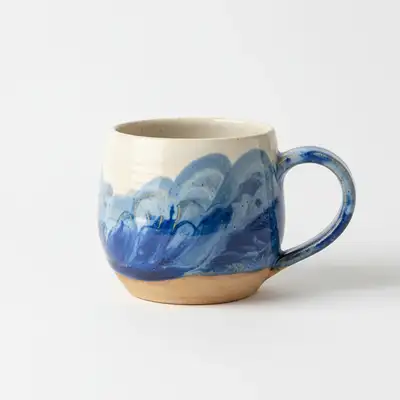
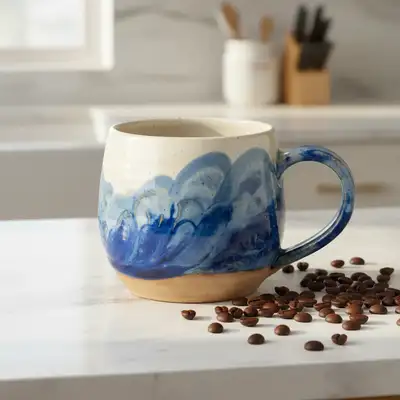
Upload photo to place product in lifestyle scene
"place this product on a clean wooden desk with a laptop partially visible on the left, small potted plant on the right, soft diffused window light from above"
Free to try · no sign-up · photos are never shared
Release to upload
<30stypical edit
1 freeedit weekly
Photo on your phone?
Scan to open this editor there — free edit works on your phone too.
How it works
See it in action
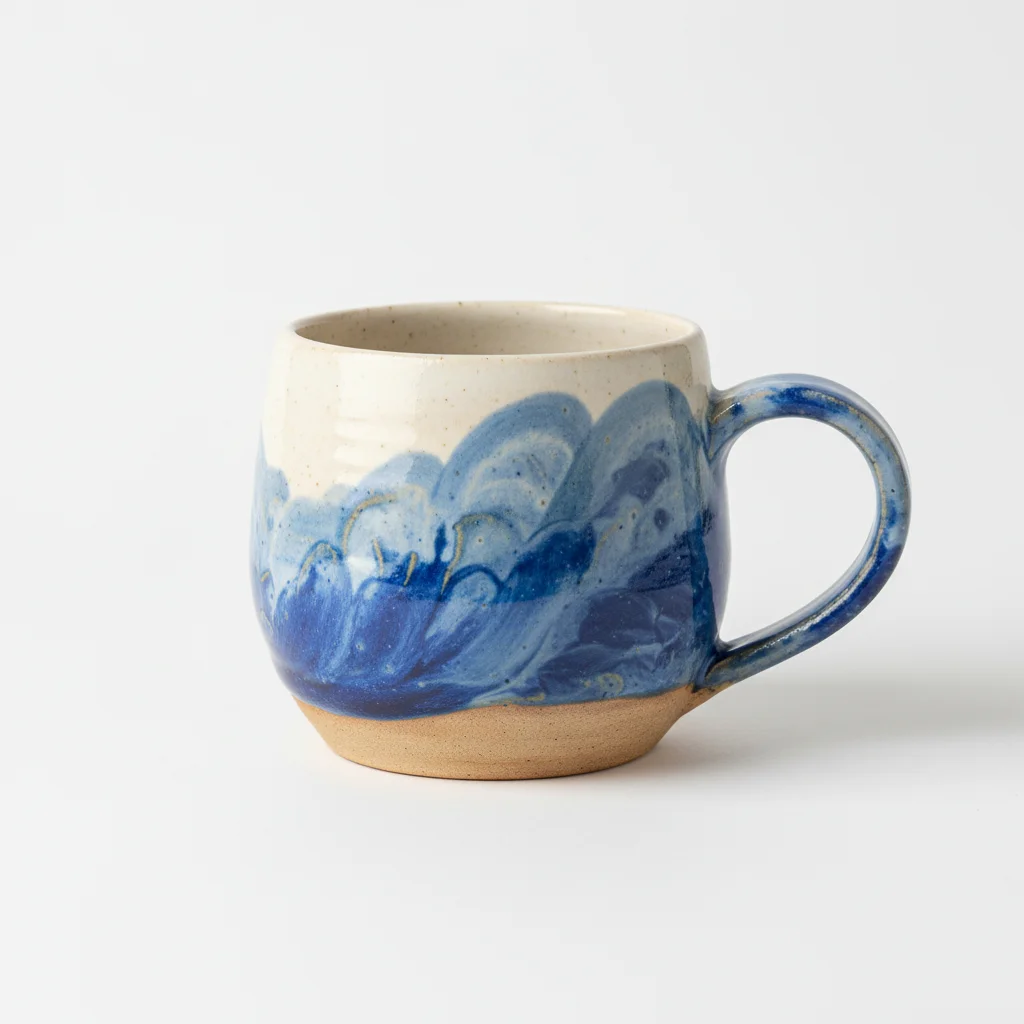
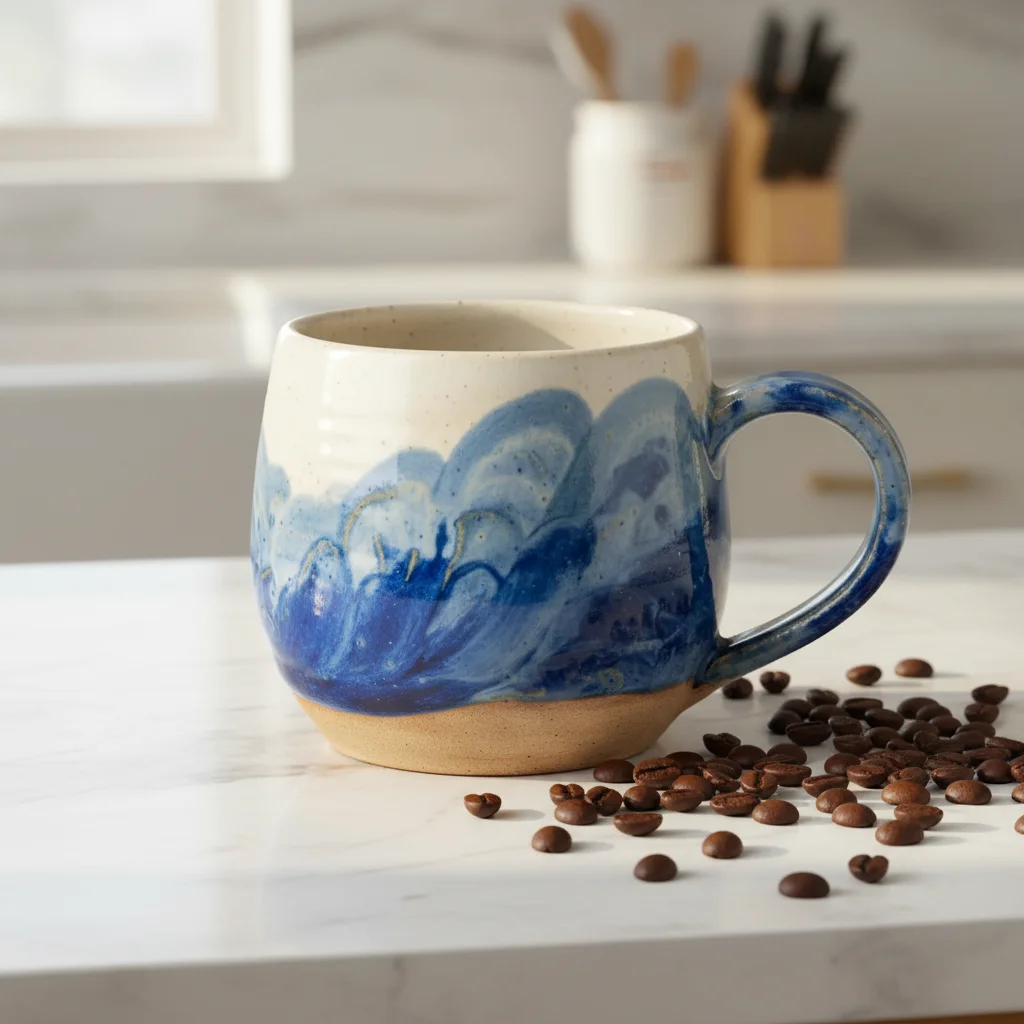
Candle on kitchen counter
Product shot of a glass candle placed in a warm kitchen scene with morning light and coffee setup.
Prompt:
place this candle on a white marble kitchen counter with warm morning sunlight from the left, a white ceramic coffee mug nearby, and soft natural shadows
Skincare bottle on bathroom counter
Cosmetic product placed in a clean bathroom setting with spa-like styling and natural light.
Prompt:
place this product on a white marble bathroom counter with a rolled white towel on the left, small green eucalyptus sprig, bright soft lighting from above
Quick answers
Popular use cases
Ready to create lifestyle product photography?
Free to try. No signup required.