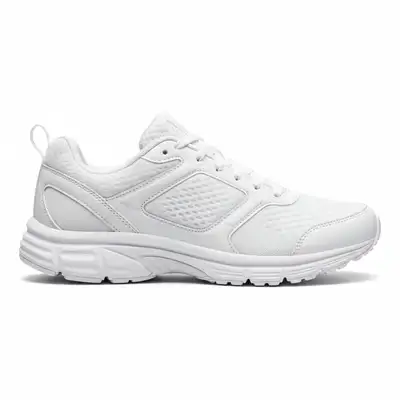
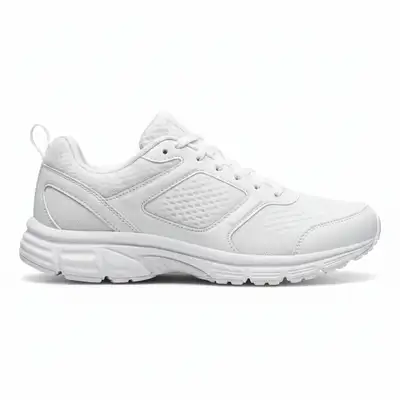
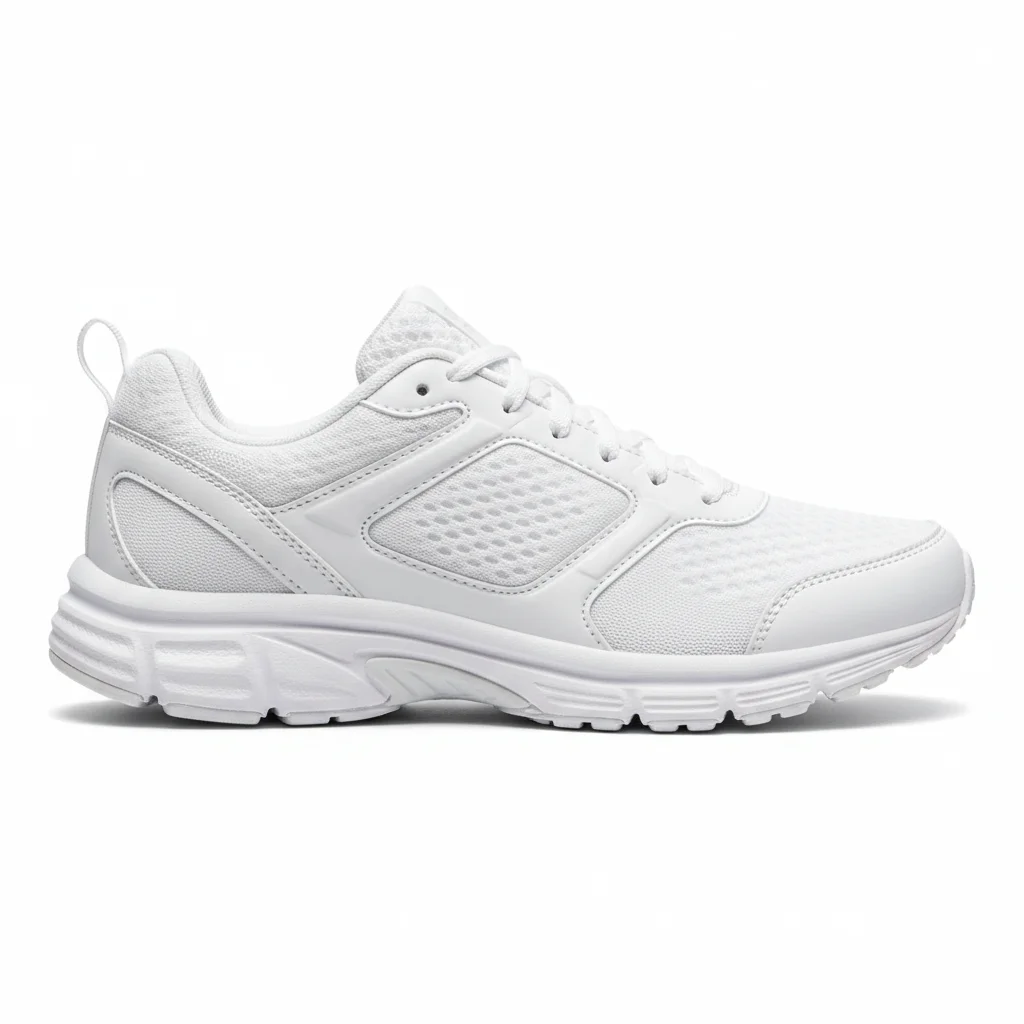
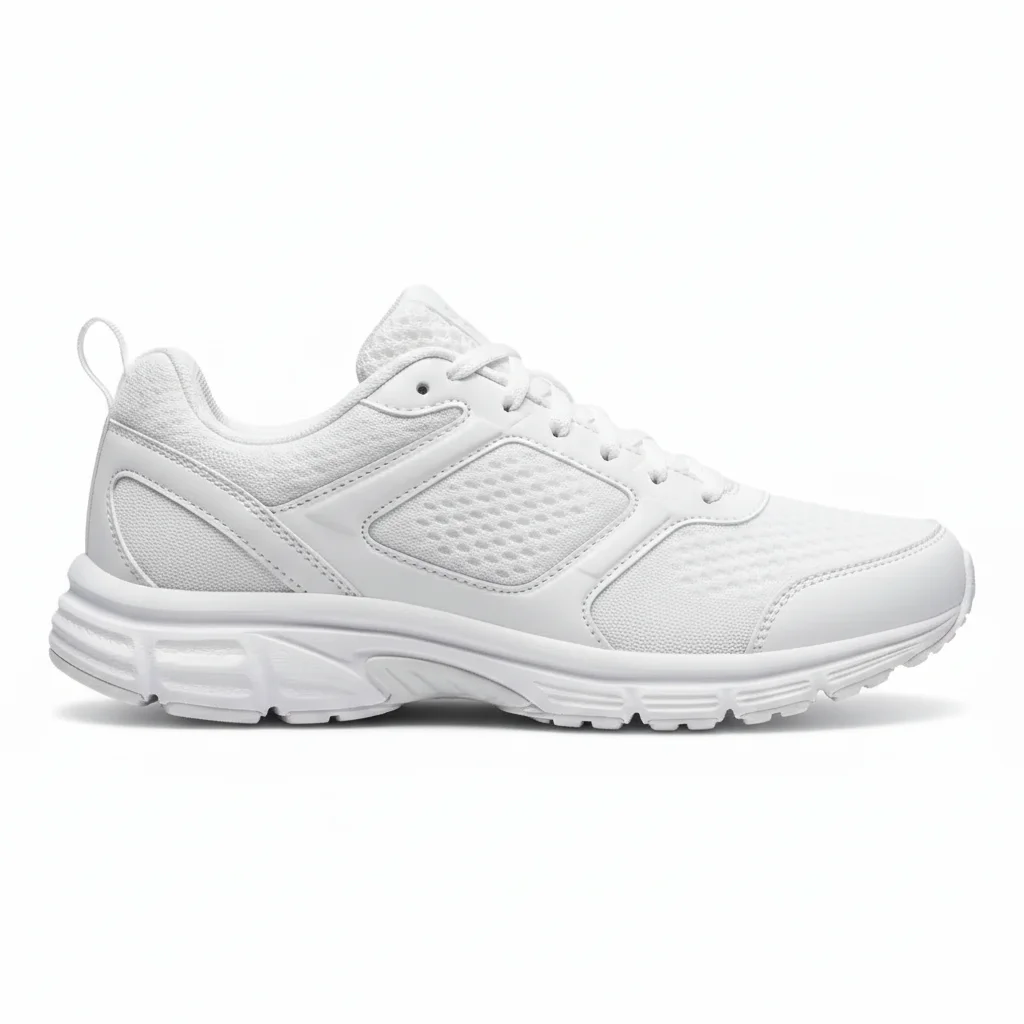
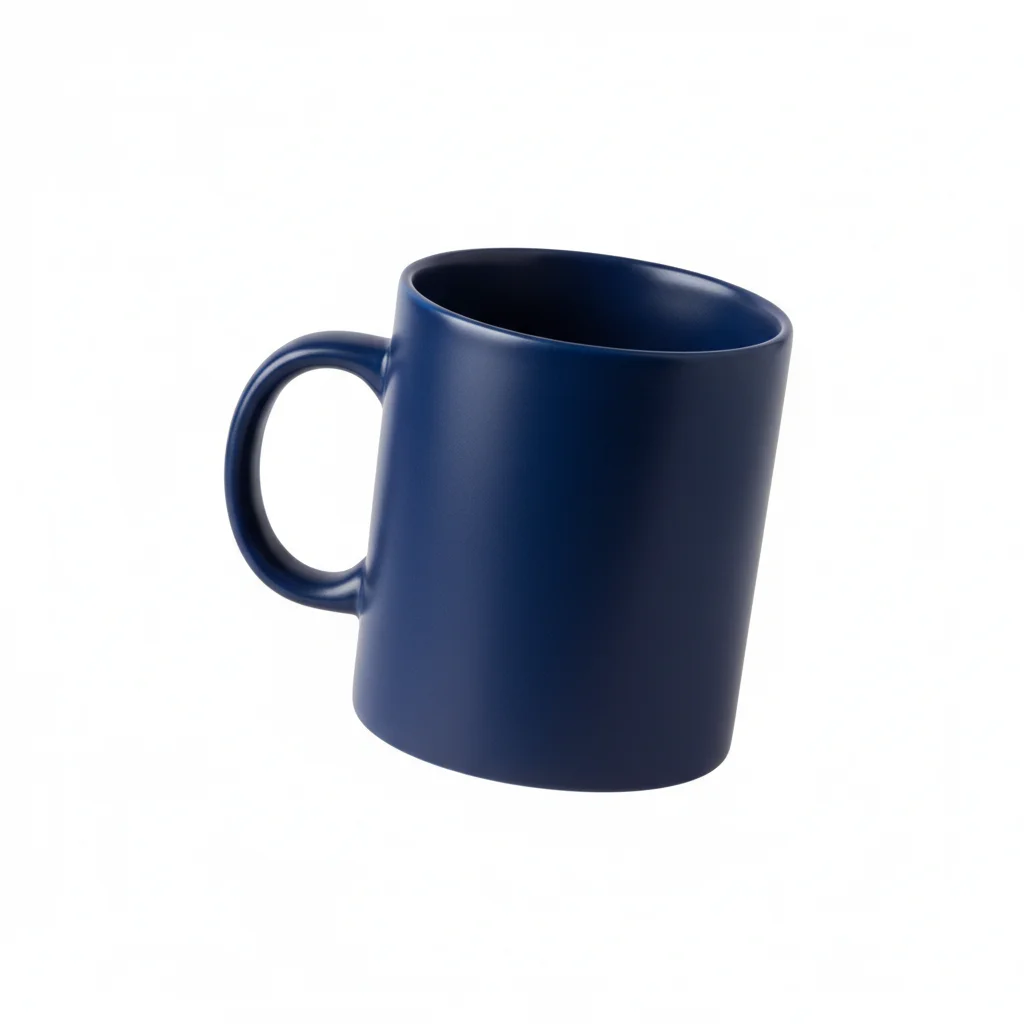
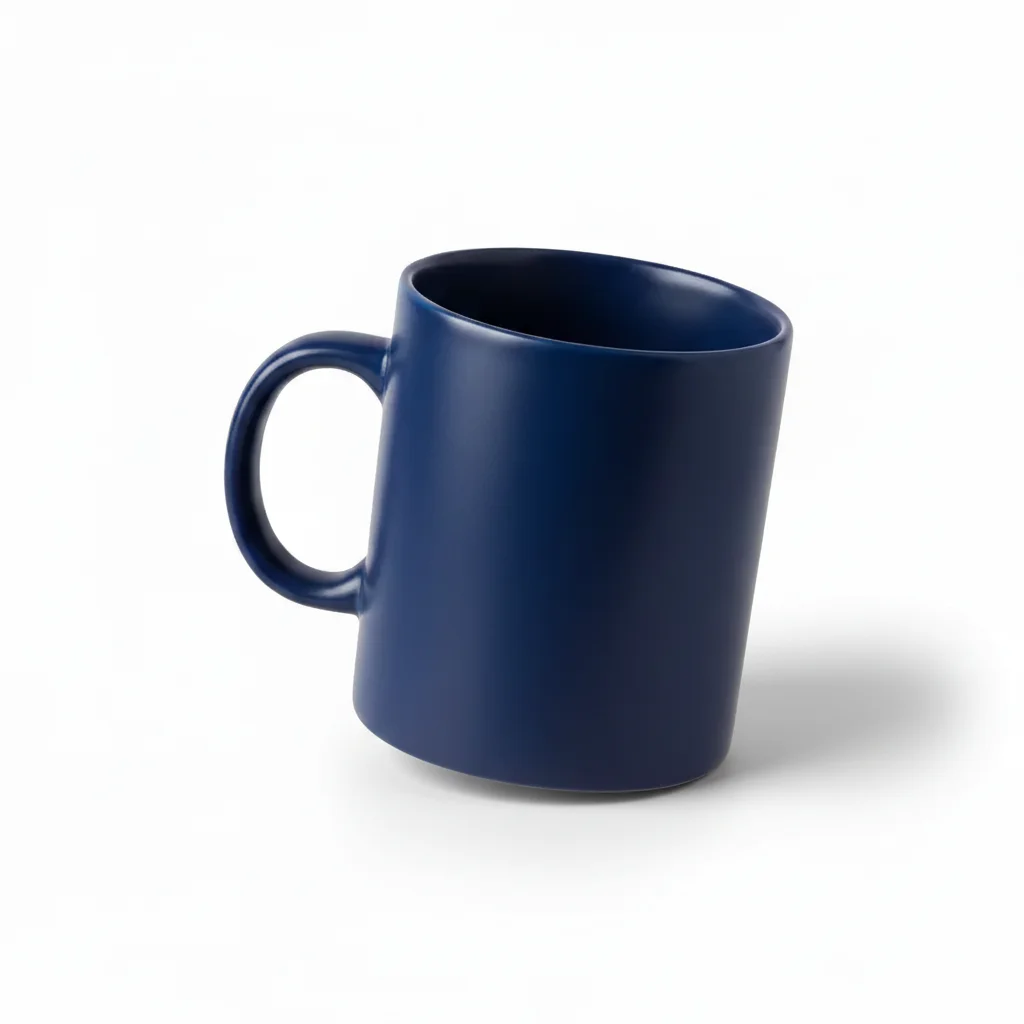
What's the difference between drop shadow and ground shadow?
Drop shadow is a soft shadow directly underneath the product, centered and usually symmetrical - it suggests ambient lighting. Ground shadow is directional, extending to one side based on light source position - it suggests specific lighting direction. Drop shadows are simpler and work for most e-commerce. Ground shadows are more realistic and dimensional.
Do I need to specify shadow direction?
Not for basic drop shadows (they're centered underneath). For ground shadows, yes - specify which direction shadow should extend (to the right, behind and left, etc.). If your product has existing highlights or lighting, match shadow direction to the opposite side from where light appears to come from.
Can I add shadows to products that already have some shadow?
Yes, but be specific. Use prompts like 'add additional shadow to the right' or 'enhance the existing shadow to be darker and more visible'. The AI will augment existing shadows rather than create conflicting new ones.
Will this work on colored backgrounds or only white?
Works on any background color! Shadows adapt to background. On white backgrounds, shadows are typically gray/black. On colored backgrounds, shadows are darker versions of that color. Specify if needed: 'add shadow that blends naturally with the blue background'.
How do I make shadows look more natural and less artificial?
Three keys to natural shadows: (1) Softness - use 'soft edges', 'gradual blur', or 'natural fade' in prompts, (2) Opacity - use 'subtle' or 'low opacity' rather than dark/strong, (3) Direction - match any existing lighting in your photo. Natural shadows are rarely perfectly centered or symmetrical.
Is EditThisPic's AI product shadow adder really free?
Yes β you get 1 free edit per week, no account needed. For unlimited edits, plans start at $3.99/month.
Can I add product shadow on my phone?
Yes. EditThisPic works in any mobile browser β iPhone, Android, tablet. No app download needed.
What photo formats does the AI product shadow adder support?
JPG, PNG, WebP, and HEIC. Upload any common photo format and EditThisPic handles the rest.