How does AI reference style editing work?
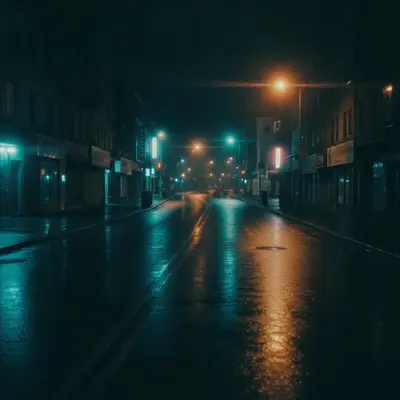
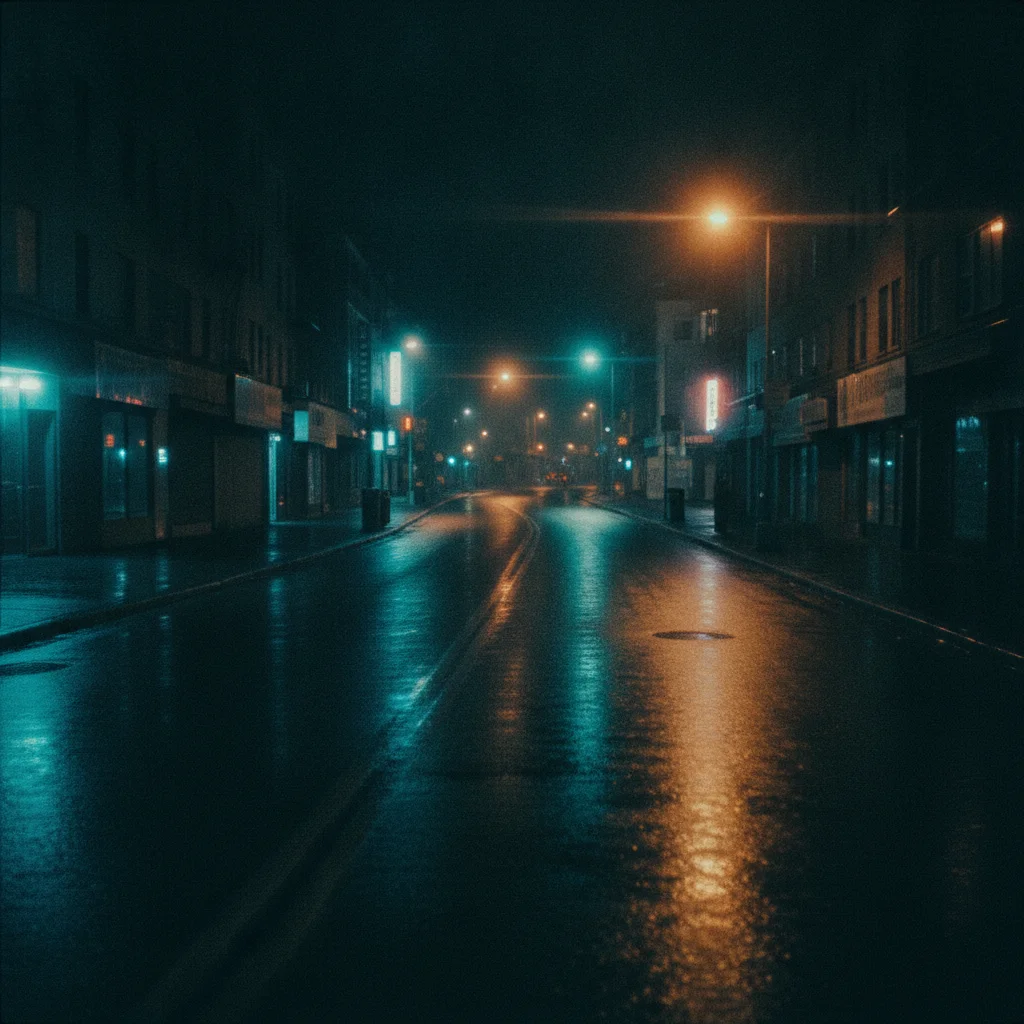
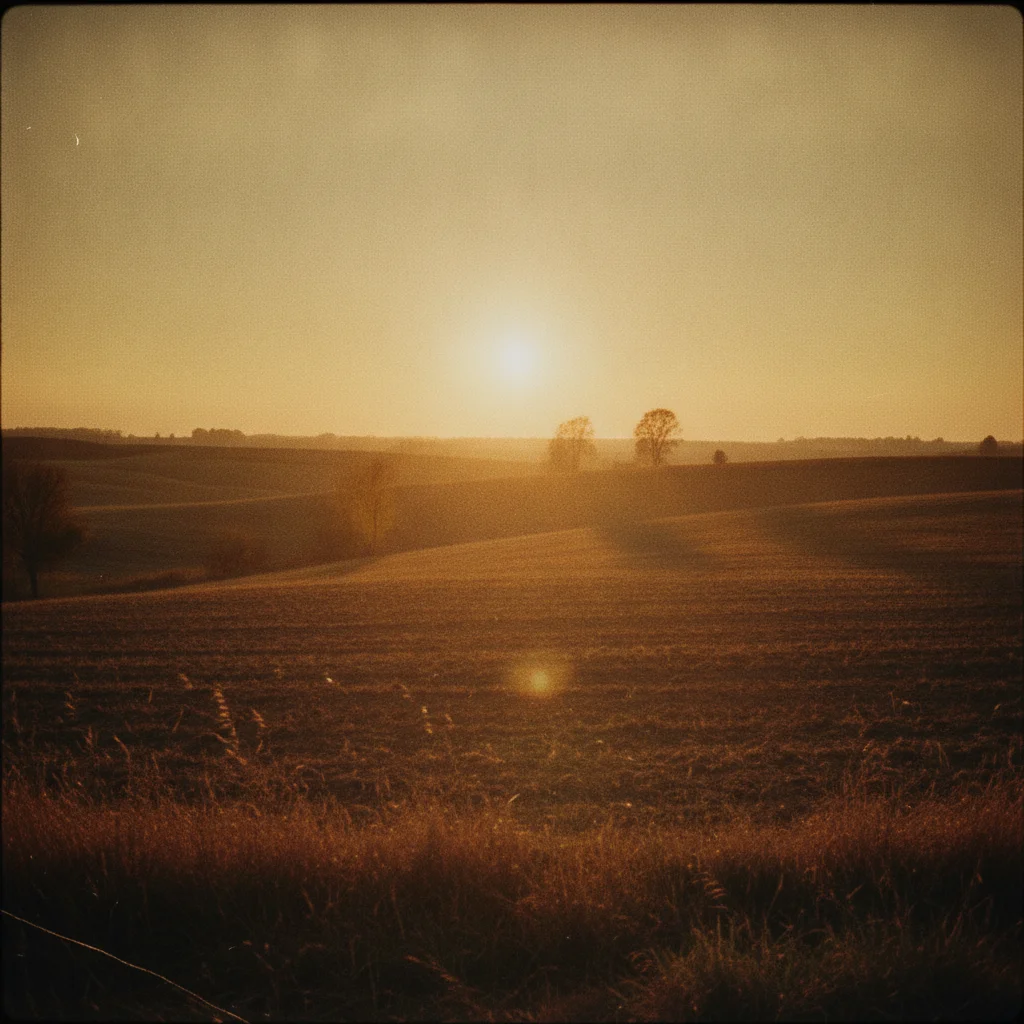
Upload your photo and a reference image with the style you want. AI analyzes the visual characteristics of your reference - lighting, color grading, mood, artistic treatment - and applies those same qualities to your photo while preserving your original content and subjects.
What makes a good reference image for style matching?
The best reference images have clear, distinctive visual styles: dramatic lighting, unique color grading, obvious artistic treatment, or strong aesthetic mood. Film stills, professional photography, vintage photos, and artwork work well. Avoid images with subtle or mixed styles.
Can I match lighting from one photo to another?
Yes. Upload your photo and a reference with the lighting you want to match. Describe specifically what to copy: 'match the dramatic shadows and highlights' or 'copy the soft studio lighting setup.' AI analyzes the lighting patterns and applies them to your image.
Will reference editing change my photo's content?
No. Reference style editing only changes visual aesthetics like lighting, colors, and mood. Your photo's subjects, composition, and content remain exactly the same. Only the style treatment is transferred from the reference image.
What's the difference between reference editing and filters?
Filters apply preset effects to every photo the same way. Reference editing analyzes your specific reference image and applies its unique visual characteristics to your photo. You get the exact style you want, not a generic effect.
Can I use paintings or artwork as reference images?
Yes. Artistic references work great for creative style transfers. Upload a painting, illustration, or stylized artwork as your reference, and AI will apply similar visual treatment to your photo - color palette, mood, artistic aesthetic.
How do I match color grading from film references?
Use film stills or shots from movies as reference images. Describe what to match: 'copy the cinematic color grading and film look' or 'match the warm tones and contrast.' AI analyzes the color treatment and applies it to your photo.
Is reference style editing free on EditThisPic?
Yes — you get 1 free edit per week, no account needed. Reference editing uses the same credit system as other edits. Credit packs start at $4.99 for 10 edits.
What file formats work for reference images?
JPG, PNG, WebP, and HEIC. Upload both your main photo and reference image in any common format. The AI processes both and applies the reference style to your photo.
Can I match vintage or retro aesthetic styles?
Absolutely. Use vintage photos, old film shots, or retro imagery as reference. The AI copies period-specific characteristics like color tones, grain texture, contrast levels, and nostalgic mood.
How long does reference style editing take?
Usually 20-40 seconds. Upload both images, describe the style to match, and AI analyzes the reference and applies the style to your photo automatically.
Can I combine multiple reference styles?
It's better to focus on one reference image at a time for best results. If you need multiple style elements, describe them specifically in your prompt: 'match the lighting from this reference and add warmth like golden hour.'
How much does EditThisPic cost?
You get 1 free edit per week — no account needed. After that, one-time credit packs start at $4.99 for 10 edits, valid 12 months, no subscription. Power users who edit daily can pick Studio Membership, a monthly workspace at $49.99/mo for 300 edits. Purchased downloads are clean with no watermark.