Free • No signup Add Hair · Free

Add Hair to Photo

← Browse all body & person tools

Last updated

Describe the hair you want — 'add thick dark hair', 'fill the receding hairline', 'add wavy auburn hair' — and it's done in 20 seconds.

Portrait of man with thinning hair showing scalp through sparse top Same portrait with natural-looking hair added to thinning areas, blended

Upload photo to add hair

"fill the receding hairline with short dark hair matching the existing hair color and texture — restore a natural-looking hairline edge"

Release to upload

1 free edit·then from $4.99

How it works

  1. Upload the photo

    Drop any portrait or photo into EditThisPic — JPG, PNG, or WebP up to 7MB. Works for adding hair to a person, filling a receding hairline, adding objects to a scene, or previewing how you'd look with more hair. A clear, well-lit photo gives the best results.

    Expect: Simple hair additions (fill bald spot, add fringe): 15–25 seconds. Full hairstyle transformation or complex additions: 25–40 seconds.
  2. Describe exactly what to add

    Type a specific description: 'add thick natural brown wavy hair to cover the bald top, blending naturally with the existing hair on the sides' or 'fill the receding hairline with short dark hair matching the existing hair color and texture.' For adding objects to a scene: 'add a red umbrella in the person's hand.' No marking needed.

    Tip: Match the existing hair color and texture in your description: 'add dark brown wavy hair matching the existing hair on the sides.' This produces a much more natural-looking result than just saying 'add hair.'

    Copy one of these to get started:

    Fill a bald or thinning top add thick natural dark brown hair to cover the bald top, blending naturally with the existing hair on the sides — match the hair texture and color of the existing hair
    Fill a receding hairline fill the receding hairline with short dark hair matching the existing hair color and texture — restore a natural-looking hairline edge
    Add a new hairstyle to a bald photo add wavy auburn hair styled in a casual medium-length cut, blending naturally with the face and skin tone — natural lighting, realistic hair texture
    Add hair volume or thickness add more volume and thickness to the hair — make it fuller and thicker on top while keeping the same color and style, blend naturally with the existing hairline
    3 more prompts
    Add an object to a photo add a bright red umbrella in the person's right hand, matching the natural lighting and perspective of the photo — make it look like they were always holding it
    Preview hair transplant results preview how I would look with a full hair transplant — add natural-looking hair to the bald and thinning areas, restore a younger-looking hairline, keep the hair style simple and short
    Add an accessory to a photo add a bright yellow flower tucked behind the left ear, matching the lighting in the photo — it should look natural and not obviously added
  3. Check the result for natural blending

    Zoom to 100% where the hair was added. Check that the hairline blends naturally with the existing hair, skin tone transitions look smooth, and the hair texture matches the existing style. The volume and direction of the added hair should look consistent with the original.

See it in action

Portrait of man with thinning hair showing scalp through sparse top
Before
->
Same portrait with natural-looking hair added to thinning areas, blended
After

Thinning hairline filled for a photo preview

Someone wanted to preview how they'd look after a hair transplant. One prompt filled the thinning areas with natural-looking hair.

Prompt: add thick natural dark brown hair to cover the thinning top, blending naturally with the existing hair on the sides — match the hair texture and color
Portrait of person with completely shaved head against gray background
Before
->
Same person with wavy auburn medium-length hair naturally added
After

New hairstyle added to a shaved head photo

Someone with a shaved head wanted to preview how they'd look with wavy auburn hair. The AI added a full hairstyle that matched their face shape.

Prompt: add wavy auburn hair styled in a casual medium-length cut, blending naturally with the face and skin tone — natural lighting, realistic hair texture
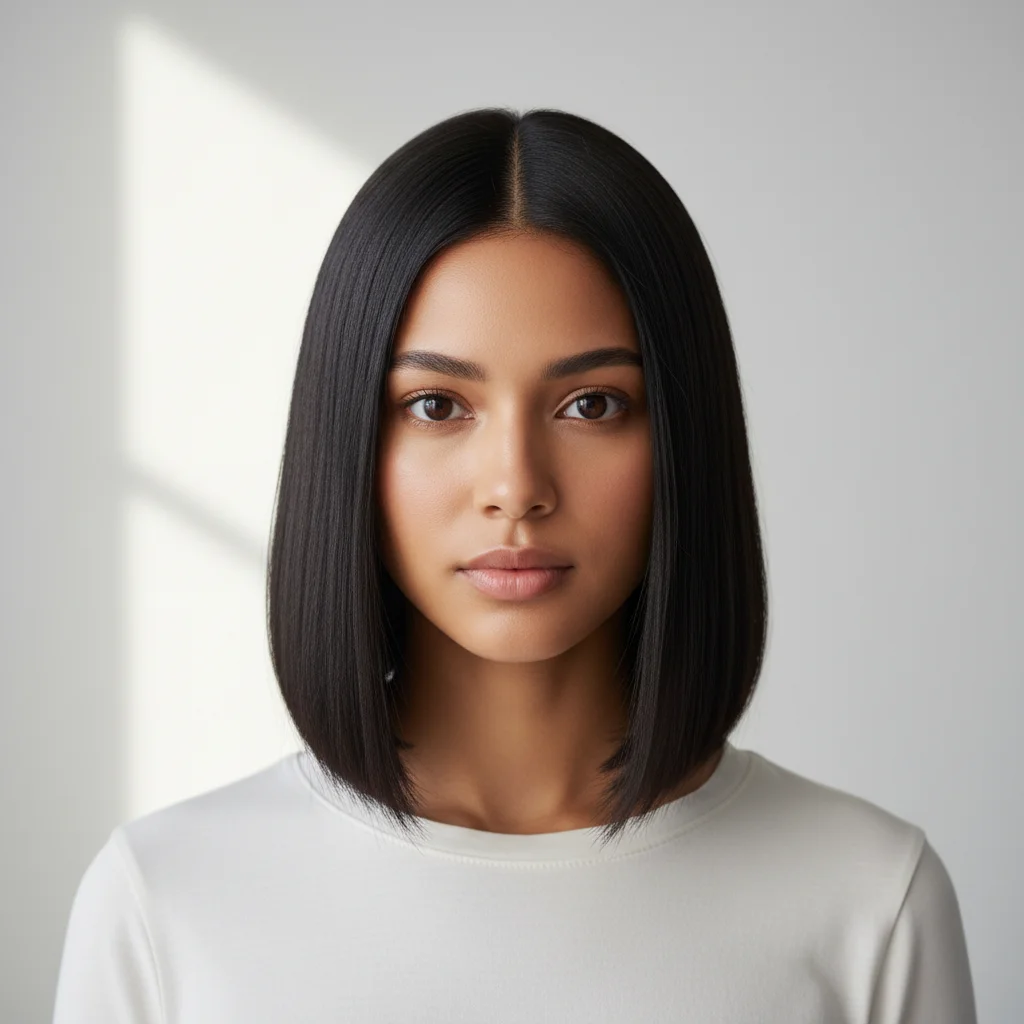
Woman with a sleek straight black bob hairstyle on a white background
Before
->
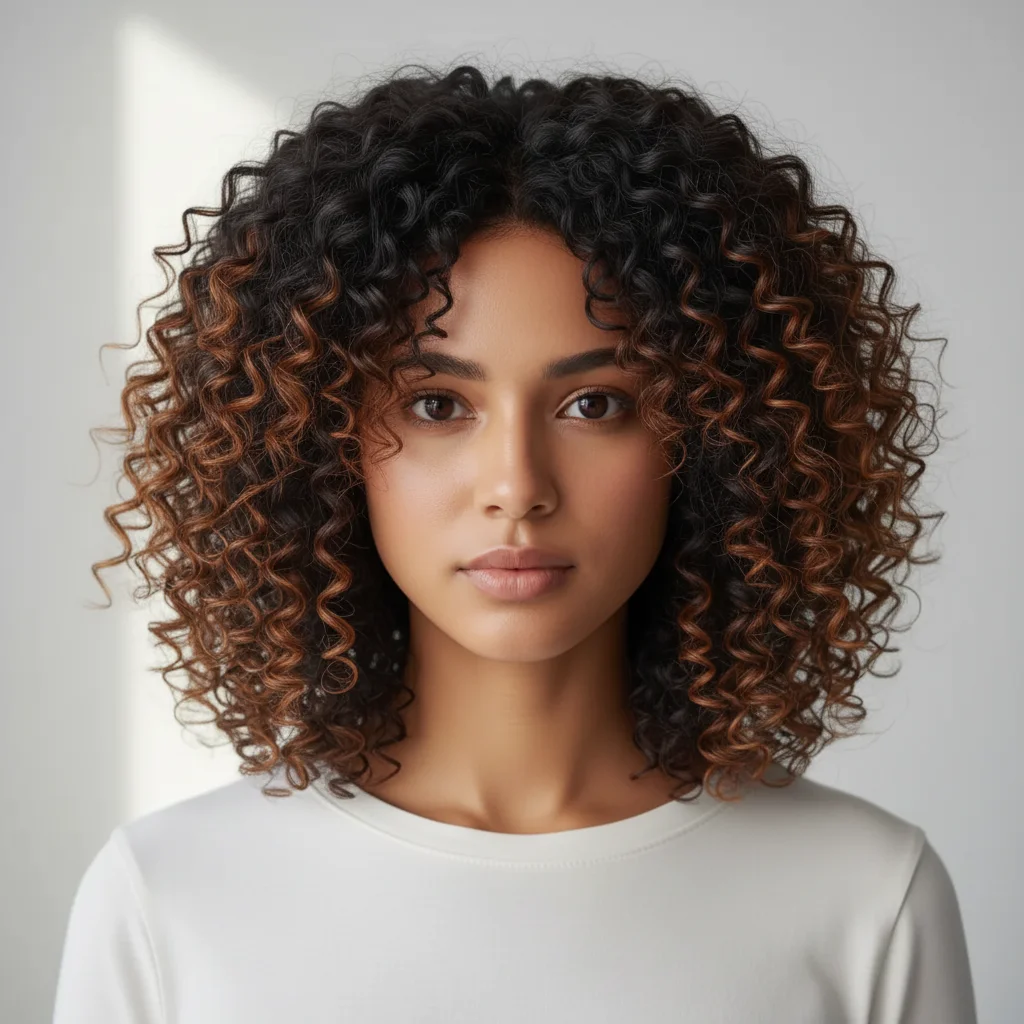
Same woman with voluminous dark-to-brown curly hair added, replacing the straight bob
After

Straight bob transformed into voluminous curly hair

A woman with a sleek, straight black bob hairstyle had her hair completely transformed by the AI — replacing the flat, shoulder-length bob with a full, voluminous head of dark-to-brown curly hair. The face and clothing remain unchanged.

Prompt: add voluminous curly hair to replace the straight bob — dark with warm brown highlights, full and natural-looking curls that frame the face

Quick answers

Do I need to mark where to add the hair before describing what I want?

No. Just describe where and what: 'add thick brown hair on the bald top, blending with the existing hair on the sides.' The AI figures out the placement from your description.

Is there a free tool to add hair to photos with no login?

Yes. EditThisPic adds hair to photos for free with no account and no watermark. Upload your photo, describe the hair you want to add, and download the result in 20–30 seconds. Works in any browser on desktop or mobile.

How do I add hair to a photo for free?

Go to EditThisPic, upload your photo, and type: 'add thick natural brown hair to cover the thinning top, blending with the existing hair on the sides.' The AI adds the hair in 20–30 seconds. No account required, no watermark on the result.

Can it add objects to a photo, not just hair?

Yes. The same tool works for adding any object: 'add a bright red umbrella in the person's right hand, matching the natural lighting.' Works for props, accessories, hair clips, flowers, and other items. Describe the object, position, and lighting for the most natural result.

Can I add hair to a photo to preview a hair transplant?

Yes. Type: 'preview how I would look with a full hair transplant — add natural-looking hair to the bald and thinning areas, restore a younger-looking hairline, keep the style simple and short.' This gives a realistic preview of post-transplant appearance.

What is the best free AI tool to add hair to photos?

EditThisPic is free, works by description, and requires no account. Upload your photo, describe the hair to add (color, texture, style, where), and download the result. Works for filling bald areas, adding volume, new hairstyles, or hair transplant previews.

How much does EditThisPic cost?

You get 1 free edit per week — no account needed. After that, credit packs start at $1.99 for 3 edits. Monthly plans start at $4.99/mo for 15 edits with unused credits rolling over. All edits are full resolution with no watermark.

Ready to add hair to your photo?

Free to try. No signup required.

1 free edit included·Credit packs from $4.99