AI Hairstyle Changer
← Browse all body & person toolsLast updated
Describe the hairstyle you want and AI transforms it instantly. No marking needed.
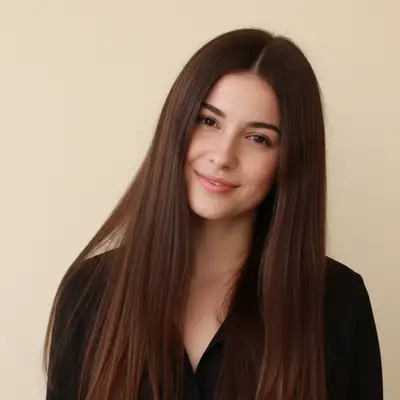

Upload photo to change hairstyle
"give this person long wavy curls past the shoulders with natural volume and bounce"
Free to try · no sign-up · photos are never shared
Release to upload
<30stypical edit
1 freeedit weekly
Photo on your phone?
Scan to open this editor there — free edit works on your phone too.
How it works
See it in action
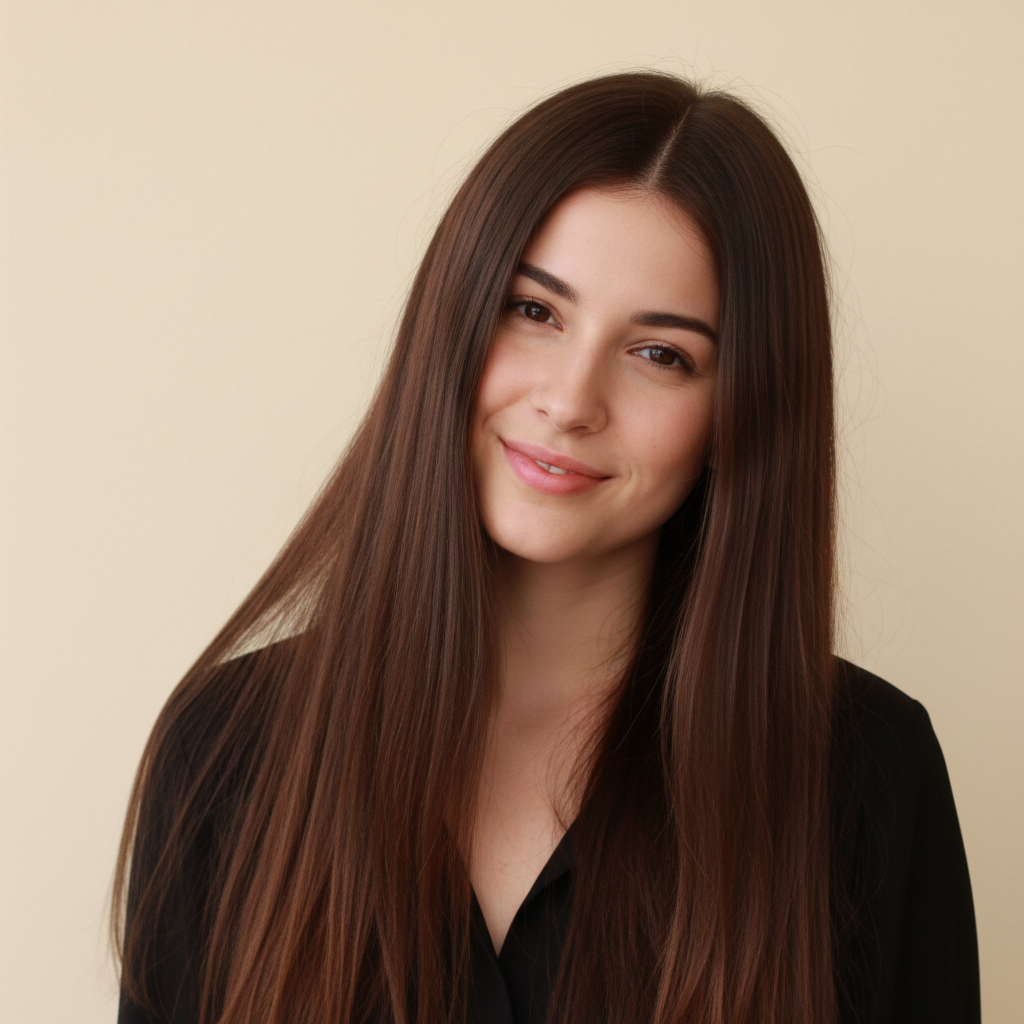

Long hair to chin-length bob
Long straight hair transformed into a polished chin-length bob to preview a big chop before visiting the salon.


Short hair to long flowing curls
A short hairstyle transformed to long wavy curls to visualize growing out hair.
Prompt:
give this person long wavy curls past the shoulders with natural volume and bounce
Quick answers
You might also like
Popular use cases
Ready to try a new hairstyle?
Free to try. No signup required.