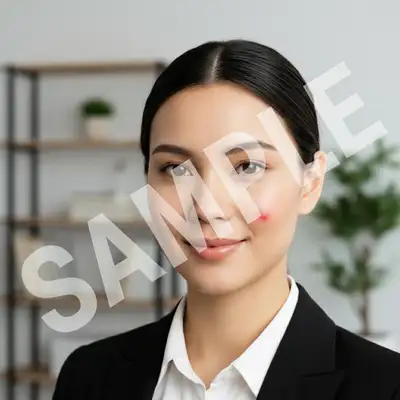
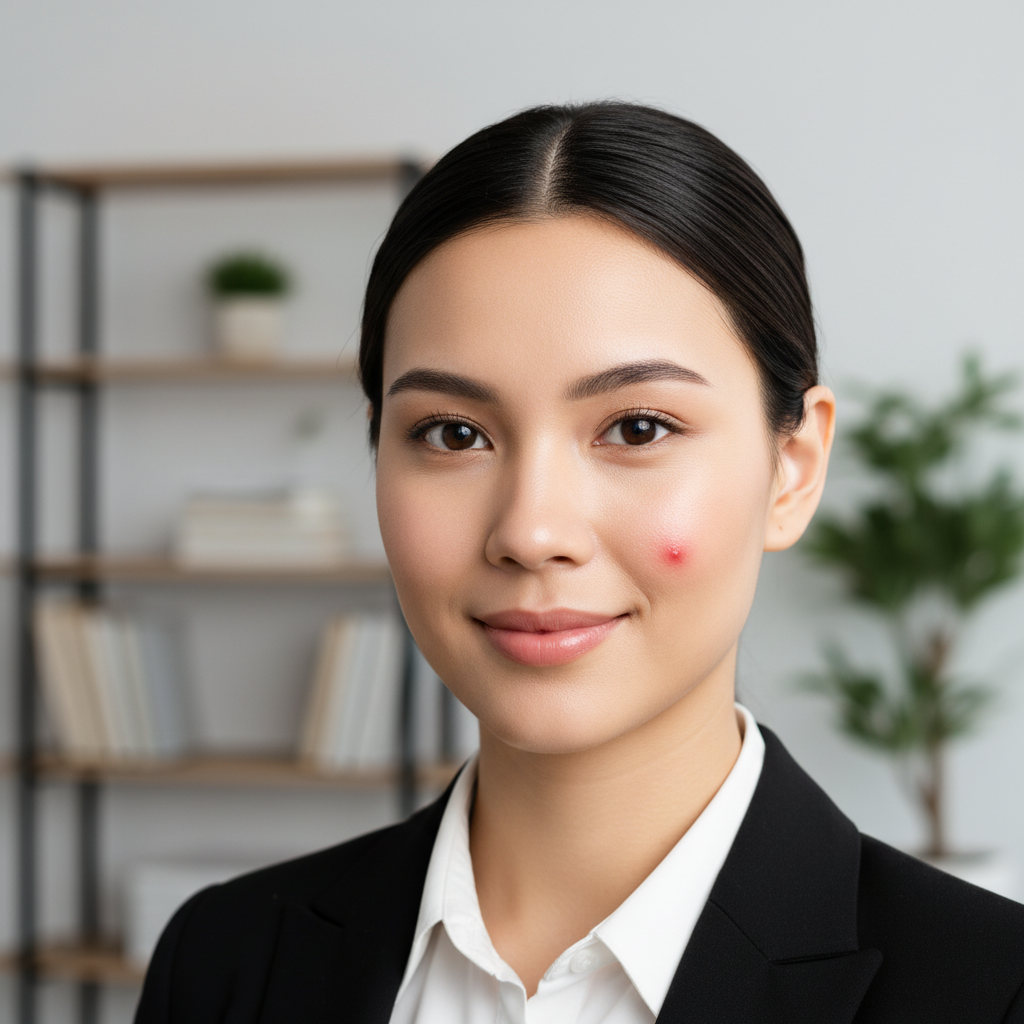
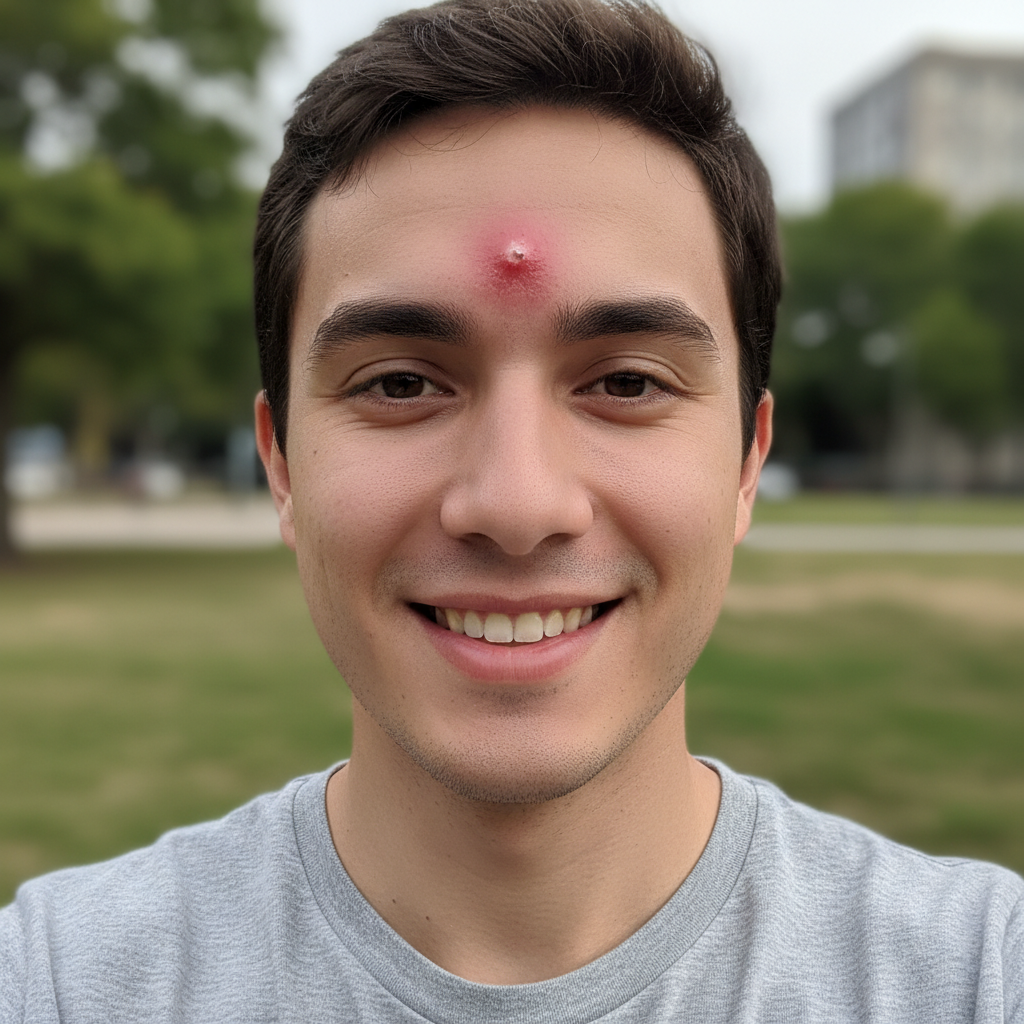
What if the pimple removal leaves visible artifacts on the background?
Re-run with a more specific patch hint: 'remove the pimple and fill with matching wood grain,' or 'remove and fill with the same sky.' For tricky textures (brick, fabric, water), one refinement usually resolves it. Each attempt takes 20-45 seconds. Free first edit per week, no signup.
How do I remove pimples from a photo for free?
Upload your photo to EditThisPic, type 'remove the pimple on my [location]' or 'remove all pimples from my face' and the AI removes them in 10-15 seconds. Free to use with no signup or watermark. Works on selfies, portraits, and headshots.
Will it remove acne scars or just active pimples?
This tool works best on active pimples and fresh blemishes. For acne scars (textured, indented marks), try our AI Scar Remover which is specifically designed for permanent scarring.
Can I remove some pimples but keep freckles?
This gives you precise control over what stays and what goes.
Is EditThisPic's AI pimple remover really free?
Yes — you get 1 free edit per week, no account needed. Credit packs start at $4.99 for 10 edits.
Can I remove pimple on my phone?
Yes. EditThisPic works in any mobile browser — iPhone, Android, tablet. No app download needed.
What photo formats does the AI pimple remover support?
JPG, PNG, WebP, and HEIC. Upload any common photo format and EditThisPic handles the rest.
How long does it take to remove pimple?
Usually 15-30 seconds. Upload your photo, describe what you want, and the AI delivers the result.
How much does EditThisPic cost?
You get 1 free edit per week — no account needed. After that, one-time credit packs start at $4.99 for 10 edits, valid 12 months, no subscription. Power users who edit daily can pick Studio Membership, a monthly workspace at $49.99/mo for 300 edits. Purchased downloads are clean with no watermark.