Do I need to mark the background before adding bokeh?
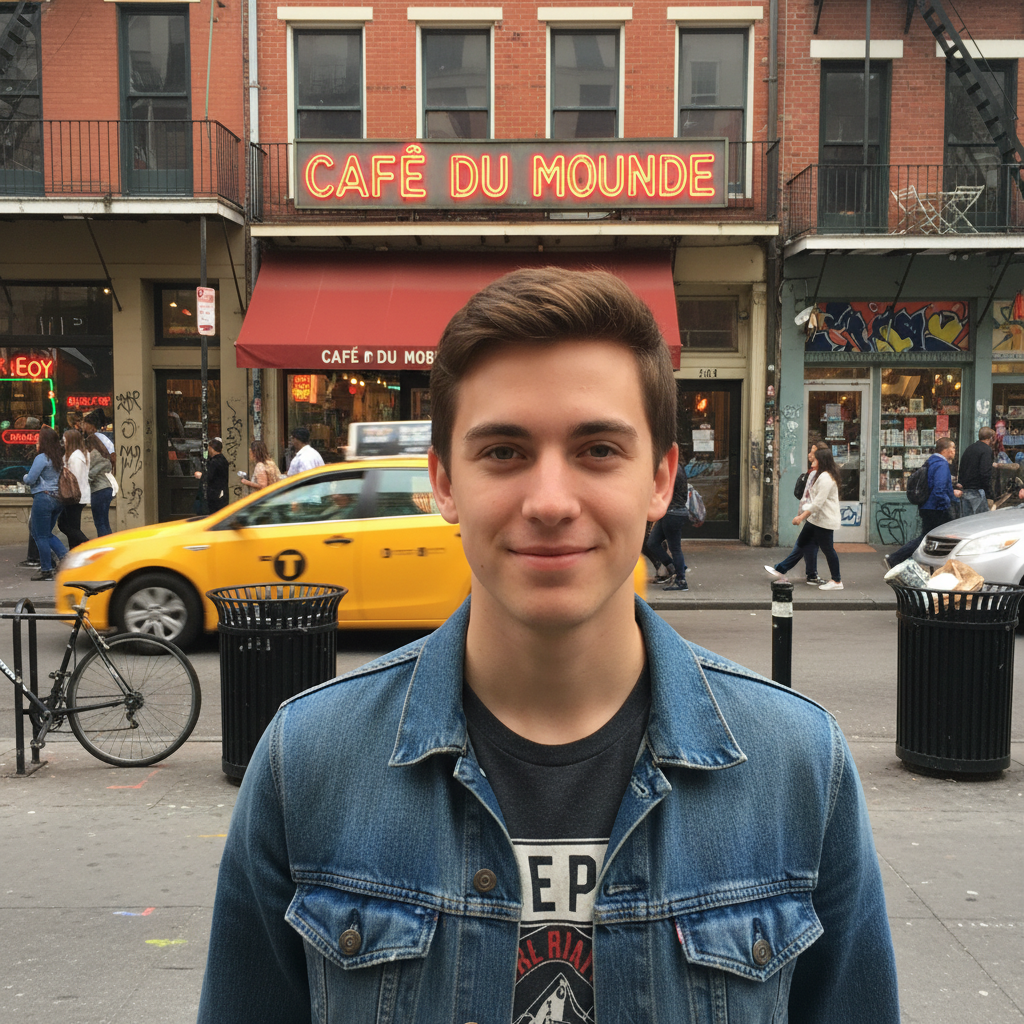
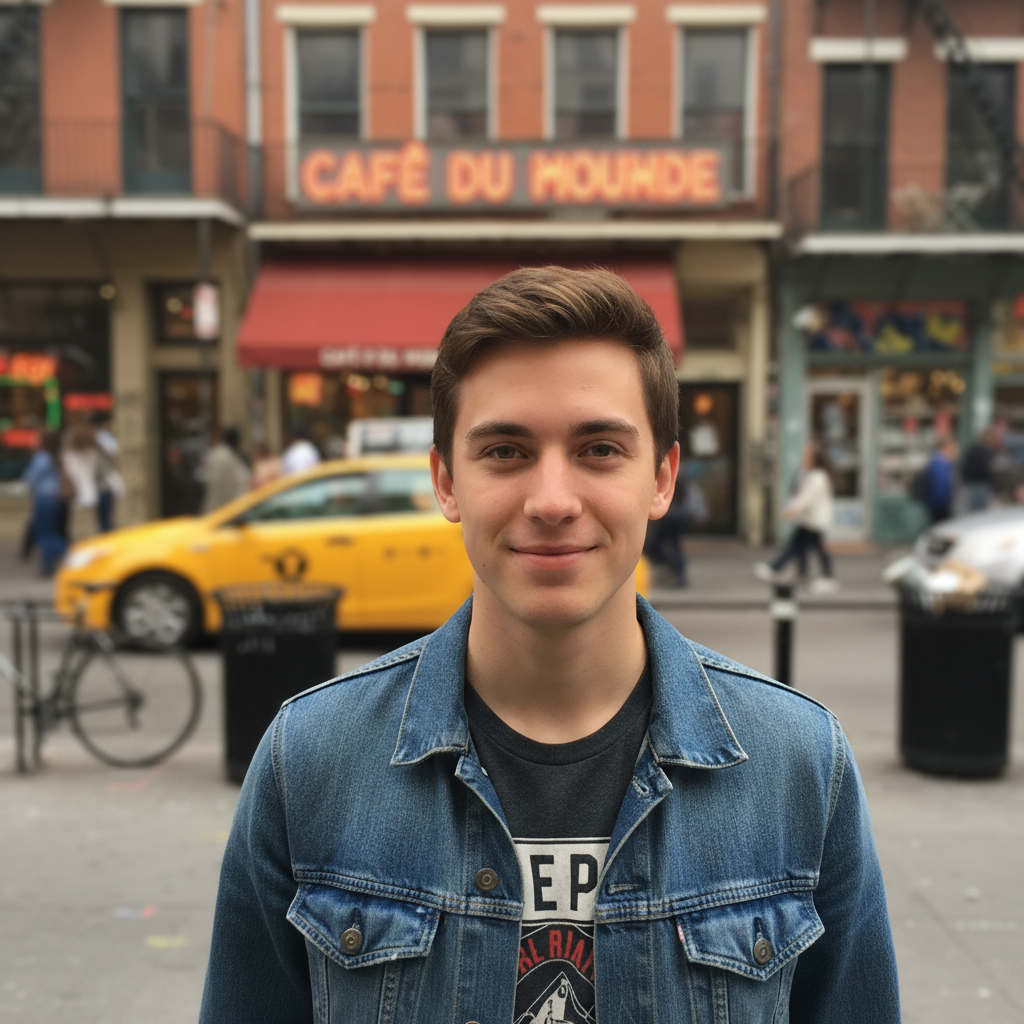
No! For most photos, just describe what you want: 'add warm bokeh to the background' or 'create golden bokeh circles behind the subject.' The AI understands 'background' and will keep your subject sharp. Only use markers when you need precision—like if bokeh appeared on your subject after the first attempt, then mark the subject to protect it.
How do I make bokeh look natural instead of obviously AI-generated?
Three tips: specify 'natural-looking bokeh with varied orb sizes', match bokeh color to your scene's lighting (warm for daylight, cool for night), and avoid making bokeh too prominent. Real camera bokeh has varied orb sizes, organic distribution, and soft light falloff—not perfectly uniform bright circles.
Can I control the size of bokeh circles?
Yes! Specify size in your prompt: 'small tight bokeh circles' for subtle effect, 'large dreamy bokeh orbs' for romantic soft look, or 'medium bokeh' for balanced results. Larger bokeh creates softer, more diffused aesthetic while smaller circles look tighter and more detailed.
What's the difference between bokeh and regular background blur?
Background blur (depth of field) softens the entire background. Bokeh specifically creates those artistic light circles/orbs from out-of-focus light sources. Think of it as 'what happens to lights when they're blurred'—street lights, fairy lights, or sun through leaves become those characteristic circular bokeh shapes.
Is there a free bokeh generator that doesn't require signup?
Yes! EditThisPic's AI bokeh generator is completely free to try with no account creation required. Just upload your photo, describe the bokeh effect you want (color, size, intensity), and download your artistic bokeh photo with no watermark.
What is the best free AI tool for adding bokeh to portraits?
EditThisPic's AI bokeh generator is designed specifically for this—it automatically detects portrait subjects and keeps them sharp while adding artistic bokeh to backgrounds. You can customize bokeh color, size, and style through simple descriptions like 'warm golden bokeh' or 'colorful fairy lights,' with no complex masking or manual selection required.
Is EditThisPic's AI bokeh adder really free?
Yes — you get 1 free edit per week, no account needed. For unlimited edits, plans start at $3.99/month.
Can I add bokeh on my phone?
Yes. EditThisPic works in any mobile browser — iPhone, Android, tablet. No app download needed.