Free • No signup Apply Neon glow · Free

AI Neon Glow Filter

Transform photos with vibrant neon glow - just describe the style you want.
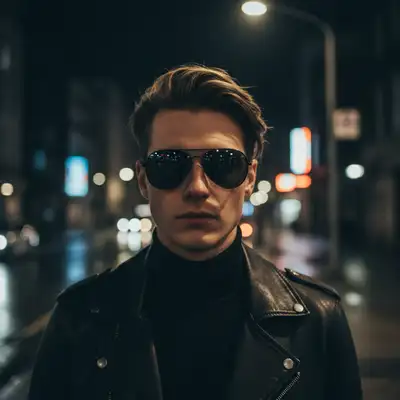
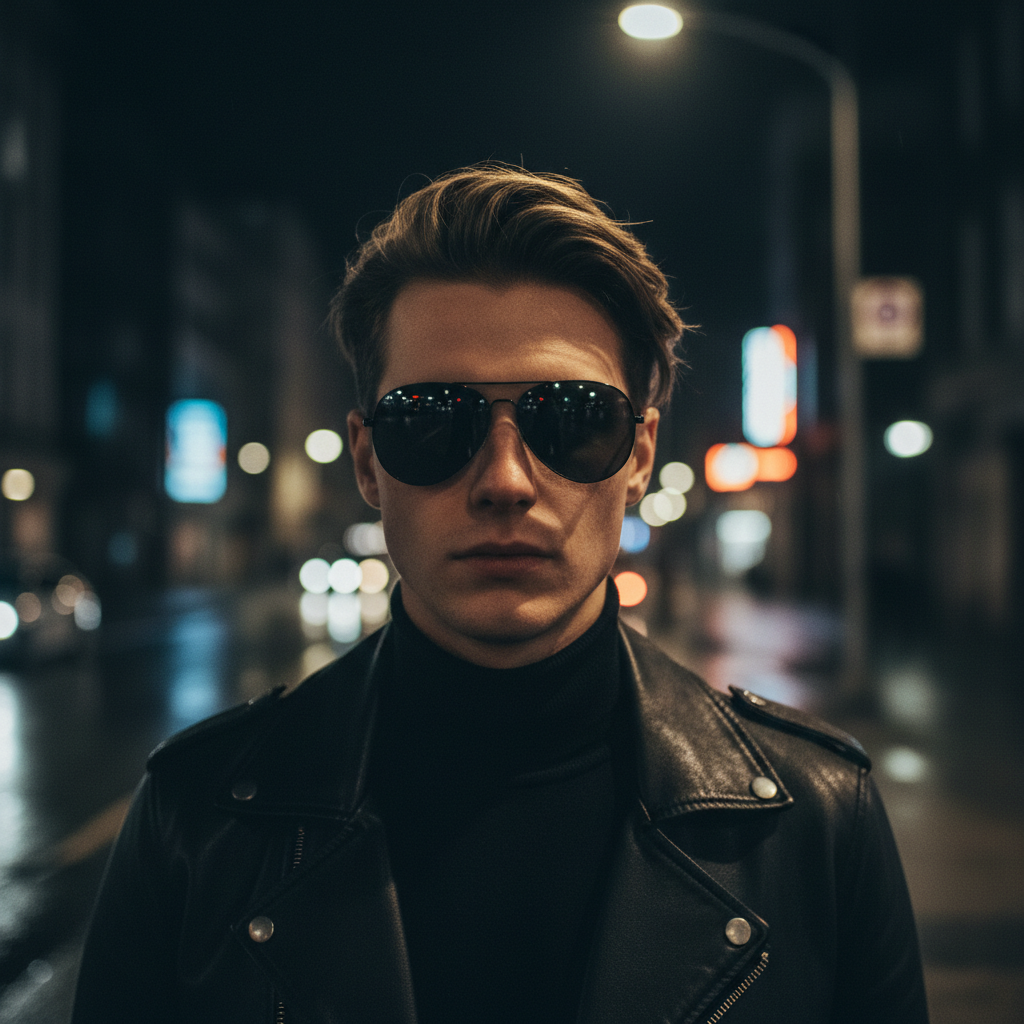
Portrait before neon glow effect
Before
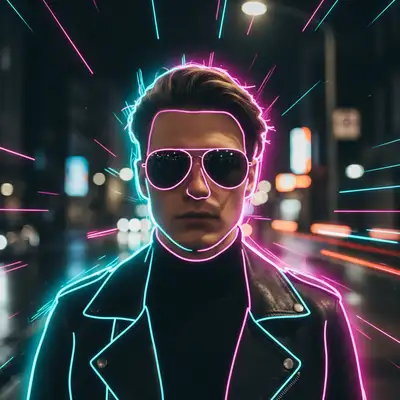
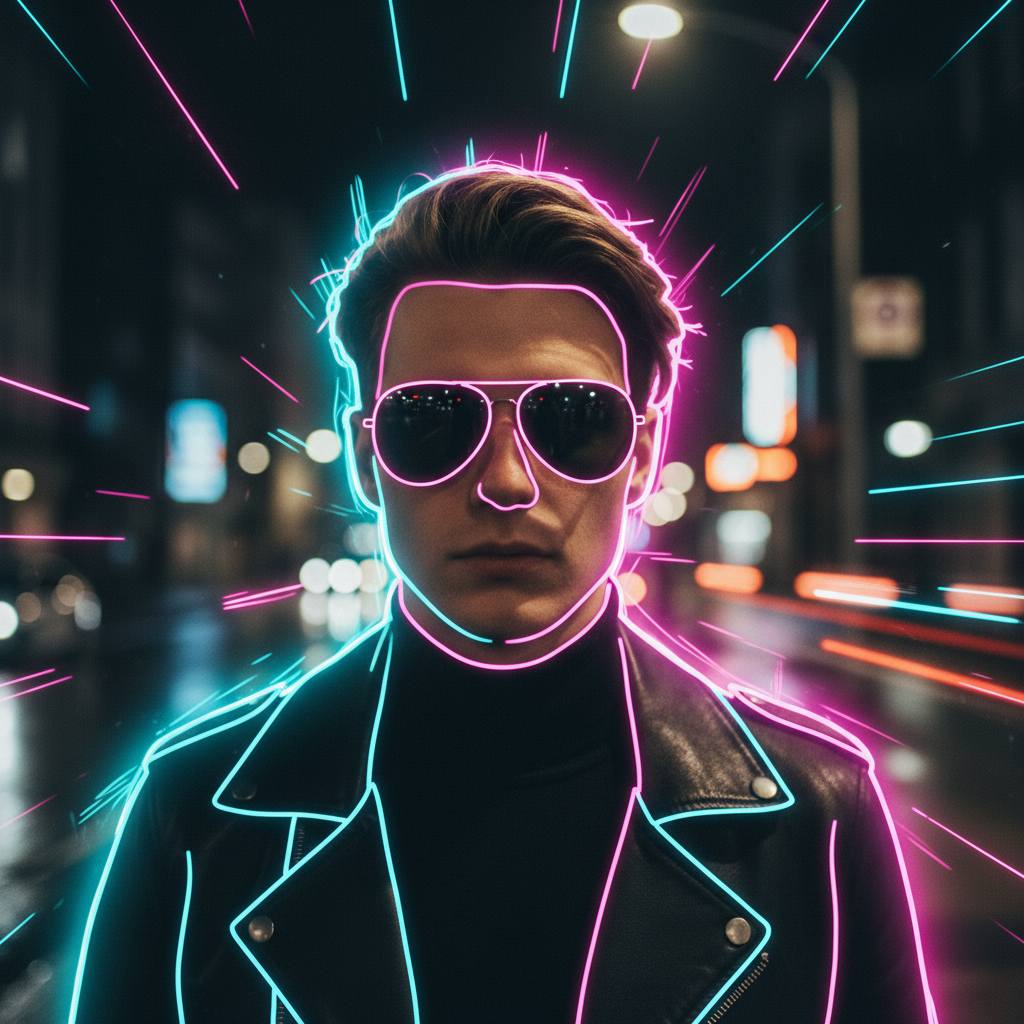
Portrait with pink and cyan neon glow in cyberpunk style
After

Apply Neon Glow Effect to Photos

Drop your photo here

or click to browse

Release to upload

Free • No signup

Advertisement
Popular use cases:
  • cyberpunk aesthetics
  • synthwave art
  • social media graphics
  • music posters
  • club flyers
  • gaming thumbnails
  • product photography
  • urban photography
  • retro design

Cost
Free No signup required
Time
Instant results in 15-30 seconds
Works on
Any device - browser, phone, tablet, desktop
Powered by
AI-powered photo editing
Scenario Prompt Time
Cyberpunk portrait add bright neon glow effect with pink and cyan colors around the person, cyberpunk style 20s
Blue electric outline apply electric blue neon outline around the subject with a soft glow halo 15s
Purple neon sign transform text into purple neon sign with glowing edges and light bleed 20s
Multi-color cityscape add neon glow to city lights with pink, blue, and yellow neon reflections 30s

How it works

  1. Upload your photo

    Drop your image into EditThisPic. Best results with high-contrast subjects like people, objects against dark backgrounds, or cityscape photos. JPG, PNG, WebP up to 7MB.

    Expect: Simple neon edge glow: 15-30 seconds. Complex multi-color neon scenes: may need 2-3 refinements to perfect the colors and intensity.
  2. Describe what you want

    Type your instruction: 'add neon glow effect with blue and pink colors' or 'apply bright cyan neon outline around the subject.' Be specific about colors (cyan, magenta, purple, blue), intensity (subtle, bright, intense), and style (outline, halo, diffused glow). No marking needed—the AI understands neon aesthetics.

    Tip: Specify multiple colors for cyberpunk looks: 'neon glow with pink, cyan, and purple' creates that classic synthwave aesthetic.

    Copy one of these to get started:

    Cyberpunk portrait glow add bright neon glow effect with pink and cyan colors around the person, cyberpunk style
    Blue electric outline apply electric blue neon outline around the subject with a soft glow halo
    Purple neon sign effect transform text into purple neon sign with glowing edges and light bleed
    Multi-color neon cityscape add neon glow to city lights with pink, blue, and yellow neon reflections
    3 more prompts
    Green matrix-style glow apply bright green neon glow effect with digital rain aesthetic
    Red neon danger accent add intense red neon glow around edges with high contrast and saturation
    Rainbow neon spectrum apply rainbow neon glow effect with color spectrum transition from red to purple
  3. Review and download

    The AI applies neon glow to edges, creates light halos, and adds electric vibrancy. Zoom in to check glow intensity and color accuracy. Download in full resolution with no watermark.

  4. Refine with markers if needed

    If glow appears in wrong areas or you want to emphasize specific edges, tap markers on those spots and regenerate. Optional—most neon effects work without markers.

    Tip: Markers help when you want neon only on specific objects or text, not the entire image.
Try it free

Apply Neon Glow Effect to Photos

Drop your photo here

or click to browse

Release to upload

Free • No signup

"The neon effect looked exactly like what I see on Instagram. Just typed what I wanted and it worked perfectly." @creative_designer

See it in action

Portrait before neon glow effect
Before
->
Portrait with pink and cyan neon glow in cyberpunk style
After

Cyberpunk portrait transformation

Added pink and cyan neon glow to portrait for synthwave aesthetic.

Prompt: add bright neon glow effect with pink and cyan colors around the person, cyberpunk style
Product photo before neon effect
Before
->
Product with electric blue neon outline and glow
After

Product with blue neon outline

Added electric blue neon outline to make product pop against dark background.

Prompt: apply electric blue neon outline around the subject with a soft glow halo
Regular text before neon effect
Before
->
Text transformed into purple neon sign with glow
After

Neon sign text effect

Transformed regular text into glowing purple neon signage.

Prompt: transform text into purple neon sign with glowing edges and light bleed
Advertisement

If something looks off

AI changed the wrong area or added glow everywhere

Why: The AI couldn't determine exactly which elements should have neon glow from description alone. This happens with busy, multi-element images.

Try: Tap markers on the specific objects or edges you want to glow, then regenerate with the same prompt

Tip: Markers tell the AI 'add neon to THIS element specifically.' Use them when you want selective neon on complex images.

Neon colors look wrong or muddy

Why: The photo's existing colors may be affecting the neon appearance, or lighting conditions are too bright.

Try: add vibrant [exact color name] neon glow with high saturation and pure color, ignore existing lighting

Tip: Neon effects work best on photos with dark backgrounds. Consider darkening the background first.

Glow is too subtle or barely visible

Why: Default intensity might be too conservative for bright photos or light backgrounds.

Try: apply intense [color] neon glow with maximum brightness and strong halo effect

Tip: Use words like 'intense,' 'bright,' 'strong,' or 'maximum' to increase glow strength.

Neon effect looks artificial or cartoonish

Why: Intensity may be too high or colors too saturated for realistic neon aesthetics.

Try: add subtle [color] neon glow with soft edges and natural light bleed, realistic neon sign look

Tip: Real neon has soft edges and gentle halos. Use 'subtle' and 'realistic' for authentic neon sign aesthetics.

Multiple colors blend into each other

Why: Colors placed too close together without clear boundaries between them.

Try: add [color 1] neon glow on the left side and [color 2] neon glow on the right side, keep colors separated

Tip: Specify spatial placement for each color to prevent blending: 'cyan on top, pink on bottom.'

Neon doesn't follow object edges cleanly

Why: Photo has low contrast between subject and background, making edge detection difficult.

Try: First increase photo contrast or darken background, then apply neon glow effect

Quick answers

Do I need to mark areas before applying neon glow?

No! Just describe what you want: 'add cyan neon glow around the person' or 'apply pink neon outline to text.' The AI understands neon aesthetics and edge detection. Only use markers when you need precision—like applying neon to one specific object among many, or refining which edges should glow.

What colors work best for neon effects?

Classic neon colors include cyan, magenta, pink, purple, blue, green, yellow, and red. For cyberpunk/synthwave looks, combine pink with cyan or purple. For retro aesthetics, use bright blue or green. Single-color neon works great for minimalist designs. You can specify any color by name.

How do I make neon glow look realistic like actual neon signs?

Use words like 'realistic neon sign look,' 'soft glow halo,' and 'natural light bleed' in your prompt. Real neon has gentle, diffused edges—avoid asking for 'harsh' or 'sharp' glow. Dark backgrounds make neon pop more authentically. Consider adding slight bloom or reflection effects.

Can I apply different neon colors to different parts of the same image?

Yes. Use spatial descriptions: 'add cyan neon glow on the left side and pink on the right' or 'blue neon around the person, purple neon on the text.' For precise control over which elements get which colors, use markers to indicate each area separately.

What types of photos work best with neon effects?

Dark backgrounds work best—night photos, black backgrounds, or dimly lit scenes. High-contrast subjects like silhouettes, text, objects with clear edges, and portraits are ideal. Urban/cityscape photos and graphic designs also work great. Avoid busy daytime scenes with bright lighting.

Ready to add neon glow to your photos?

Free to try. No signup required.

Try it free