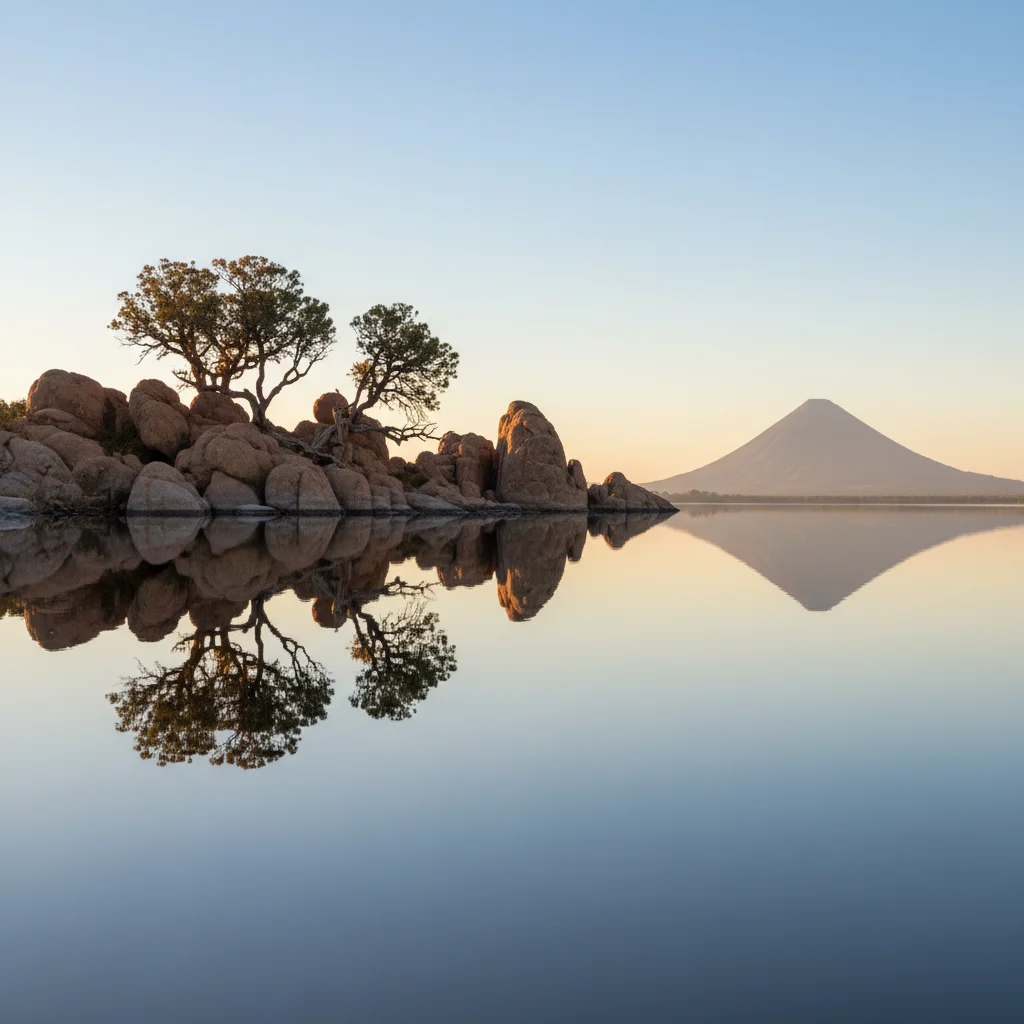
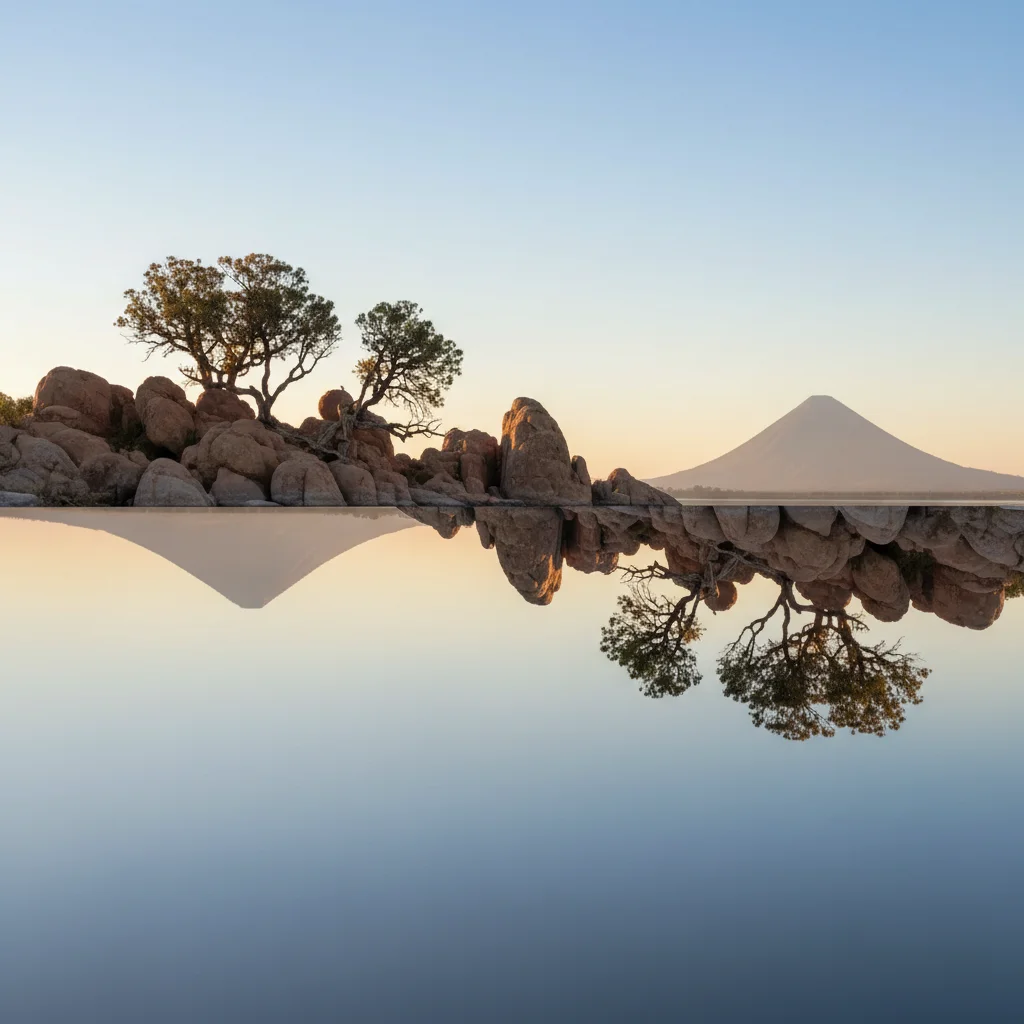
Free • No signup Apply Mirror effect · Free

AI Mirror Effect

Describe which side to mirror and AI creates perfect symmetry instantly.

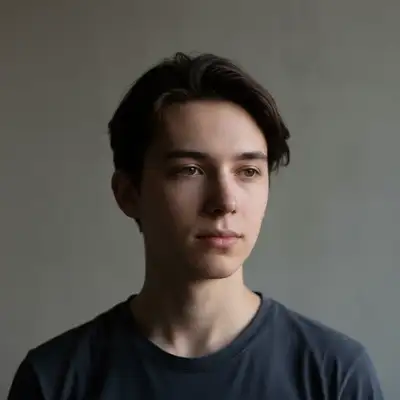
Portrait before mirror effect
Before
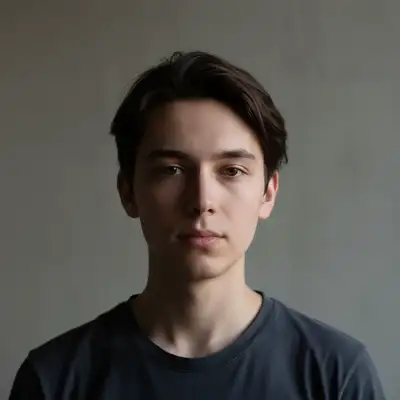
Portrait with left half mirrored for perfect symmetry
After

Apply Mirror Effect to Photo

Drop your photo here

or click to browse

Release to upload

Free • No signup

Advertisement
Popular use cases:
  • Instagram content
  • creative portraits
  • abstract art
  • symmetrical compositions
  • artistic photography
  • social media graphics

Cost
Free No signup required
Time
Instant results in 15-30 seconds
Works on
Any device - browser, phone, tablet, desktop
Powered by
AI-powered photo editing
Scenario Prompt Time
Vertical portrait mirror the left half vertically to create symmetrical face with perfect reflection down the center 15s
Horizontal reflection mirror the top half horizontally to create upside-down reflection below 15s
Right side mirror mirror the right side to the left creating symmetrical composition with right half duplicated 15s
Kaleidoscope create kaleidoscope effect by mirroring both vertically and horizontally for four-way symmetry 20s

How it works

  1. Upload your photo

    Drop your image into EditThisPic. Mirror effects work on portraits, landscapes, buildings, or any image where symmetry would create interesting visual impact. JPG, PNG, WebP up to 7MB.

    Expect: Simple mirror effects: 15-20 seconds. Complex patterns with specific alignment: may need 2 refinements for perfect symmetry.
  2. Describe the mirror effect

    Type your instruction: 'mirror the left half to create symmetrical reflection' or 'flip right side horizontally to make symmetric portrait.' Specify which side to duplicate and the direction. The AI understands terms like 'mirror left,' 'reflect right side,' 'create vertical symmetry,' or 'horizontal mirror down the middle.'

    Tip: Specify axis clearly: 'vertical mirror down center' vs 'horizontal mirror across middle' creates very different effects.

    Copy one of these to get started:

    Vertical mirror portrait mirror the left half vertically to create symmetrical face with perfect reflection down the center
    Horizontal reflection mirror the top half horizontally to create upside-down reflection below
    Right side mirror mirror the right side to the left creating symmetrical composition with right half duplicated
    Kaleidoscope effect create kaleidoscope effect by mirroring both vertically and horizontally for four-way symmetry
    2 more prompts
    Diagonal mirror mirror along diagonal axis from top left to bottom right creating diagonal symmetry
    Water reflection mirror bottom half upward to create realistic water reflection effect
  3. Generate and review

    Click Generate and watch the AI create perfect symmetry. Check the center seam—it should align cleanly without visible edges or mismatched colors. The mirrored half should look intentional, not like a processing error.

  4. Refine with markers if needed

    If the mirror axis needs adjustment or specific areas require better alignment, tap markers along the desired center line and regenerate. This is optional—most mirror effects work without markers.

    Tip: Markers help define custom mirror axes for diagonal or off-center reflections. Try without them first.
Try it free

Apply Mirror Effect to Photo

Drop your photo here

or click to browse

Release to upload

Free • No signup

"Created stunning symmetrical portraits in seconds. The mirror effect is perfect—no weird edges or misalignment." @creativeart

See it in action

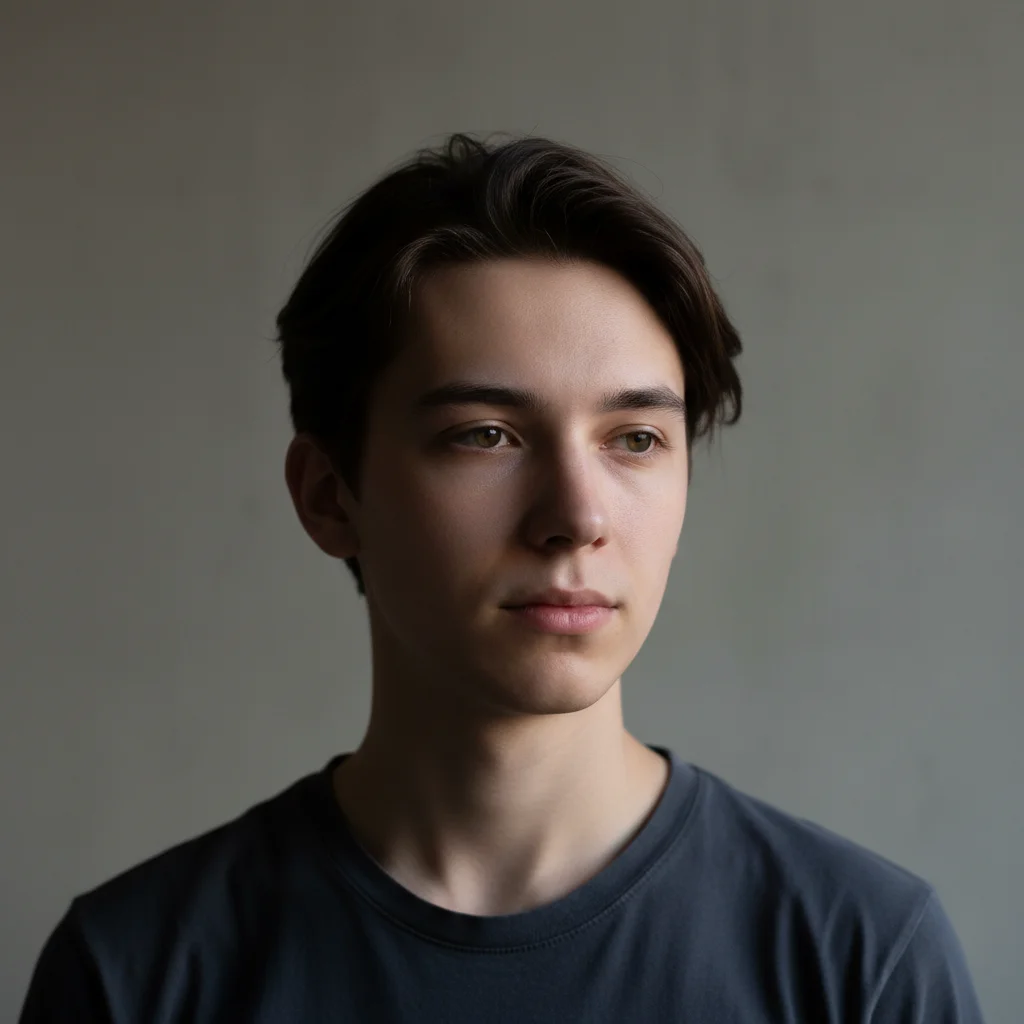
Portrait before mirror effect
Before
->
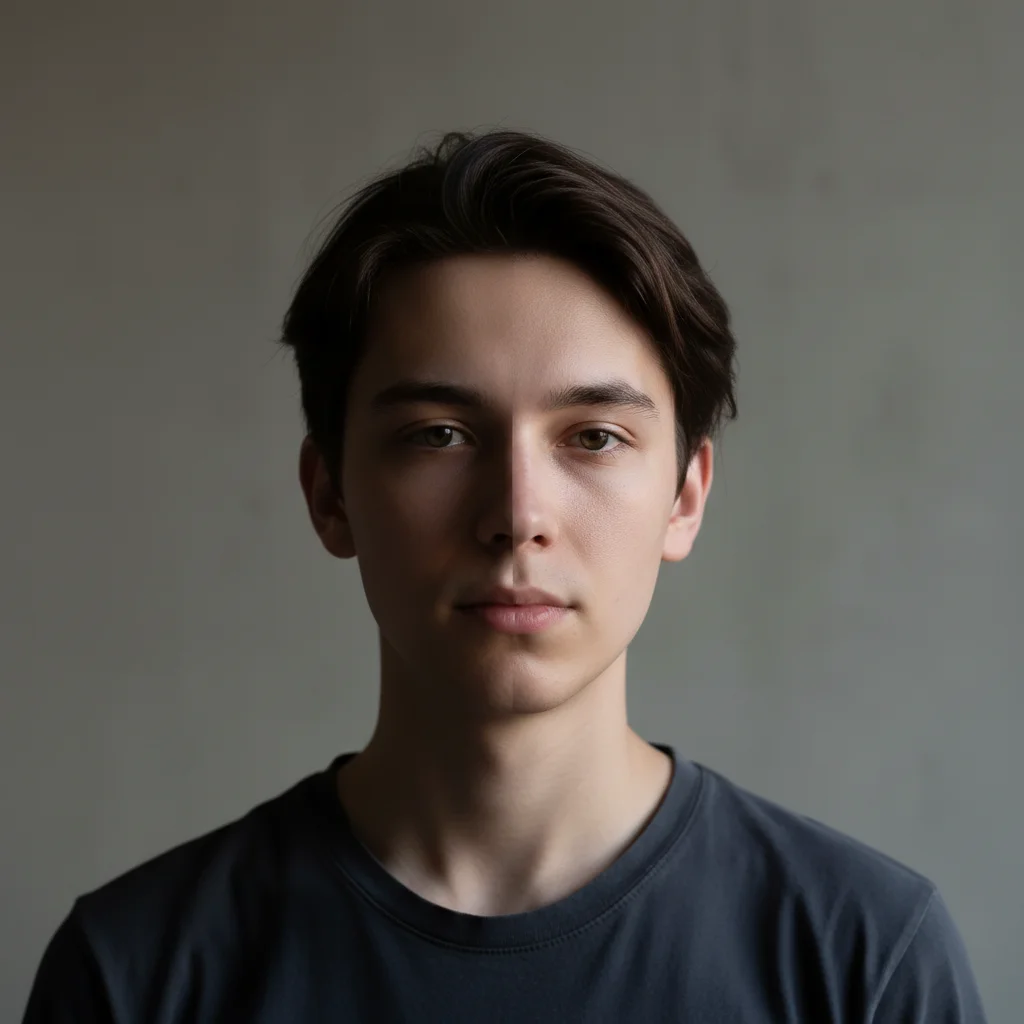
Portrait with left half mirrored for perfect symmetry
After

Symmetrical Portrait Mirror

Left half mirrored to create perfectly symmetrical face with artistic effect.

Prompt: mirror the left half vertically to create symmetrical face with perfect reflection down the center
Landscape before mirror reflection
Before
->
Landscape with horizontal mirror creating water reflection illusion
After

Horizontal Water Reflection

Top half mirrored downward to create dreamy water reflection effect.

Prompt: mirror the top half horizontally to create upside-down reflection below
Advertisement

If something looks off

The center seam is visible or colors don't match

Why: Mirror effects work best when the original image has even lighting. Harsh shadows or color gradients create visible seams.

Try: mirror with seamless blend at center line and color matching between sides

Tip: Images with gradient lighting or side shadows show seams. Even lighting creates cleaner mirror effects.

The mirror axis is off-center or crooked

Why: Without guidance, the AI defaults to exact center. Your composition might need the axis elsewhere.

Try: mirror with axis [slightly left of center / 1/3 from left edge / specific position]

Tip: Specify exact axis position instead of assuming center: '1/3 from left' or 'just left of nose' for portraits.

The mirrored side doesn't look natural

Why: Faces and asymmetrical objects look strange when perfectly symmetrical because real-world asymmetry feels natural.

Try: This is often intentional—mirror effects create surreal symmetry. If you want subtle effect, try 'blend mirrored side subtly'

Tip: Perfect symmetry is supposed to look surreal. If it feels wrong, you might want a different effect instead.

AI changed the wrong area or mirrored unexpected parts

Why: The AI couldn't determine exactly which axis you meant from description alone. This happens with ambiguous requests.

Try: Tap markers along the line where you want the mirror axis, then regenerate with the same prompt

Tip: Markers define custom mirror axes for diagonal, curved, or off-center reflections. Try without them first.

Quick answers

Do I need to mark the mirror line before describing?

No! Just describe what you want: 'mirror the left half vertically' or 'create horizontal reflection.' The AI understands these directions and places the mirror axis automatically. Only use markers when you need precision—like diagonal mirrors or off-center axes after your first attempt.

How do I create a realistic water reflection effect?

Use 'mirror the top half horizontally to create upside-down reflection below' or 'mirror bottom to top for water reflection.' Horizontal mirroring creates the upside-down reflection that simulates water. For more realism, you can add 'with slight blur and ripple effect' to mimic water surface distortion.

What's the best free tool for mirror effects on photos?

EditThisPic's AI Mirror Effect creates perfect symmetrical reflections without manual flipping or alignment. Unlike photo editors that require you to crop, flip, and align manually, our AI understands natural language descriptions and creates seamless mirrors automatically. Perfect for creative portraits, abstract art, and social media content.

Can I create kaleidoscope patterns with multiple mirrors?

Yes! Request 'create kaleidoscope effect by mirroring both vertically and horizontally' for four-way symmetry. You can also create more complex patterns by applying mirror effects in multiple passes—mirror vertically first, then mirror the result horizontally.

Ready to create mirror effects?

Free to try. No signup required.

Try it free