Free • No signup Apply Dreamy effect · Free

AI Dreamy Filter

← Browse all creative effects

Last updated

Just describe the dreamy look you want - AI adds the ethereal glow.
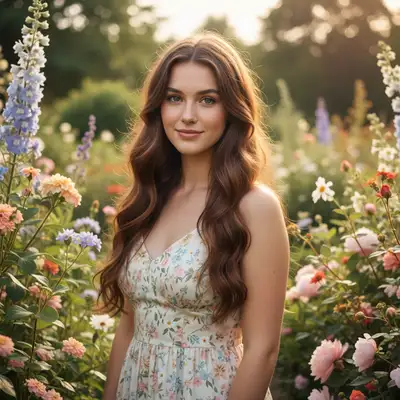
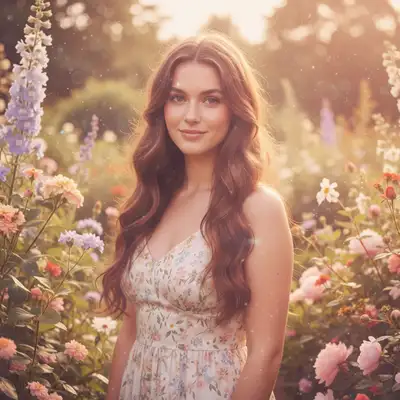
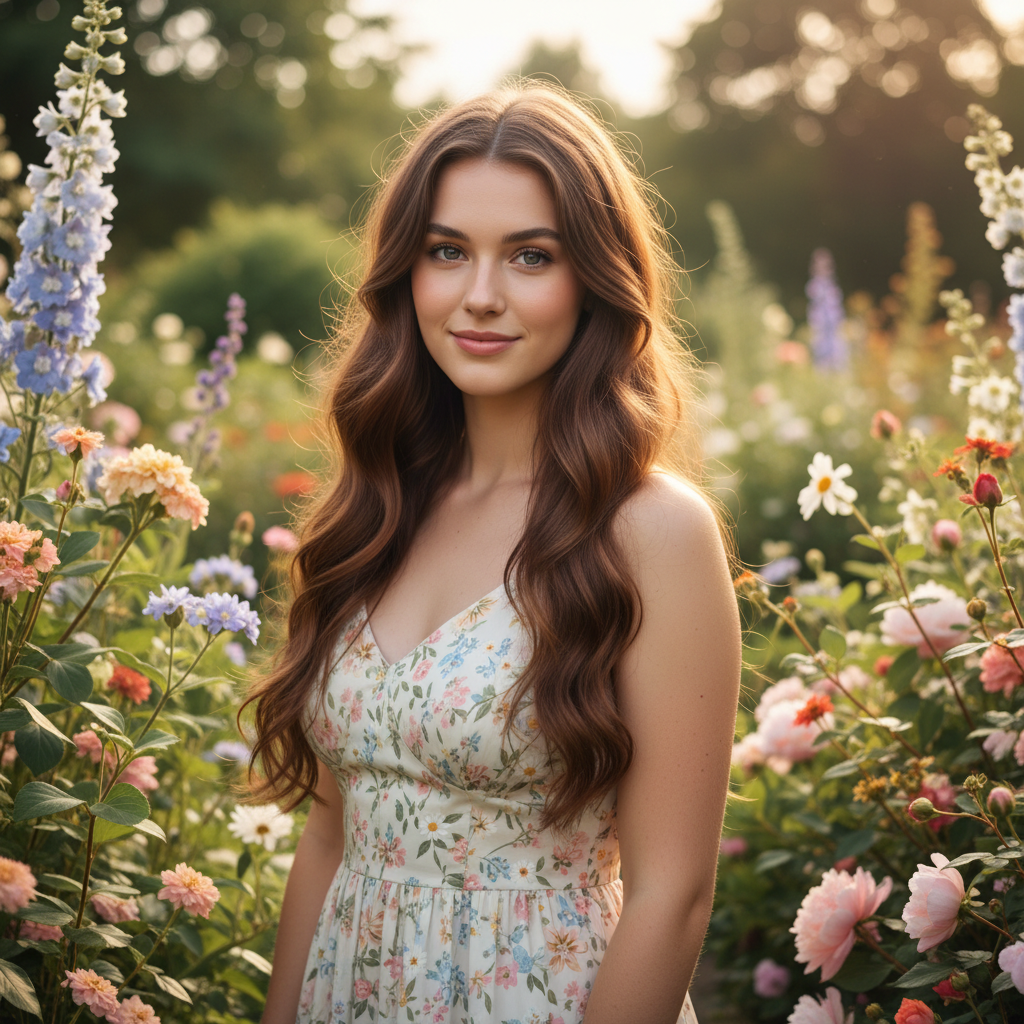
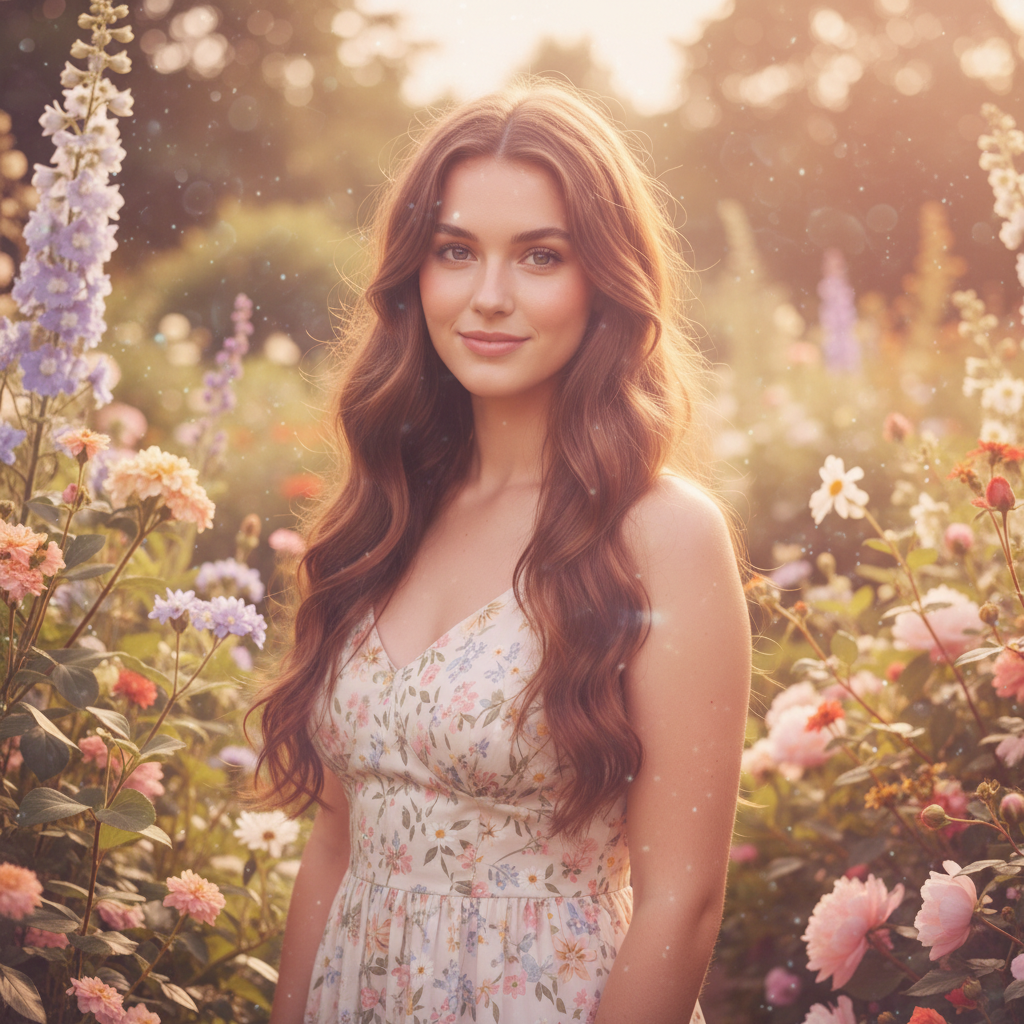
Normal portrait before dreamy filter Portrait with soft dreamy glow and ethereal effect

Upload photo to apply dreamy effect

"apply a dreamy filter with soft pastel colors, light pink and lavender tones, and gentle diffused glow"

Release to upload

50,000+photos edited
<30stypical edit
1 freeedit weekly

1 free edit·then from $4.99

How it works

  1. Upload your photo

    Upload any photo for color work. Images with varied tones give the AI more to work with for dreamy effect adjustments. JPG, PNG, WebP up to 7MB.

    Expect: Simple dreamy effects: 15-30 seconds. Complex multi-layer looks: may need one refinement.
  2. Describe the dreamy effect

    Type your instruction: 'apply a dreamy filter with soft focus and glowing highlights' or 'make this look ethereal with pastel tones and hazy light.' Be specific about softness level, glow intensity, and color palette. No marking needed—the AI applies the effect to the entire image.

    Tip: Combine effects: 'dreamy soft focus with lavender tint and golden hour glow' for unique looks

    Copy one of these to get started:

    Classic soft dreamy portrait apply a dreamy filter with soft focus, glowing highlights, and gentle hazy light throughout the image
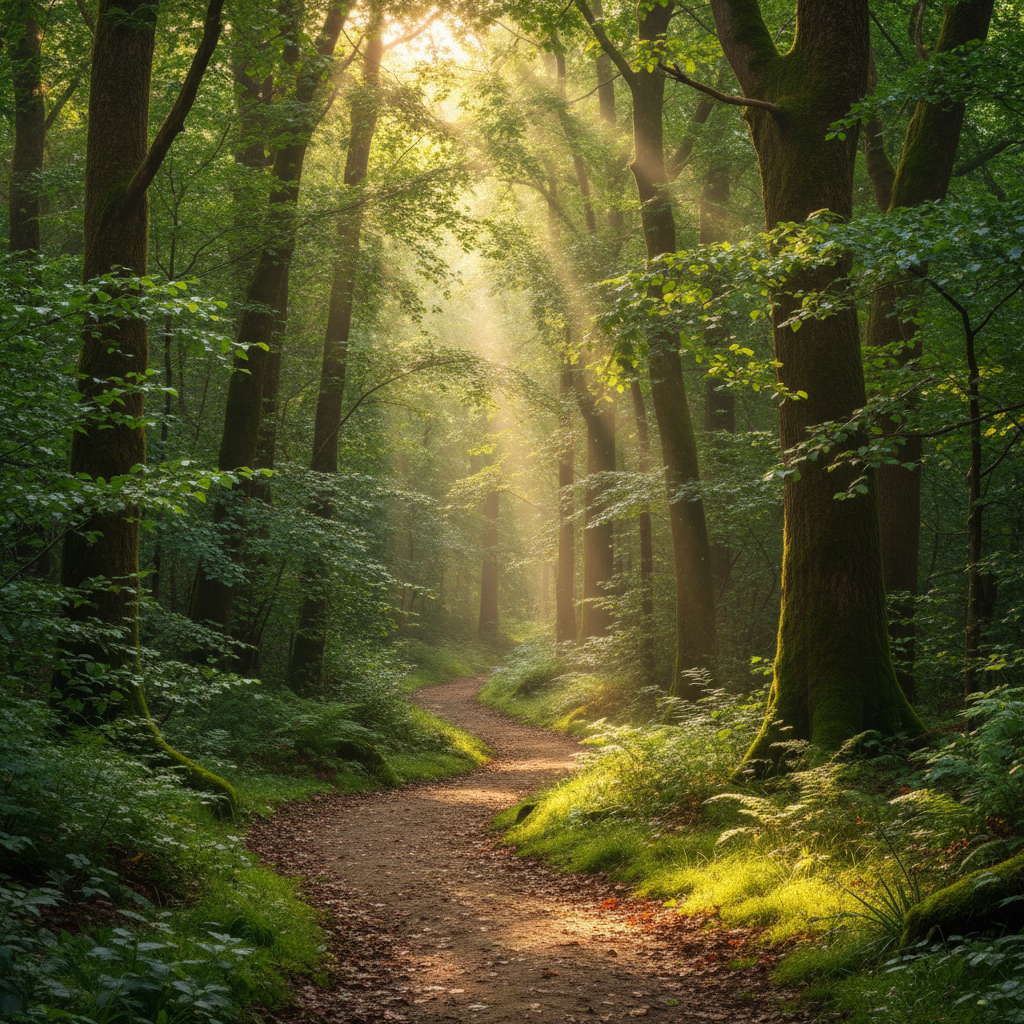
    Pastel dreamy aesthetic apply a dreamy filter with soft pastel colors, light pink and lavender tones, and gentle diffused glow
    Golden hour dreamy glow apply a dreamy filter with warm golden glow, soft focus, and sun-kissed highlights
    Ethereal white dreamy look apply an ethereal dreamy filter with soft white glow, lifted shadows, and creamy highlights
    2 more prompts
    Vintage dreamy with film grain apply a dreamy vintage filter with soft focus, muted colors, subtle film grain, and nostalgic glow
    Fantasy dreamy with color shift apply a fantasy dreamy filter with soft purple and blue tones, glowing highlights, and ethereal haze
  3. Generate and review

    Click Generate and watch your photo transform. Check that the soft focus isn't too blurry, the highlights have a gentle glow, and important details like eyes remain sharp.

See it in action

Normal portrait before dreamy filter
Before
->
Portrait with soft dreamy glow and ethereal effect
After

Portrait with Soft Dreamy Glow

Applied classic dreamy effect with soft focus and glowing highlights to a portrait.

Prompt: apply a dreamy filter with soft focus, glowing highlights, and gentle hazy light throughout the image
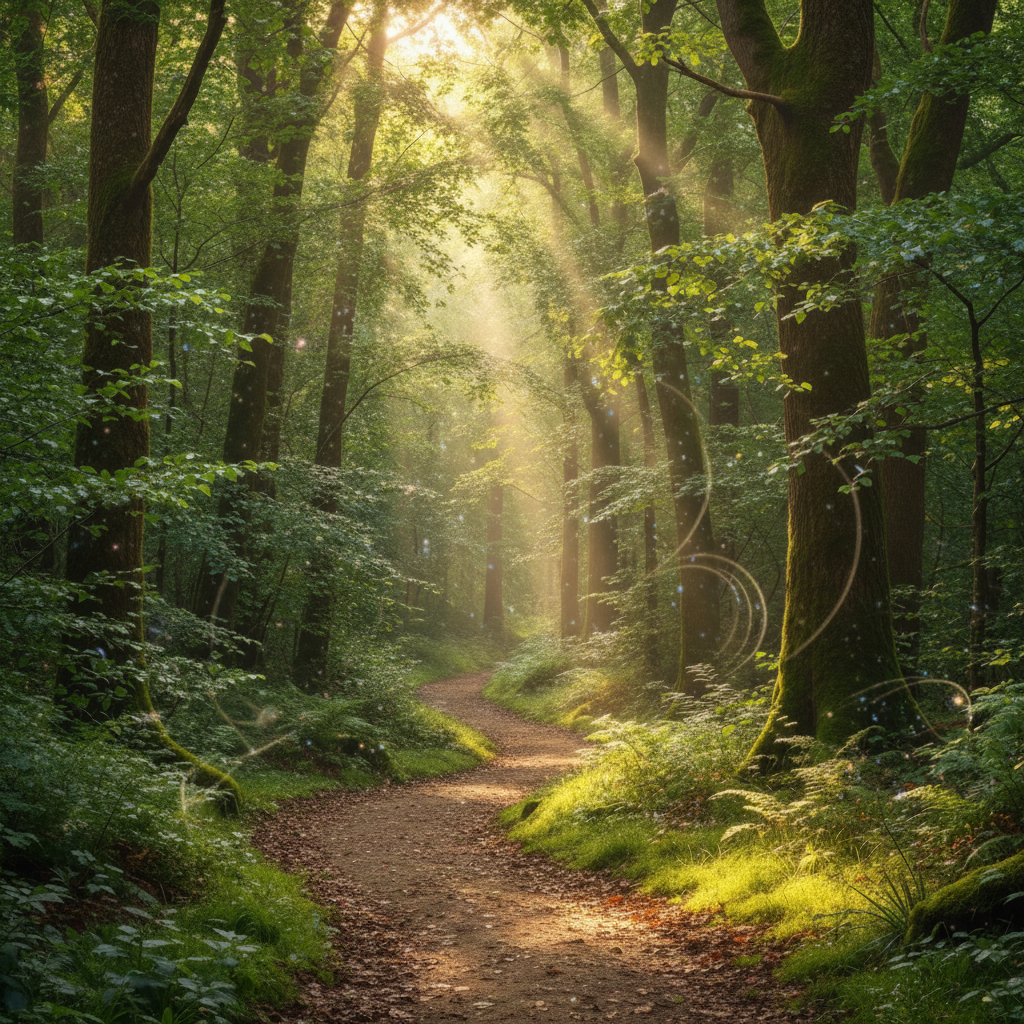
Clear flower photo before dreamy filter
Before
->
Flower photo with pastel dreamy glow
After

Flower Photo with Pastel Dreamy Look

Transformed a flower photo into a dreamy pastel scene with soft colors and glow.

Prompt: apply a dreamy filter with soft pastel colors, light pink and lavender tones, and gentle diffused glow

Quick answers

Do I need to mark anything to apply a dreamy filter?

No! Just describe the effect you want: 'apply a dreamy filter with soft focus and glowing highlights' or 'make this look ethereal with pastel tones.' The AI applies the effect to the entire image.

How do I make sure the photo doesn't get too blurry?

Use words like 'subtle' or 'gentle' in your prompt: 'apply a gentle dreamy filter with soft glow.' For portraits, add 'keep facial features and eyes sharp' to maintain important details while creating the dreamy atmosphere. You can also start subtle and regenerate with stronger effects if needed.

What's the difference between dreamy and soft focus filters?

Dreamy filters combine multiple effects—soft focus, glowing highlights, lifted shadows, and often color adjustments—to create an ethereal, romantic look. Soft focus alone just blurs slightly. Dreamy filters create that signature glowing, magical aesthetic seen in fairy tale photography.

Can I combine dreamy effects with color tones?

Yes! The AI understands combined instructions: 'apply a dreamy filter with lavender and pink pastel tones' or 'dreamy golden hour glow with warm colors.' Combining soft focus with specific color palettes creates unique, personalized dreamy looks.

Is EditThisPic's AI dreamy effect applyer really free?

Yes — you get 1 free edit per week, no account needed. Plans start at $4.99/month for 15 edits.

Can I apply dreamy effect on my phone?

Yes. EditThisPic works in any mobile browser — iPhone, Android, tablet. No app download needed.

What photo formats does the AI dreamy effect applyer support?

JPG, PNG, WebP, and HEIC. Upload any common photo format and EditThisPic handles the rest.

How long does it take to apply dreamy effect?

Usually 15-30 seconds. Upload your photo, describe what you want, and the AI delivers the result.

How much does EditThisPic cost?

You get 1 free edit per week — no account needed. After that, credit packs start at $1.99 for 3 edits. Monthly plans start at $4.99/mo for 20 edits with unused credits rolling over. All edits are full resolution with no watermark.

Ready to add dreamy effects to your photos?

Free to try. No signup required.

1 free edit included·Credit packs from $4.99