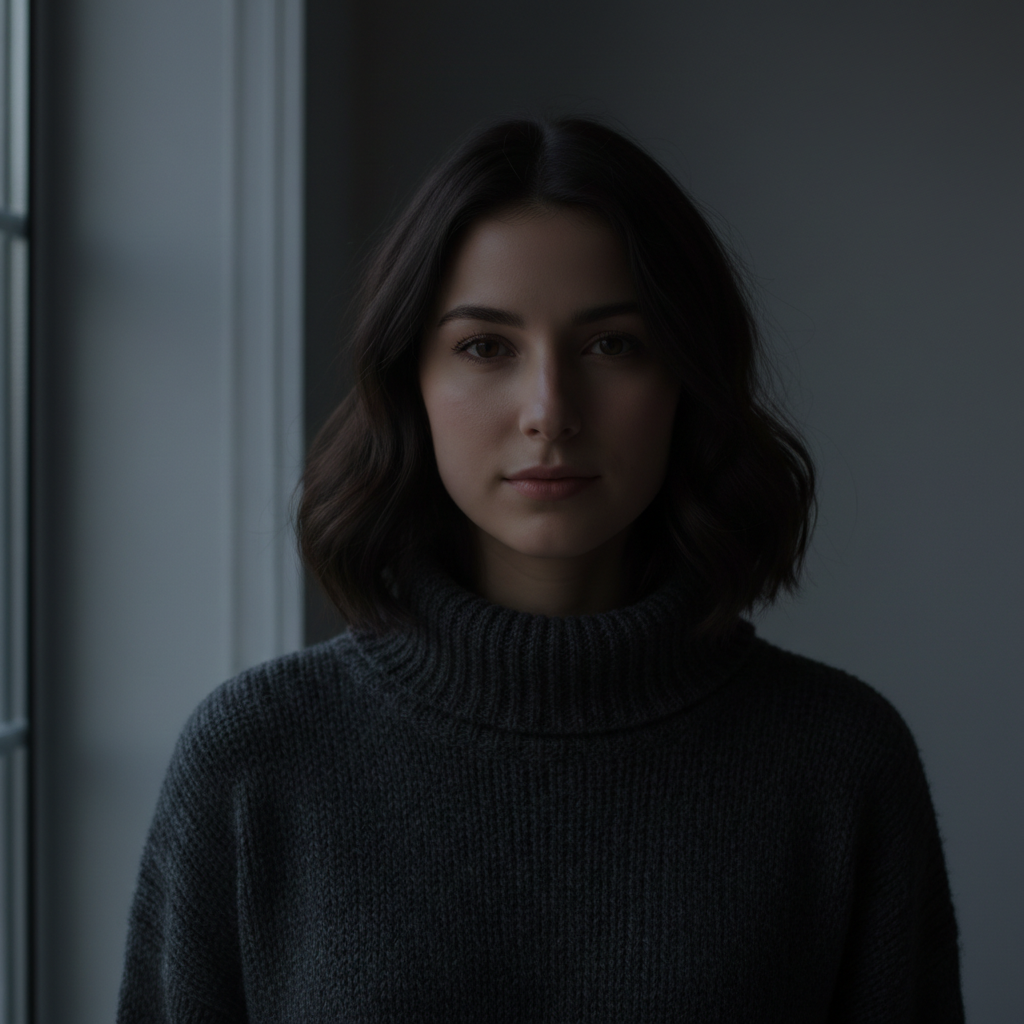
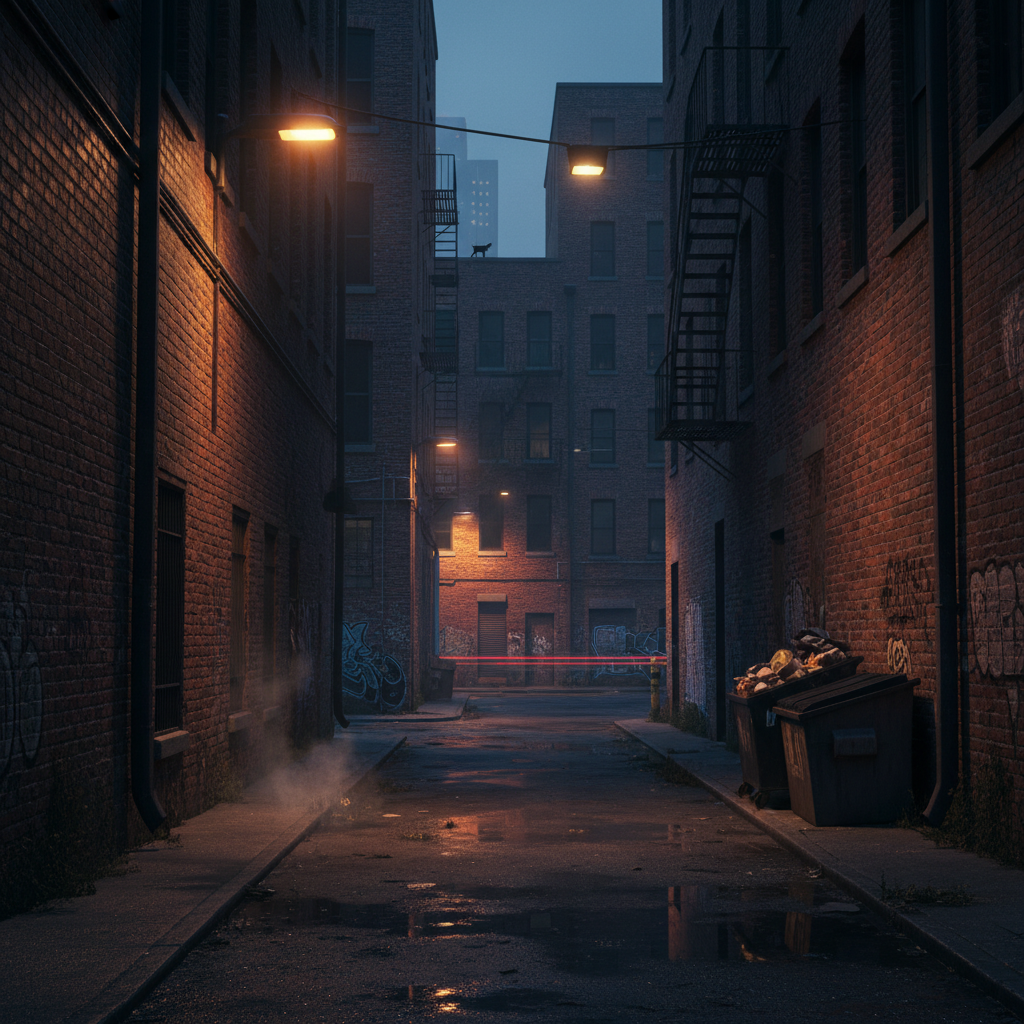
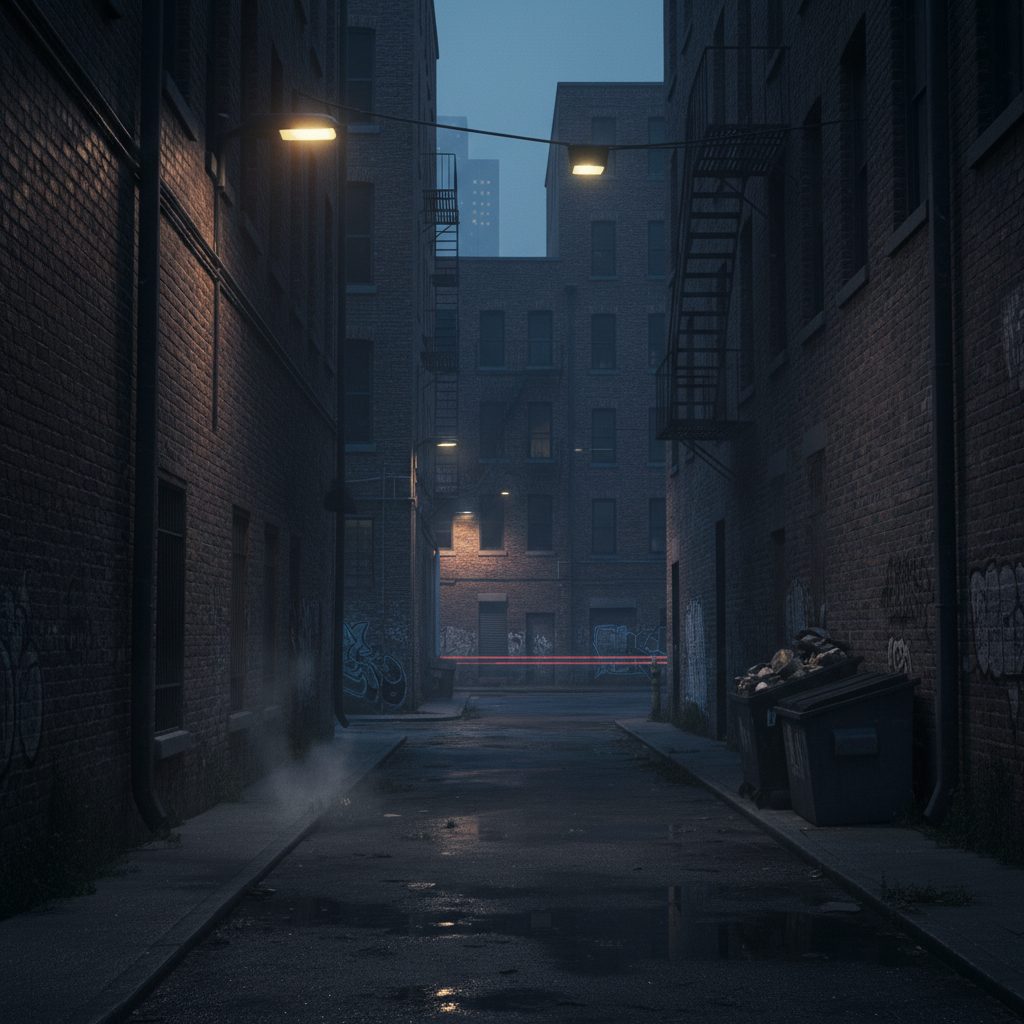
Do I need to mark areas before applying a moody filter?
No! For most moody filters, just describe what you want: 'apply moody filter' or 'make it look dark and cinematic.' The AI applies the aesthetic globally.
How do I make a photo look moody for free?
Upload your photo to EditThisPic and type 'apply moody filter' or 'make it look dark and cinematic with desaturated tones.' The AI will darken tones, reduce saturation, and add atmospheric shadows in 15-20 seconds. Completely free to try, no signup required. The free edit is a preview — purchased downloads are clean, full quality.
What is a moody aesthetic in photography?
A moody aesthetic features dark tones, deep shadows, and desaturated colors that create a cinematic, dramatic, or melancholic atmosphere. It's popular in portrait, urban, and landscape photography for creating emotional depth and visual drama.
Can I control the color tone of the moody filter?
Yes. Be specific in your prompt: 'moody with teal and orange tones' for cinematic color grading, 'dark moody black and white' for monochrome, or 'moody with blue-gray tones' for a cooler palette. The AI adjusts the color palette based on your description.
Is EditThisPic's AI moody filter applyer really free?
Yes — you get 1 free edit per week, no account needed. Credit packs start at $4.99 for 10 edits.
Can I apply moody filter on my phone?
Yes. EditThisPic works in any mobile browser — iPhone, Android, tablet. No app download needed.
What photo formats does the AI moody filter applyer support?
JPG, PNG, WebP, and HEIC. Upload any common photo format and EditThisPic handles the rest.
How long does it take to apply moody filter?
Usually 15-30 seconds. Upload your photo, describe what you want, and the AI delivers the result.
How much does EditThisPic cost?
You get 1 free edit per week — no account needed. After that, one-time credit packs start at $4.99 for 10 edits, valid 12 months, no subscription. Power users who edit daily can pick Studio Membership, a monthly workspace at $49.99/mo for 300 edits. Purchased downloads are clean with no watermark.