Free • No signup Fix Color · Free

AI Color Corrector

← Browse all creative effects

Last updated

Just describe the color issue and AI fixes it automatically.

Indoor photo with heavy yellow tungsten lighting cast Same photo with corrected daylight color balance

Upload photo to fix color

"remove blue color cast from outdoor shade and warm up to natural skin tones"

Release to upload

50,000+photos edited
<30stypical edit
1 freeedit weekly

1 free edit·then from $4.99

How it works

  1. Upload your photo

    Upload any photo for color work. Images with varied tones give the AI more to work with for color adjustments. JPG, PNG, WebP up to 7MB.

    Expect: Simple color fixes: 15-30 seconds. Complex mixed lighting: may need 2-3 refinements.
  2. Describe the color problem

    Type what needs fixing: 'remove yellow indoor lighting cast' or 'correct blue outdoor shade tint to look warmer.' Be specific about what color is wrong and what it should look like. No marking needed—the AI analyzes the entire image's color balance.

    Tip: Mention the lighting condition if it helps: 'shot under tungsten bulbs, need daylight balanced' or 'outdoor shade, too blue, need natural skin tones'

    Copy one of these to get started:

    Yellow indoor lighting fix yellow tungsten lighting cast and restore natural daylight color balance
    Blue outdoor shade remove blue color cast from outdoor shade and warm up to natural skin tones
    Faded vintage colors restore faded colors and increase color saturation to look vibrant and natural
    Green fluorescent tint remove green fluorescent lighting tint and balance to neutral daylight
    3 more prompts
    Mixed lighting correction correct mixed tungsten and daylight to unified natural color balance
    Oversaturated colors reduce oversaturation and restore natural realistic color tones
    White balance fix fix incorrect white balance and adjust to neutral daylight color temperature
  3. Generate and review

    AI analyzes white balance, removes color casts, and adjusts tones. Check faces and neutral areas (whites, grays) at full zoom to verify the correction looks natural.

See it in action

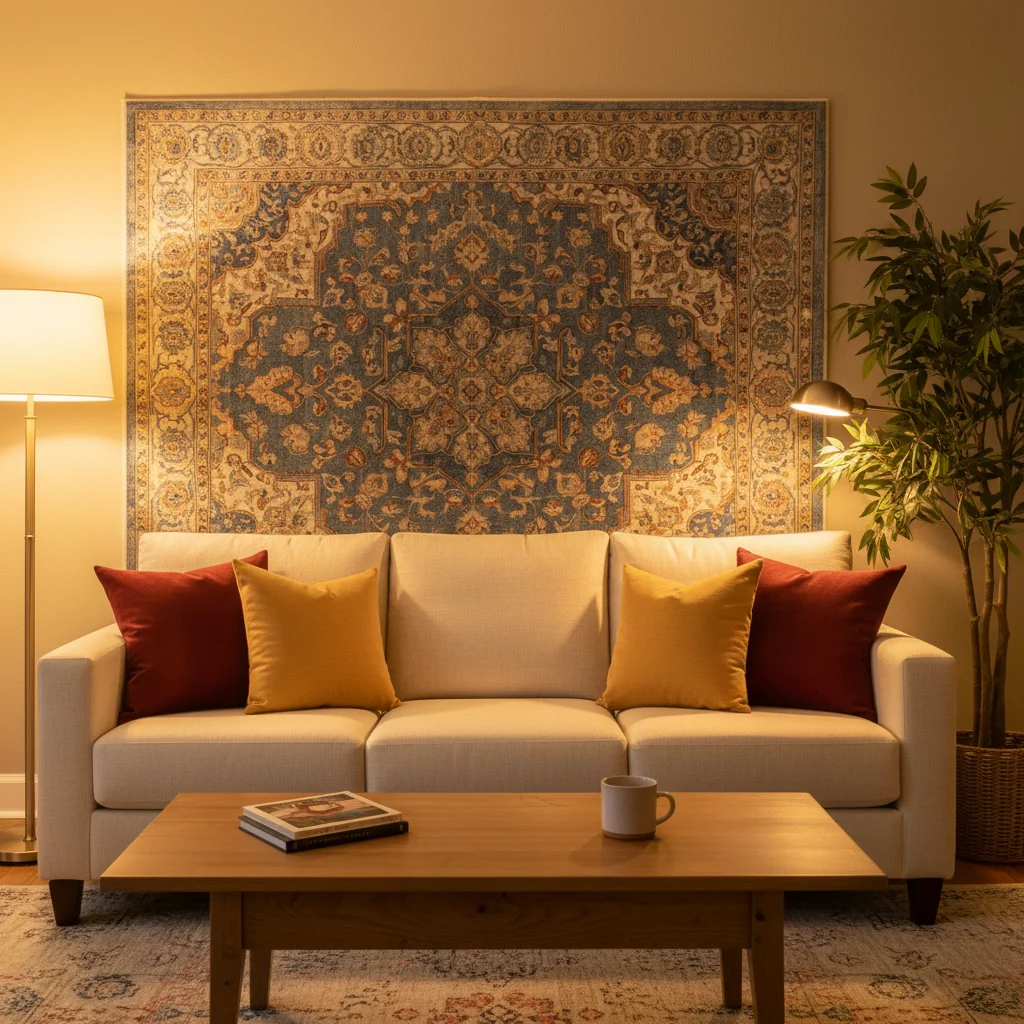
Indoor photo with heavy yellow tungsten lighting cast
Before
->
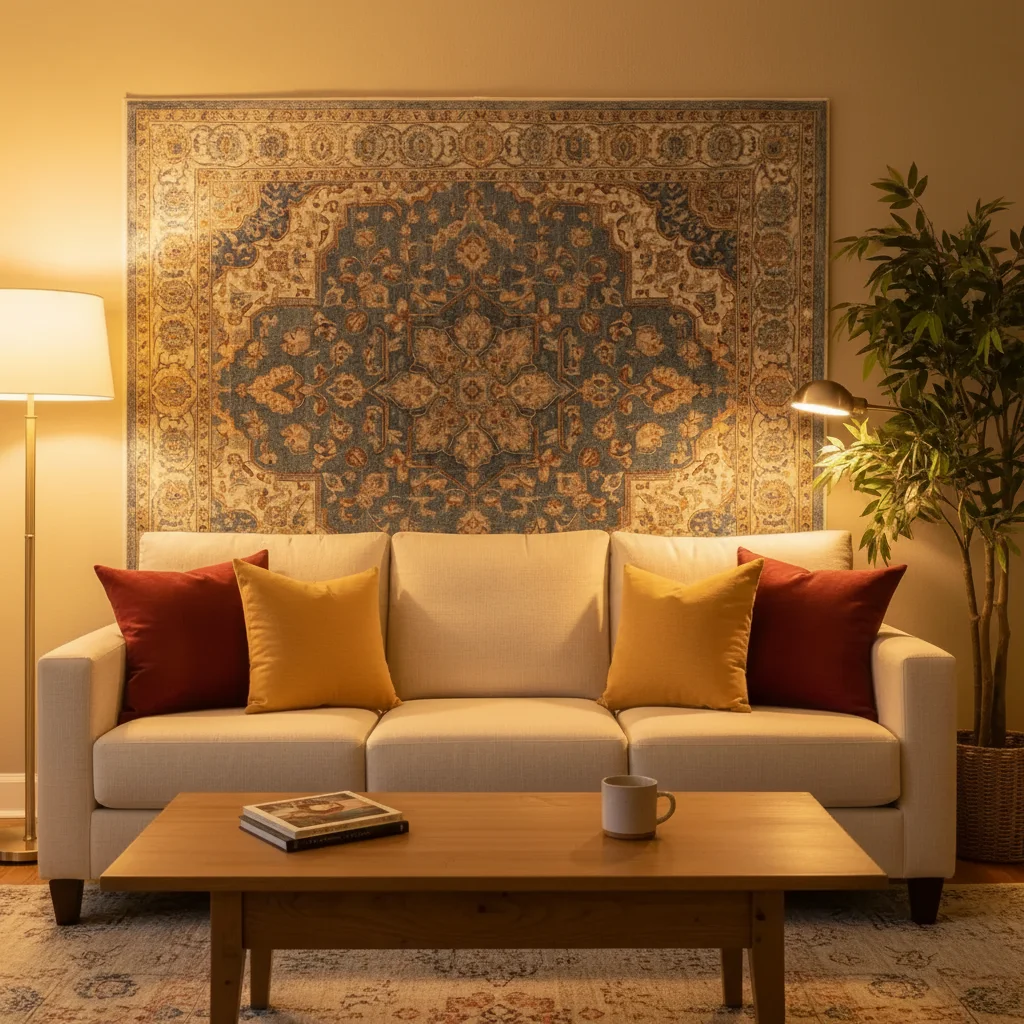
Same photo with corrected daylight color balance
After

Indoor tungsten lighting corrected

Removed heavy yellow cast from indoor photo taken under old incandescent bulbs. Skin tones and whites now look natural.

Prompt: fix yellow tungsten lighting cast and restore natural daylight color balance
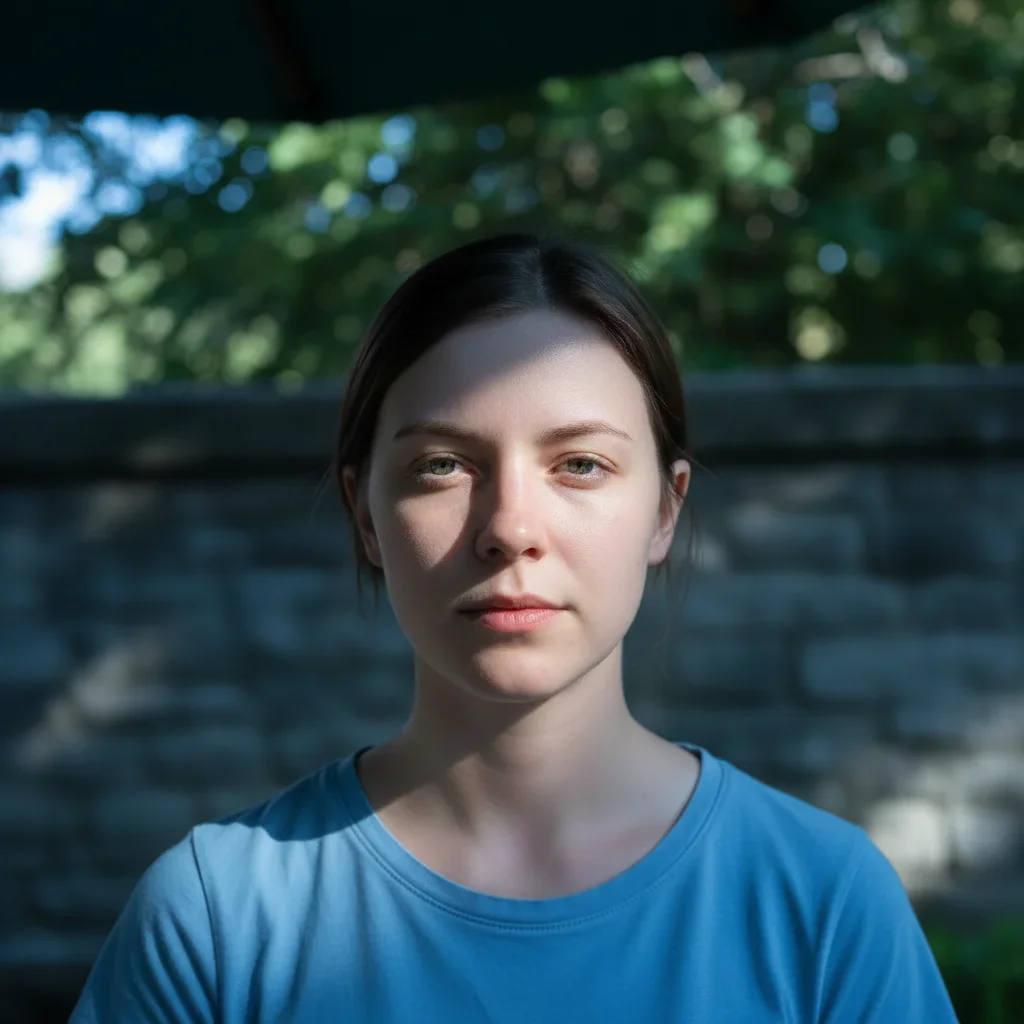
Outdoor portrait with blue shade color cast
Before
->
Portrait with corrected warm natural skin tones
After

Outdoor shade blue tint removed

Portrait taken in outdoor shade had blue color cast making skin look cold. Corrected to warm natural tones.

Prompt: remove blue color cast from outdoor shade and warm up to natural skin tones

Quick answers

Do I need to mark areas before describing color fixes?

No! For most color corrections, just describe the problem: 'fix yellow indoor lighting' or 'remove blue shade cast.' The AI adjusts the entire image automatically.

How do I fix color in photos taken under indoor lighting?

Upload your photo and type 'fix yellow tungsten lighting cast and restore natural daylight color balance' or 'remove warm indoor lighting tint.' The AI will automatically adjust white balance to remove the yellow-orange cast common in indoor photos. Works in 15-30 seconds with no manual adjustments needed.

Is there a free color corrector that doesn't require signup?

Yes. EditThisPic is completely free to try with no account required. Upload your photo, describe the color problem, and get professional color correction in seconds. No software downloads, no subscriptions, no watermarks on your corrected images.

What's the best free AI tool for fixing photo color balance?

EditThisPic uses AI to understand natural language descriptions like 'fix yellow lighting' or 'remove blue outdoor tint' and automatically adjusts white balance, removes color casts, and restores natural tones. Unlike traditional editors that require manual slider adjustments, you just describe what's wrong and the AI fixes it.

Can I fix color in old faded photos?

Yes. Use prompts like 'restore faded colors and increase saturation to look vibrant and natural' or 'bring back original color intensity from faded vintage photo.' The AI will analyze the image and restore color vibrancy while keeping tones realistic.

Is EditThisPic's AI color fixer really free?

Yes — you get 1 free edit per week, no account needed. Plans start at $4.99/month for 15 edits.

Can I fix color on my phone?

Yes. EditThisPic works in any mobile browser — iPhone, Android, tablet. No app download needed.

What photo formats does the AI color fixer support?

JPG, PNG, WebP, and HEIC. Upload any common photo format and EditThisPic handles the rest.

How much does EditThisPic cost?

You get 1 free edit per week — no account needed. After that, credit packs start at $1.99 for 3 edits. Monthly plans start at $4.99/mo for 20 edits with unused credits rolling over. All edits are full resolution with no watermark.

Ready to fix color in your photos?

Free to try. No signup required.

1 free edit included·Credit packs from $4.99