Pricing Fix Photo (free-tool angle) · Free

Photo Fixer Free

← Browse all creative effects

Last updated

Upload your photo and describe the problem — blur, grain, dark shadows, color cast, or damage. The AI reads your description and fixes the specific issue. No account required, a free preview of the result, clean paid downloads, and one free edit every week.
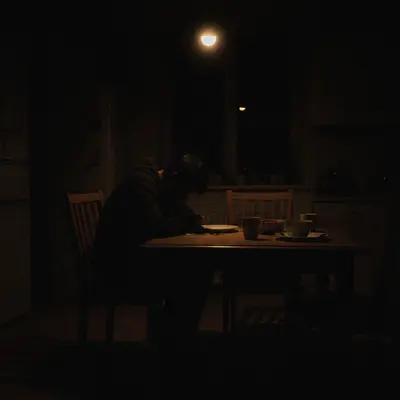
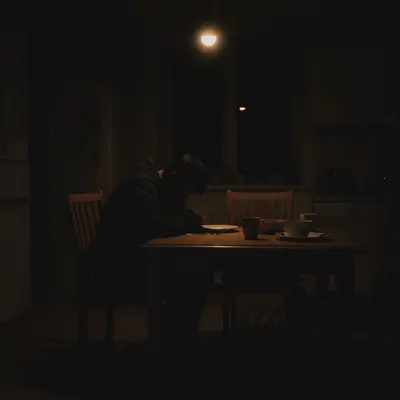
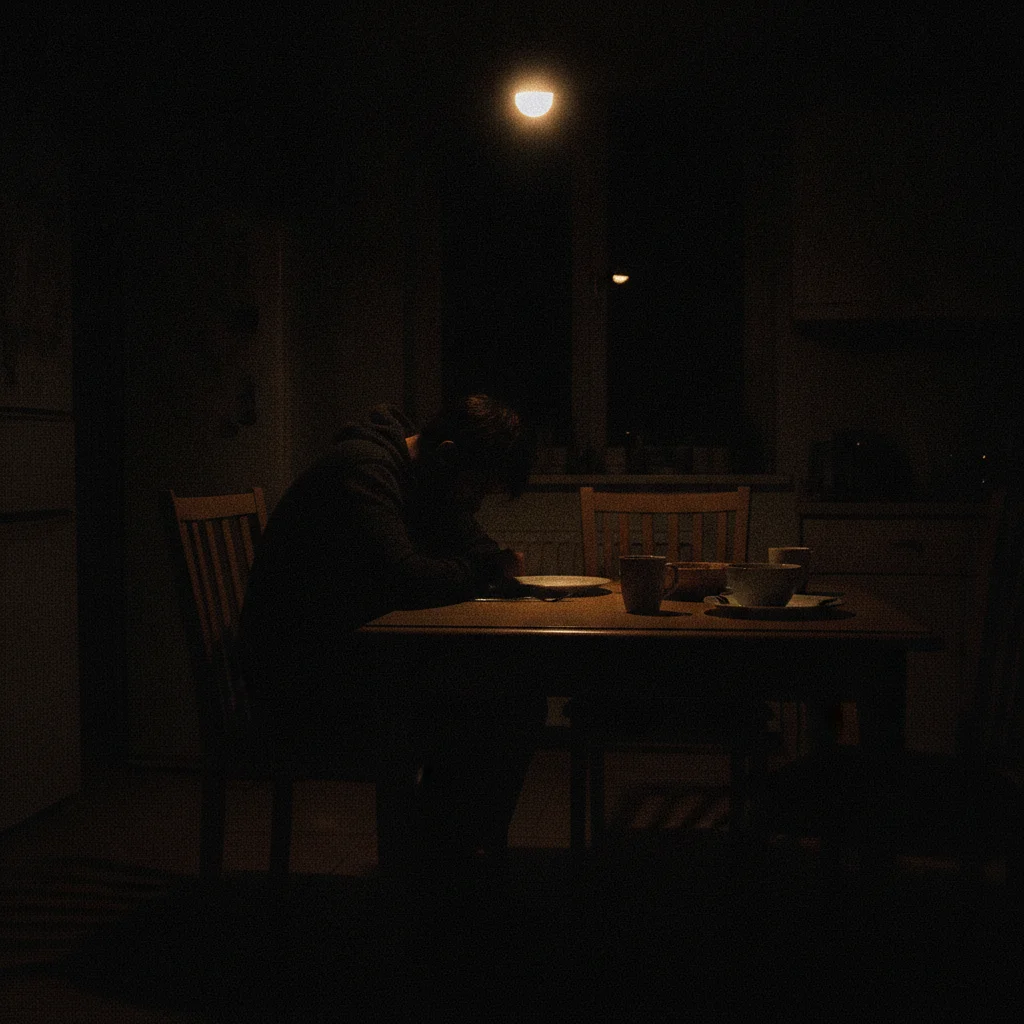
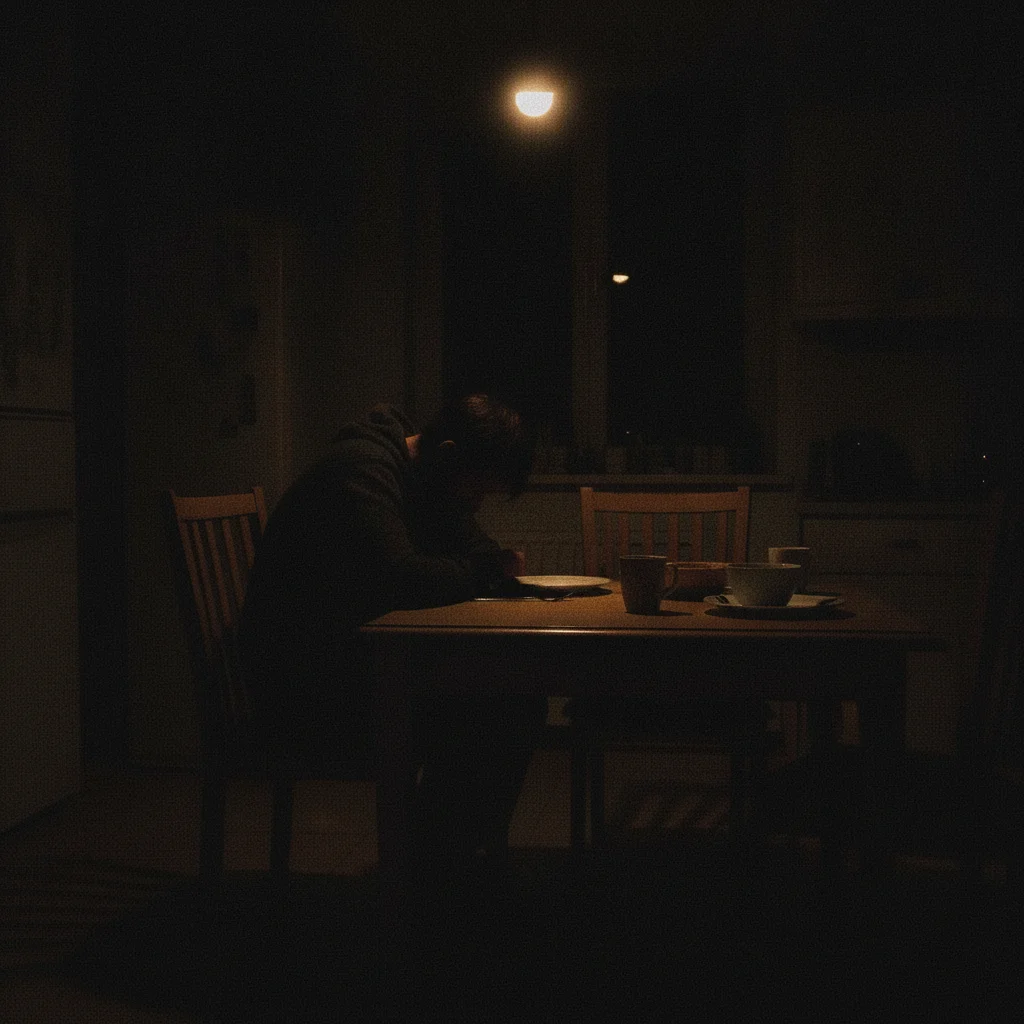
Dark grainy indoor photo with severe underexposure and noise Same indoor photo brightened and cleaned with natural lighting restored

Upload photo to fix photo (free-tool angle)

"Reduce the digital grain throughout the photo while keeping the fine detail sharp"

Free to try · no sign-up · photos are never shared

Release to upload

<30stypical edit
1 freeedit weekly
Photo on your phone? Scan to open this editor there — free edit works on your phone too.

1 free edit every week·packs from $4.99

How it works

  1. Upload your photo

    Upload the photo you want to fix. JPG, PNG, and WebP files up to 7MB are supported. No account creation or email address required before you start.

    Expect: Most single-issue fixes complete in 20-35 seconds. Photos with multiple problems may take 40-60 seconds and can benefit from a follow-up pass.
  2. Describe what is wrong

    Type the problem in plain language: 'fix the grain and brighten the image' or 'the photo has a yellow color cast — correct it.' You do not need to circle, highlight, or mark anything. The AI reads your words and finds the problem areas automatically.

    Tip: Name each problem separately: 'fix the blur, reduce the grain, and brighten the shadows' gets better results than 'improve the quality.'

    Copy one of these to get started:

    Fix a dark underexposed photo Brighten the photo and lift the shadow detail — it was taken in low light and is too dark overall
    Fix grain and noise Reduce the digital grain throughout the photo while keeping the fine detail sharp
    Fix a color cast from indoor lighting Remove the yellow-orange color cast from the indoor lighting and correct the white balance to natural tones
    Fix blur from camera shake Fix the motion blur from camera shake and sharpen the subject so the photo looks properly focused
    3 more prompts
    Fix multiple problems at once Fix this photo: it is dark, has grain, and a slight blue color cast — correct all three
    Fix an old faded photo Repair this old photo — restore the faded colors, reduce the spots and scratches, and sharpen the details
    Fix overexposed washed-out photo The photo is overexposed and washed out — recover the highlights and restore natural contrast
  3. Download your fixed photo

    Review the result with the before/after slider. When you are satisfied, buy the edit and download the fixed photo clean — the output is yours.

  4. Refine with a follow-up if needed

    If one issue was corrected but another remains, describe it in a second prompt. You can also request a different intensity: 'sharpen more' or 'reduce the noise without losing fine detail.' Markers are optional — add them only if you need the AI to leave a specific region alone.

See it in action

Dark grainy indoor photo with severe underexposure and noise
Before
->
Same indoor photo brightened and cleaned with natural lighting restored
After

Dark indoor photo corrected

A photo taken inside under poor lighting — too dark and grainy — brightened and cleaned in one free edit.

Prompt: Brighten the photo and reduce the grain — it was taken indoors in low light and is too dark
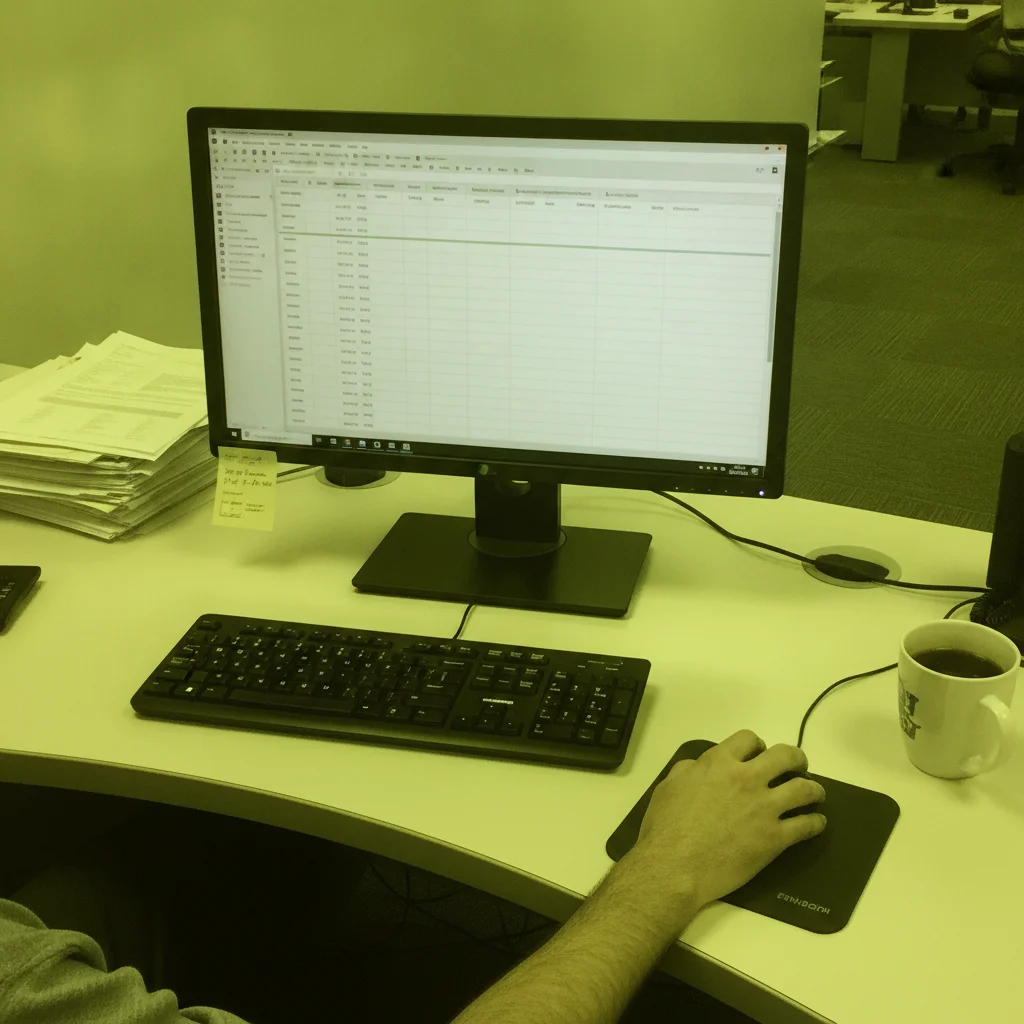
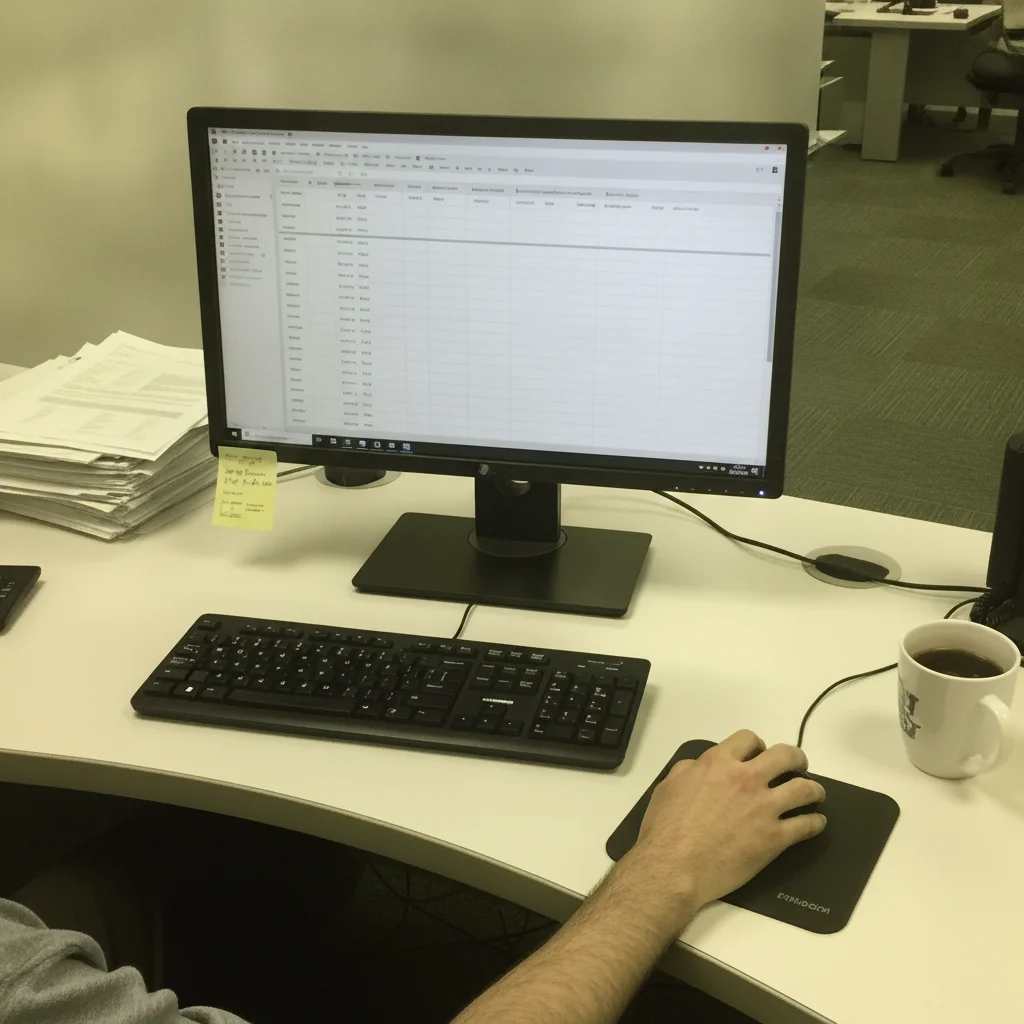
Office photo with heavy green-yellow fluorescent color cast
Before
->
Same office photo with natural white balance and accurate colors
After

Color cast from office fluorescents

An office photo with a strong green-yellow cast from fluorescent lighting — white balance corrected in one pass.

Prompt: Remove the green-yellow color cast from the fluorescent office lighting and correct the white balance
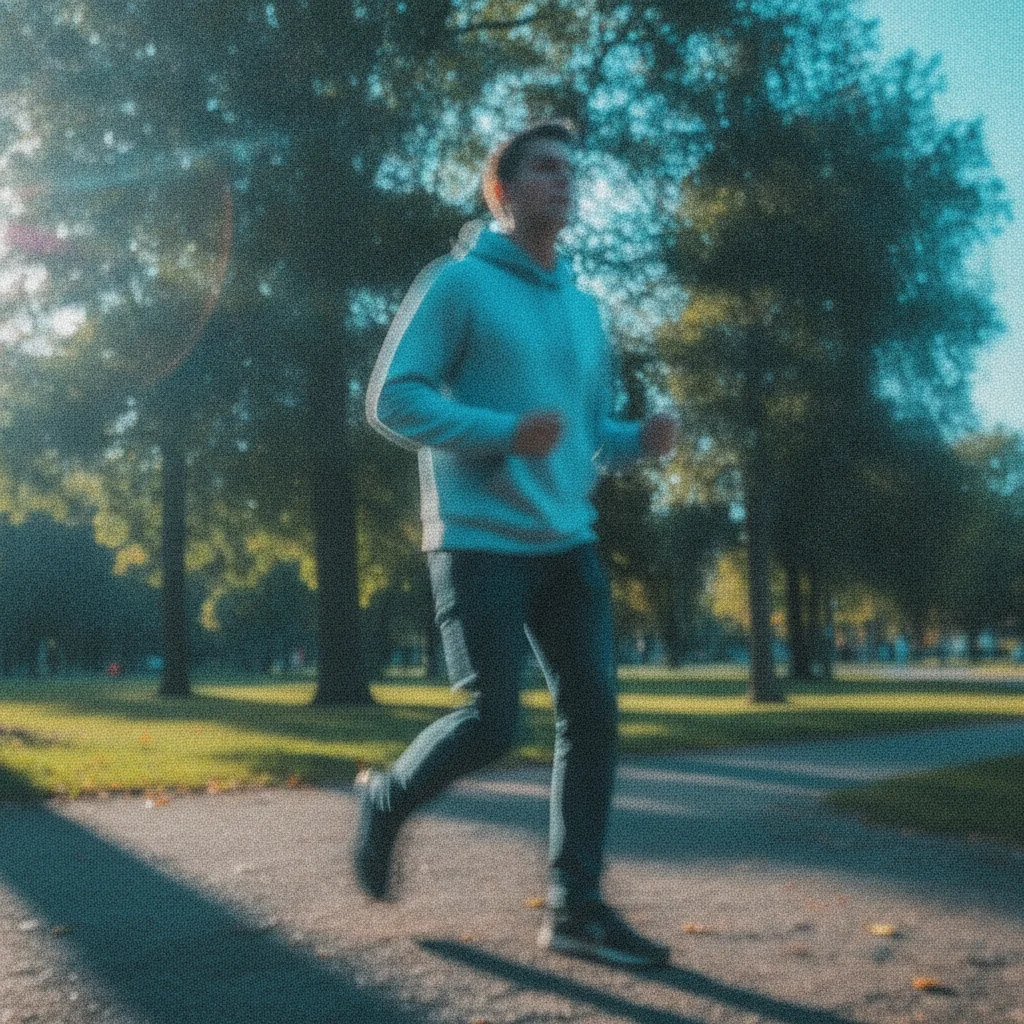
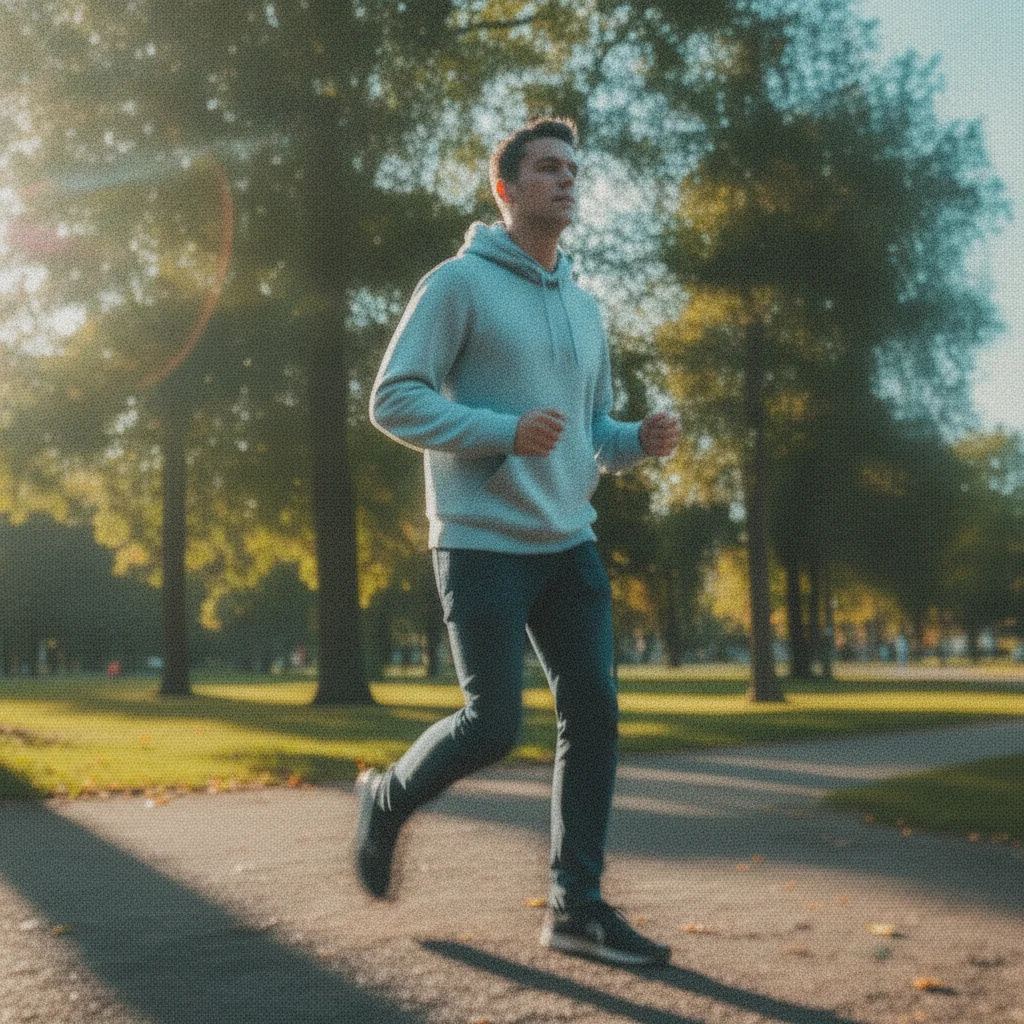
Phone photo with motion blur, grain, and blue color cast combined
Before
->
Same photo with blur removed, grain cleaned, and color balance corrected
After

Three problems fixed at once

A phone photo with blur, grain, and a slight blue cast — all three corrected in a single free edit.

Prompt: Fix this photo: it has motion blur, digital grain, and a slight blue cast — correct all three

Quick answers

Do I need to mark or select the problem area before I describe the fix?

No. Just describe what is wrong in plain language: 'fix the blur,' 'the photo is too dark,' or 'remove the yellow color cast.' EditThisPic's AI reads your description and identifies the affected areas automatically. Markers are optional — only useful if you want to protect a specific region from being changed.

Is this photo fixer genuinely free — no watermark, no account?

Yes. You get one free photo fix per week with no account or credit card required. You see the result as a preview, and the purchased download is clean. Many tools require a login before you can see the result — EditThisPic doesn't. For more than one fix per week, one-time credit packs start at $4.99 and never expire.

Why do most 'free' photo fixers add watermarks or require signup?

Most tools use watermarks and accounts as conversion levers — they let you see a preview but force signup or payment to download. EditThisPic gives you the actual result on the free edit, no gate. The weekly limit is the only constraint on the free tier.

What kinds of photo problems can this free tool fix?

Blur (motion and focus), digital grain and noise, underexposure and dark shadows, overexposure and blown highlights, color casts (yellow, blue, green), low contrast, compression artifacts, and fading or scratches in old photos. Describe the specific problem rather than asking for a generic 'quality fix' for the best result.

Can I fix multiple problems in one free edit?

Yes. List every problem in a single prompt: 'fix the blur, reduce the grain, and correct the dark shadows' addresses all three in one pass. The free weekly edit covers one submission regardless of how many problems you describe in it.

How is this different from fix-photo-with-ai and image-fixer?

The difference is angle, not capability. This page is specifically for people searching for a free photo fixer who are skeptical of fake-free tools — it covers what the free tier includes and where the real limits are. The fix-photo-with-ai and image-fixer pages share the same underlying AI and cover the same fix types with different emphasis.

How much does EditThisPic cost?

You get 1 free edit per week — no account needed. After that, one-time credit packs start at $4.99 for 10 edits, valid 12 months, no subscription. Power users who edit daily can pick Studio Membership, a monthly workspace at $49.99/mo for 300 edits. Purchased downloads are clean with no watermark.

Ready to fix your photo for free?

No signup required. Free preview, clean paid downloads. One free edit per week.

1 free edit included·Credit packs from $4.99