Free • No signup Fix Image problems · Free

Image Fixer

Last updated

Upload any image and describe the problem — blur, noise, underexposure, color cast, scratches, or compression artifacts. The AI reads your description and corrects the specific issue. Works on any image type. Free, no account needed.
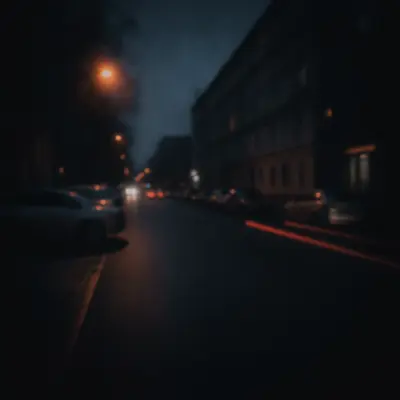
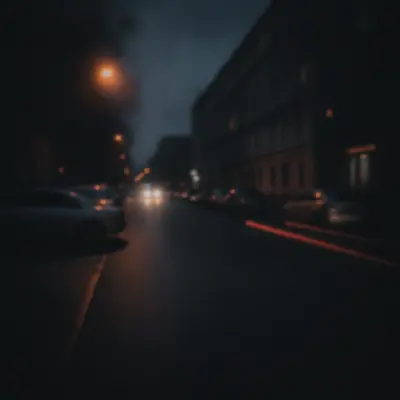
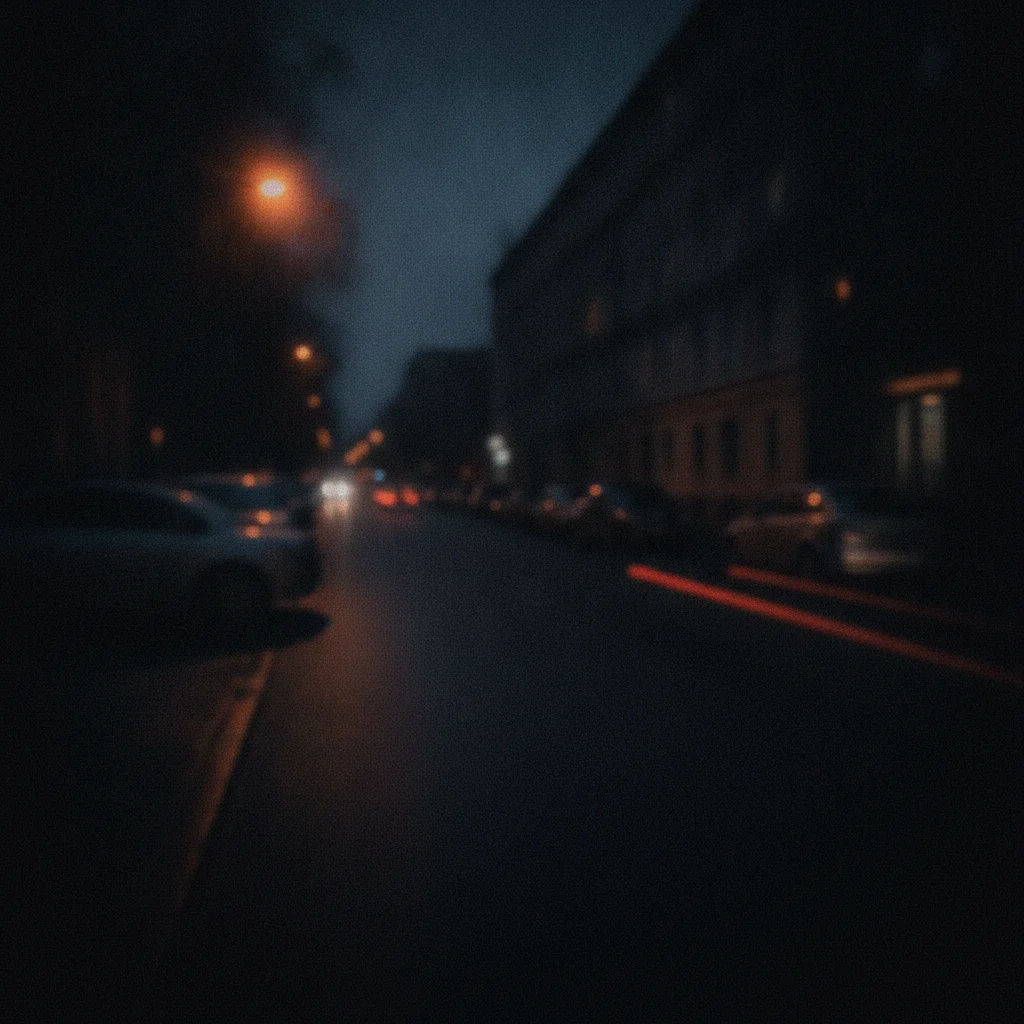
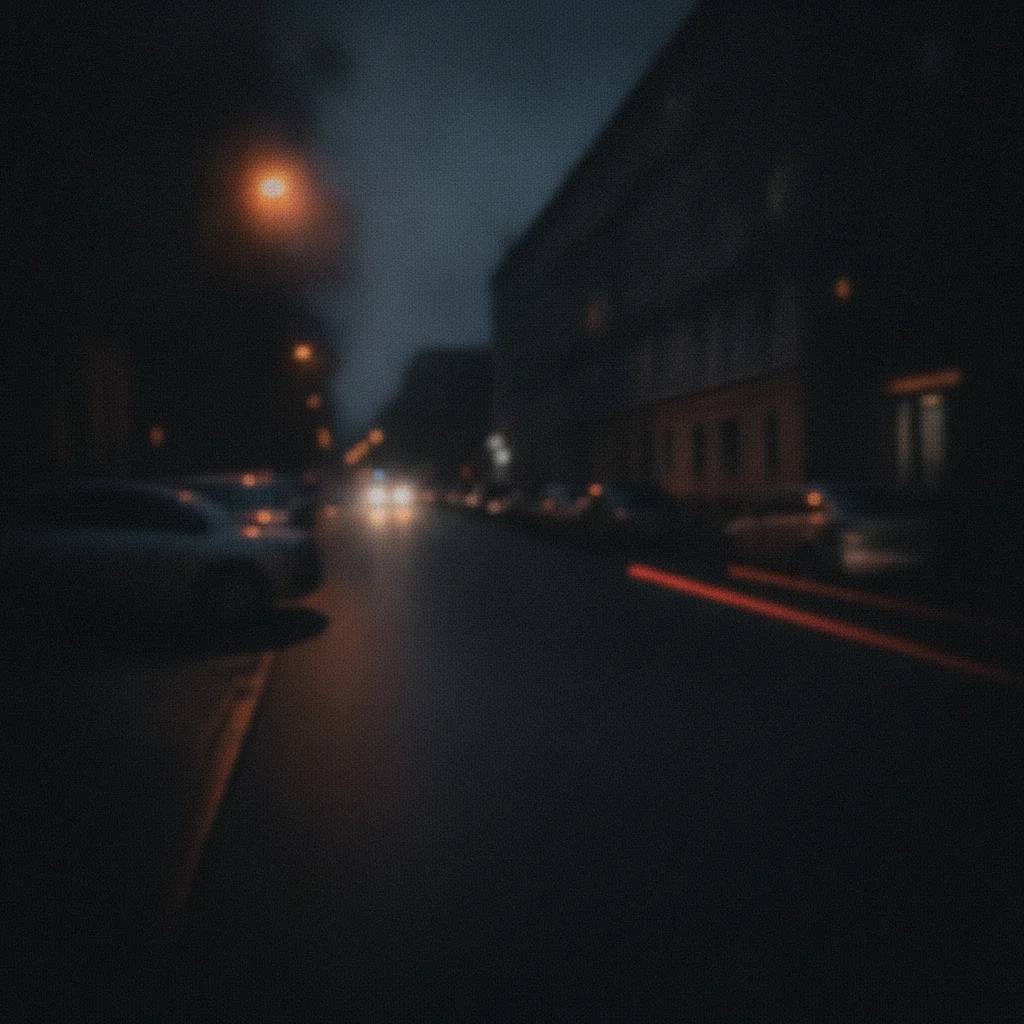
Dark noisy city street photo with severe underexposure and grain Same city street photo brightened and cleaned with natural colors restored

Upload photo to fix image problems

"Brighten the image and recover the shadow detail — it was taken in low light and is too dark overall"

Release to upload

50,000+photos edited
<30stypical edit
1 freeedit weekly

1 free edit·then from $4.99

How it works

  1. Upload your image

    Upload the image that has quality issues. JPG, PNG, and WebP files up to 7MB are supported. The worse the original, the more dramatic the fix.

    Expect: Simple single-issue fixes: 20-35 seconds. Complex multi-problem images: 40-60 seconds and may benefit from a second pass.
  2. Describe the problem

    Tell the AI what is wrong with your image: 'fix the motion blur and reduce the grain' or 'the image is too dark and has a blue color cast — fix both.' You do not need to select or mark problem areas — the AI identifies them from your description.

    Tip: Name each problem separately: 'fix the blur, remove the noise, and brighten the shadows' gets better results than 'fix the image quality.'

    Copy one of these to get started:

    Fix blur and noise together Fix the motion blur and reduce the digital noise throughout the image, preserving fine detail
    Fix underexposed dark image Brighten the image and recover the shadow detail — it was taken in low light and is too dark overall
    Fix color cast Remove the yellow color cast and correct the white balance so the colors look natural
    Fix old or damaged image Repair the scratches and fading in this old photo, restore natural colors and sharpness
    3 more prompts
    Fix overexposed washed-out photo The photo is overexposed and washed out — recover the highlights and add contrast so it looks natural
    Fix compression artifacts Remove the JPEG compression artifacts and blocky distortions, clean up the edges and fine details
    Fix multiple problems in one shot Fix the image: it is dark, slightly blurry, and has a greenish color cast — correct all three problems
  3. Review the result

    Compare before and after. Check that each problem you described has been addressed. Use the comparison slider to inspect details side by side.

  4. Refine if needed

    If one problem was fixed but another remains, describe the remaining issue in a follow-up. You can also ask the AI to be more or less aggressive: 'sharpen more' or 'reduce the noise further without losing detail.'

    Tip: Markers are optional — you can add them if you need the AI to ignore a specific region, but most fixes work without any marking.

See it in action

Dark noisy city street photo with severe underexposure and grain
Before
->
Same city street photo brightened and cleaned with natural colors restored
After

Dark noisy photo rescued

A phone photo taken at night with heavy grain and underexposure — brightened and denoised in one pass.

Prompt: Brighten the image and reduce the digital noise — it was taken in low light and is too dark and grainy
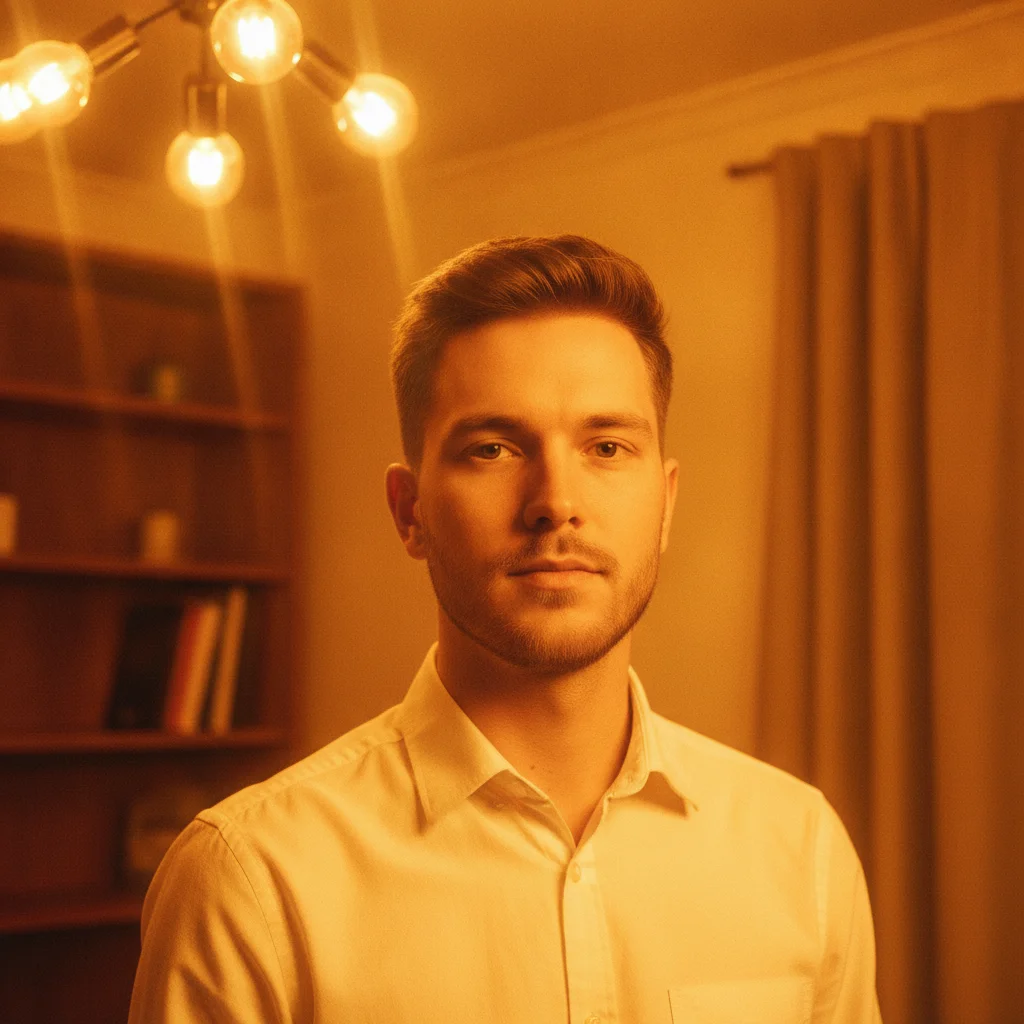
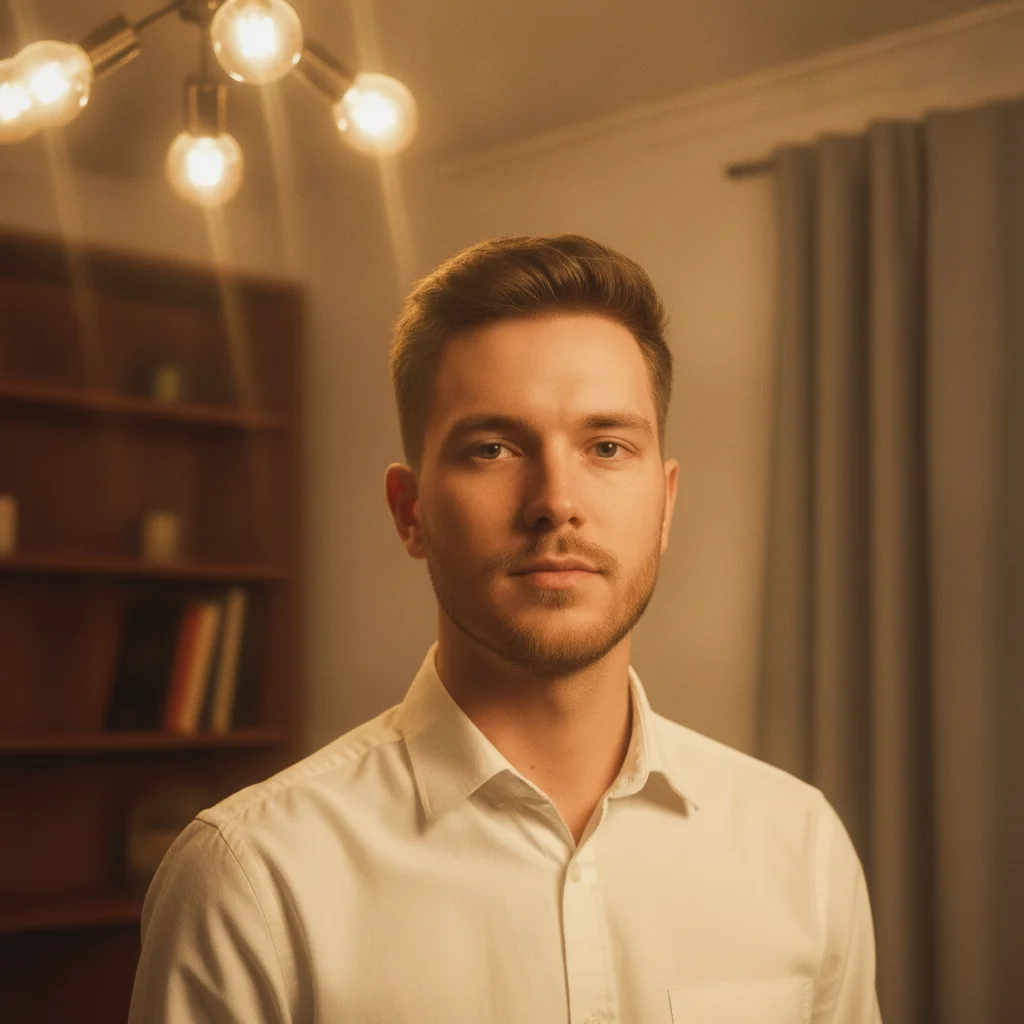
Portrait with heavy yellow-orange color cast from tungsten lighting
Before
->
Same portrait with natural white balance and correct skin tones
After

Color cast correction

An indoor portrait with a strong yellow color cast from tungsten lighting — white balance corrected to natural skin tones.

Prompt: Remove the strong yellow-orange color cast from the tungsten lighting and correct the white balance to natural tones
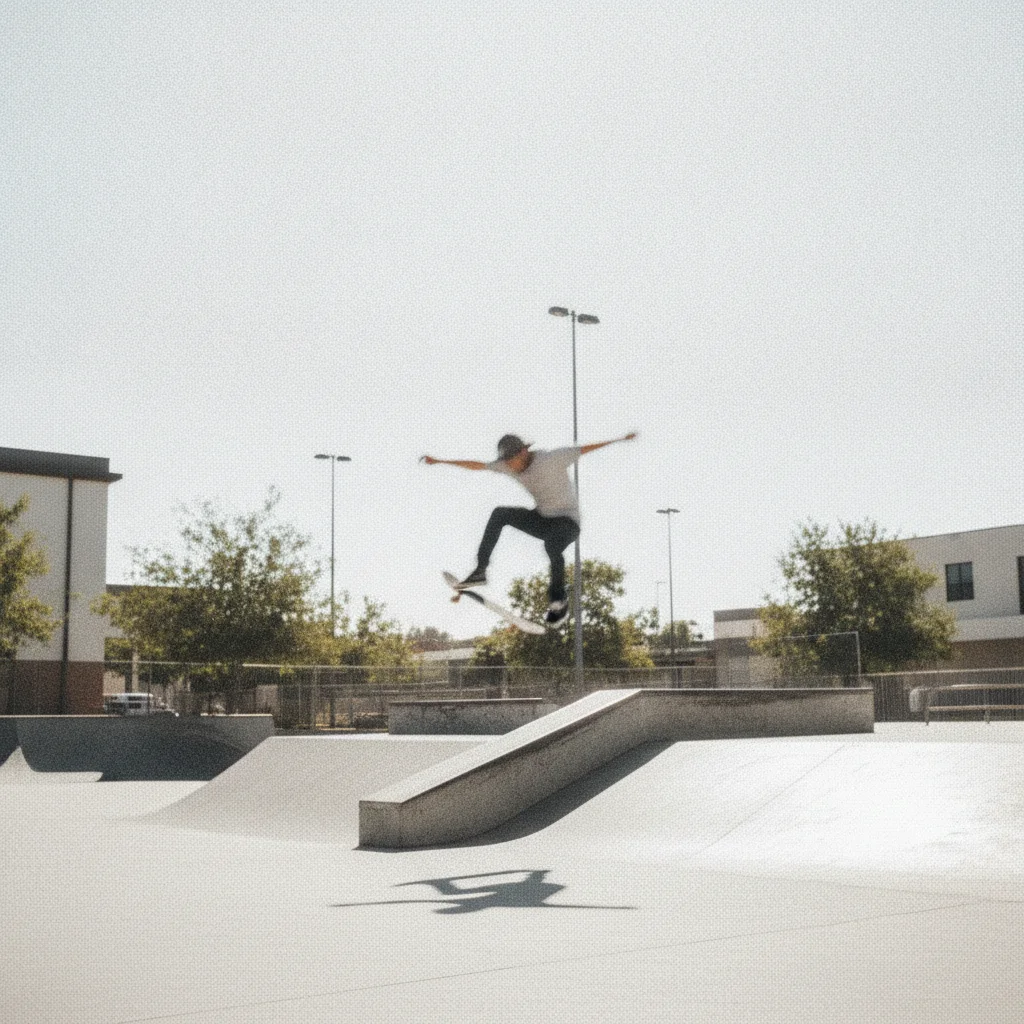
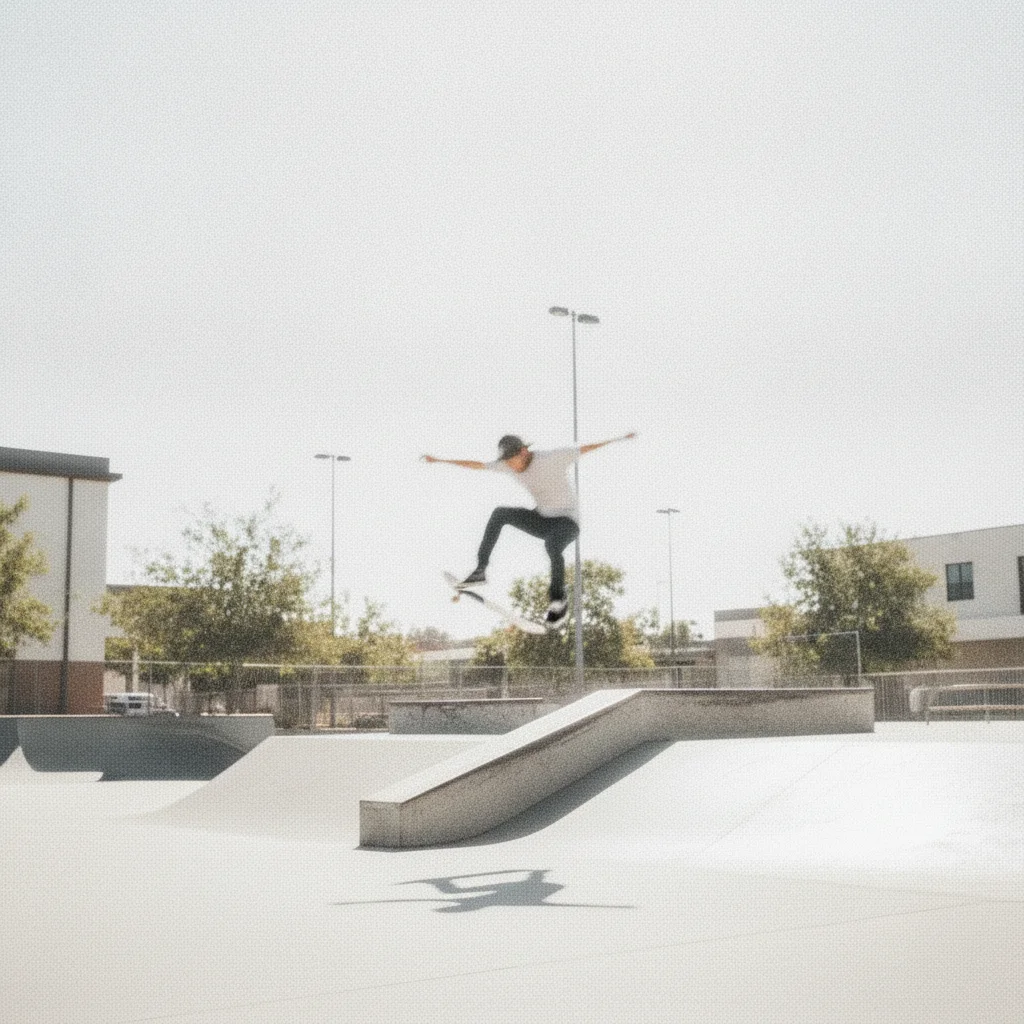
Outdoor photo with motion blur, grain, and blown highlights
Before
->
Same photo with blur removed, grain cleaned, and highlights recovered
After

Multi-problem image fixed

An outdoor photo with motion blur, mild noise, and slightly washed-out exposure — all three problems corrected in a single prompt.

Prompt: Fix this image: it has motion blur, digital grain, and the highlights are slightly blown out — correct all three

Quick answers

Do I need to mark or select the problem area before describing the fix?

No. Just describe what is wrong: 'fix the blur', 'remove the color cast', or 'the image is too dark — brighten it.' EditThisPic's AI reads your description and identifies the affected areas automatically. Markers are optional and only useful if you want to protect a specific region from being changed.

What kinds of image problems can this tool fix?

EditThisPic can fix blur (motion and focus), digital noise and grain, underexposure, overexposure, color casts (yellow, blue, green), low contrast, compression artifacts, fading, and visible scratches or damage in old photos. For best results, describe the specific problem rather than asking for a generic 'quality fix.'

Is this image fixer completely free?

Yes. You get one free image fix per week with no account required. No watermarks are added to the result. For unlimited fixes, one-time credit packs start at $1.99 and never expire.

Can I fix multiple problems in a single image at once?

Yes. List each problem in your prompt: 'fix the blur, remove the grain, and correct the exposure' will address all three in one pass. If the result is not perfect on the first try, use a follow-up prompt to address anything that remains.

How is this different from ai-photo-fixer and ai-image-fixer?

This tool uses the same underlying AI but is designed as an all-purpose utility — useful when you are not sure what the technical name of the problem is. If you know the specific issue, there are also dedicated pages for pixelation, blur, and low-quality photos that include more targeted prompt examples.

How much does EditThisPic cost?

You get 1 free edit per week — no account needed. After that, credit packs start at $1.99 for 3 edits. Monthly plans start at $4.99/mo for 20 edits with unused credits rolling over. All edits are full resolution with no watermark.

Ready to fix your image?

Free to try. No signup required.

1 free edit included·Credit packs from $4.99