Free • No signup Open Editor

Remove Glare from Photo

Remove flash glare, glasses reflections, and shiny spots instantly.

Type 'remove the glare from the glasses' or 'fix the flash reflection on the face' and EditThisPic's AI removes it in 15-30 seconds. Works on eyeglasses, screens, windows, and any shiny surface. Free to try, no account required.

Food plate with flash hotspot
Before
Clean food photo
After

How it works

1

Upload your photo

Drop your image into EditThisPic. JPG, PNG, WebP up to 7MB.

2

Describe the glare to remove

Type 'remove the glare from the glasses' or 'fix the flash reflection on the forehead.' Be specific about where the glare is.

💡 Mention the location: 'glare on the left lens' or 'reflection on the forehead.'

Copy one of these to get started:

Glasses glare remove the glare from the glasses and show the eyes clearly
Flash on face remove the flash reflection on the forehead and show natural skin
Screen glare remove the glare from the laptop screen and show what's on it
Window glare remove the glare from the window and show the view outside
3

Review the result

Check that the glare is gone and the area looks natural. Eyes behind glasses should be visible.

4

Refine with markers if needed

If some glare remains, tap markers on those spots and regenerate.

Try it free
"Finally a headshot where you can see my eyes through my glasses!" @professional_photo

See it in action

Food plate with flash hotspot
Before
Clean food photo
After

Food photo flash fixed

Flash created a bright white spot on the plate. Now the food looks appetizing.

Prompt: remove the flash glare from the plate
Sunset with lens flare spots
Before
Clean sunset photo
After

Sunset lens flare removed

Beautiful sunset ruined by lens flare. Now it's perfect.

Prompt: remove the lens flare from the photo
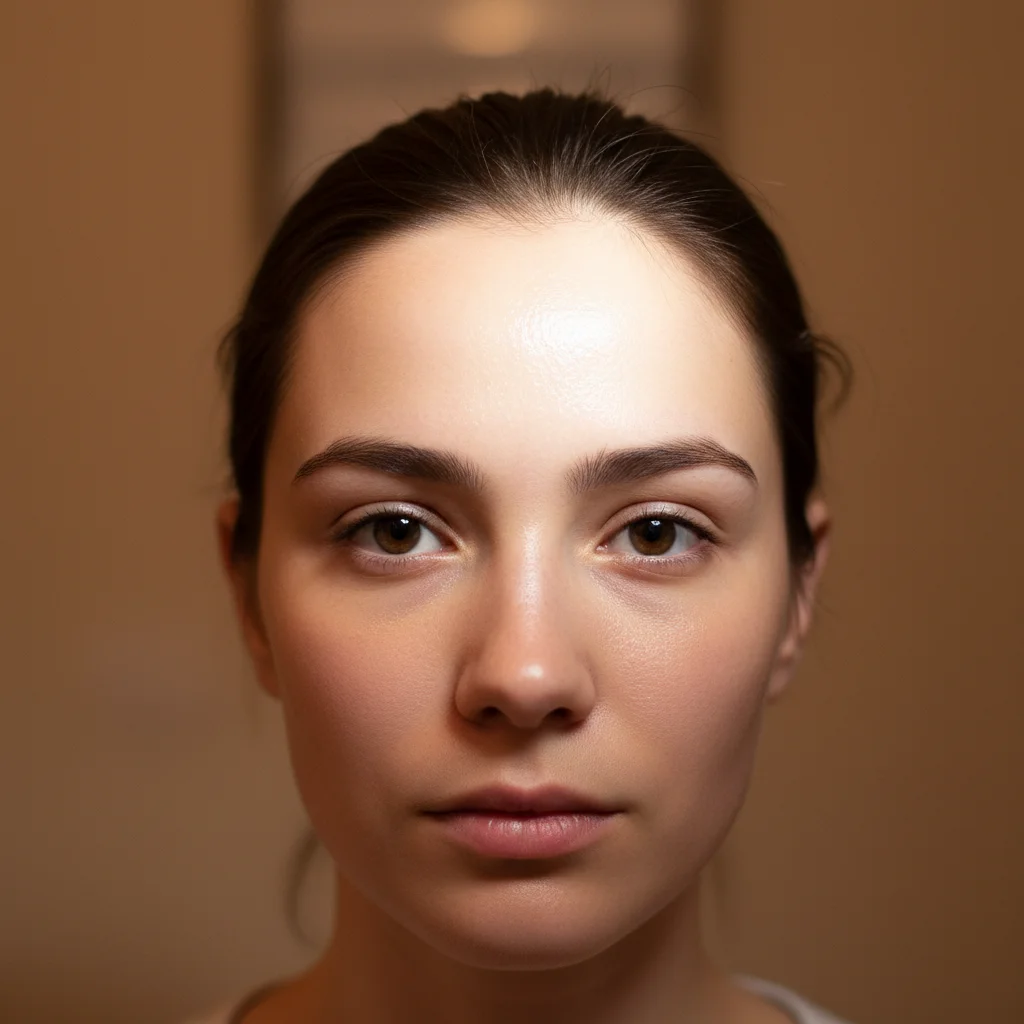
Portrait with shiny forehead from flash
Before
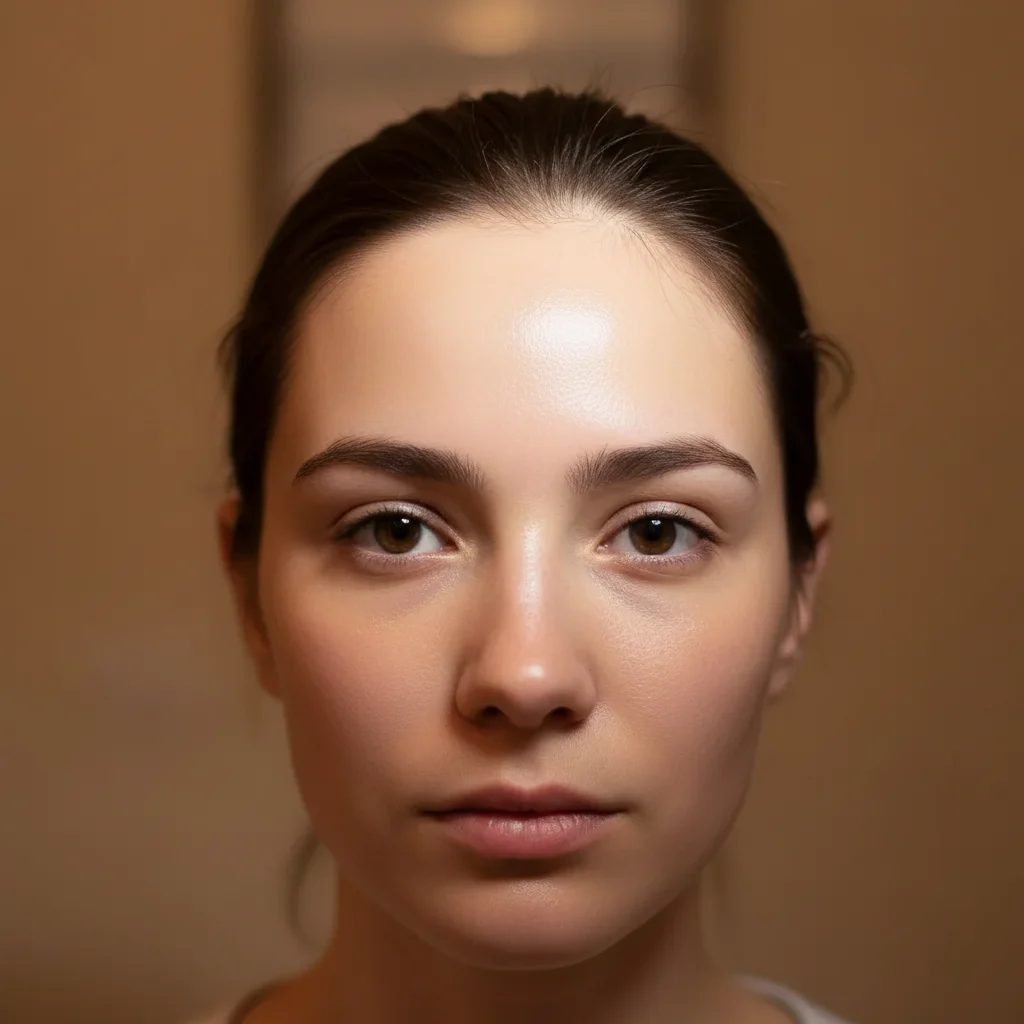
Portrait with natural skin
After

Shiny forehead fixed

Flash made my forehead super shiny. Skin looks natural now.

Prompt: reduce the shine on my forehead

If something looks off

Eyes still not visible behind glasses

Why: The glare completely covered the eyes with no detail to recover.

Try: Use markers on the lens areas and try again

💡 Works best when eyes are partially visible through the glare.

Skin looks unnatural after removal

Why: The AI over-corrected the shiny area.

Try: blend the corrected area to look more natural

💡 Use 'reduce' instead of 'remove' for subtle glare.

Wrong glare removed

Why: Multiple shiny spots and AI picked the wrong one.

Try: Tap marker on the specific glare spot you want removed

💡 Be specific about location in your prompt.

Quick answers

Can it recover eyes hidden behind glasses glare?

If the eyes are partially visible through the glare, yes. If completely whited out with no detail, the AI will do its best but results vary.

Does it work on all types of glare?

Works best on localized glare spots (flash, reflections). Diffuse overall shine is harder to fix.

Will removing glare look natural?

Usually yes. The AI reconstructs what should be there based on surrounding areas.

Ready to fix that glare?

Free to try. No signup required.

Try it free