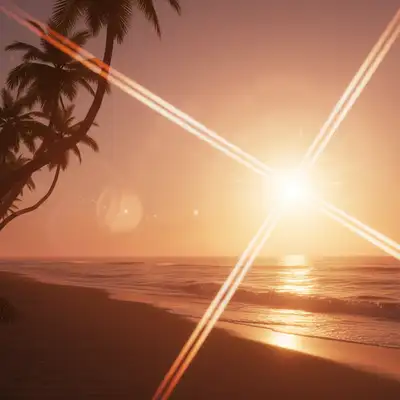
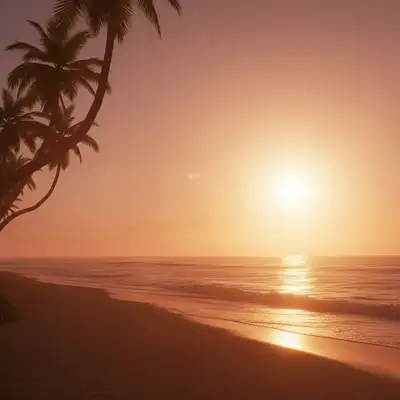
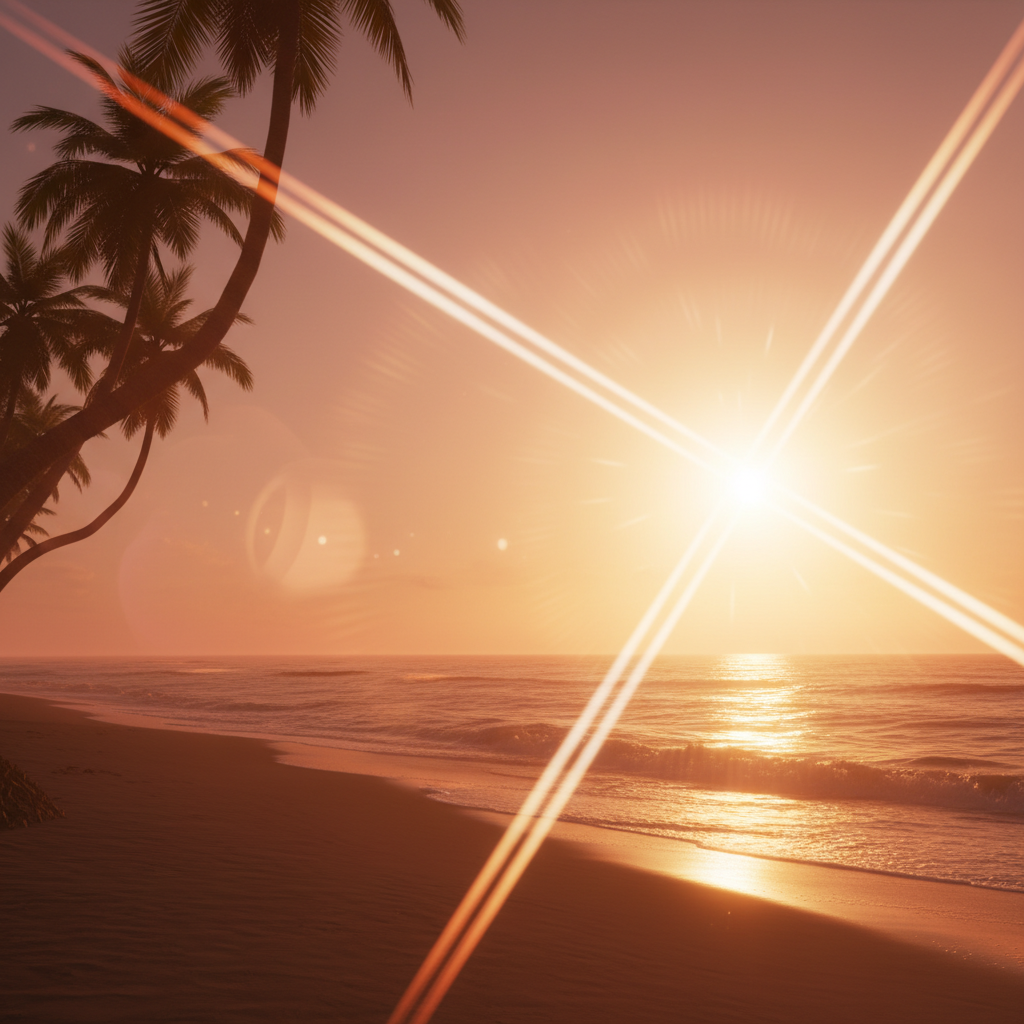
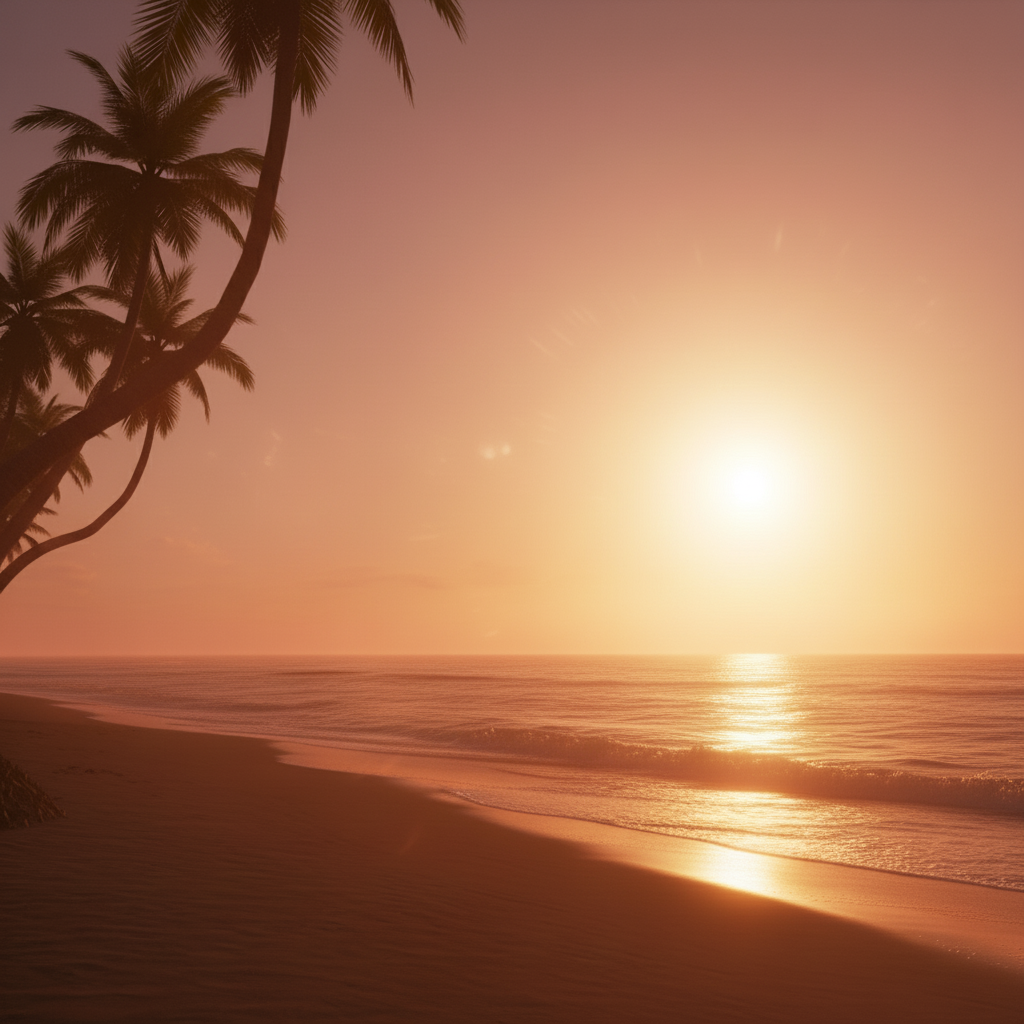
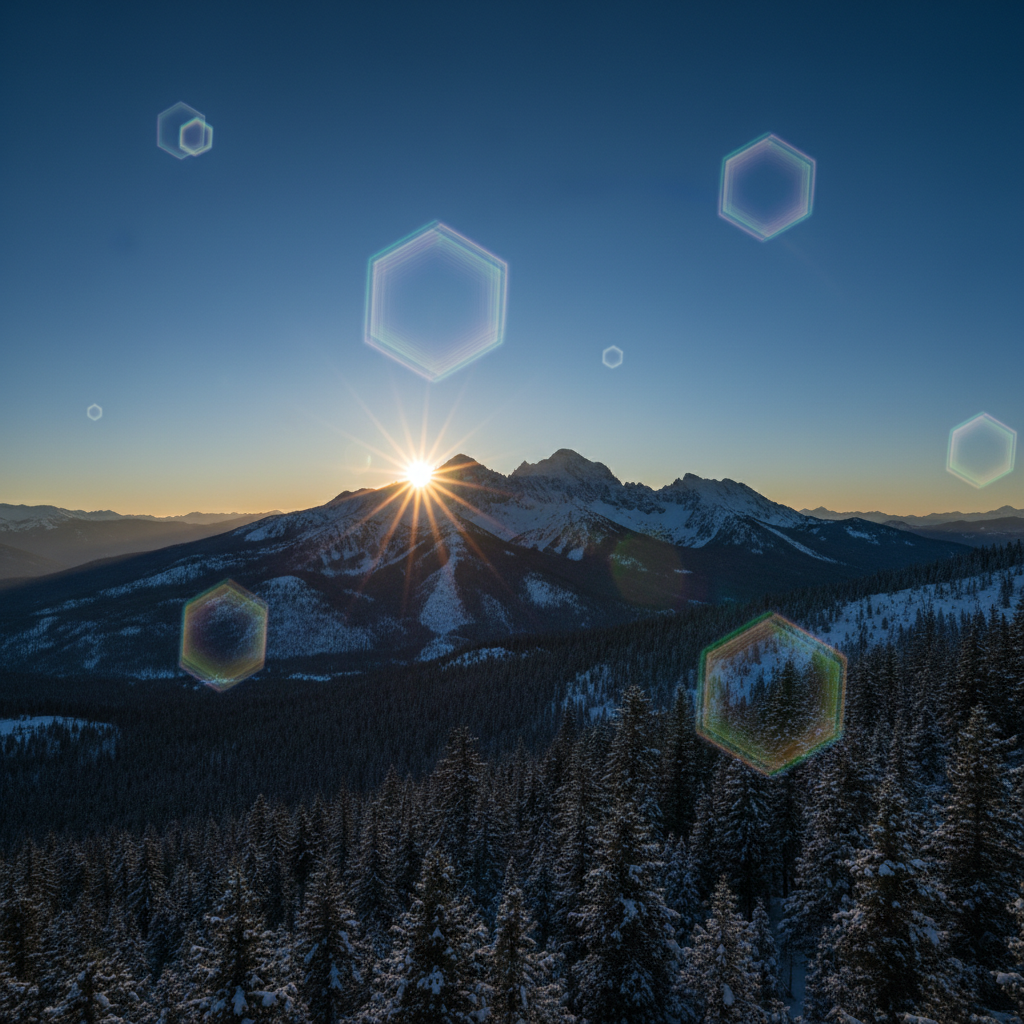
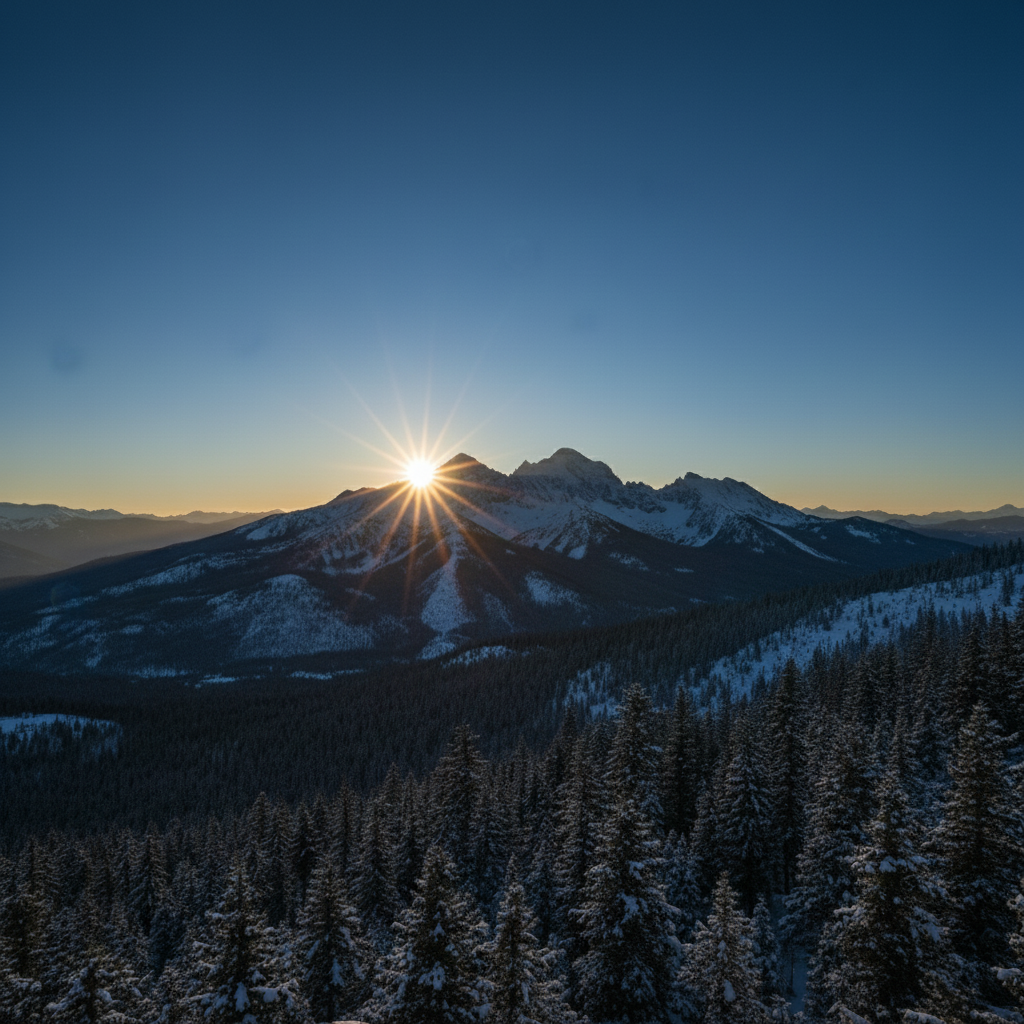
What if the lens flare removal leaves visible artifacts on the background?
Re-run with a more specific patch hint: 'remove the lens flare and fill with matching wood grain,' or 'remove and fill with the same sky.' For tricky textures (brick, fabric, water), one refinement usually resolves it. Each attempt takes 20-45 seconds. Free first edit per week, no signup.
How do I remove lens flare from a photo for free?
Upload your photo and describe the flare by color, shape, and location. The AI reduces bright spots, polygon patterns, or hazy wash in about 15-30 seconds using nearby visible detail as context. Free to try with no signup or credit card; purchased downloads are clean.
Is there a free lens flare remover that doesn't need an account?
Yes. EditThisPic includes one free weekly edit without login, email, or a credit card. Upload the photo, describe the unwanted light artifact, and evaluate the result. Purchased downloads are clean and full quality when you need the finished file.
What's the best AI tool for removing sun flare from photos?
EditThisPic uses EditThisPic AI which understands photography artifacts and light behavior. Unlike Photoshop's clone stamp that requires manual selection, you just describe the problem: 'remove the lens flare.' The AI detects bright spots, color artifacts, and hazy wash automatically, then reconstructs natural image detail. Works on landscapes, portraits, outdoor events, and backlit scenes.
Can I remove lens flare while keeping natural sun glow?
Yes, specify what to preserve in your prompt: 'remove the unwanted lens flare while preserving the natural sunset glow.' The AI distinguishes between artificial flare artifacts (hexagons, green/purple spots) and natural lighting effects. Check the result—if it removed too much, mark the areas to keep and regenerate.
Does it work on all types of lens flare?
It works best on distinct flare artifacts: bright hexagonal spots, circular sun reflections, colored orbs, and visible hazy wash. Very subtle diffuse hazing across large areas may need multiple passes. Green and purple chromatic flare removes cleanly. If flare completely overexposes an area to pure white, detail reconstruction may be limited.
What photo formats does the AI lens flare remover support?
JPG, PNG, WebP, and HEIC. Upload any common photo format and EditThisPic handles the rest.
How long does it take to remove lens flare?
Usually 15-30 seconds. Upload your photo, describe what you want, and the AI delivers the result.
How much does EditThisPic cost?
You get 1 free edit per week — no account needed. After that, one-time credit packs start at $4.99 for 10 edits, valid 12 months, no subscription. Power users who edit daily can pick Studio Membership, a monthly workspace at $49.99/mo for 300 edits. Purchased downloads are clean with no watermark.