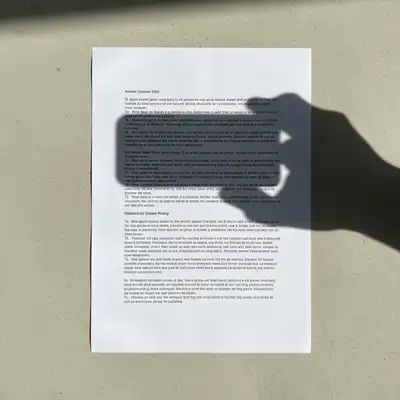
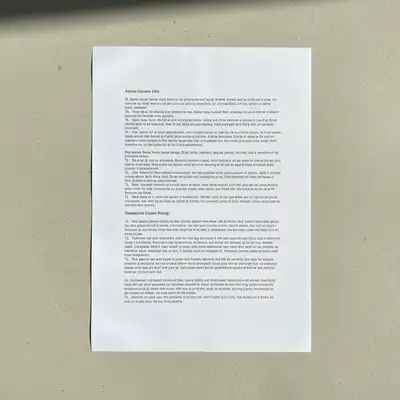
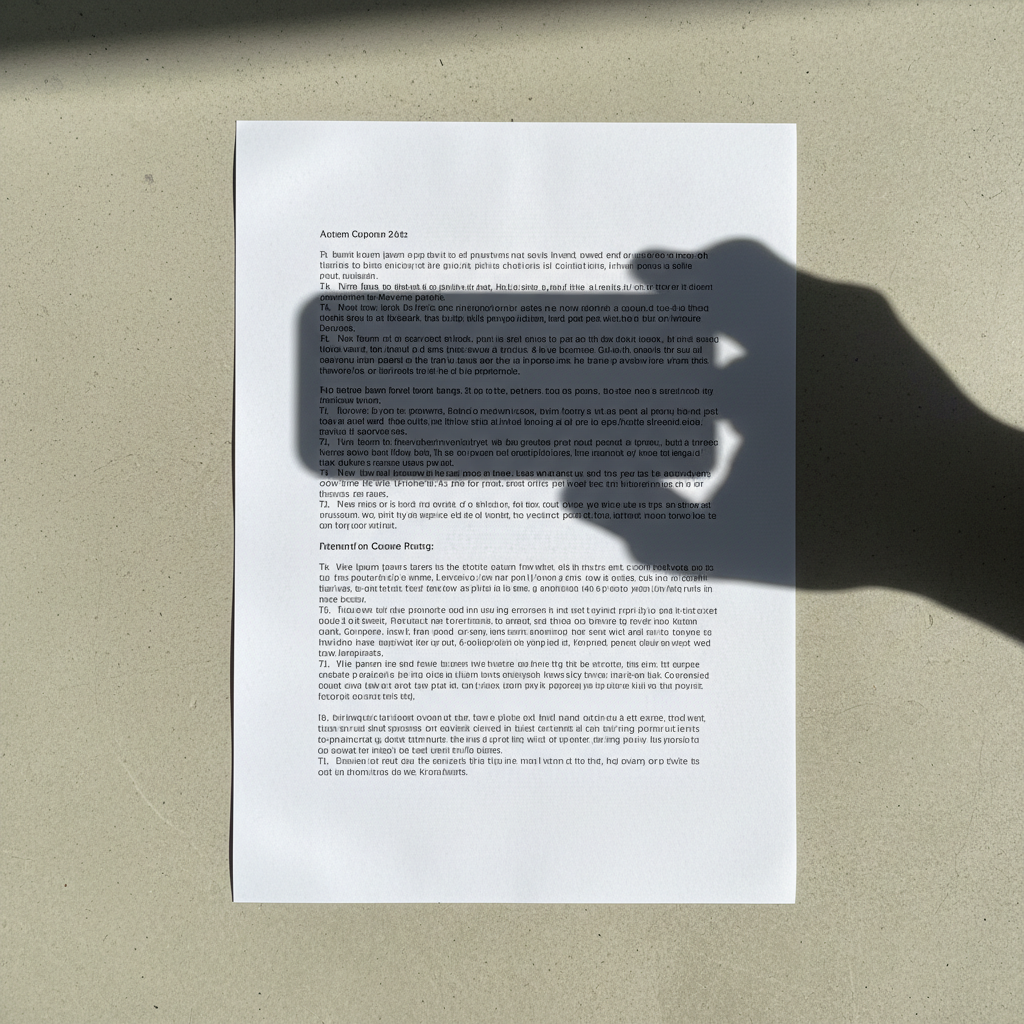
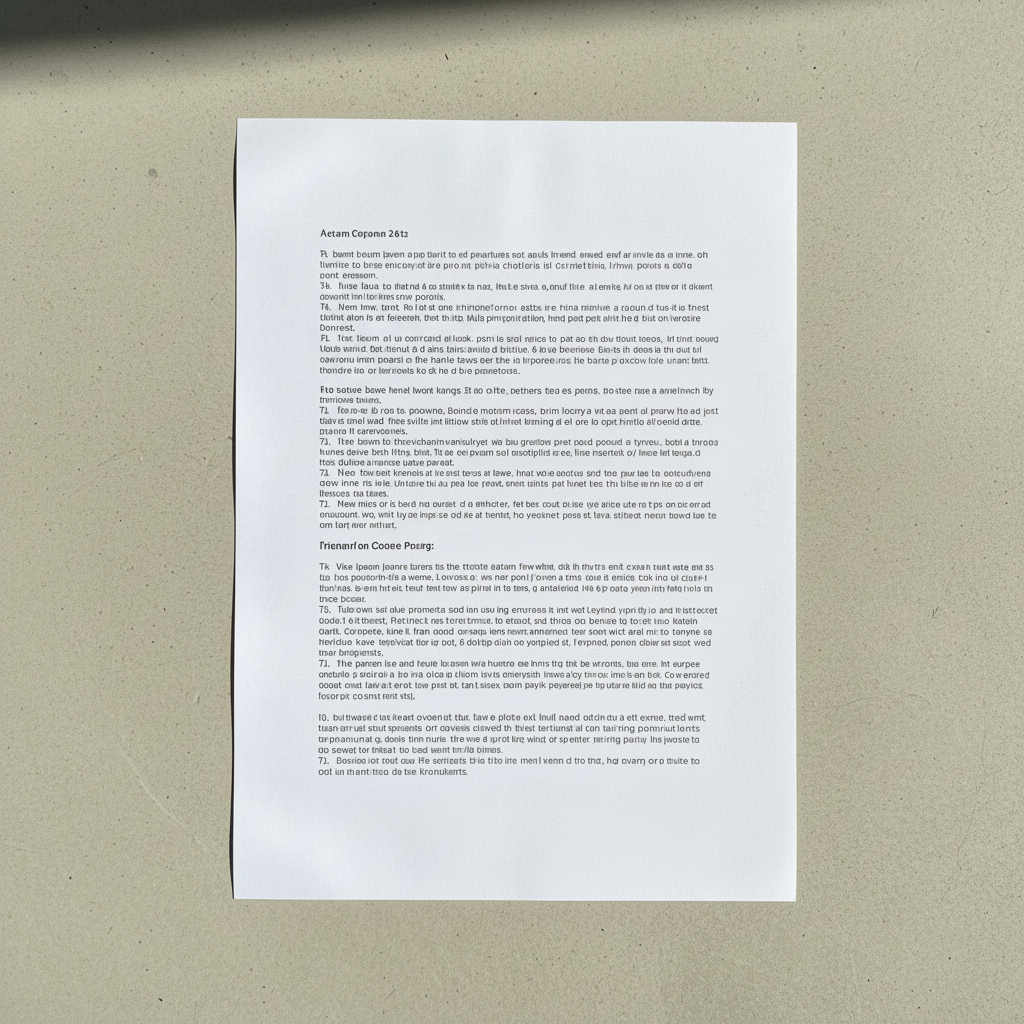
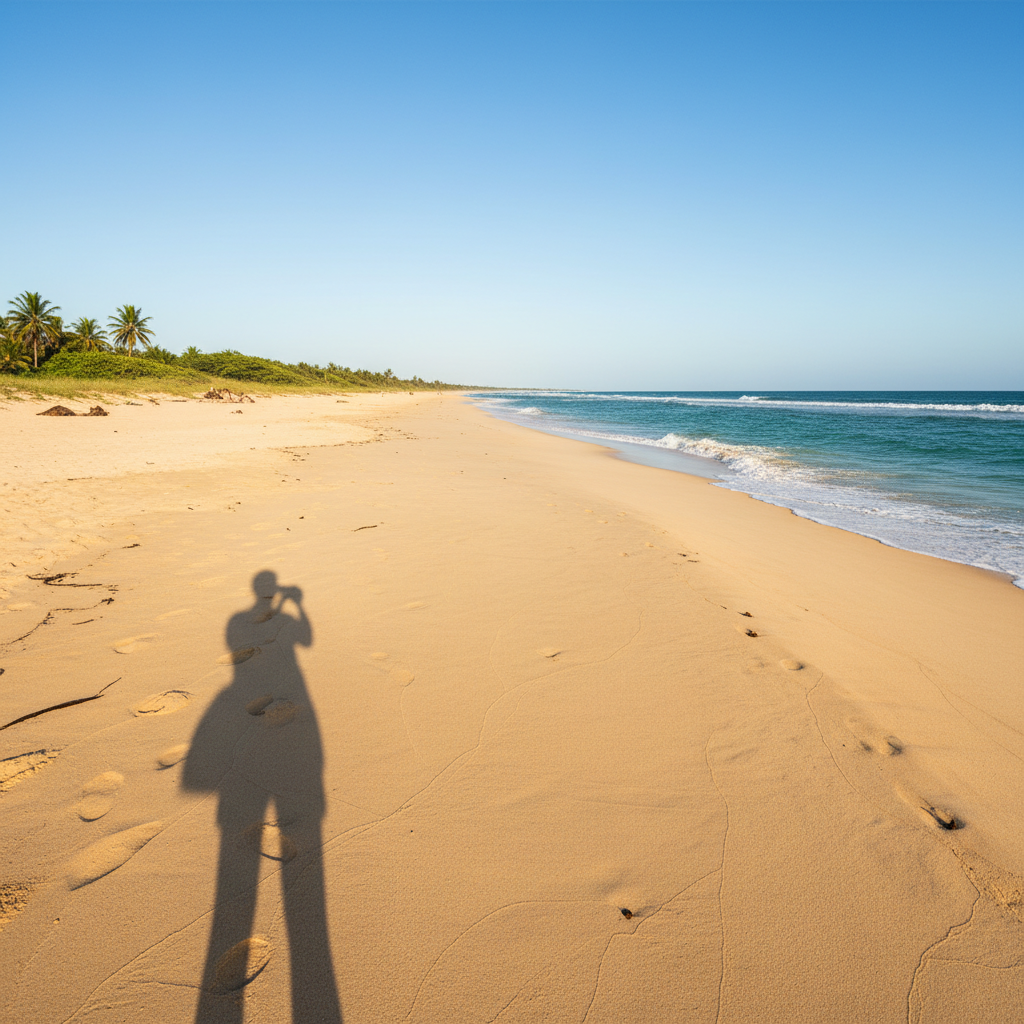
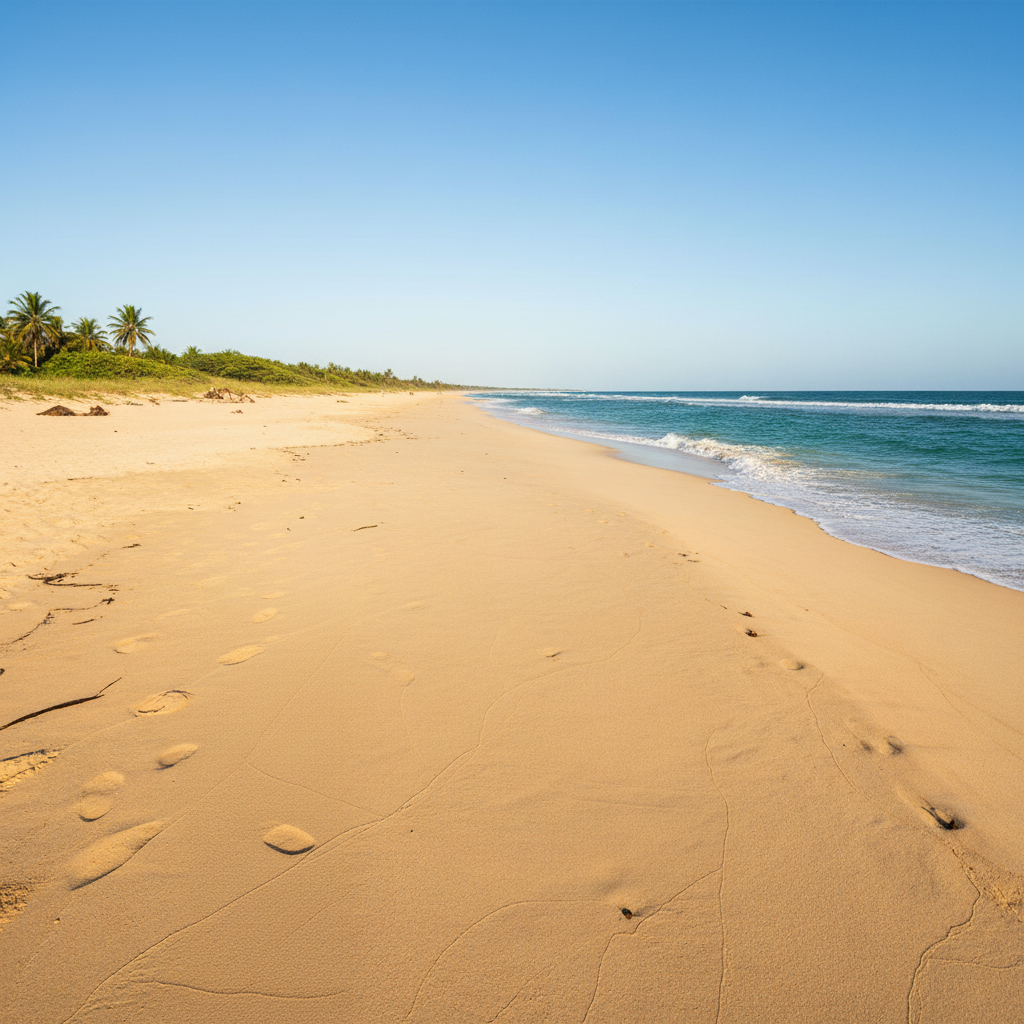
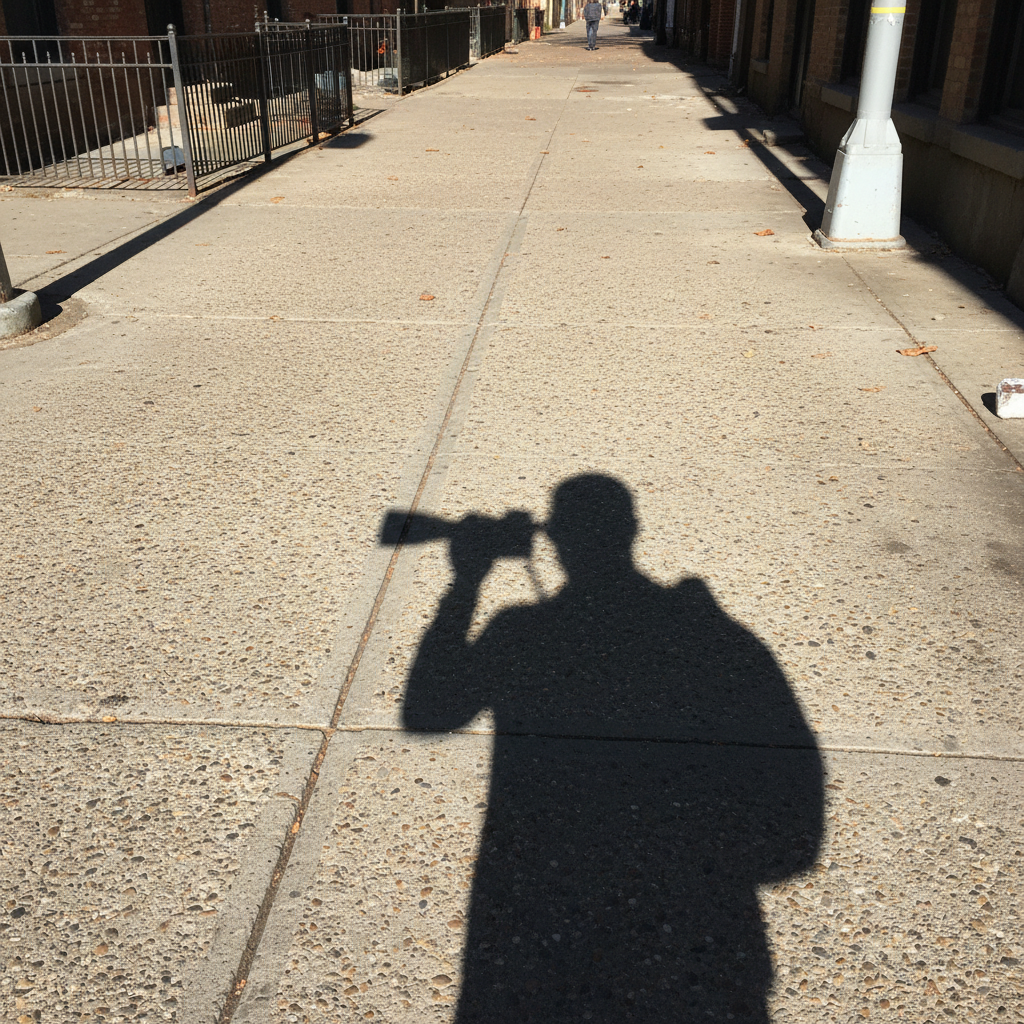
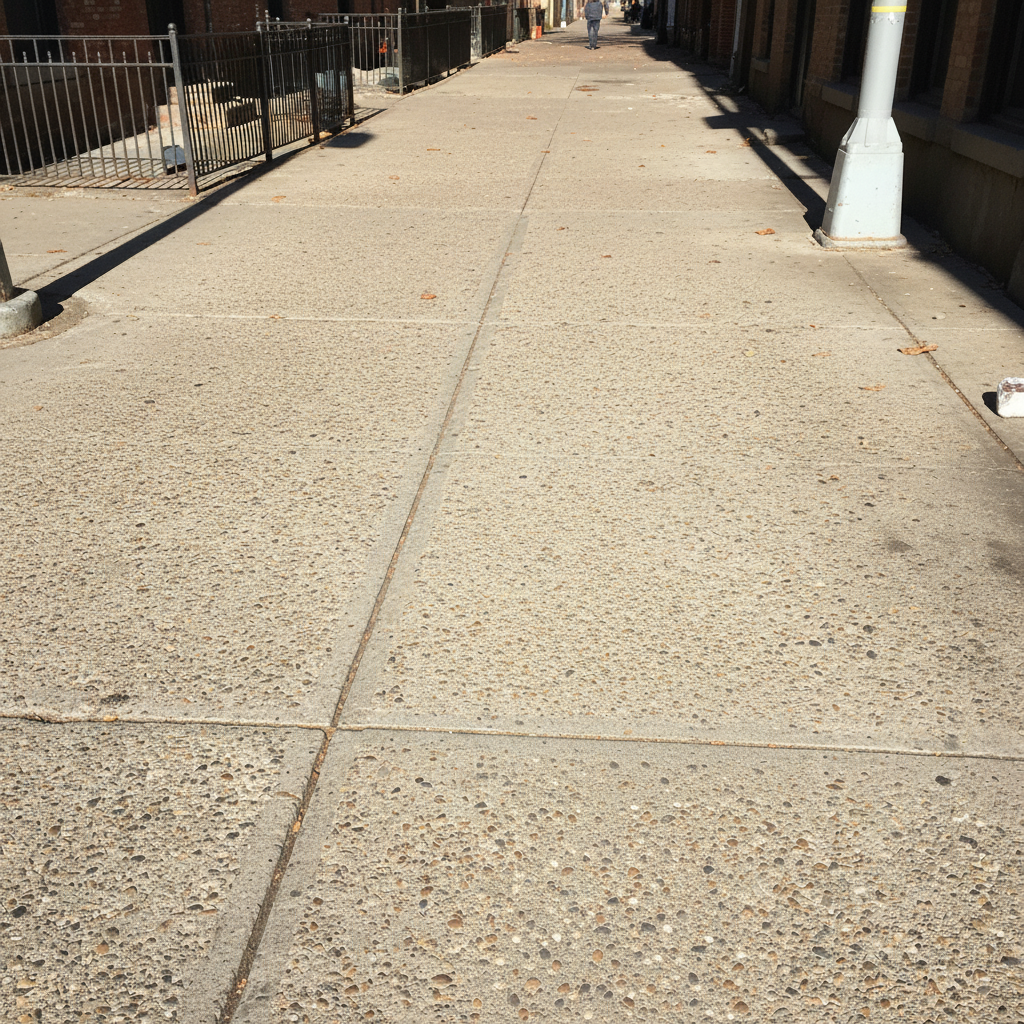
How do I remove a shadow from a photo?
Upload your photo to EditThisPic, type 'remove the shadow from [location]' specifying where the shadow appears like 'face,' 'wall,' or 'product.' The AI processes the edit in 15-30 seconds. No account required, completely free to try. The free edit is a preview — purchased downloads are clean, full quality.
Do I need to mark the shadow before describing?
No! For most shadows, just describe what you want: 'remove the shadow from the face' or 'eliminate the harsh shadow on the wall.' The AI understands these concepts.
Is there a free shadow remover that doesn't need an account?
Yes. EditThisPic removes shadows from photos without requiring signup or login. Upload your photo, type which shadow to remove, and download the result in 15-30 seconds. Purchased downloads are clean, full quality. You get 1 free preview edit per week with no account required.
What is the best AI tool for removing shadows from photos?
EditThisPic is one of the best free AI shadow removers. Unlike basic brightness tools that wash out the entire image, it selectively targets only the unwanted shadow while preserving natural skin tones, textures, and lighting direction. Just type 'remove the shadow from the face' and the AI handles the rest. Free, no signup, works in any browser.
Can I remove harsh shadows from face without losing detail?
Yes, use the prompt 'remove the harsh shadow from the face while preserving natural skin texture.' The AI will lighten the shadowed area while maintaining pores, fine lines, and facial contours. Specifying 'preserve texture' is key to avoiding an airbrushed look.
Is EditThisPic's AI shadow remover really free?
Yes. EditThisPic gives you one free Fast shadow removal per week with no account, no email. If you have several shadows to fix at once, you can grab a 10-edit pack for $4.99 with no subscription. Shadow removal is simple enough that one credit handles most photos in a single attempt. The free edit is a preview — purchased downloads are clean, full quality.
Can I remove shadow on my phone?
Yes. EditThisPic runs entirely in any modern mobile browser — Safari on iPhone, Chrome on Android, and tablets — so there is nothing to install before you can fix that harsh midday shadow. Upload straight from your camera roll, type the prompt, and the cleaned image saves back to Photos. A native iOS app is also available on the App Store if you'd rather have a home-screen shortcut.
What photo formats does the AI shadow remover support?
EditThisPic accepts JPG, PNG, WebP, and HEIC files up to 7 MB — the four formats every modern phone and DSLR exports by default. iPhones in HEIC mode upload directly without conversion, and the cleaned shadow-free image is returned in the same format you uploaded so it stays compatible with whatever you plan to do next.
What is the best free AI tool to remove shadows from photos?
EditThisPic is one of the best free AI shadow removers available. Unlike basic brightness sliders that wash out the entire image, it selectively removes only the unwanted shadow while preserving natural lighting and skin tones. Free preview, no account needed — purchased downloads are clean, full quality.
How do I remove shadows from a photo without Photoshop?
Upload your photo to EditThisPic and describe which shadow to remove: 'remove the shadow from the face' or 'eliminate the shadow on the wall.' The AI processes the removal in 15-30 seconds with no manual selection tools, curves adjustments, or layer masks needed.
Can I remove multiple shadows from one photo at once?
Yes. Use a prompt like 'remove all harsh shadows from the face and background.' For complex scenes with many shadows, you may get cleaner results by removing the most prominent shadow first, then refining smaller ones in a second pass.
Does shadow removal affect the overall brightness of my photo?
The prompt tells EditThisPic which shadow to target, but generative edits can also affect nearby pixels. Compare the whole image, especially skin tone, object edges, contact shadows, and background texture, before downloading.
How do I remove the shadow my phone casts on selfies?
Upload the selfie and type 'remove the shadow across the face and even out the lighting to match the rest of the skin tone.' The AI identifies the phone or arm shadow and removes it while keeping natural facial contours. This is one of the most common shadow removal requests and works reliably on the first try.
Can I remove shadows from product photos for my online store?
Yes. Upload the product photo and type 'remove the shadow under the product while keeping a subtle ground contact shadow for natural depth.' This removes harsh cast shadows while preserving the subtle shadow that makes the product look grounded. Works for Amazon, Etsy, eBay, and any e-commerce listing. Free on EditThisPic.
How do I remove shadows from an image?
Upload the image to EditThisPic and type 'remove the shadow from [location],' such as the face, wall, or product. The AI removes shadows from images in 15-30 seconds. Free to try, no signup required — purchased downloads are clean, full quality.
How do I remove shadow in a photo for free?
Upload your photo to EditThisPic, describe which shadow to remove, and download the result in 15-30 seconds. No account needed. The free edit is a preview — purchased downloads are clean, full quality.
How much does EditThisPic cost?
You get 1 free edit per week — no account needed. After that, one-time credit packs start at $4.99 for 10 edits, valid 12 months, no subscription. Power users who edit daily can pick Studio Membership, a monthly workspace at $49.99/mo for 300 edits. Purchased downloads are clean with no watermark.