Pricing Remove Emoji · Free

AI Emoji Remover

← Browse all remove tools

Last updated

Type 'remove the large face emoji in the center' and the AI restores what's underneath.
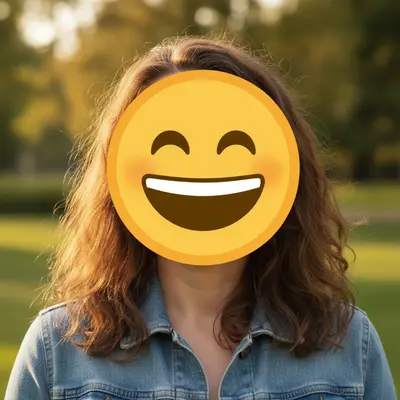
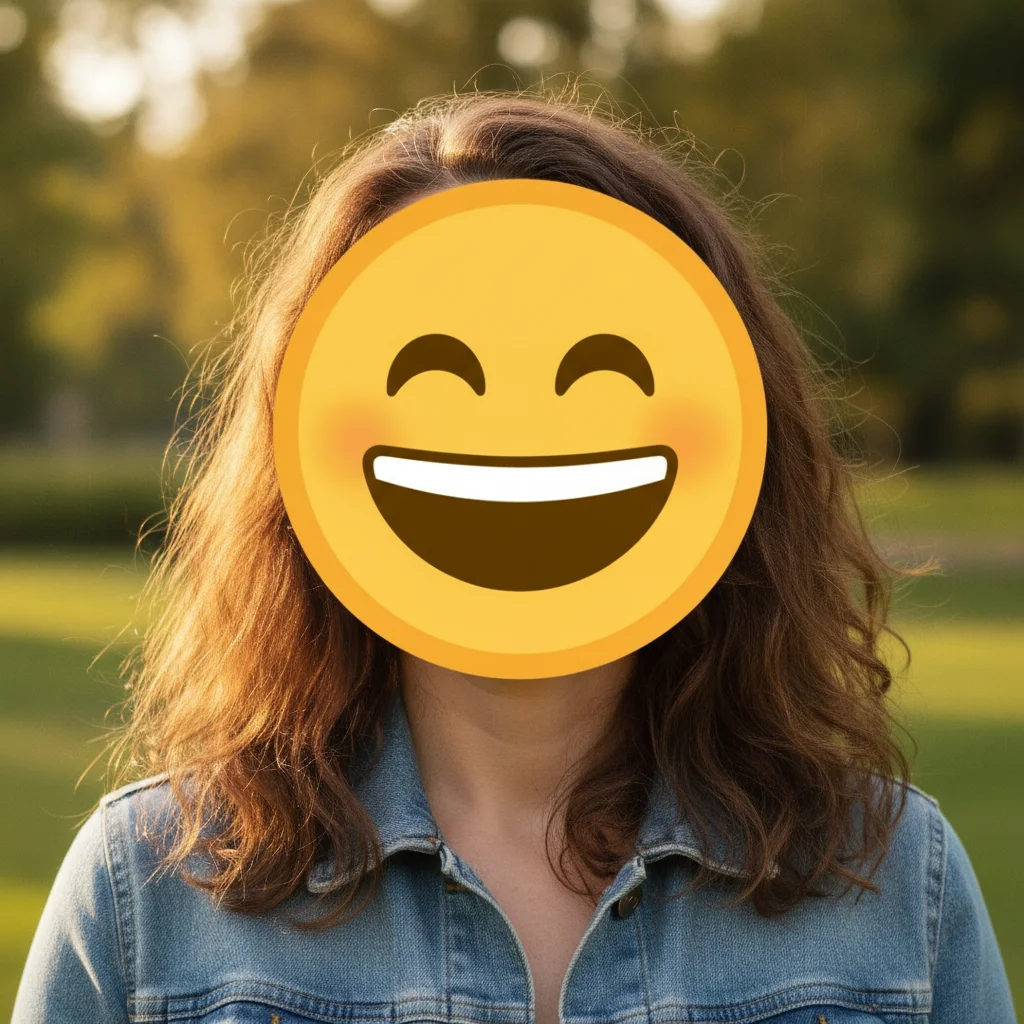
Portrait with large yellow laughing emoji covering the person's face Same portrait with emoji removed and natural face restored

Upload photo to remove emoji

"remove the emoji sticker in the top right corner of this screenshot and restore the background text or image behind it"

Free to try · no sign-up · photos are never shared

Release to upload

<30stypical edit
1 freeedit weekly
Photo on your phone? Scan to open this editor there — free edit works on your phone too.

1 free edit every week·packs from $4.99

How it works

  1. Upload your photo

    Drop your image into EditThisPic. JPG, PNG, or WebP up to 7MB. Works on screenshots, candid photos, and social media exports with emoji overlays. The clearer the background under the emoji, the better the reconstruction.

    Expect: Single emoji over a plain background: 15–25 seconds. Emoji placed over a face or detailed subject may need one refinement pass to restore the area underneath.
  2. Describe the emoji to remove

    Type what you see: 'remove the large yellow laughing face emoji in the upper right corner' or 'erase the fire emoji overlay in the center of the image and restore the photo underneath.' Describe the emoji's position and color — the AI doesn't need markers to find it.

    Tip: Mention what the emoji is covering if you know — 'remove the face emoji covering the person's face and restore their face' tells the AI to reconstruct, not just erase.

    Copy one of these to get started:

    Large face emoji covering a person's face in a photo remove the large yellow emoji placed over the person's face and restore their natural face underneath, match the skin tone and features to the rest of the portrait
    Emoji overlay on a screenshot or social media post remove the emoji sticker in the top right corner of this screenshot and restore the background text or image behind it
    Multiple reaction emojis scattered across a photo remove all emoji overlays from this photo and restore the original background behind each one
    Fire or decoration emoji over product photo remove the fire emoji overlay in the lower right of this product photo and restore the product surface or background behind it
    2 more prompts
    Censoring emoji placed over sensitive content remove the black circle emoji used as a censor bar over the sign in this photo and restore the background text or surface behind it
    Small emoji near the corner of a candid remove the small heart emoji in the bottom left corner of the photo and fill with the matching background
  3. Check the restored area at full zoom

    Zoom to 100% where the emoji was. If it covered a plain background, the fill should be seamless. If it covered a face, check that the skin tone and facial features look natural — the AI reconstructs plausibly but results vary depending on how much of the face was hidden.

  4. Refine with markers if reconstruction looks off

    If the emoji covered a face and the reconstruction looks unnatural, tap a marker on the affected area and use a focused prompt: 'restore the face under the emoji naturally — match the skin tone and features of the rest of the face.' Markers narrow the AI's attention to the precise problem area.

    Tip: Emoji removal over plain backgrounds almost never needs markers. Use them only when the emoji was covering a face or detailed subject.

See it in action

Portrait with large yellow laughing emoji covering the person's face
Before
->
Same portrait with emoji removed and natural face restored
After

Large face emoji over person's face — portrait restoration

A portrait with a large yellow laughing emoji placed over the subject's face. The AI removed the emoji and reconstructed the face with matching skin tone.

Prompt: remove the large yellow emoji over the person's face and restore their natural face, match the skin tone and features to the rest of the portrait
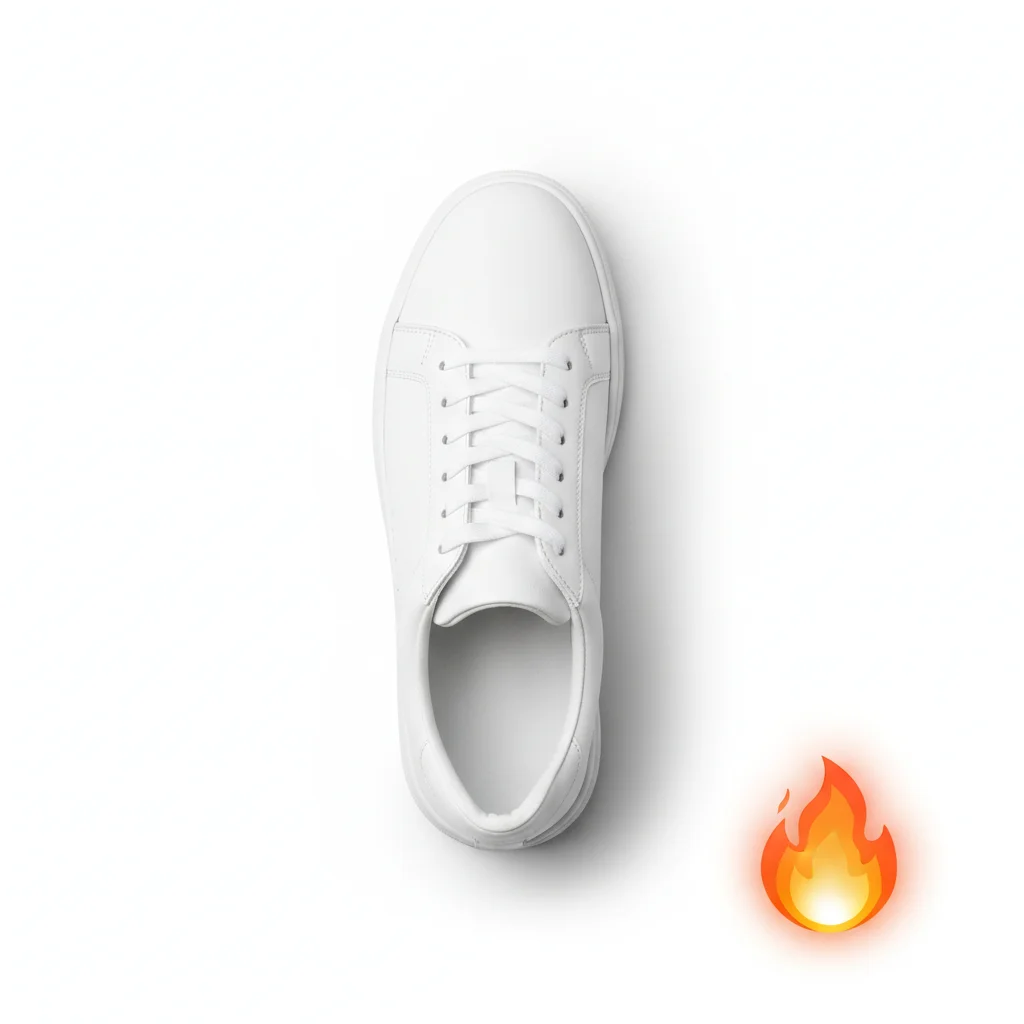
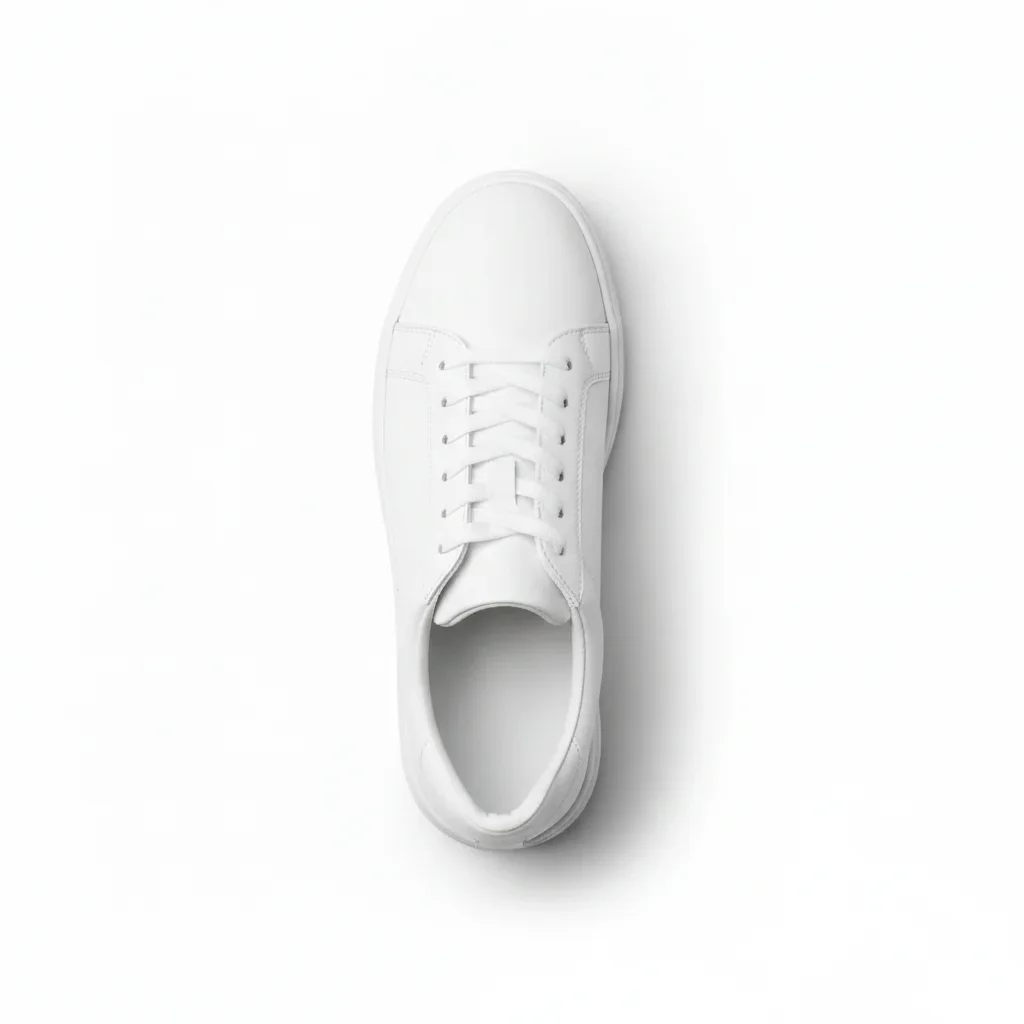
Product photo of white sneaker with fire emoji in lower right corner
Before
->
Clean product photo with fire emoji removed and white background restored
After

Reaction emoji on product screenshot — clean export

A product photo screenshot with a fire emoji in the corner added before sharing. Single prompt removed it and restored the clean corner.

Prompt: remove the fire emoji overlay in the lower right corner and restore the original background behind it

Quick answers

Do I need to mark the emoji before removing it?

No. Just describe it: 'remove the large yellow laughing emoji in the upper right' or 'erase the fire emoji overlay in the center.' The AI finds and removes emojis from your description alone. Only use markers if the emoji is placed right beside something you want to preserve, like a logo or text block.

How do I remove an emoji from a photo for free?

Go to EditThisPic, upload your photo or screenshot (JPG, PNG, or WebP up to 7MB), type 'remove the [emoji type] at [position] and restore the background behind it,' and click Generate. The AI removes the emoji in about 30 seconds. Purchased downloads are clean, full quality. No account needed.

Is there a free AI tool to remove emoji overlays from photos without signup?

Yes. EditThisPic removes emoji overlays from photos for free with no account required. Works in any browser on desktop or mobile — no download needed. The free edit is a preview — purchased downloads are clean, full quality.

Can AI restore a face hidden behind an emoji?

Partially. If an emoji covers a face, the AI reconstructs a plausible face using the surrounding context — skin tone from the neck and forehead, hair from above. The reconstruction looks natural in most cases but is not a pixel-perfect recovery of the original face. Results are best when only part of the face was covered.

How much does EditThisPic cost?

You get 1 free edit per week — no account needed. After that, one-time credit packs start at $4.99 for 10 edits, valid 12 months, no subscription. Power users who edit daily can pick Studio Membership, a monthly workspace at $49.99/mo for 300 edits. Purchased downloads are clean with no watermark.

Ready to remove emojis from your photo?

Free to try. No signup required.

1 free edit included·Credit packs from $4.99