Free • No signup Remove Text · Free

Remove Text from Image

← Browse all remove tools

Last updated

Upload an image and type 'remove the text' — the AI erases captions, labels, overlays, and written words, then fills in the background behind them. Works on any font and any position. No selection needed, no manual inpainting. Free, no account required.

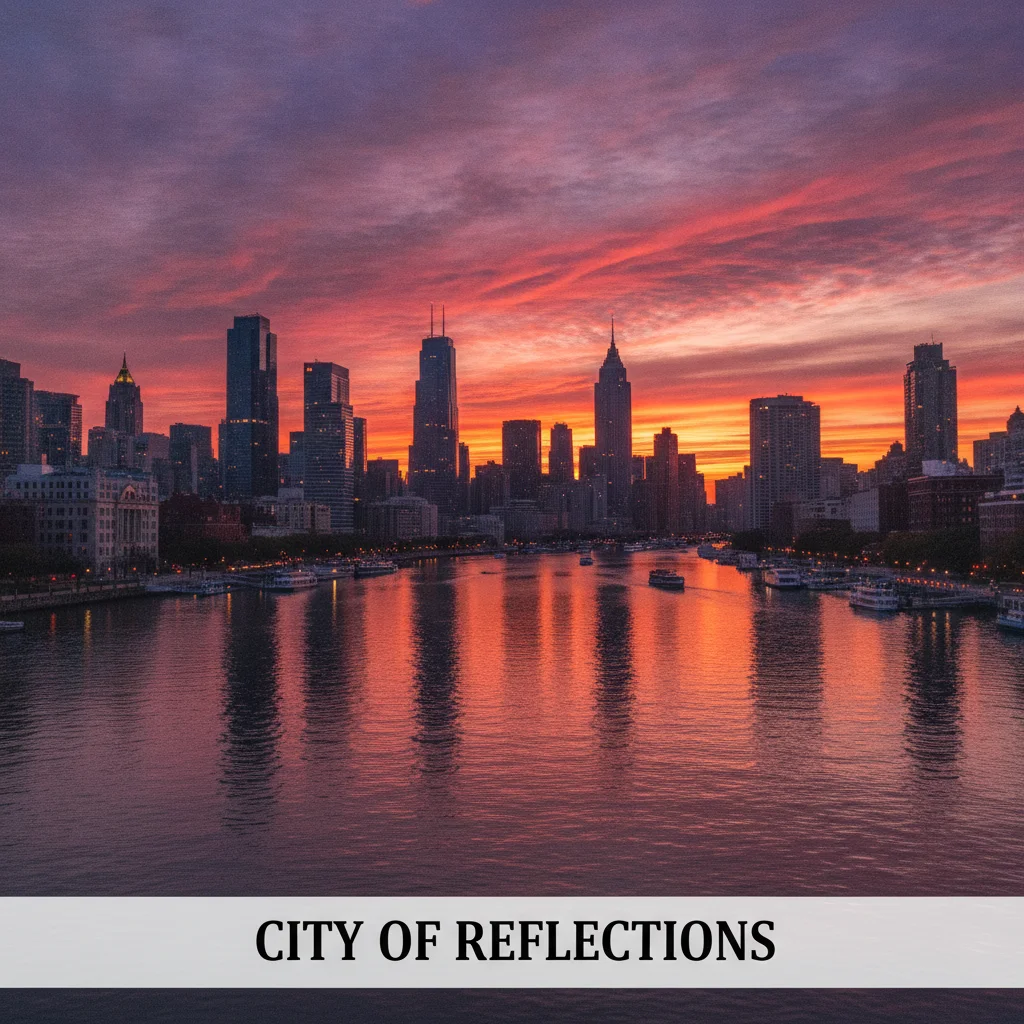
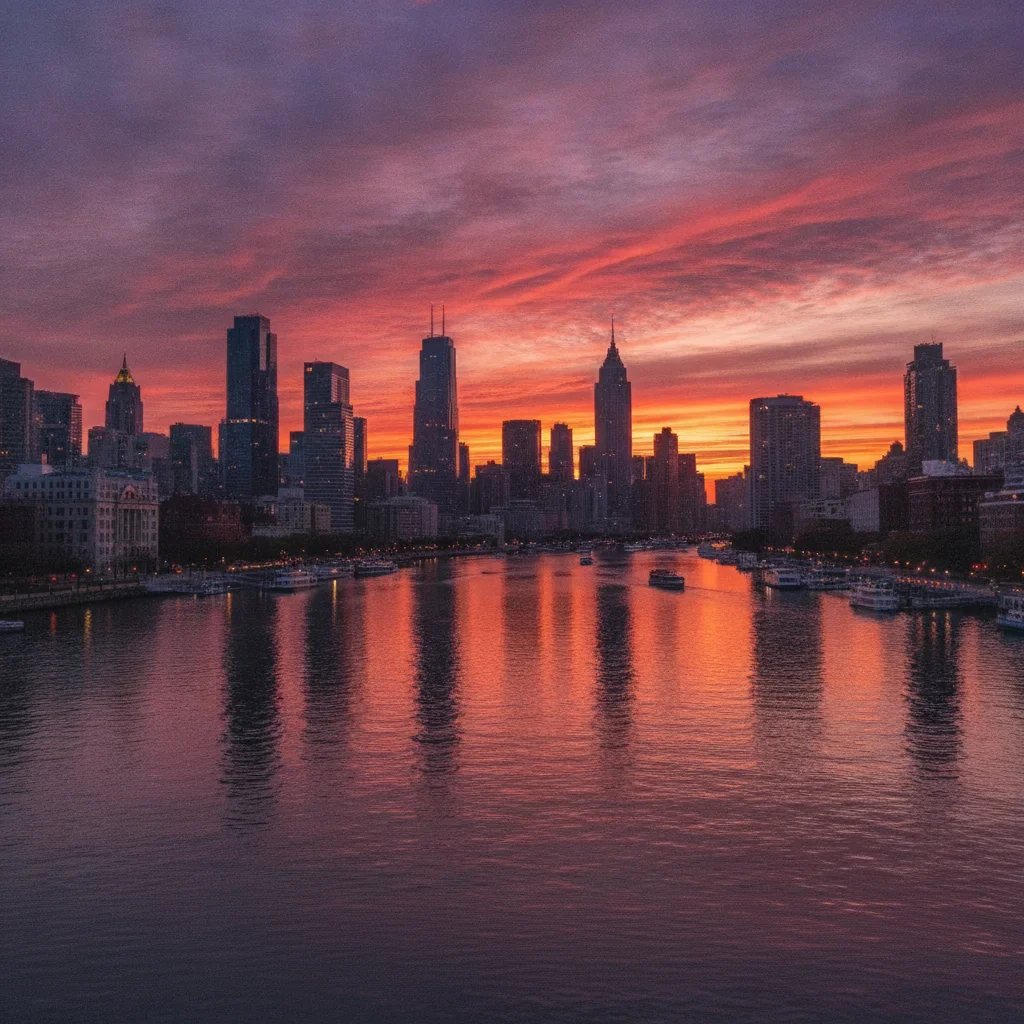
Cityscape travel photo with white text caption bar at the bottom Same cityscape photo with the text caption removed and full image visible

Upload photo to remove text

"remove the text caption at the bottom of the image, restore the background"

Release to upload

50,000+photos edited
<30stypical edit
1 freeedit weekly

1 free edit·then from $4.99

How it works

  1. Upload the image with text

    Upload any image that has text you want to remove — photos with captions, screenshots with labels, stock images with text overlays, product images with price tags, or graphics with titles. JPG, PNG, WebP up to 7MB.

    Expect: Text on plain or gradient backgrounds: 20-30 seconds. Text over complex photo scenes: 30-45 seconds.
  2. Describe the text to remove

    Type 'remove the text from the image' or be specific: 'remove the white caption at the bottom' or 'erase all the text overlays.' The AI reads the text context and removes it automatically — no brushing or selection tools.

    Tip: Describe the text's position and color if there are multiple text elements: 'remove only the yellow title text at the top, keep the rest.'

    Copy one of these to get started:

    Remove any text overlay remove all text from the image and fill in the background behind it naturally
    Remove bottom caption remove the text caption at the bottom of the image, restore the background
    Remove title or headline text erase the title text at the top of the image, fill with the background color behind it
    Remove text from a photo scene remove the overlaid text from the photo and reconstruct the scene behind it
    2 more prompts
    Remove specific text only remove only the white text in the top-right corner, leave everything else unchanged
    Remove text from a product label erase the text label from the product image, restore the packaging surface behind it
  3. Download the text-free image

    Verify the text is fully removed and the area behind it looks natural. For photos, check that the reconstructed background matches the surrounding scene. Download with no watermark.

See it in action

Cityscape travel photo with white text caption bar at the bottom
Before
->
Same cityscape photo with the text caption removed and full image visible
After

Caption removed from a travel photo

A scenic travel photo with a white caption text bar at the bottom, removed to show the full image cleanly.

Prompt: remove the text caption at the bottom of the image, restore the background
Lifestyle photo with headline and subheading text overlaid
Before
->
Same lifestyle photo with all text removed and clean background
After

Text overlay removed from marketing image

A product lifestyle photo with a headline and subtext overlay, erased to leave the clean photograph.

Prompt: remove all text from the image and fill in the background behind it naturally

Quick answers

Do I need to mark or select the text before removing it?

No. Upload your image and type 'remove the text from the image.' EditThisPic's AI detects and erases the text automatically — no selection tools, no lasso, no manual brush marking. Just describe what to remove and where.

How do I remove text from an image for free?

Upload your image to EditThisPic and type 'remove all text from the image and fill in the background naturally.' The AI erases the text in under 30 seconds and fills the area behind it. Free to use, no account required, no watermarks on the result.

Can I remove specific text while keeping other text in the image?

Yes. Specify which text to remove by position and color: 'remove only the white text at the bottom, keep everything else unchanged.' The AI targets only the text you describe and leaves the rest of the image untouched.

Does this work on text printed on objects in photos, not just overlaid text?

Yes, but fill quality varies. Text printed on flat surfaces like signs, labels, or packaging cleans up well. Text printed on curved or textured objects may leave imperfect fills. For printed text on physical objects, use 'remove the text on the [sign/label/object] and fill with the surrounding surface.'

How much does EditThisPic cost?

You get 1 free edit per week — no account needed. After that, credit packs start at $1.99 for 3 edits. Monthly plans start at $4.99/mo for 20 edits with unused credits rolling over. All edits are full resolution with no watermark.

Ready to remove text from your image?

Free to try. No signup required.

1 free edit included·Credit packs from $4.99