Pricing Remove Sticker text · Free

AI Sticker Text Remover

← Browse all remove tools

Last updated

Type 'remove the price tag sticker on the bottom right' and the AI restores the surface underneath.
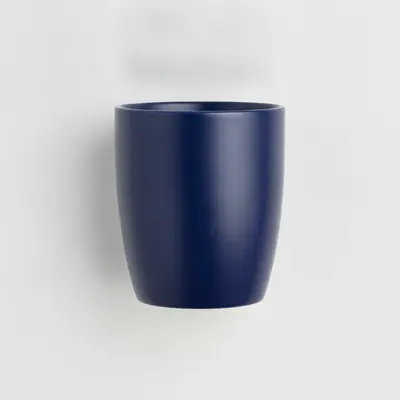
Dark ceramic mug with white rectangular price sticker on the bottom right Same mug with price sticker removed and dark ceramic surface restored cleanly

Upload photo to remove sticker text

"remove the red oval brand label sticker on the top of the box and show the packaging surface behind it, match the box color and texture"

Free to try · no sign-up · photos are never shared

Release to upload

<30stypical edit
1 freeedit weekly
Photo on your phone? Scan to open this editor there — free edit works on your phone too.

1 free edit every week·packs from $4.99

How it works

  1. Upload your photo

    Drop your image into EditThisPic. JPG, PNG, or WebP up to 7MB. Works on product photos, screenshots with text sticker overlays, and photos with paper label stickers. Stickers that contrast with the surface they're on produce the cleanest removals.

    Expect: Single sticker on a uniform surface: 15–25 seconds. Sticker placed over a complex texture (wood grain, patterned fabric) may need one refinement pass.
  2. Describe the sticker to remove

    Type what you see: 'remove the white rectangular price tag sticker on the bottom right of the product and show the original surface underneath' or 'erase the red SALE sticker on the top left corner.' Describe the sticker's color, shape, and position. No marking required.

    Tip: Include what surface the sticker is on — 'sticker on the leather surface,' 'sticker on the box side' — helps the AI know what texture to reconstruct underneath.

    Copy one of these to get started:

    Price tag sticker on product — eBay or Poshmark listing remove the white rectangular price tag sticker on the bottom right of the product and restore the original surface texture underneath it
    Brand label sticker on product packaging remove the red oval brand label sticker on the top of the box and show the packaging surface behind it, match the box color and texture
    Instagram or TikTok text sticker on a photo remove the white text sticker overlay in the upper center of this photo and restore the background behind it
    SALE sticker on clothing or product for resale photo remove the circular red SALE sticker on the front of the garment and restore the fabric texture and color underneath
    2 more prompts
    Multiple price stickers on thrift store item remove all price tag stickers visible on this item — the large one on the front and the smaller one on the bottom — restore the item's surface under each
    Barcode label sticker on product box remove the white barcode label sticker on the side of the box and restore the cardboard surface texture behind it
  3. Check the fill at full zoom

    Zoom to 100% where the sticker was. Look for adhesive residue artifacts — a slight color shift or texture inconsistency where the sticker edges were. Stickers on solid-color surfaces fill nearly perfectly; stickers on wood grain or patterned fabric may need a refinement pass.

  4. Refine with markers if residue or shadow remains

    If a faint sticker outline or adhesive shadow persists, tap a marker on that area and regenerate: 'remove the remaining adhesive shadow where the sticker was and blend with the surrounding surface.' Most single sticker removals on clean surfaces need no markers.

    Tip: Markers work best for the sticker's edge halo — the thin shadow ring that often remains after the main sticker body is removed.

See it in action

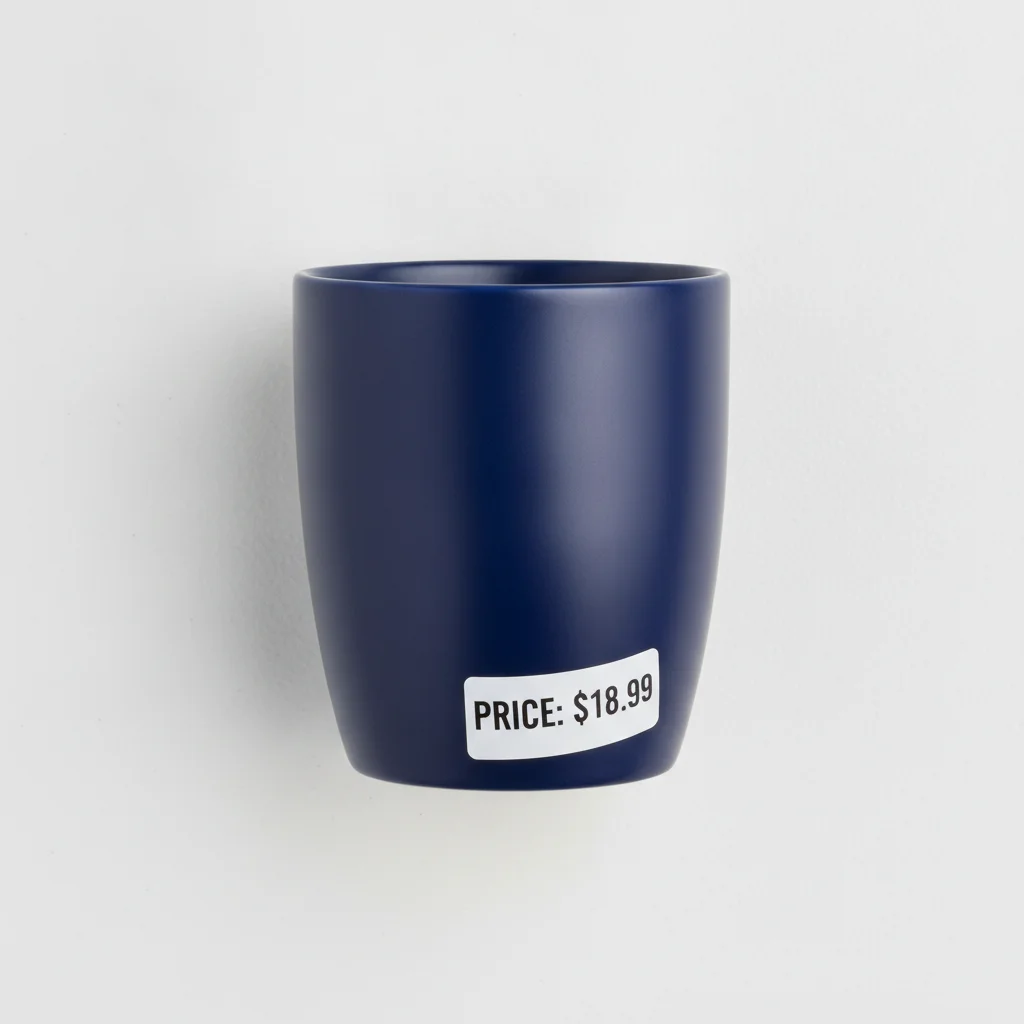
Dark ceramic mug with white rectangular price sticker on the bottom right
Before
->
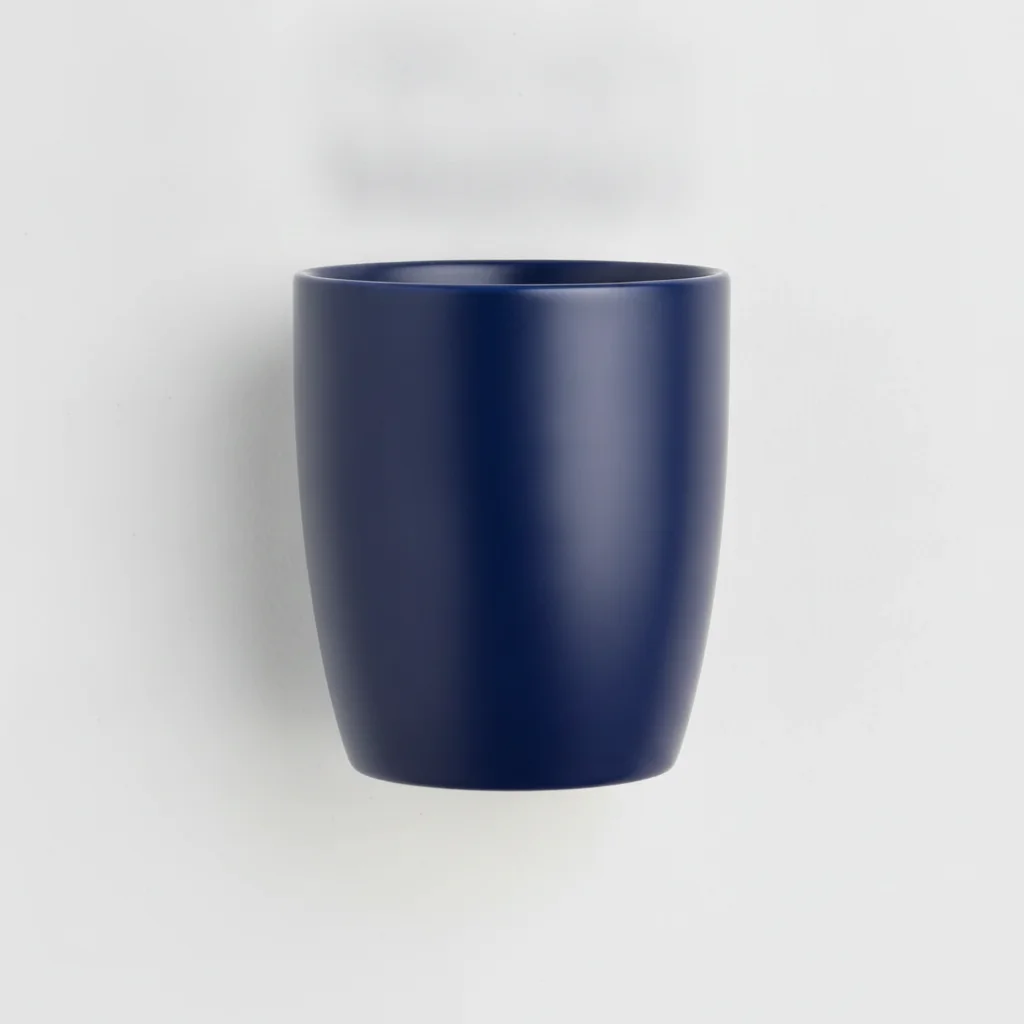
Same mug with price sticker removed and dark ceramic surface restored cleanly
After

Price tag sticker on product — resale listing cleanup

Product photo with a white rectangular price sticker on the bottom corner. The AI removed it and matched the product's surface texture under the sticker.

Prompt: remove the white rectangular price tag sticker on the bottom right of the product and restore the original surface texture underneath

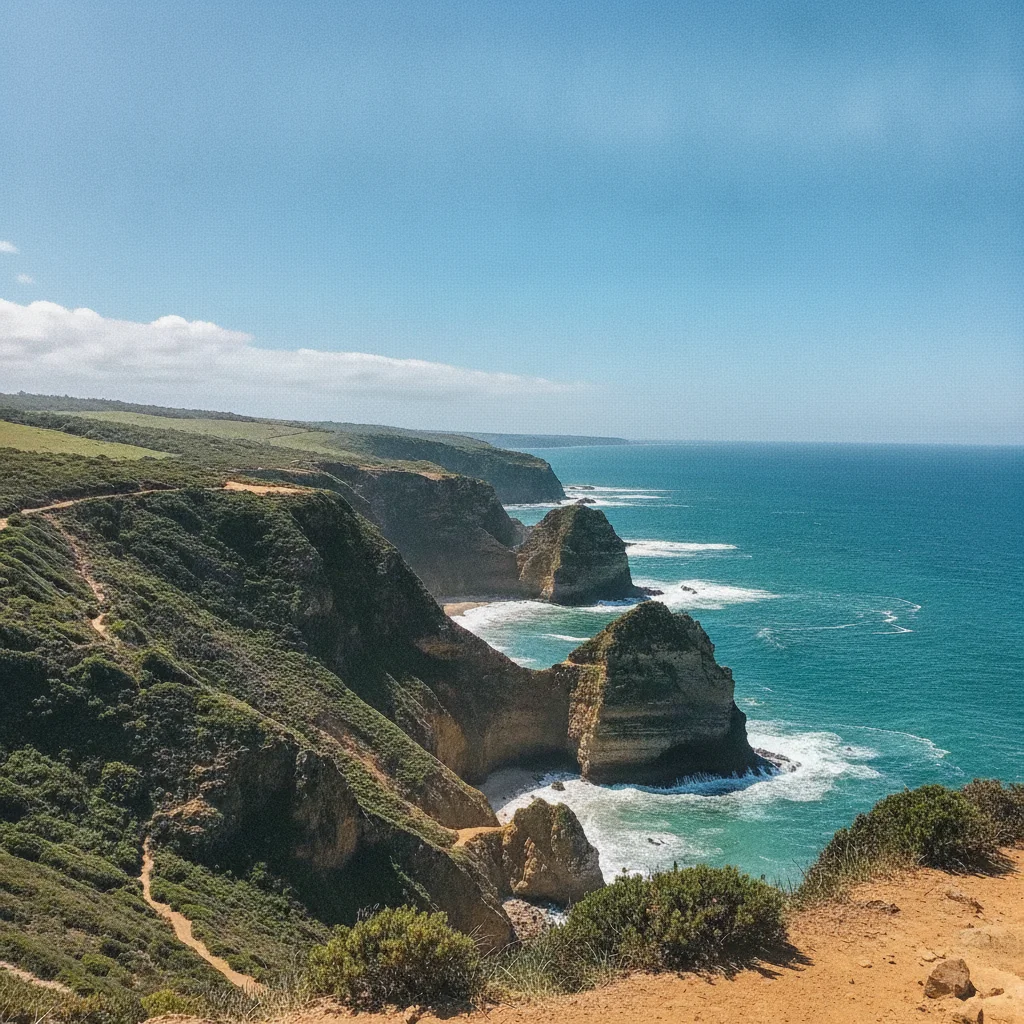
Coastal landscape photo with white Instagram text sticker across the upper portion
Before
->
Same coastal photo with text sticker removed and blue sky fully restored
After

Instagram text sticker on vacation photo — clean export

A vacation candid with an Instagram text sticker placed across the upper area of the image. The AI removed the digital overlay and reconstructed the sky behind it.

Prompt: remove the white Instagram text sticker overlay in the upper portion of this photo and restore the original sky background behind it

Quick answers

Do I need to mark the sticker before removing it?

No. Just describe the sticker: 'remove the white price tag sticker on the bottom right of the product' or 'erase the red SALE sticker on the top left.' The AI finds and removes the sticker from your description. Only use markers if the sticker is directly adjacent to product text or a label you want to keep.

How do I remove sticker text from a photo for free?

Go to EditThisPic, upload your photo (JPG, PNG, or WebP up to 7MB), type 'remove the [sticker description] on the [position] and restore the surface underneath,' and click Generate. The AI removes the sticker and fills the area in about 30 seconds. Purchased downloads are clean, full quality. No account needed.

Is there a free AI tool to remove price tag stickers from product photos without signup?

Yes. EditThisPic removes price tag stickers and label stickers from product photos for free with no account required. Works in any browser on desktop or mobile. Useful for eBay, Poshmark, and Facebook Marketplace sellers who need clean product photos. The free edit is a preview — purchased downloads are clean, full quality.

Can AI remove Instagram or TikTok text stickers from photos?

Yes. Digital text stickers (from Instagram, TikTok, Snapchat) are among the easiest removals because they sit cleanly on top of the photo as a separate layer. Type 'remove the text sticker overlay in the upper portion of this photo and restore the original background.' Results are clean on the first pass in most cases.

How much does EditThisPic cost?

You get 1 free edit per week — no account needed. After that, one-time credit packs start at $4.99 for 10 edits, valid 12 months, no subscription. Power users who edit daily can pick Studio Membership, a monthly workspace at $49.99/mo for 300 edits. Purchased downloads are clean with no watermark.

Ready to remove sticker text from your photo?

Free to try. No signup required.

1 free edit included·Credit packs from $4.99