Pricing Remove Sticker · Free

Sticker Remover

Last updated

Type 'remove the sticker in the corner' — the AI erases it and fills the background cleanly in 15 seconds.
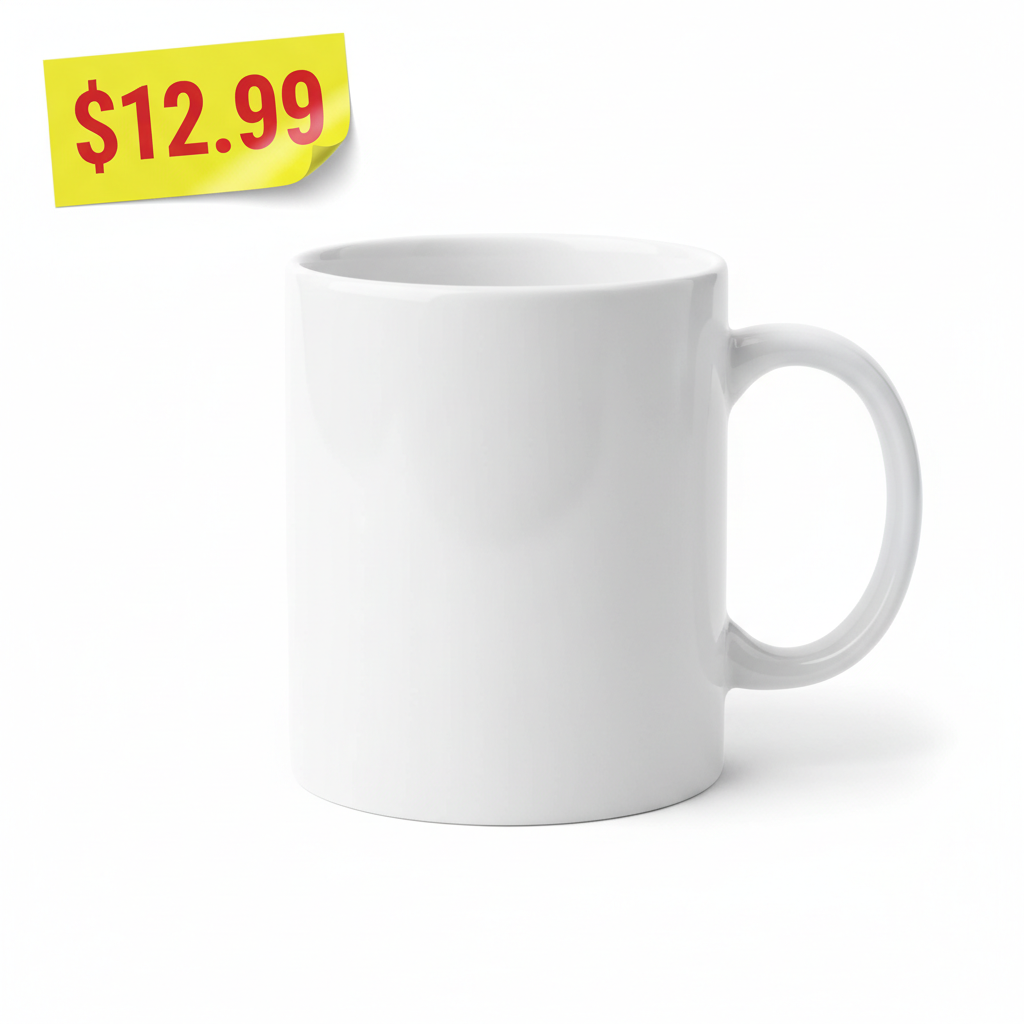
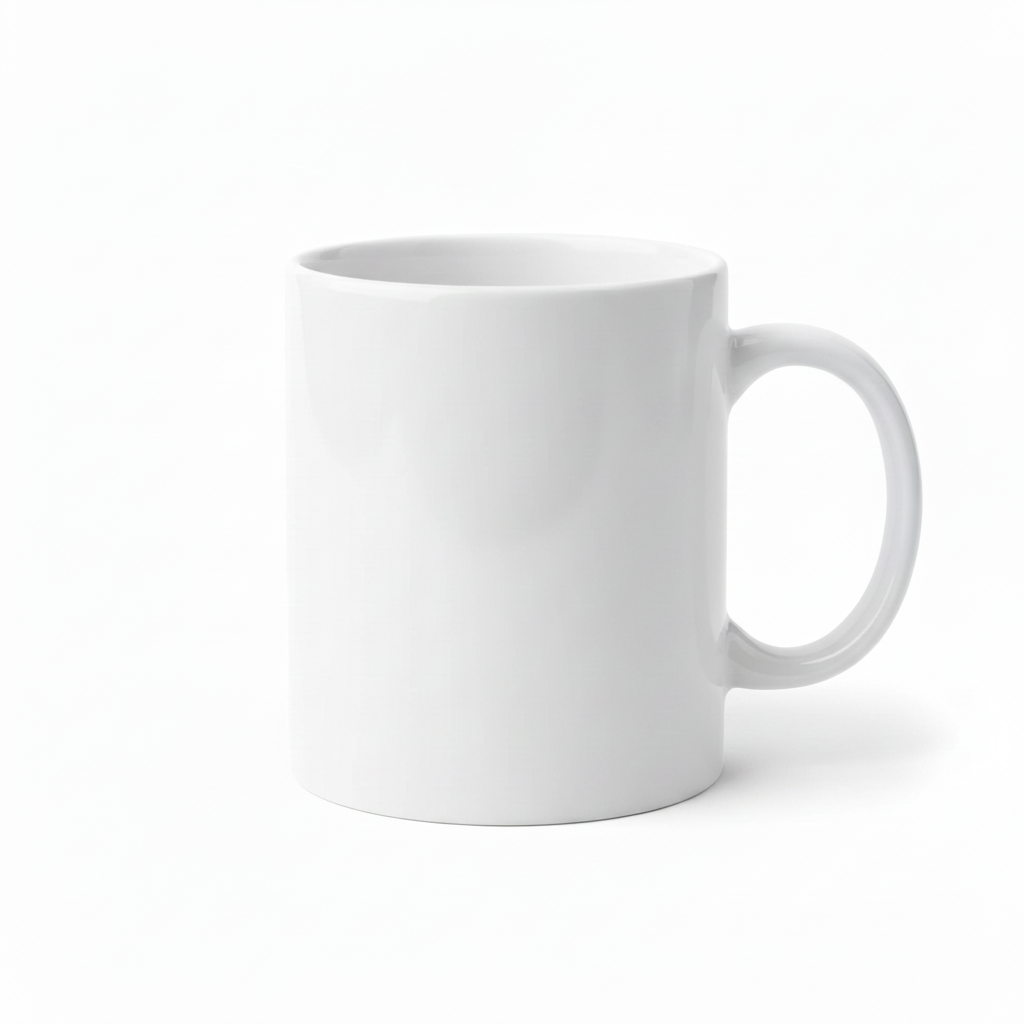
White ceramic mug with bright yellow price sticker in top-left corner Same mug with price sticker removed and surface filled cleanly

Upload photo to remove sticker

"remove the emoji sticker covering part of the face and restore the natural face underneath — reconstruct the skin, eye, and facial features behind the sticker"

Free to try · no sign-up · photos are never shared

Release to upload

<30stypical edit
1 freeedit weekly
Photo on your phone? Scan to open this editor there — free edit works on your phone too.

1 free edit every week·packs from $4.99

How it works

  1. Upload the photo with the sticker

    Drop your image into EditThisPic — JPG, PNG, or WebP up to 7MB. Works with price stickers, emoji overlays, social media GIF stickers, watermarks, stamps, and any other overlaid element. Higher-resolution photos give the AI more background detail to reconstruct from.

    Expect: Stickers on simple backgrounds (white, plain color): 15–20 seconds. Stickers on complex patterns or textures: 25–40 seconds and may need one refinement.
  2. Check the fill area at full zoom

    Zoom to 100% where the sticker was. Check that the fill texture matches the surrounding surface — look for seams, color patches, or blurred edges. On plain backgrounds the fill is usually seamless on the first try.

See it in action

White ceramic mug with bright yellow price sticker in top-left corner
Before
->
Same mug with price sticker removed and surface filled cleanly
After

Price sticker removed from product photo

A reseller needed a clean product photo without the original price sticker. One prompt removed it and filled with the product surface.

Prompt: remove the price sticker from the top-left corner and fill with the product surface so it looks like it was never there

Selfie with a large sunflower emoji sticker covering the right cheek
Before
->
Same selfie with emoji removed and natural face skin restored underneath
After

Emoji sticker removed from selfie

Someone needed to recover a selfie with an emoji sticker covering part of their face. The AI reconstructed the face underneath.

Prompt: remove the emoji sticker covering part of the face and restore the natural face underneath — reconstruct the skin and facial features behind the sticker

Travel café photo with a large 'CAFÉ VIBES' text sticker overlay
Before
->
Same café photo with text sticker removed and original scene restored
After

Instagram sticker cleared from travel photo

A travel photo saved from an Instagram story had a GIF sticker covering the main landmark. The AI removed it and restored the background.

Prompt: remove the GIF sticker overlay from the image and restore the original photo content beneath it — fill with what was under the sticker

Quick answers

What if the sticker removal leaves visible artifacts on the background?

Re-run with a more specific patch hint: 'remove the sticker and fill with matching wood grain,' or 'remove and fill with the same sky.' For tricky textures (brick, fabric, water), one refinement usually resolves it. Each attempt takes 20-45 seconds. Free first edit per week, no signup.

Is there a free sticker remover for photos with no login?

Yes. EditThisPic removes stickers from photos free to preview with no account, and purchased downloads are clean. Upload your photo, describe the sticker to remove, and get the clean result in 15–30 seconds. Works in any browser on desktop or mobile.

How do I remove a sticker from a photo for free?

Go to EditThisPic, upload your photo, and type: 'remove the [sticker type] from [position] and fill with the background.' The AI erases the sticker and reconstructs the surface behind it. No account required, free preview, clean paid download.

Can it remove Instagram or TikTok stickers from screenshots?

Yes. Upload the screenshot and type: 'remove the GIF sticker overlay from the image and restore the original photo content beneath it.' Works on Instagram story stickers, TikTok text overlays, Snapchat stickers, and other social media overlays.

What's the difference between sticker remover and logo remover?

Both tools erase overlaid elements and fill the background. Sticker remover works best for emoji, GIF, price, and social media stickers. Logo remover is tuned for brand logos, watermarks, and TV channel bugs. Both are free on EditThisPic.

Can it remove a sticker that's covering part of a face?

Yes. Type: 'remove the emoji sticker covering part of the face and restore the natural face underneath — reconstruct the skin and facial features behind the sticker.' The AI interpolates the face content under the sticker. Results vary depending on sticker size — smaller stickers give better reconstruction.

How much does EditThisPic cost?

You get 1 free edit per week — no account needed. After that, one-time credit packs start at $4.99 for 10 edits, valid 12 months, no subscription. Power users who edit daily can pick Studio Membership, a monthly workspace at $49.99/mo for 300 edits. Purchased downloads are clean with no watermark.

Ready to remove that sticker?

Free to try. No signup required.

1 free edit included·Credit packs from $4.99