AI Color Grading Tool
← Browse all creative effectsLast updated
Apply cinematic teal-orange, film noir, or indie color grading to any photo instantly.
Upload photo to apply cinematic color grading
"Create desaturated indie film look with slightly lifted blacks and muted colors except skin tones"
Free to try · no sign-up · photos are never shared
Release to upload
<30stypical edit
1 freeedit weekly
Photo on your phone?
Scan to open this editor there — free edit works on your phone too.
How it works
See it in action
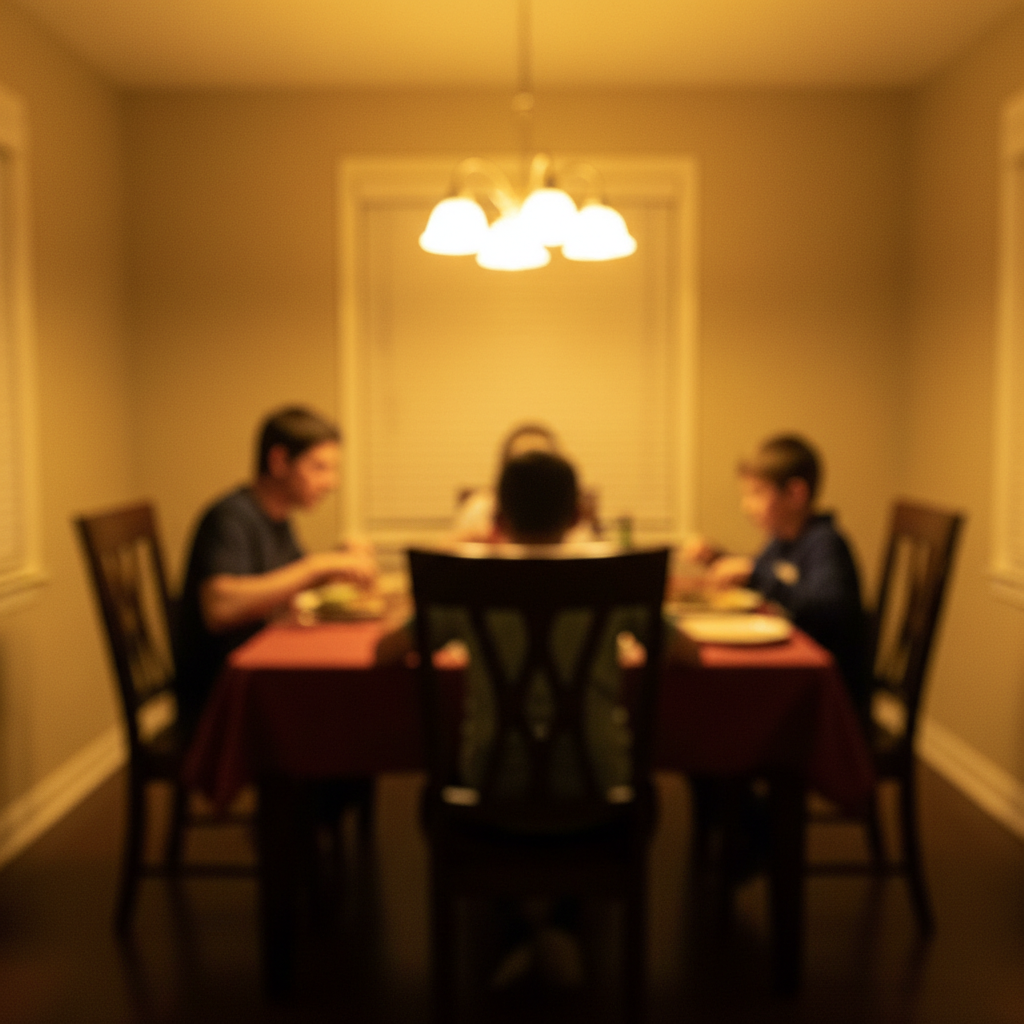
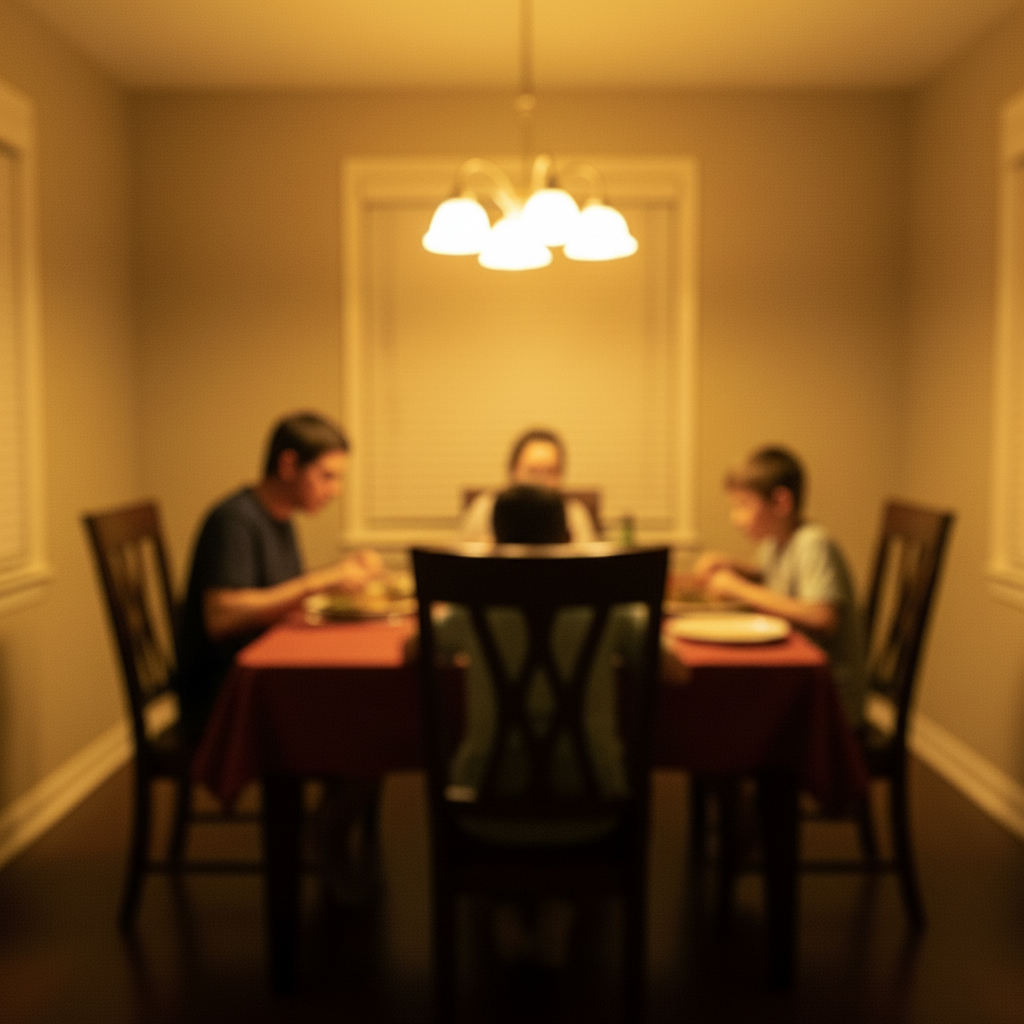
Transformed with teal and orange blockbuster grade - shadows...
Transformed with teal and orange blockbuster grade - shadows teal, highlights warm orange
Prompt:
Apply teal and orange color grade - push blues and shadows to teal, shift yellows and highlights to warm orange
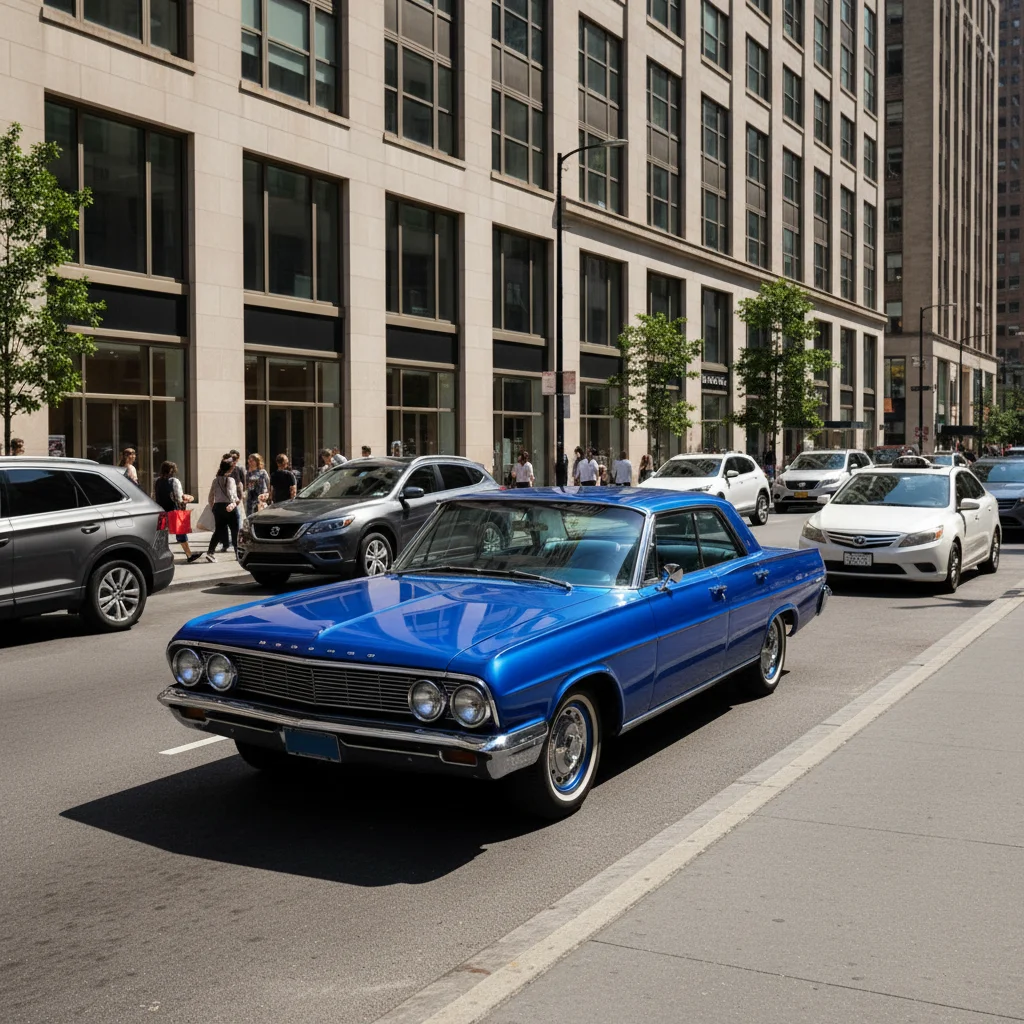
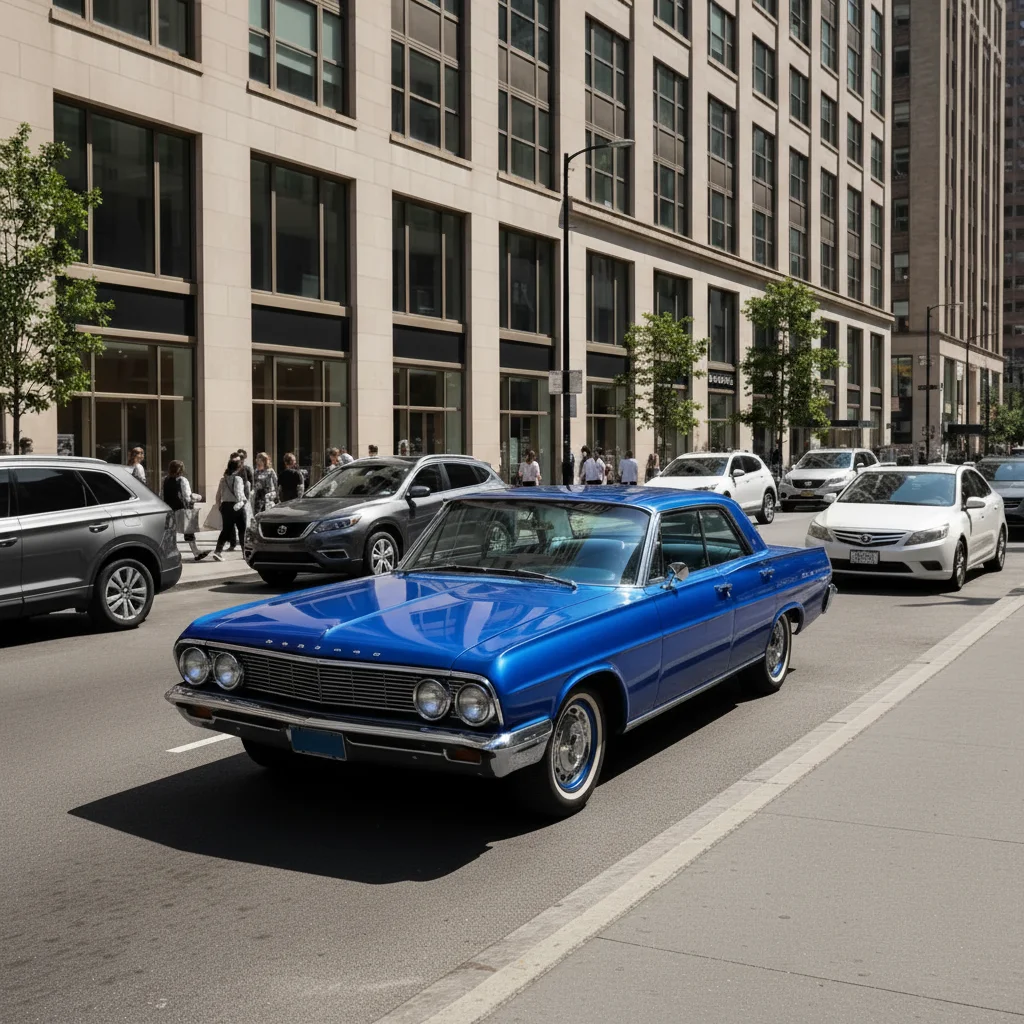
Garden photo color graded to selective red tones
A bright, colorful garden photo with red roses, orange marigolds, and blue/purple flowers. The AI applied a color grading that desaturated everything to black and white while preserving the red tones of the roses — a selective color grading technique.
Prompt:
Apply selective color grading — keep the red roses in color, desaturate everything else to black and white
Quick answers
Popular use cases
Ready to apply cinematic color grading?
Free to try. No signup required.