Free • No signup Fix Color cast · Free

AI Color Cast Fixer

← Browse all creative effects

Last updated

Describe the cast and EditThisPic removes it — no sliders, no marking required.
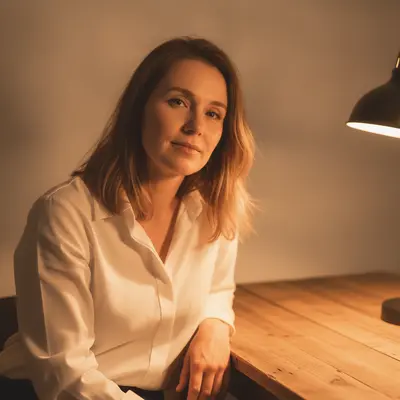
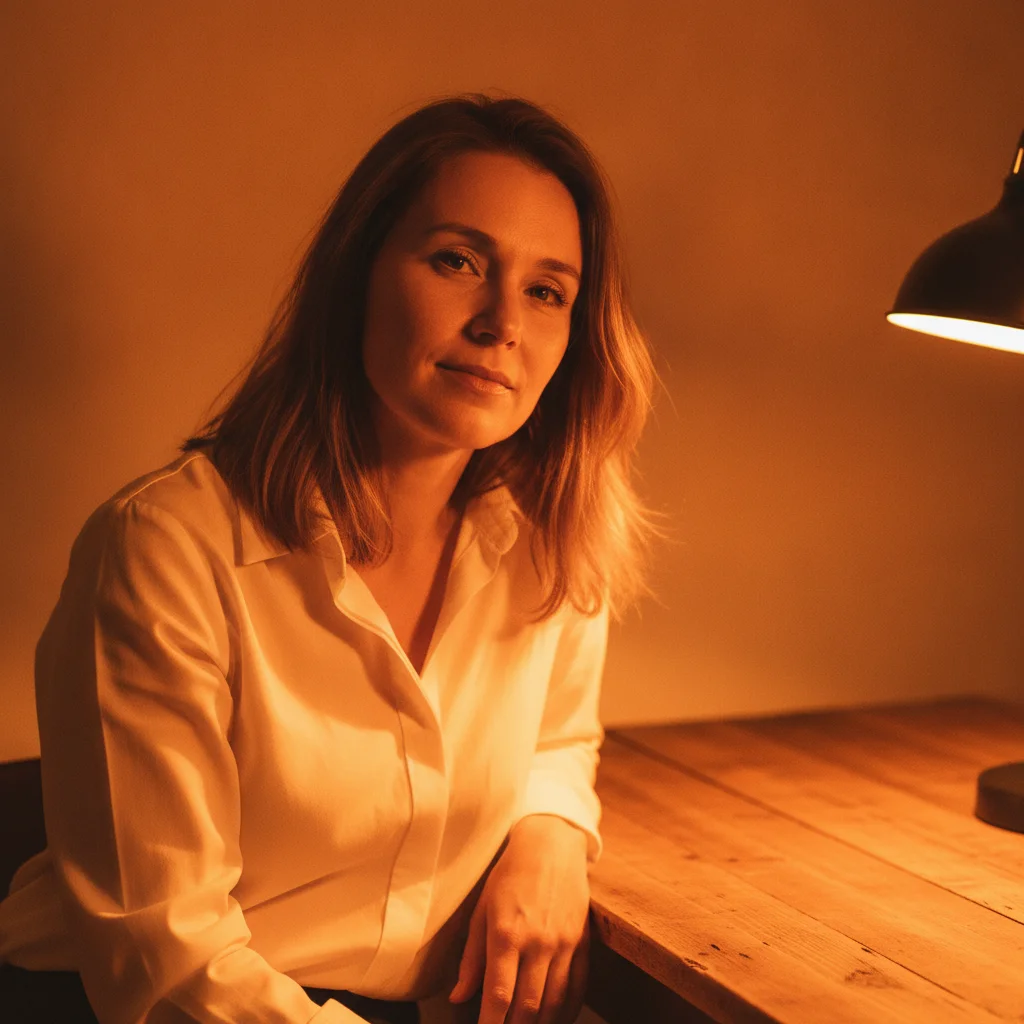
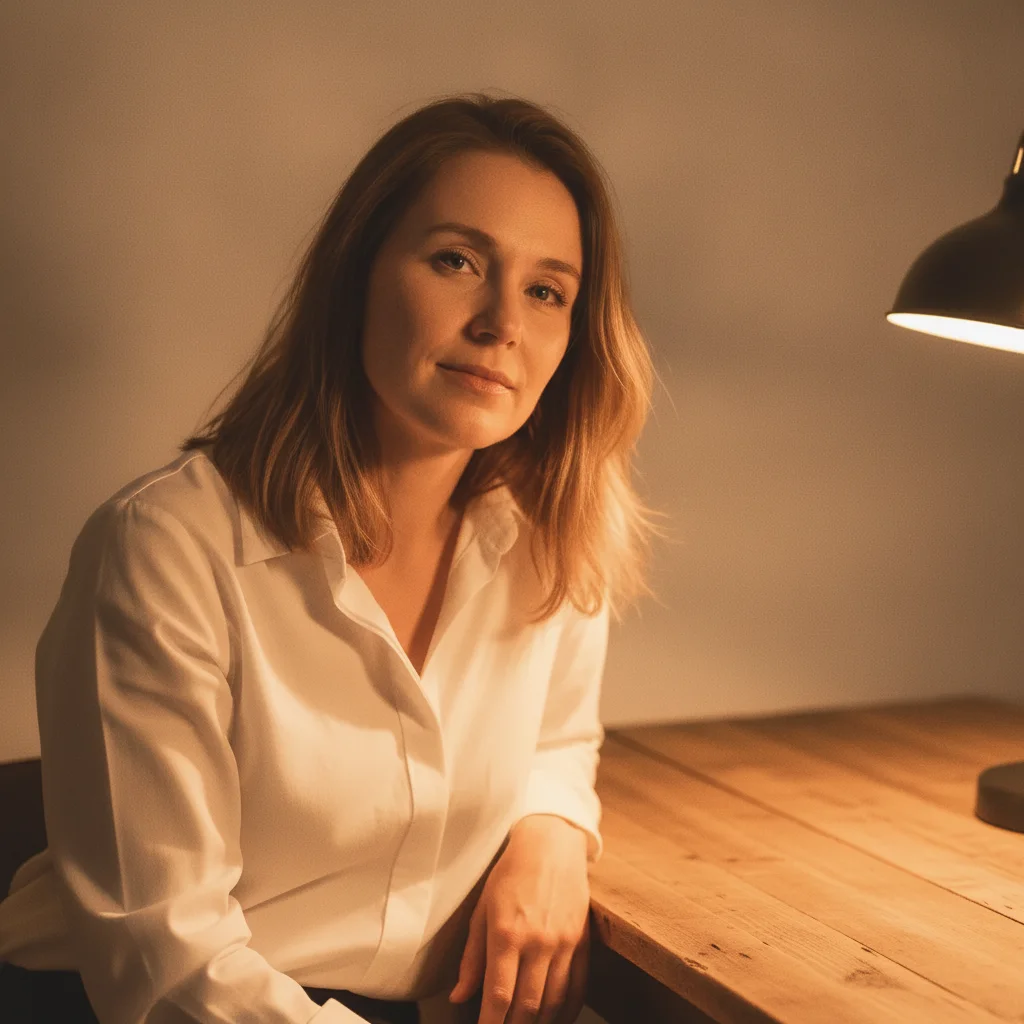
Woman in white shirt under tungsten lamp with heavy orange color cast Same woman with neutral skin tones and white shirt after color cast correction

Upload photo to fix color cast

"remove the green color cast from fluorescent office lighting — faces should look natural, white shirt should be white not greenish"

Release to upload

50,000+photos edited
<30stypical edit
1 freeedit weekly

1 free edit·then from $4.99

How it works

  1. Upload the photo with the color cast

    Drop your image into EditThisPic. JPG, PNG, or WebP up to 7MB. Photos taken under tungsten bulbs, fluorescent office lights, mixed indoor/outdoor light, or old scans with dye fading all work well. The AI reads the actual pixel data — not just your description — so even subtle casts are detected.

    Expect: Simple, uniform casts (all-orange tungsten, all-green fluorescent) are corrected in one pass in about 20 seconds. Complex mixed-lighting casts — where part of the image is tungsten and part is daylight — may need a second pass with a more specific prompt.
  2. Describe the tint you want removed

    Type what's wrong: 'fix the orange color cast — skin tones and white shirt look orange, make them neutral' or 'remove the green tint from the fluorescent lights, faces should look natural.' Name the cast color and one or two reference areas that should be neutral (white shirt, skin, grey wall). The more specific you are about the reference neutral, the more accurate the correction.

    Tip: Naming a neutral reference — 'the white wall should be pure white' or 'the grey concrete should be neutral grey' — gives the AI a calibration anchor. Without a neutral reference it corrects globally, which works for most shots but can over-correct if the photo has intentional warm tones you want to keep.

    Copy one of these to get started:

    Orange tungsten indoor cast — most common fix the orange color cast from tungsten lighting — skin tones and the white walls should look neutral, not orange or warm
    Green fluorescent office cast remove the green color cast from fluorescent office lighting — faces should look natural, white shirt should be white not greenish
    Blue shade/overcast cast fix the blue-grey color cast from overcast shade — warm up the overall tone slightly, skin should look warm not blue-grey
    Mixed lighting — part tungsten, part window light fix the mixed color cast — the left side under the lamp is too orange and the window side is blue-grey, balance both areas so the overall scene looks natural
    3 more prompts
    Old scanned photo with dye fade cast remove the yellow-orange color cast from this old scanned photograph — the whites should be neutral white and skin tones should look natural, not sepia
    Sunset portrait with heavy orange cast on skin fix the heavy orange color cast on the person's skin from the sunset lighting — skin tones should look natural, keep a slight warm glow in the background sky
    Yellow street light cast on night photo remove the yellow-sodium color cast from the street lighting — the clothing and concrete should look neutral grey, correct the overall white balance
  3. Check skin tones, whites, and shadow areas

    Zoom to 100% and examine three areas: skin tones (should be pinkish-neutral, not orange, grey, or green), any white or near-white surfaces (clothing, walls, teeth), and deep shadow areas (shadows have the least luminance data and can retain cast residue). If one zone looks corrected but another still has a tint, note which area is off for the next step.

  4. Refine specific zones with markers if needed

    If the overall cast is fixed but one area — like a shadowed corner or a face under a lamp — still has a tint, tap a marker on that zone and add a focused prompt: 'fix the remaining orange tint on the face, the rest of the image looks correct.' Markers constrain the correction to that area only without disturbing the rest.

    Tip: Markers are for residual zone corrections, not initial cast removal. Try the global prompt first — markers are rarely needed.

See it in action

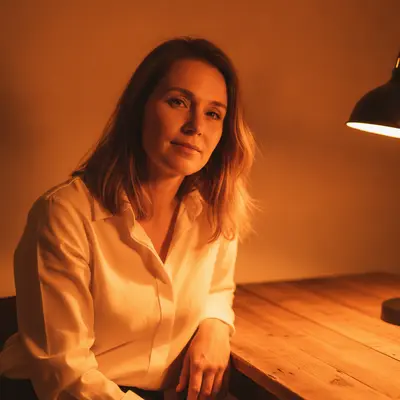
Woman in white shirt under tungsten lamp with heavy orange color cast
Before
->
Same woman with neutral skin tones and white shirt after color cast correction
After

Tungsten indoor portrait — orange cast corrected

Portrait shot under a warm household lamp. The orange cast made skin look orange and a white shirt appear cream. One prompt corrected both without desaturating the warm wood background.

Prompt: fix the orange color cast from tungsten lighting — skin tones and the white shirt should look neutral, not orange
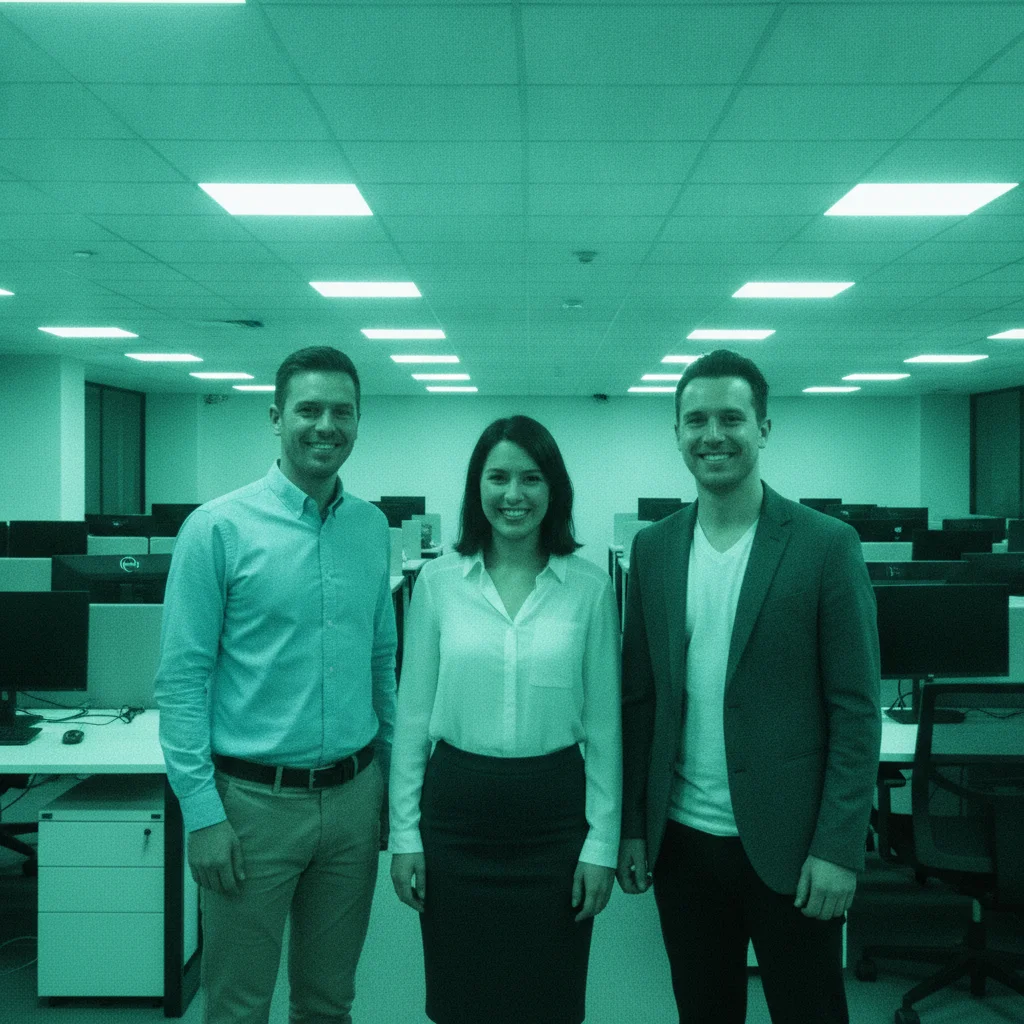
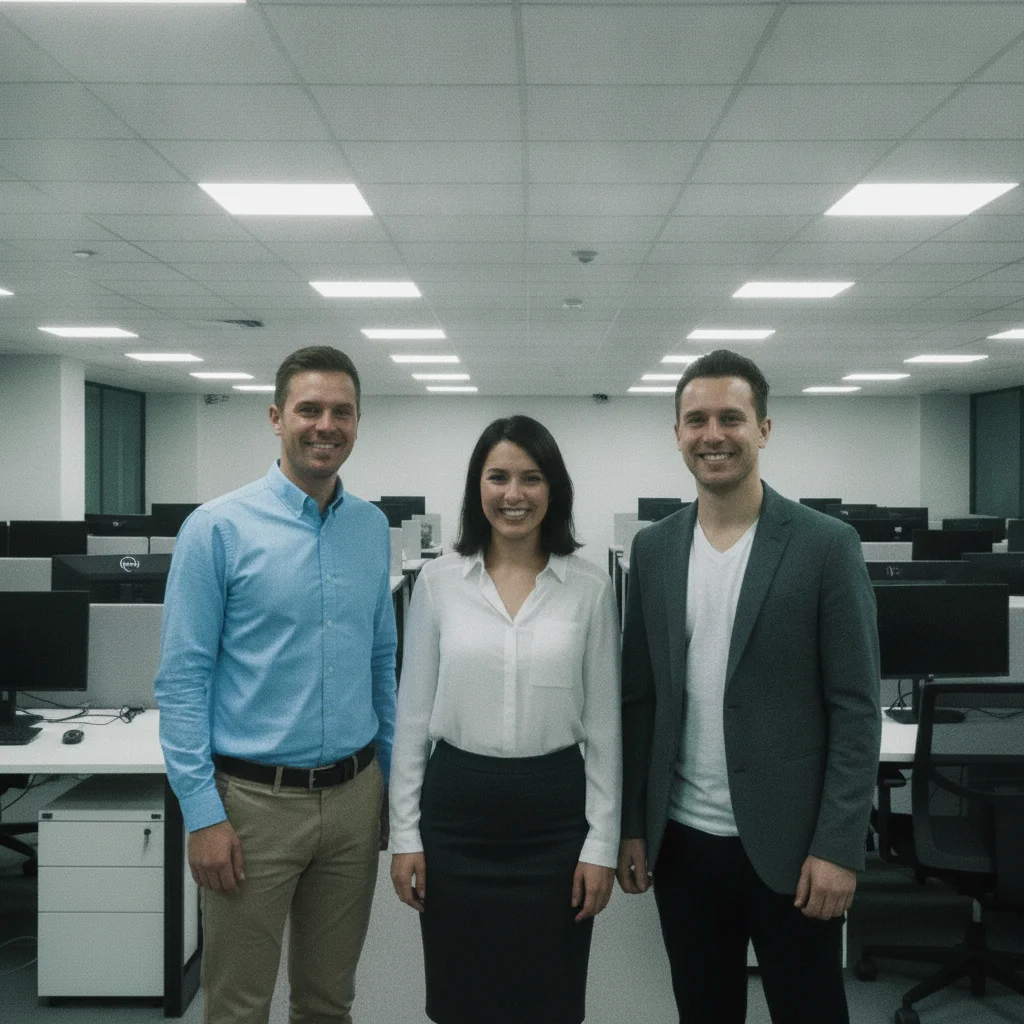
Three people in office with green-cyan fluorescent color cast
Before
->
Same group with natural skin tones and neutral whites after green cast removal
After

Fluorescent office cast — green tint removed from group photo

Office team photo under overhead fluorescent panels. The green-cyan cast made every face look slightly ill. Prompt named both the cast color and the skin correction target.

Prompt: remove the green color cast from fluorescent office lighting — all faces should look natural, white ceiling tiles should be white not greenish
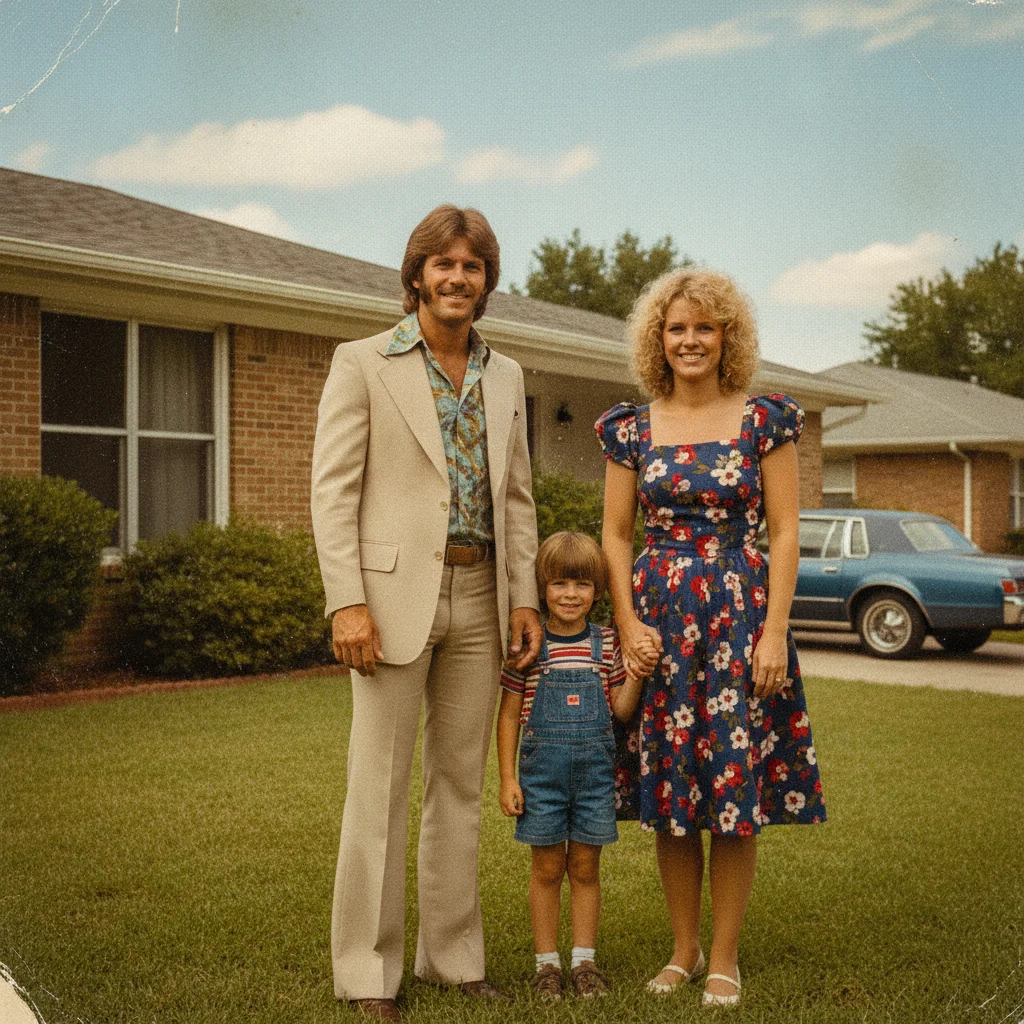
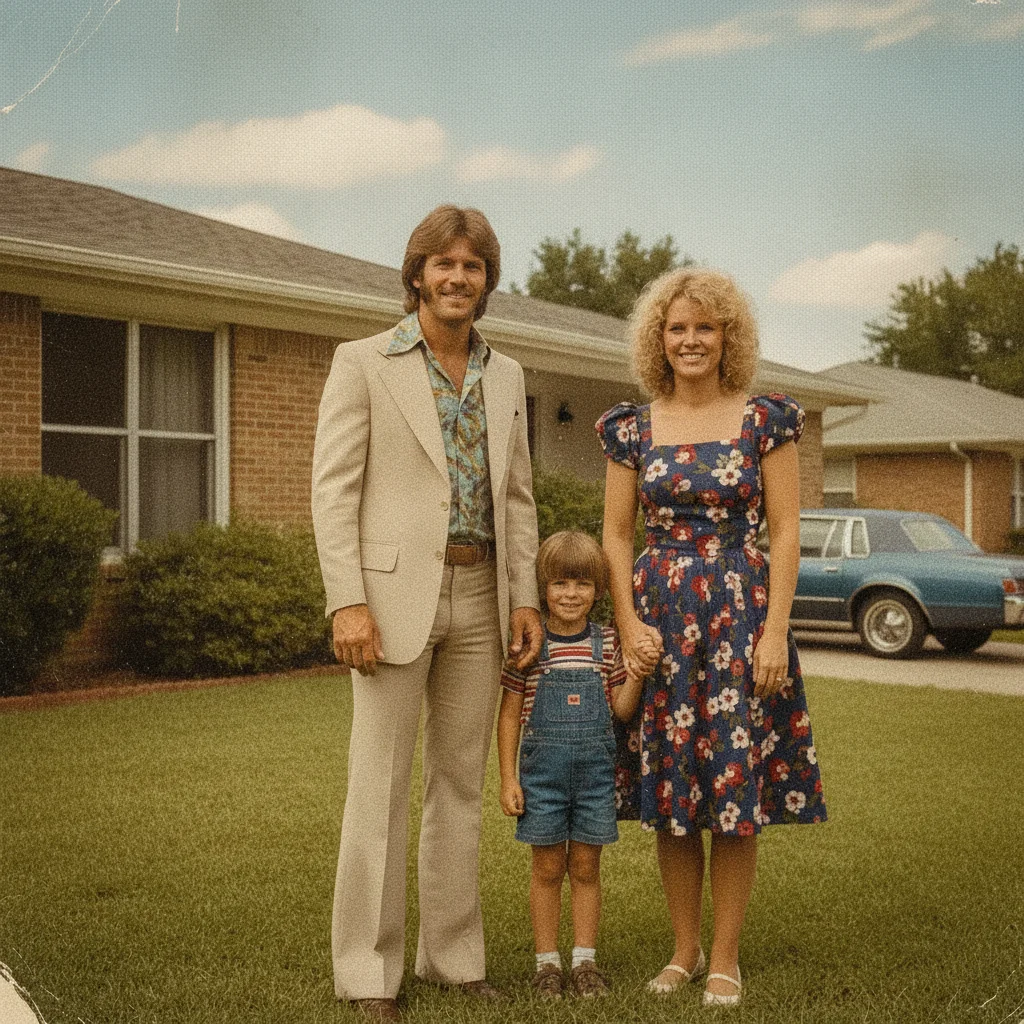
Scanned 1980s family photo with heavy yellow-orange dye-fade color cast
Before
->
Same family photo with neutral colors restored after dye-fade correction
After

Old scanned family photo — yellow dye-fade cast removed

A 1980s family photo scanned from a print. Dye fading over decades created a heavy yellow-orange cast. The restoration prompt treated it as a dye correction rather than a white balance shift.

Prompt: remove the yellow-orange color cast from this old scanned photograph — whites should be neutral and skin tones should look natural, not sepia-toned

Quick answers

Do I need to mark the color cast area before fixing it?

No. For most photos, just describe the cast: 'fix the orange color cast so skin tones look neutral.' The AI understands what a color cast is and applies a global white balance correction. Only use markers if you have a mixed-lighting situation where different zones of the image need different corrections — for example, one side lit by a lamp and the other by a window.

How do I fix a color cast in a photo for free online?

Upload your photo to EditThisPic, describe the cast you want removed — for example 'fix the orange tungsten color cast, skin and whites should look neutral' — and click Generate. The AI corrects the white balance in about 30 seconds. No account, no login, no watermark on the result.

What causes an orange color cast in photos?

Orange casts come from tungsten or incandescent light sources — standard household bulbs, candles, and some LED warm-white bulbs. Camera white balance defaults to 'Auto' which often fails in mixed or artificial light. Sunset and golden-hour light also produce orange casts that are sometimes desirable and sometimes not.

Can AI fix white balance after the photo is already taken?

Yes. EditThisPic corrects white balance in processed JPEGs and PNGs — not just RAW files. The AI analyzes the dominant color temperature in the image and shifts it toward neutral. This is not as precise as correcting in RAW (where full color information is preserved), but it produces clean results for most photos, including scans and old prints.

Is there a free tool to fix color cast without Lightroom?

Yes. EditThisPic fixes color casts for free with no account required and no watermark. Unlike Lightroom, you describe what's wrong in plain language instead of adjusting temperature and tint sliders manually. Works on desktop and mobile browsers — no app to download.

How do I fix a green cast from fluorescent lights?

Type: 'remove the green color cast from fluorescent office lighting — faces should look natural, white surfaces should be white not greenish.' The AI identifies the green-cyan tint from fluorescent panels and corrects the white balance to neutral daylight. It works on both individual portraits and group office photos.

Can I fix a color cast in an old scanned photograph?

Yes. Old photo color casts are caused by dye fading, not lighting — but the correction process is the same. Upload the scan and describe: 'remove the yellow-orange cast from this old scanned photograph — whites should be neutral and skin tones should look natural.' For severe fading, a second pass focused on shadows often removes residual tint.

How much does EditThisPic cost?

You get 1 free edit per week — no account needed. After that, credit packs start at $1.99 for 3 edits. Monthly plans start at $4.99/mo for 20 edits with unused credits rolling over. All edits are full resolution with no watermark.

Ready to fix the color cast in your photo?

Free to try. No signup required.

1 free edit included·Credit packs from $4.99