Free • No signup Create Before-after portfolio photos · Free

Create before-after photos for your portfolio

Last updated

Before-after photos sell your services, but mismatched lighting and angles kill credibility. Fix them in 30 seconds.

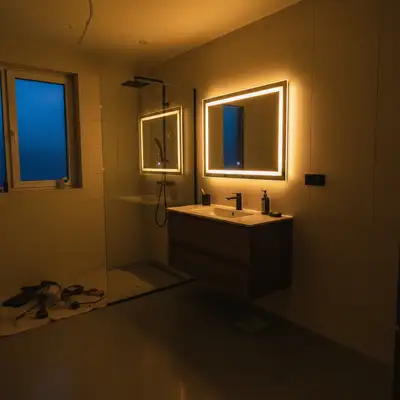
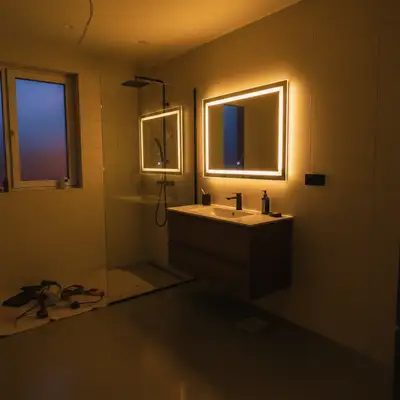
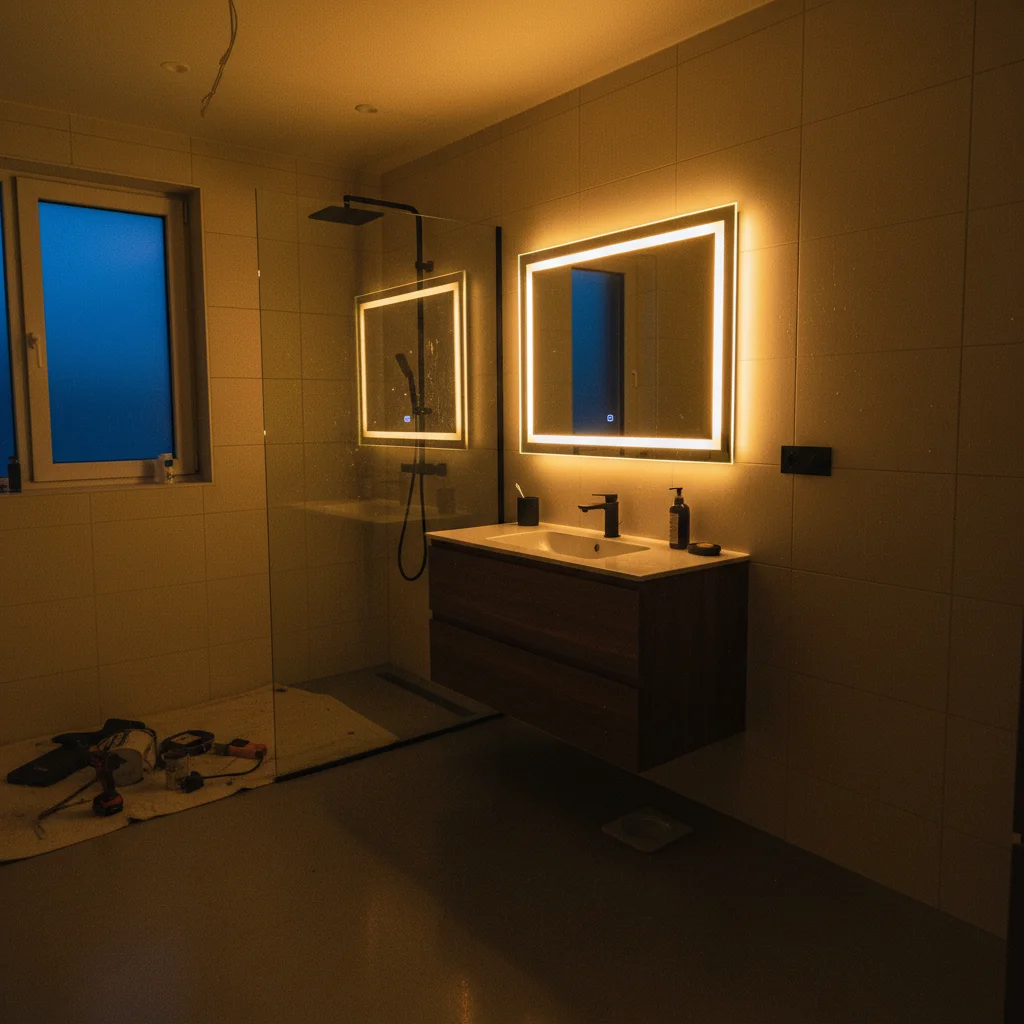
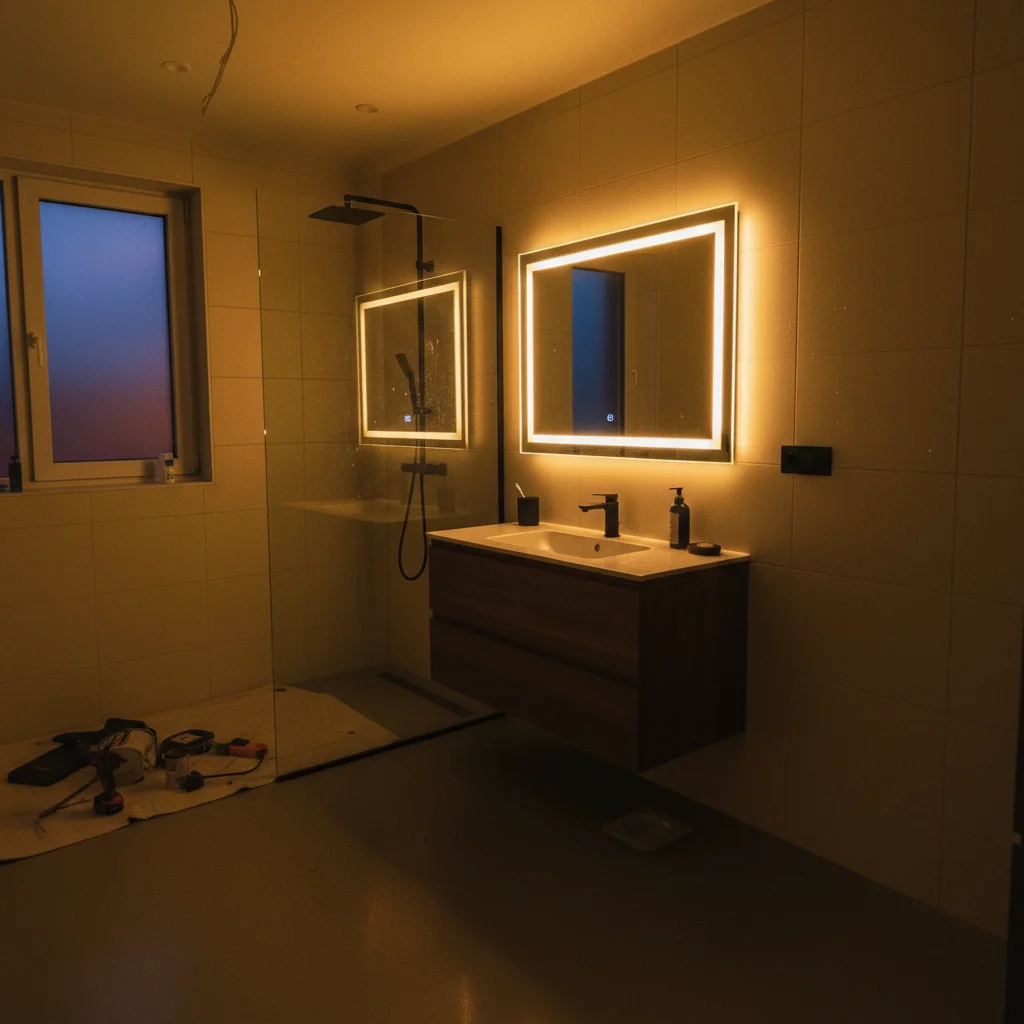
After renovation bathroom with warm yellow evening lighting Same bathroom with bright neutral morning lighting to match before

Upload photo to create before-after portfolio photos

"adjust perspective to match the same angle and viewpoint as the before photo for fair comparison"

Release to upload

50,000+photos edited
<30stypical edit
1 freeedit weekly

1 free edit·then from $4.99

How it works

  1. Upload your mismatched photo

    Drop the photo that doesn't match—usually the 'after' photo taken at different time, angle, or lighting than the 'before.' Common for renovation projects, fitness transformations, beauty treatments, or organizing jobs.

    Expect: Lighting/color matching: 20-30 seconds. Angle adjustments: may need refinement.
  2. Describe what needs to match

    Type 'match the lighting and color to look like same time of day as before photo' or 'adjust angle to match the before shot for fair comparison.' Be specific about what's different. The AI understands portfolio context—'make both photos look taken same day' or 'match the natural window light from before.'

    Tip: Upload both photos together if possible, or describe the before photo's lighting: 'bright morning light' or 'evening warm tones.'

    Copy one of these to get started:

    After photo taken different time of day than before match the lighting and color temperature to look like same time of day as the before photo
    After photo from different angle than before adjust perspective to match the same angle and viewpoint as the before photo for fair comparison
    Indoor lighting different between before and after match the indoor lighting to consistent brightness, make both photos look taken with same lights
    Color cast making after look worse remove the yellow/blue color cast, match neutral colors to the before photo
    3 more prompts
    Weather different between outdoor before and after match the sunny/cloudy conditions to show same weather as before for fair comparison
    Camera quality different between photos enhance the lower-quality photo to match resolution and sharpness of the better photo
    Background clutter distracting from transformation blur or clean up background to focus attention on the actual transformation area
  3. Review for fair comparison

    Check that lighting matches between before and after. Verify angles show the same perspective. Ensure colors are consistent so the transformation is the only difference. Fair comparisons build trust with potential clients.

  4. Refine if needed

    If lighting needs fine-tuning or angles need adjustment, describe the specific change and regenerate. Most portfolio comparisons work on the first try.

    Tip: Save your before photo specs (time of day, camera settings) so future afters can match from the start.

See it in action

After renovation bathroom with warm yellow evening lighting
Before
->
Same bathroom with bright neutral morning lighting to match before
After

Bathroom remodel with mismatched lighting

Contractor took before photo in bright morning light, after photo at dusk with overhead lights. After looked dingy compared to bright before, hiding the transformation. Matched lighting to show true improvement.

Prompt: match the lighting and color temperature to look like same time of day as the before photo
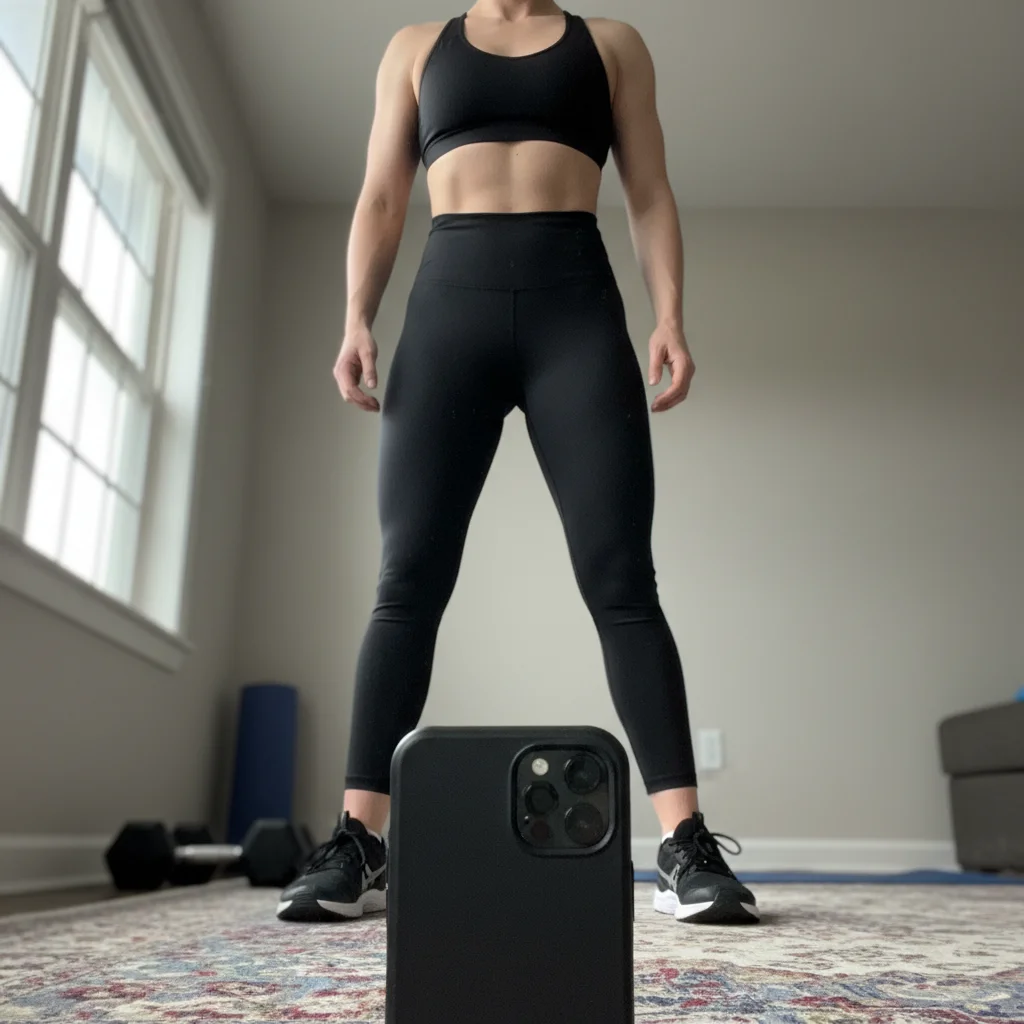
Fitness after photo from unflattering low angle
Before
->
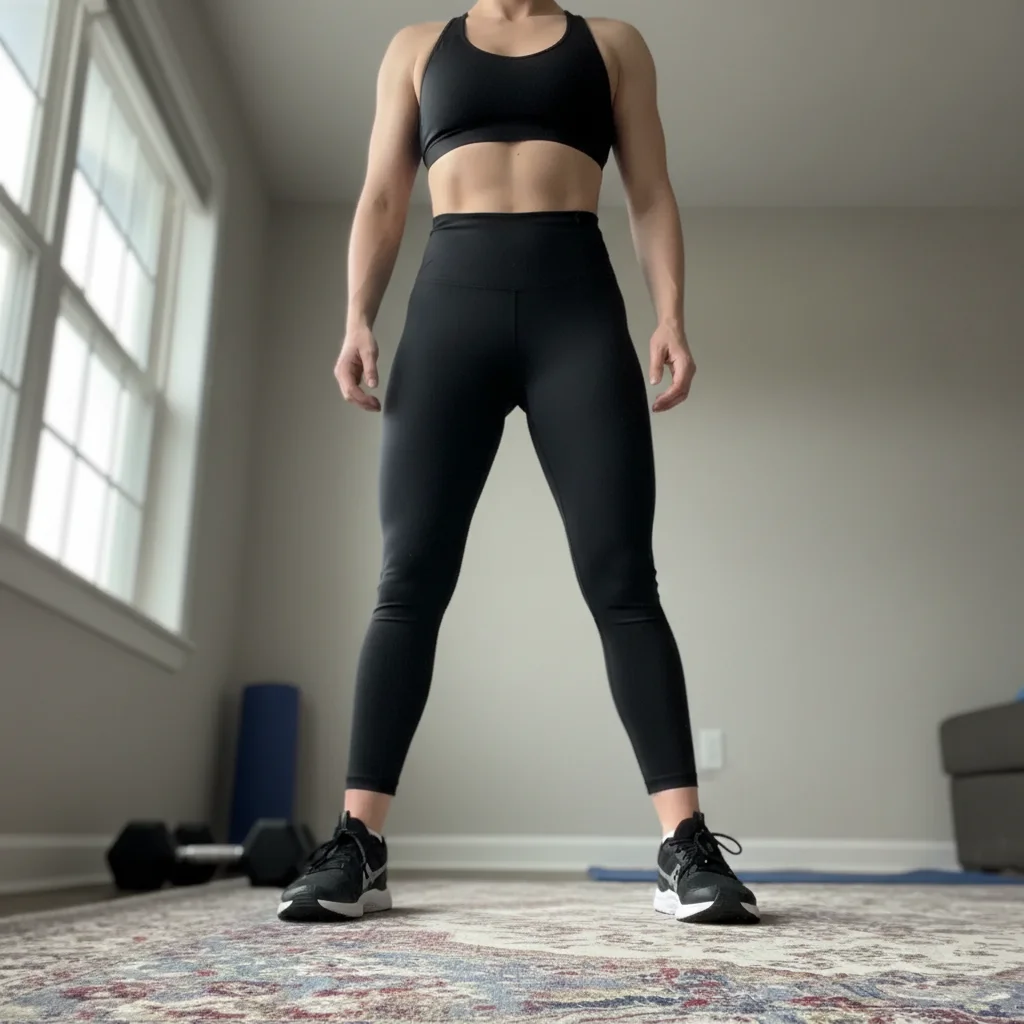
Same person from straight-on angle to match before photo
After

Fitness transformation with angle mismatch

Personal trainer's client before photo was straight-on mirror selfie, after was angled phone photo from below making client look wider. Fixed angle to show real transformation fairly.

Prompt: adjust perspective to match the same angle and viewpoint as the before photo for fair comparison

Quick answers

How specific should my prompt be to get a good Create before-after photos for your portfolio result on the first try?

One sentence is usually enough: 'Create the before-after portfolio s.' If the first result is off, refine with details — color, position, lighting, or what to keep. Each pass takes 20-45 seconds and runs separately, so you can compare. Free first edit per week, no signup.

Why do before-after photos need to match?

Fair comparisons build trust. If before is bright and after is dark (or vice versa), potential clients think you're manipulating the comparison. Matched lighting, angles, and conditions prove your work stands on its own merit. Mismatched comparisons look deceptive and reduce conversions. Professional portfolios show honest transformations with consistent photography.

Can I use these matched photos in my portfolio?

Yes. You're creating fair comparisons, not falsifying results. Matching lighting and angles removes photography variables so clients see your actual work. This is standard practice in professional portfolios. Don't alter the actual transformation (adding results that didn't happen), just standardize the photography conditions.

What should I match between before and after photos?

Match: (1) Time of day and lighting conditions, (2) Camera angle and distance, (3) Color temperature and white balance, (4) Resolution and image quality. The only difference should be your work. Everything else—photography conditions—should be identical for a fair comparison that highlights your transformation.

Should I match to the before or enhance the before to match the after?

Match to whichever photo has better conditions, usually the after. If your after photo has great lighting but before was dark, enhance the before to match the after's lighting. Both photos should present the space/person at their best photographic quality—the transformation is the only variable.

Is EditThisPic's AI before-after portfolio photos creator really free?

Yes — you get 1 free edit per week, no account needed. Plans start at $4.99/month for 15 edits.

Can I create before-after portfolio photos on my phone?

Yes. EditThisPic works in any mobile browser — iPhone, Android, tablet. No app download needed.

What photo formats does the AI before-after portfolio photos creator support?

JPG, PNG, WebP, and HEIC. Upload any common photo format and EditThisPic handles the rest.

How much does EditThisPic cost?

You get 1 free edit per week — no account needed. After that, credit packs start at $1.99 for 3 edits. Monthly plans start at $4.99/mo for 20 edits with unused credits rolling over. All edits are full resolution with no watermark.

Ready to create professional before-after photos?

Free to try. No signup required.

1 free edit included·Credit packs from $4.99