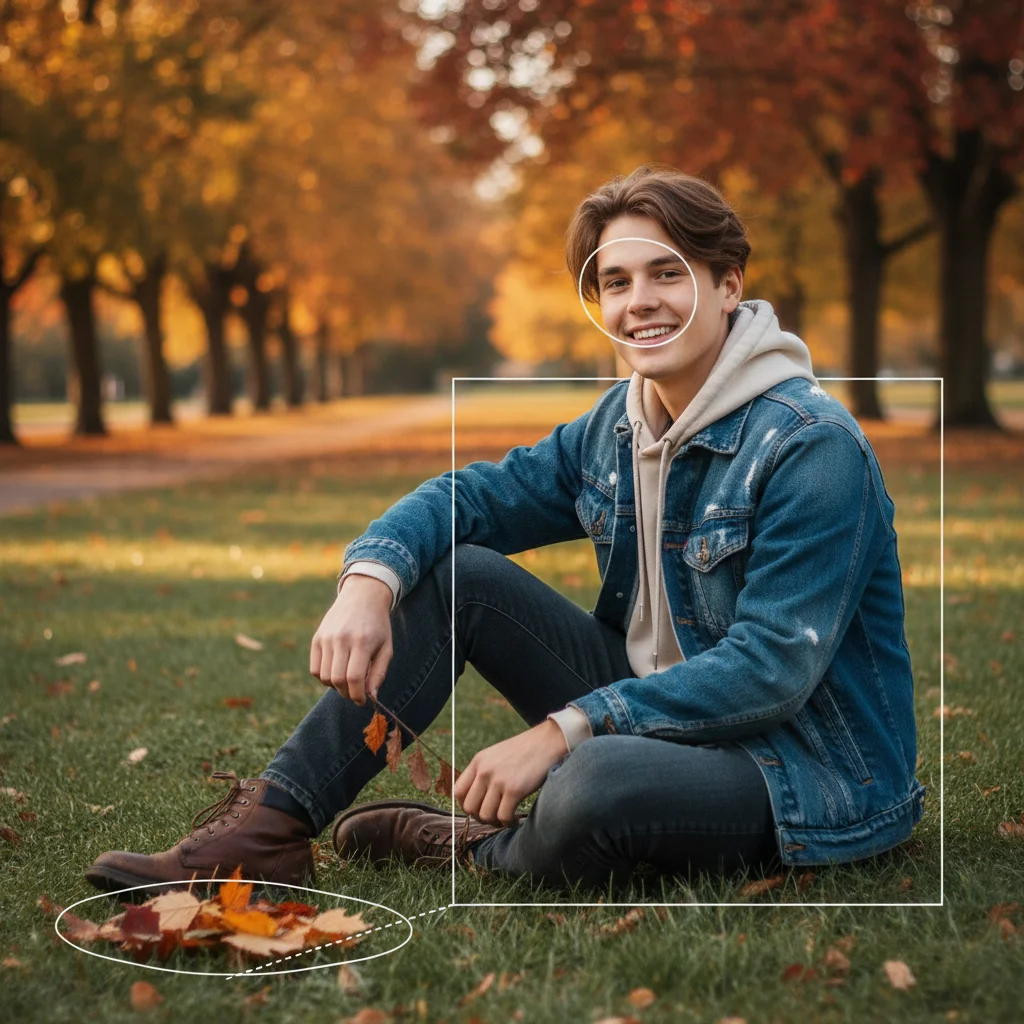
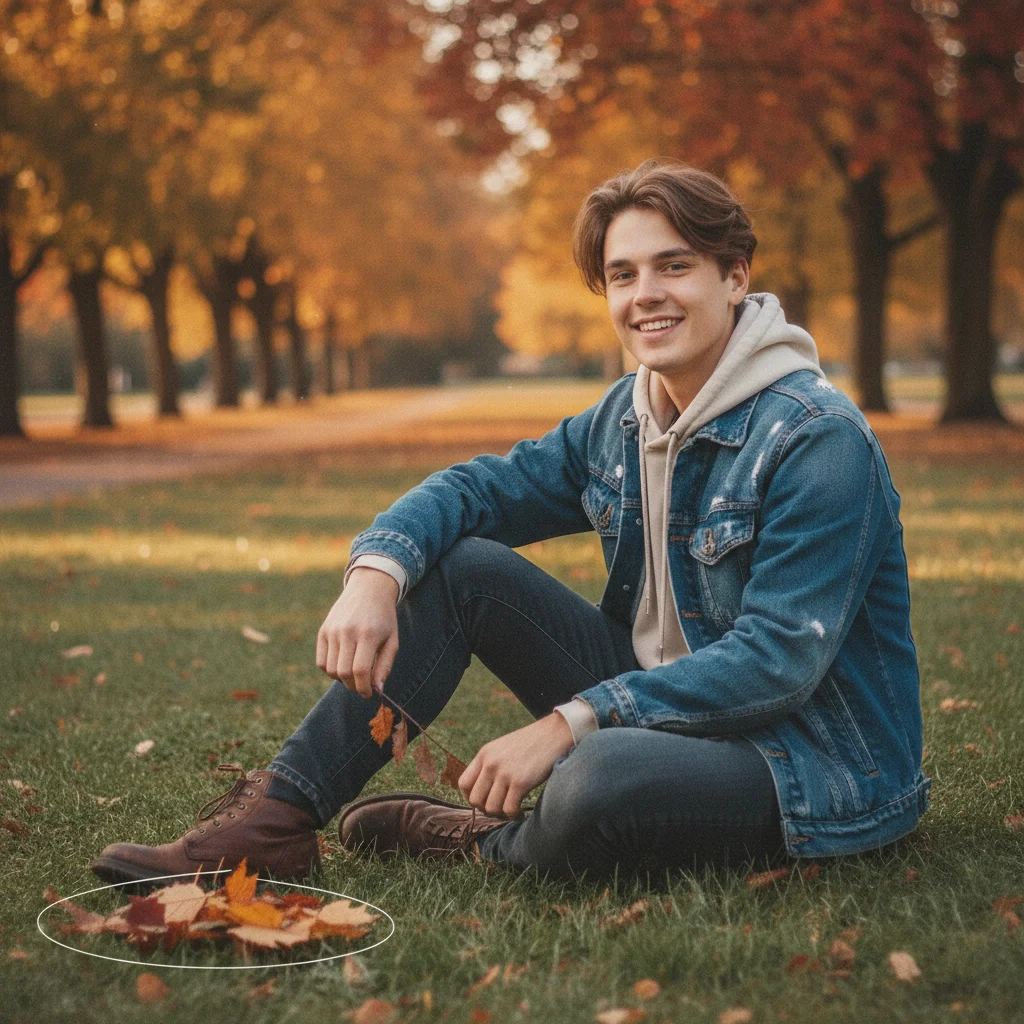
Free โ€ข No signup Apply 2016 Instagram aesthetic filter ยท Free

2016 Instagram Aesthetic Filter

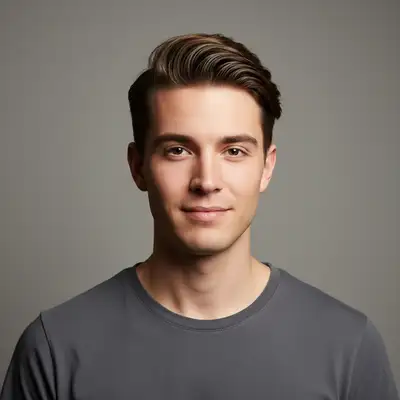
Before
Before
โ†’
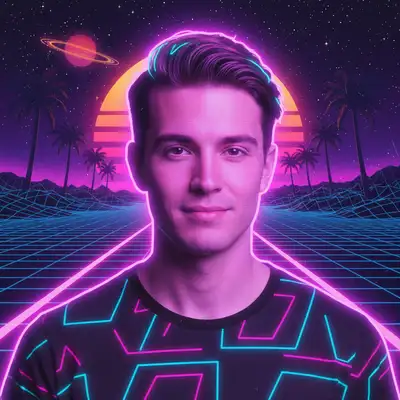
After
After

Free 2016 Instagram Filter

Drop your photo here

or click to browse

Release to upload

Free โ€ข No signup

Advertisement
Popular use cases:
  • 2016 Instagram filter
  • 2016 aesthetic
  • VSCO filter
  • vintage Instagram look
  • 2016 Tumblr aesthetic
  • warm Instagram filter
  • authentic Instagram filter
  • nostalgic photo filter
  • pre-algorithm Instagram
  • 2026 is the new 2016

Cost
Free No signup required
Time
Instant results in 15-30 seconds
Works on
Any device - browser, phone, tablet, desktop
Powered by
AI-powered photo editing
Scenario Prompt Time
15-30s
15-30s
15-30s
15-30s
15-30s

How it works

  1. Upload Your Photo

    Choose any photo you want to give the 2016 aesthetic. Works best with everyday moments, selfies, food, travel, or lifestyle shots - the kind of content that dominated Instagram in 2016.

    Expect: Takes 5-10 seconds to upload.
  2. Apply 2016 Filter Style

    Describe the 2016 aesthetic you want: warm VSCO vibes, slightly desaturated with golden tones, subtle grain, authentic feel. You can specify intensity (subtle vs strong) and particular 2016-era filter styles.

    Tip: The 2016 aesthetic is about authenticity over perfection. Use terms like 'warm but not oversaturated', 'slight grain', 'genuine feel', and 'VSCO vibe' to nail that specific pre-2020 Instagram look.

    Copy one of these to get started:

    Apply warm 2016 Instagram aesthetic with Apply warm 2016 Instagram aesthetic with golden tones, slight desaturation, and subtle grain
    Give it authentic VSCO vibes - Give it authentic VSCO vibes - warm but not oversaturated, slightly faded, natural feel
    Apply 2016 summer aesthetic - peachy Apply 2016 summer aesthetic - peachy warm tones, soft highlights, vintage film feel
    Make it look like a 2016 Make it look like a 2016 Tumblr post - dreamy, slightly faded, warm golden hour lighting
    5 more prompts
    Apply 2016 indie aesthetic - slightly Apply 2016 indie aesthetic - slightly desaturated colors, warm undertones, authentic grain texture
    Give it that pre-Instagram-algorithm ... Give it that pre-Instagram-algorithm feel - natural colors with warm boost, subtle vignette, film grain
    Apply nostalgic 2016 filter - orange Apply nostalgic 2016 filter - orange and teal undertones, faded blacks, vintage warmth
    Create authentic 2016 lifestyle blogg... Create authentic 2016 lifestyle blogger aesthetic - warm golden tones, slightly lifted blacks, soft grain, genuine not polished
    Apply 2016 sunset filter style - Apply 2016 sunset filter style - peachy orange tones, desaturated blues, lifted shadows, film grain texture
  3. Review and Adjust

    Check the filtered photo. If you want more or less warmth, different grain levels, or adjusted saturation, describe the changes. The AI can fine-tune until it matches your nostalgia.

    Expect: Each generation takes 20-30 seconds.
  4. Download and Share

    Download your 2016-aesthetic photo with no watermarks. Perfect for Instagram, TikTok, or anywhere you want to share that nostalgic vibe.

Try it free โ†“

Free 2016 Instagram Filter

Drop your photo here

or click to browse

Release to upload

Free โ€ข No signup

See it in action

Before
Before
->
After
After

Prompt: Apply warm 2016 Instagram aesthetic with golden tones, slight desaturation, and subtle grain
Before
Before
->
After
After

Prompt: Apply 2016 indie aesthetic - slightly desaturated colors, warm undertones, authentic grain texture
Before
Before
->
After
After

Prompt: Apply 2016 summer aesthetic - peachy warm tones, soft highlights, vintage film feel
Advertisement

If something looks off

AI changed the wrong area or something I didn't want changed

Why: The AI couldn't determine exactly which area you meant from description alone.

Try: Tap a marker on the specific area you want to change, then regenerate with the same prompt

Tip: Markers tell the AI 'I mean THIS one specifically.' Use them when description alone is ambiguous.

The filter looks too orange or oversaturated, not authentic 2016

Why: Without specifying 'subtle' or 'slight', AI can over-apply warmth. The 2016 aesthetic was warm but natural, not extreme.

Try: Try: 'Apply subtle 2016 aesthetic with gentle warm tones, slightly desaturated, authentic not overdone'. Adding 'subtle' and 'gentle' prevents over-processing.

Tip: The 2016 look was about restraint. Real VSCO filters were warm but believable. Use words like 'subtle', 'gentle', 'natural warmth' rather than 'strong' or 'intense' to capture authentic 2016 vibes.

It looks too clean and modern, missing that vintage feel

Why: Modern photos are ultra-sharp and clean. The 2016 aesthetic needs grain texture and slightly softened edges to feel authentic.

Try: Add: 'Apply film grain texture and slightly soften to match 2016 iPhone photo quality'. Mentioning grain and softness adds that vintage touch.

Tip: 2016 Instagram was shot mostly on iPhone 6S/7 and processed with VSCO. The photos weren't ultra-crisp. Adding 'film grain' and 'slight softness' makes modern photos look period-appropriate.

The colors look washed out or too faded

Why: 2016 aesthetic is desaturated compared to modern photos, but not black and white. The balance between warmth and desaturation needs adjustment.

Try: Specify: 'Apply 2016 aesthetic with warm golden tones but maintain natural color saturation, just slightly faded'. This keeps colors present but softer.

Tip: 2016 filters reduced saturation but kept warmth. If it looks too washed out, emphasize 'warm golden tones' while keeping 'slight desaturation' instead of heavy desaturation.

It doesn't capture that specific VSCO or Tumblr vibe I remember

Why: 2016 had several distinct aesthetics (VSCO, Tumblr, indie, lifestyle blogger). Generic '2016 filter' might not match your specific nostalgic reference.

Try: Be specific about which 2016 aesthetic: 'Apply VSCO HB2 style with peachy warmth' or 'Give it 2016 Tumblr grunge aesthetic with cool undertones and grain'.

Tip: 2016 Instagram had micro-aesthetics. VSCO was warm and peachy, Tumblr was dreamy and faded, indie was desaturated with grain. Reference the specific subculture you're nostalgic for to nail the vibe.

The lighting looks unnatural after applying the filter

Why: Heavy-handed warm tones can clash with original lighting. 2016 filters worked with the existing light, not against it.

Try: Add: 'Apply 2016 aesthetic while preserving natural lighting, enhance existing warmth rather than replacing it'. This works with your photo's light.

Tip: Good 2016 filters enhanced existing light rather than fighting it. If your original photo has cool blue tones, don't force heavy orange warmth. Instead say 'subtle warm boost while keeping cool shadows' for authenticity.

Quick answers

What makes the 2016 aesthetic different from other vintage filters?

The 2016 aesthetic is specifically the pre-hyper-editing Instagram era: warm but not oversaturated, VSCO-inspired, slightly desaturated with golden tones, subtle grain, and an authentic rather than polished feel. It's nostalgia for when Instagram felt more genuine and less algorithm-driven. Different from 1970s vintage (more color shift) or modern filters (too perfect).

Why is the 2016 aesthetic trending again in 2026?

The '2026 is the new 2016' trend is a nostalgia movement rejecting the current hyper-polished, AI-perfect aesthetic. People miss the more authentic, less curated feel of mid-2010s social media before everyone was a professional editor. It represents a simpler, more genuine era of content creation.

Can I apply this filter to modern high-res photos?

Yes! The AI adapts the 2016 aesthetic to any photo quality. It will add appropriate grain, adjust the color profile, and apply the warm-but-natural look regardless of your source photo's resolution or quality.

What's the difference between 2016 aesthetic and VSCO filters?

2016 aesthetic encompasses the entire era's look, with VSCO being the primary tool that defined it. When you request 2016 aesthetic, you're getting that VSCO-inspired warm, slightly faded, authentic feel. You can also specifically request 'VSCO vibes' or reference specific VSCO filter styles like HB2 or A6 if you remember them.

Will this work on selfies, food photos, and landscapes?

Yes! The 2016 aesthetic works on all photo types. It was used for everything in that era - selfies, food, travel, lifestyle, fashion. The AI adjusts the warmth and grain appropriately for your subject matter.

Can I adjust how strong the 2016 effect is?

Absolutely! Specify intensity in your prompt: 'subtle 2016 aesthetic' for a light touch, or 'strong 2016 filter with noticeable grain and warmth' for a more pronounced effect. You can regenerate with different intensities until it matches your nostalgia level.

Ready to time travel to 2016?

Free to try. No signup required.

Try it free โ†’