Free • No signup Add Sparkle · Free

AI Sparkle Effect - Add Glitter to Photos

Just describe where you want sparkles and AI adds them instantly.

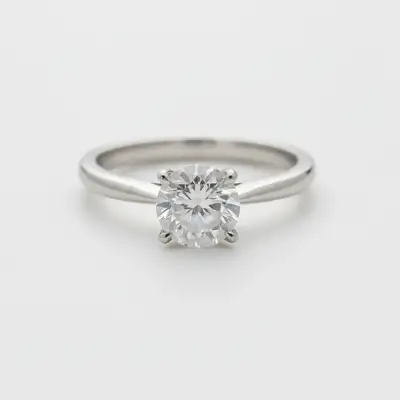
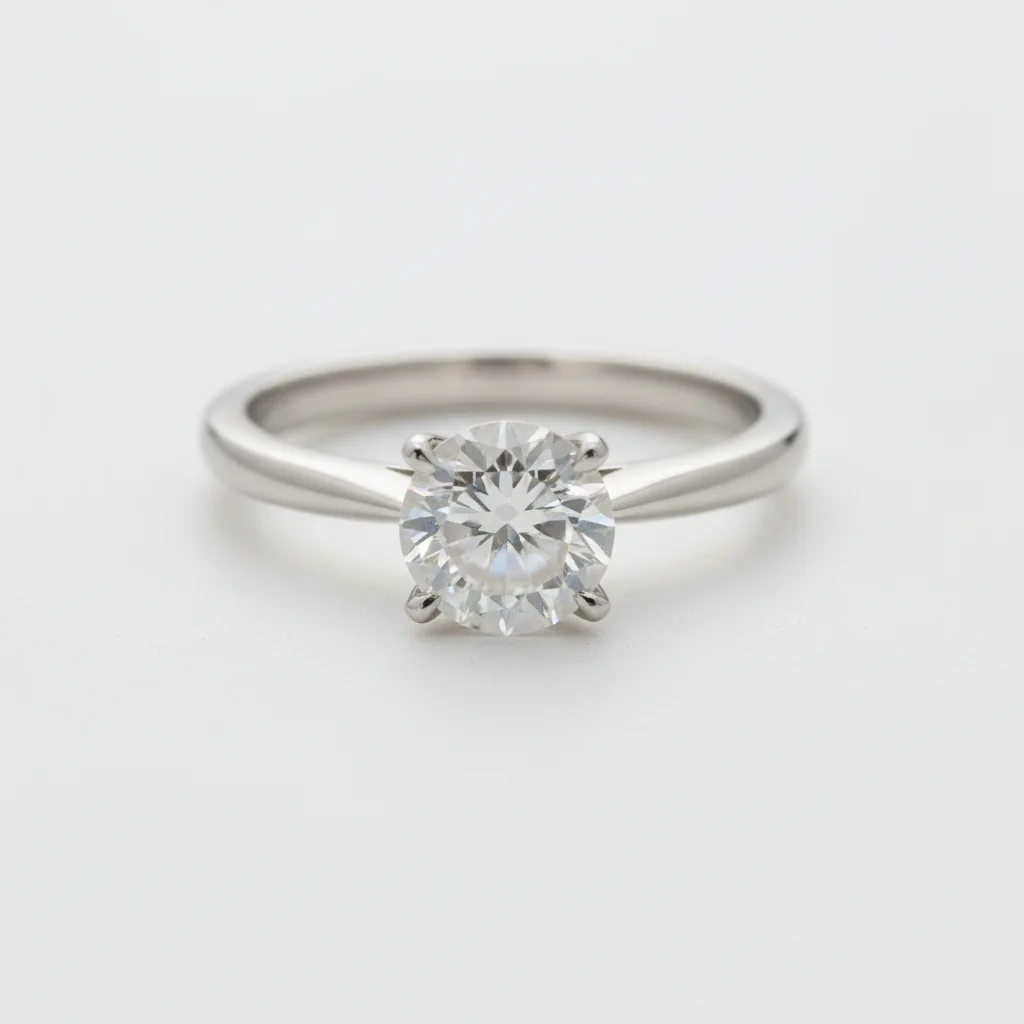
Diamond ring photo without sparkle effect
Before
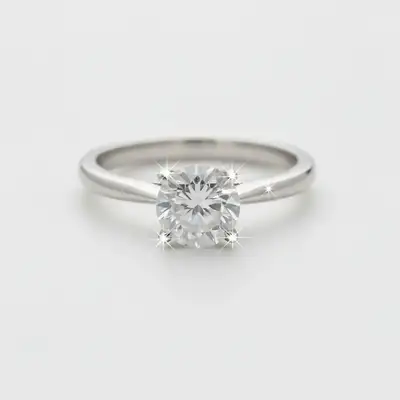
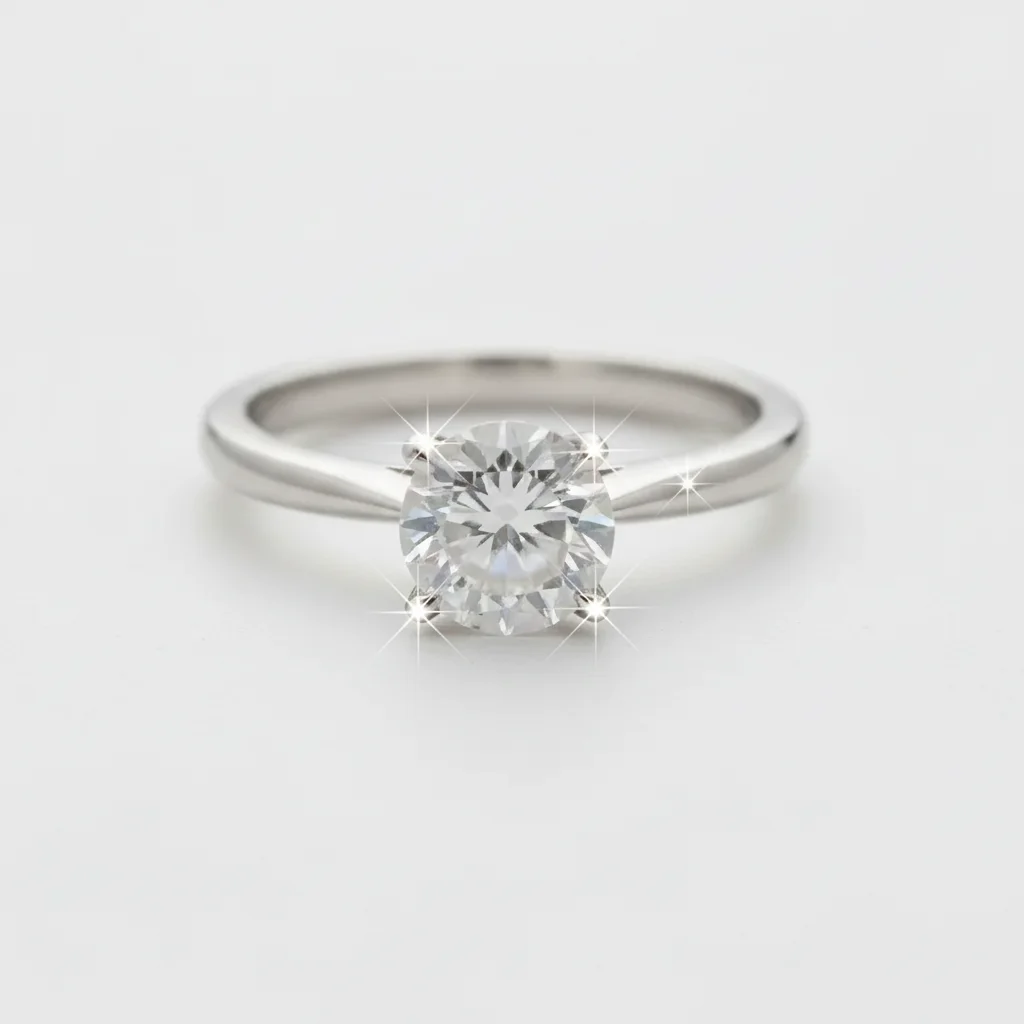
Same diamond ring with subtle sparkles enhancing its brilliance
After

Add Sparkle Effect to Photos

Drop your photo here

or click to browse

Release to upload

Free • No signup

Advertisement
Popular use cases:
  • jewelry photography
  • product photographers
  • Etsy sellers
  • Instagram content
  • party photos
  • fashion photography
  • cosmetics marketing
  • social media influencers
  • creative portraits
  • e-commerce photos

Cost
Free No signup required
Time
Instant results in 15-30 seconds
Works on
Any device - browser, phone, tablet, desktop
Powered by
AI-powered photo editing
Scenario Prompt Time
Subtle jewelry sparkle add subtle delicate sparkles around the jewelry to make it catch light naturally 12s
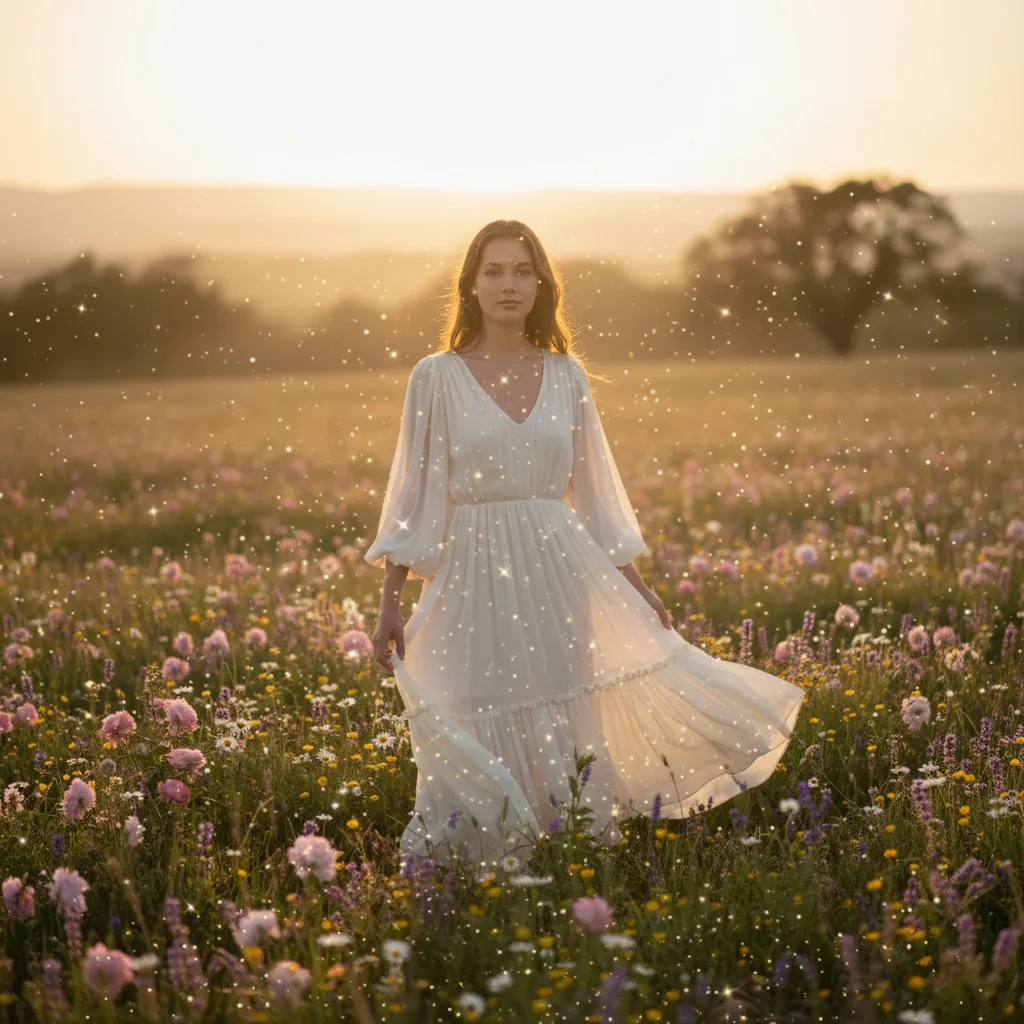
Magical portrait atmosphere add soft golden sparkles scattered throughout the photo creating a magical dreamy atmosphere 15s
Party photo glitter add bright silver glitter effect across the entire image with concentrated sparkles around the subject 15s

How it works

  1. Upload your photo

    Drop your image into EditThisPic. JPG, PNG, WebP up to 7MB. Works great on jewelry, products, portraits, and creative designs where you want to add magical sparkle effects.

    Expect: Simple sparkle additions: 10-15 seconds. Complex multi-area sparkles with specific positioning: may need one refinement.
  2. Describe the sparkle effect

    Type your instruction: 'add subtle sparkles around the jewelry' or 'add bright glitter effect scattered across the background.' Be specific about intensity (subtle, bright, dramatic), location (around jewelry, on dress, across entire photo), and style (delicate, bold, magical). No marking needed—the AI understands what to enhance.

    Tip: Use 'subtle' for professional product photos or 'dramatic' for creative social media content. Specify colors like 'golden sparkles' or 'silver glitter' to match your aesthetic.

    Copy one of these to get started:

    Subtle jewelry enhancement add subtle delicate sparkles around the jewelry to make it catch light naturally
    Magical portrait effect add soft golden sparkles scattered throughout the photo creating a magical dreamy atmosphere
    Dramatic party photo add bright silver glitter effect across the entire image with concentrated sparkles around the subject
    Product highlight sparkle add bright white sparkles on the metallic surfaces only, making them gleam and shine
    2 more prompts
    Dress embellishment add delicate golden sparkles on the dress fabric, especially on embroidered or sequined areas
    Creative background sparkle add rainbow colored sparkles in the background only, keeping the subject clear and sparkle-free
  3. Generate and review

    Click Generate and watch the AI add sparkle effects. Check the intensity, distribution, and whether it enhances your photo without overwhelming the subject. Zoom in to verify sparkles look natural or intentionally magical.

  4. Refine with markers if needed

    If sparkles appeared in wrong areas or you want them concentrated in specific spots, tap markers on those exact locations and regenerate. This is optional—most sparkle additions work without markers.

    Tip: Markers are useful when you want sparkles ONLY on specific objects like jewelry pieces or dress details. Try without them first for overall effects.
Try it free

Add Sparkle Effect to Photos

Drop your photo here

or click to browse

Release to upload

Free • No signup

"Perfect for my jewelry shop photos. The sparkle effect makes my products look magical without being tacky." @jewelrymaker

See it in action

Diamond ring photo without sparkle effect
Before
->
Same diamond ring with subtle sparkles enhancing its brilliance
After

Jewelry Product Enhancement

Added subtle sparkles around diamond ring to enhance its brilliance. Single prompt made the jewelry catch light naturally without looking fake.

Prompt: add subtle delicate sparkles around the jewelry to make it catch light naturally
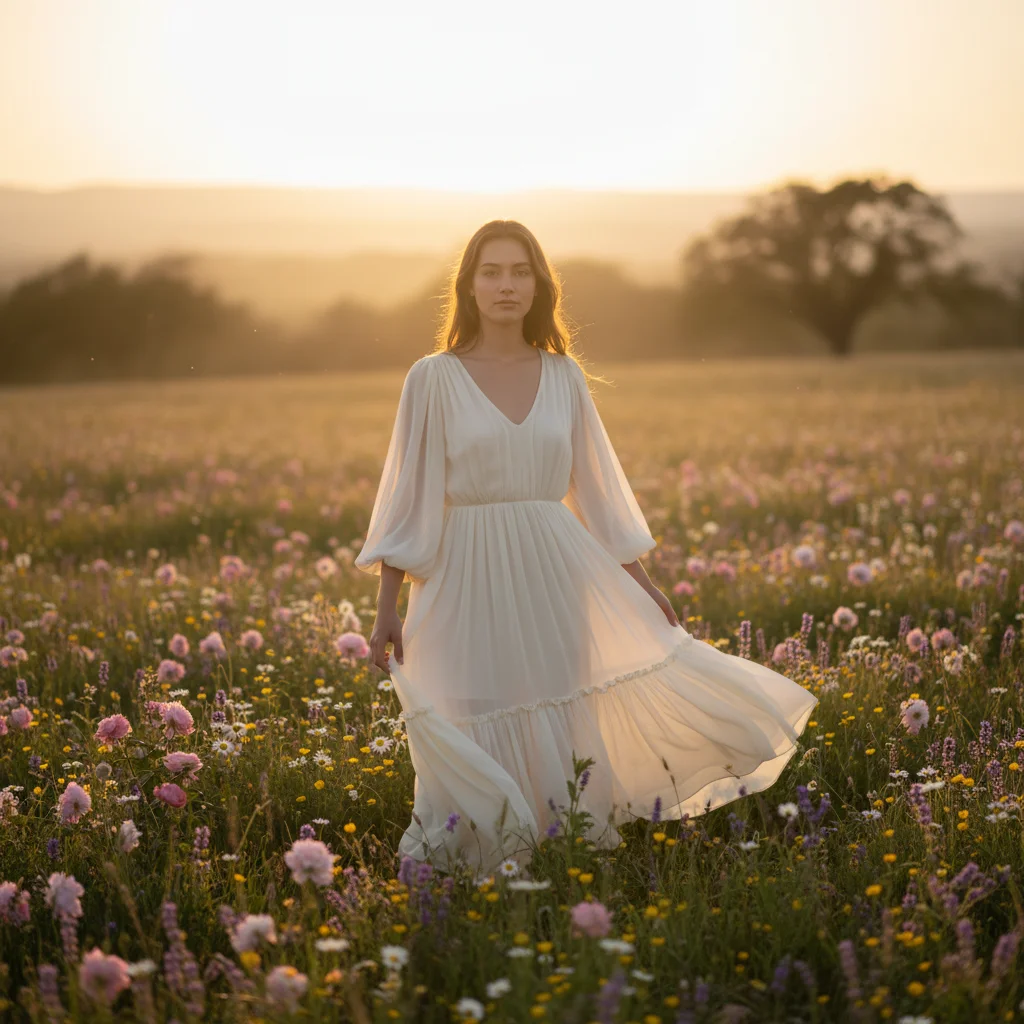
Portrait photo without sparkle effect
Before
->
Same portrait with golden sparkles creating magical atmosphere
After

Magical Portrait Atmosphere

Added soft golden sparkles throughout portrait creating dreamy fairytale effect. Perfect for social media and creative photography.

Prompt: add soft golden sparkles scattered throughout the photo creating a magical dreamy atmosphere
Advertisement

If something looks off

Sparkles look too strong or fake

Why: The AI interpreted 'bright' or 'dramatic' too literally, creating overwhelming glitter.

Try: Use 'subtle delicate sparkles' or 'natural-looking sparkle effect, not overdone' to reduce intensity

Tip: Start with 'subtle' and add more if needed. It's easier to increase sparkle than reduce it.

Sparkles appeared in wrong areas

Why: Without location specifics, the AI distributed sparkles across the entire image.

Try: Be specific: 'add sparkles around the jewelry ONLY' or 'sparkles in the background, not on the subject'

Tip: If description alone doesn't work, tap markers on areas where you want sparkles, then regenerate.

Sparkles obscure important details

Why: Sparkles were too dense or large, covering product features or facial details.

Try: Add 'small delicate sparkles that don't cover details' or 'fine sparkles preserving product visibility'

Tip: For product photos, always specify 'without covering details' to maintain professional quality.

Wrong sparkle color

Why: The AI chose default white/silver sparkles when you wanted specific colors.

Try: Specify color explicitly: 'golden sparkles' or 'rainbow colored glitter effect' or 'silver sparkles only'

Tip: Color matters for brand consistency. Always specify if you need sparkles to match your aesthetic.

Quick answers

Do I need to mark where I want sparkles before describing?

No! Just describe what you want: 'add subtle sparkles around the jewelry' or 'add glitter across the background.' The AI understands locations from your description. Only use markers when you need precision—like adding sparkles to only one specific jewelry piece in a group, or if they appeared in the wrong spot on your first try.

How do I make sparkles look natural and not tacky?

Use words like 'subtle,' 'delicate,' 'soft,' and 'natural-looking' in your prompt. Specify 'small sparkles' rather than large glitter. For product photos, add 'that don't overwhelm the product' or 'enhancing without covering details.' Start subtle—you can always regenerate with more intensity.

Can I add sparkles to just the background without affecting my subject?

Yes. Use: 'add sparkles in the background only, keeping the subject clear' or 'background sparkle effect without touching the person.' This keeps your main subject sharp while adding magical atmosphere around them.

Is there a free sparkle effect tool for product photos?

Yes. EditThisPic adds sparkle and glitter effects with AI—free, no login required. Perfect for jewelry, cosmetics, fashion products, or any photo where you want to add magical sparkle. Just describe where you want sparkles and the AI generates them in 15 seconds. No Photoshop or manual editing needed.

Ready to add sparkle to your photos?

Free to try. No signup required.

Try it free