Complete Guide to Photo Restoration
Fixing Scratches and Tears
Old photos often suffer from physical damage - scratches from storage, tears from handling, or creases from folding. AI can analyze the surrounding image and fill in these damaged areas naturally.
Upload your damaged photo
Scan or photograph the damaged print at the highest quality possible. More detail helps the AI.
Describe the damage
Be specific: 'remove the scratches across the face', 'repair the torn corner on the right', or 'fix all the creases and scratches'.
Review and refine
Large tears may need multiple passes. Start with 'repair the main tear' then 'clean up the remaining damage'.
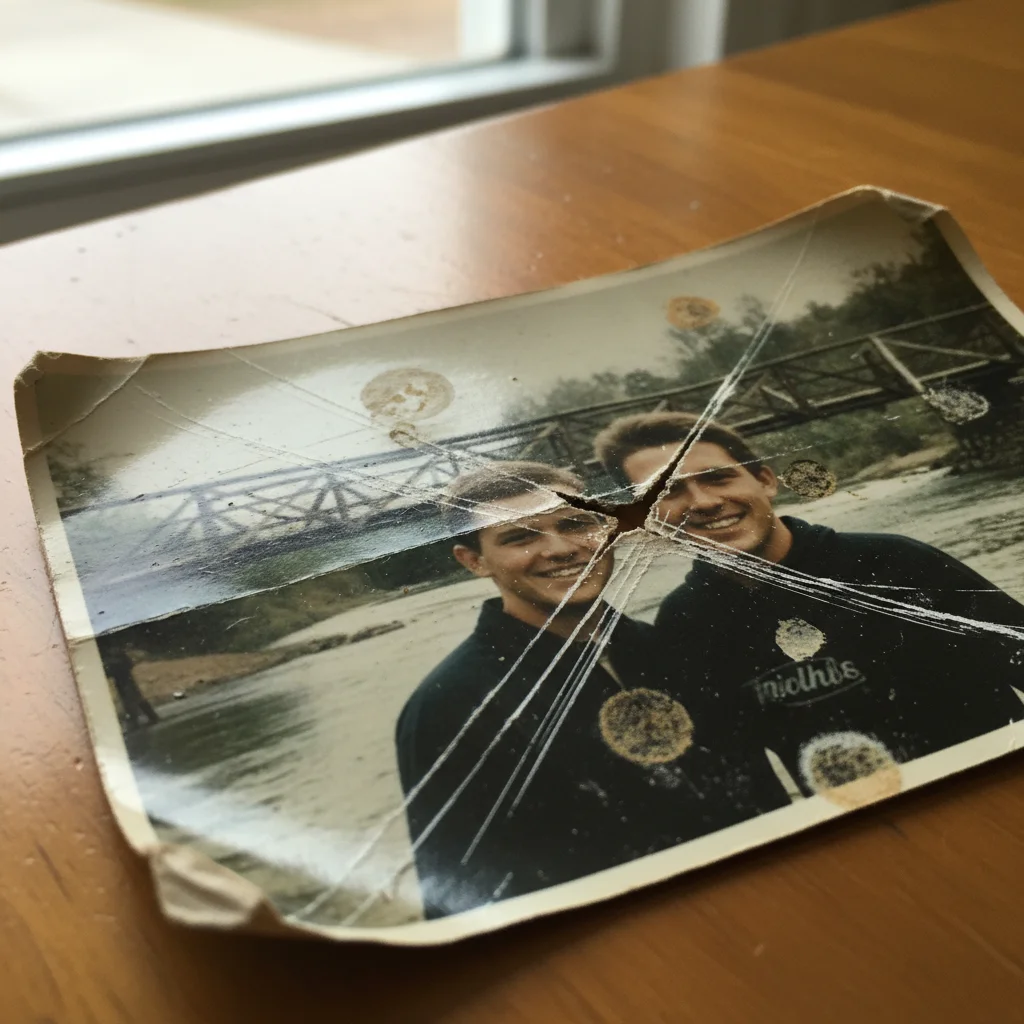
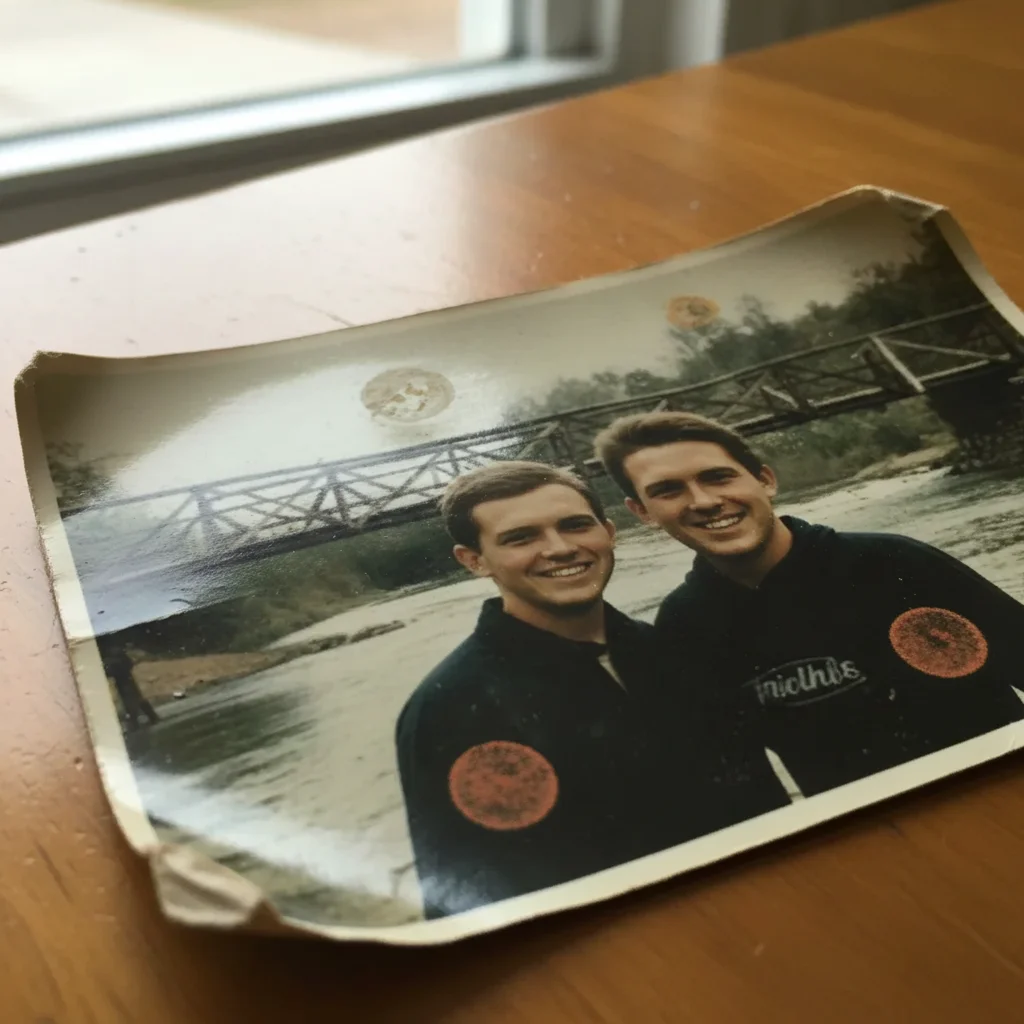
Prompt: "Remove all the scratches and restore the photo"
Restoring Faded Photos
Time, sunlight, and improper storage cause photos to fade. Colors become washed out, contrast disappears, and details become muddy. AI restoration can bring back vibrancy without making photos look artificial.
Upload the faded photo
Even severely faded photos can often be restored.
Describe the restoration
'Restore the faded colors', 'bring back the original color vibrancy', or 'fix the faded and washed out appearance'.
Adjust if needed
If colors are too saturated, refine with 'make the colors more natural' or 'reduce saturation slightly'.
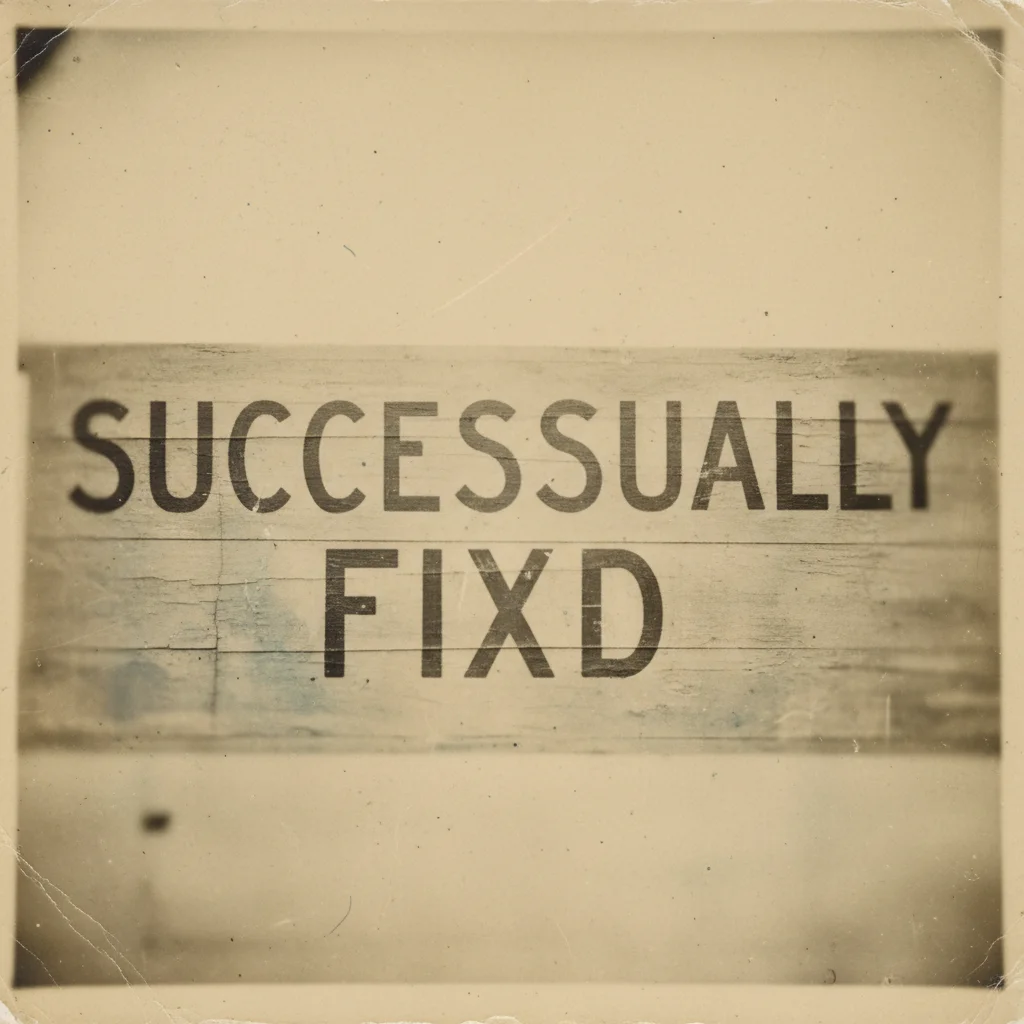
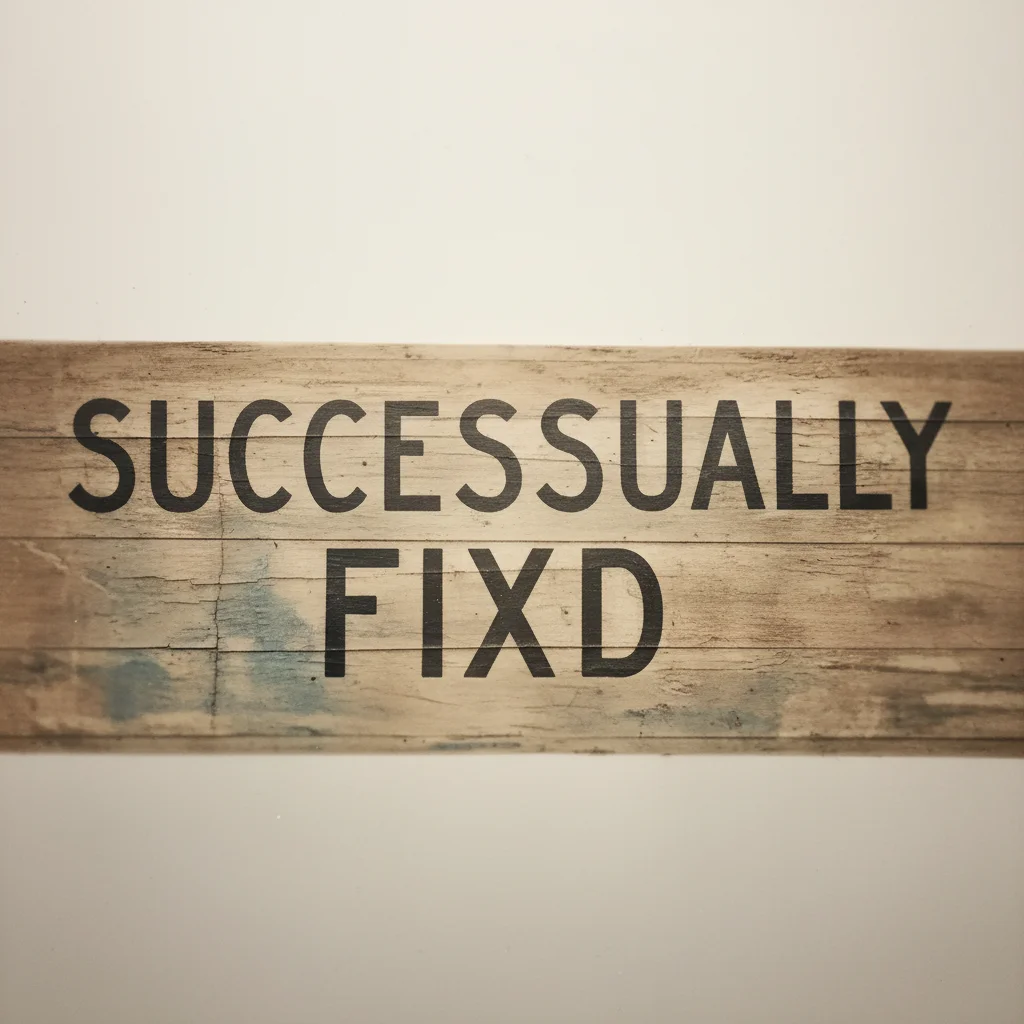
Prompt: "Restore the faded colors and bring back vibrancy"
Colorizing Black & White Photos
Transform old black and white photos into full color. AI analyzes context clues - skin tones, foliage, skies, clothing - to add realistic, historically appropriate colors.
Upload your B&W photo
Higher resolution photos give better colorization results.
Request colorization
'Colorize this photo with realistic colors', 'add natural colors to this black and white photo', or for more control: 'colorize with warm skin tones and green foliage'.
Adjust specific colors
If needed: 'change the dress to blue' or 'make the sky more vivid'.
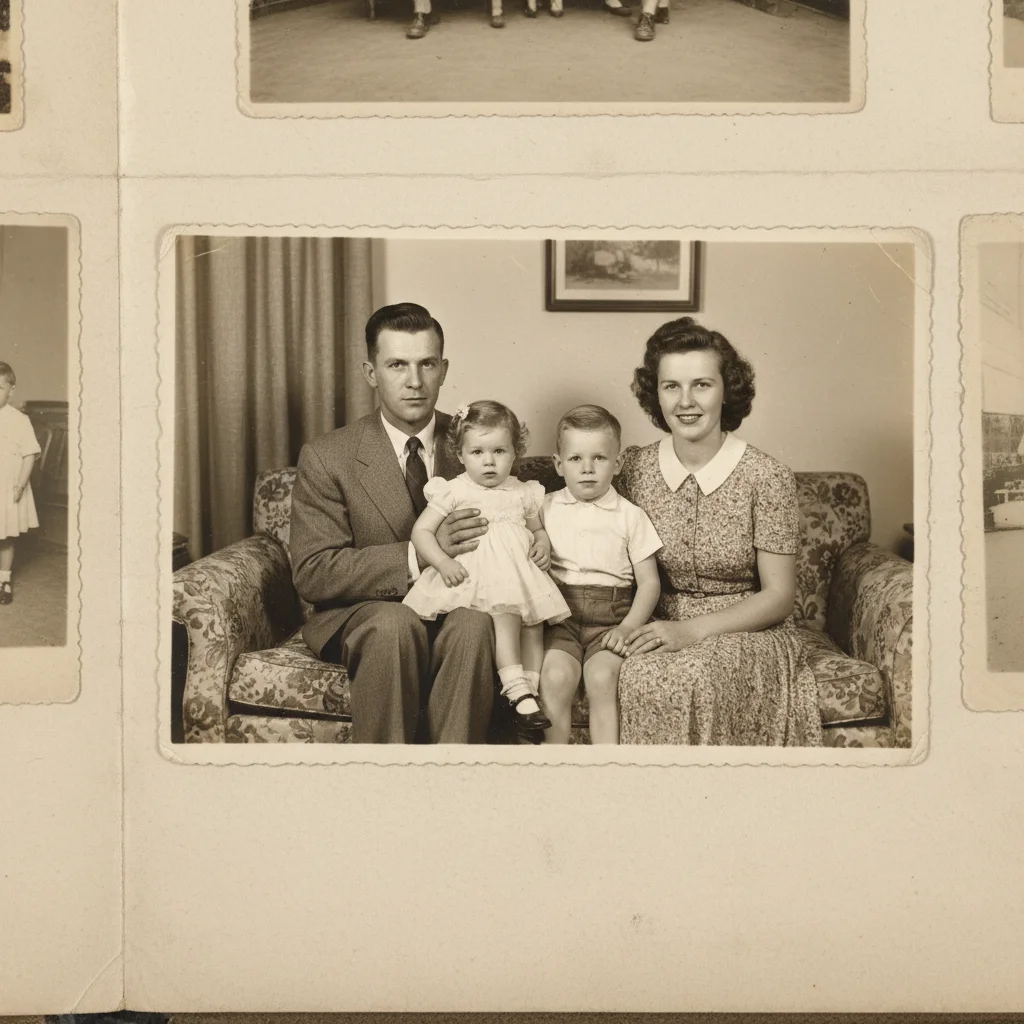
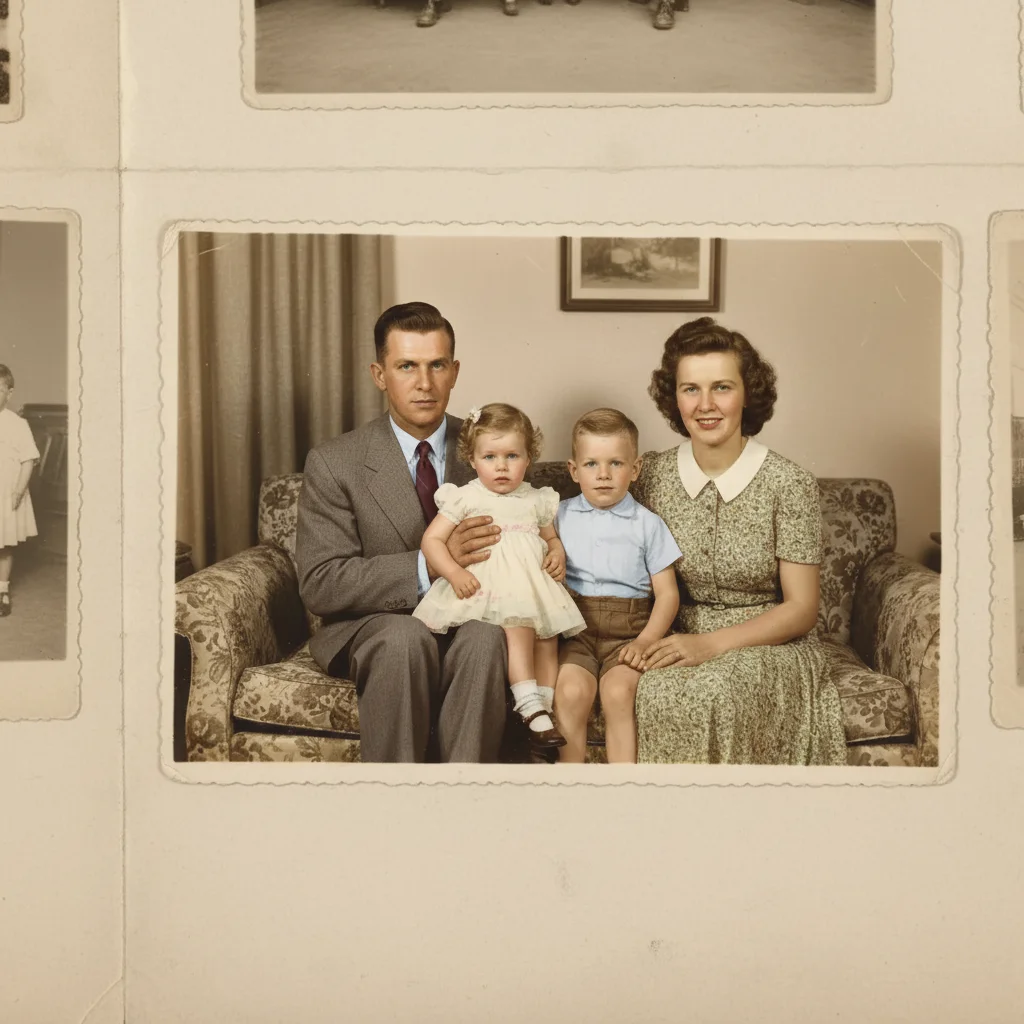
Prompt: "Colorize this black and white photo with realistic colors"
Restoring Damaged Faces
Faces are often the most important and most delicate part of old photos. Damaged faces require careful restoration to maintain likeness while repairing scratches, tears, or fading.
Assess the damage
Note what's damaged: eyes, skin texture, facial features.
Restore gradually
Start with 'repair the scratch across the face while preserving the likeness', not aggressive enhancement.
Preserve character
Avoid over-smoothing: 'restore the damaged areas but keep the natural appearance and age'.
Removing Noise and Grain
Old photos often have heavy grain from film, while scans can introduce digital noise. AI can clean these up while preserving important detail.
Upload the noisy image
Works on both film grain and digital noise.
Remove noise
'Remove the grain and noise while keeping details sharp', 'clean up the grainy texture', or 'reduce noise without losing sharpness'.
Balance detail
Some grain adds character. If over-smoothed: 'add back a little natural grain'.
Complete Restoration Workflow
For severely damaged photos, work in stages. Doing everything at once can produce unpredictable results. A step-by-step approach gives you control and better outcomes.
Repair physical damage first
Fix tears, scratches, and missing pieces. This is your foundation.
Restore colors/contrast
Once the image is intact, bring back faded colors and proper contrast.
Enhance faces
Carefully enhance facial features without changing likeness.
Final cleanup
Remove noise, sharpen if needed, and do final quality adjustments.
Frequently Asked Questions
Ready to restore your old photos?
Fix scratches, tears, fading, and more. Colorize black and white photos. Free, no signup.
Try It Free