Complete Guide to Portrait Retouching
Natural Skin Smoothing
The key to good skin smoothing is subtlety. You want to reduce imperfections while keeping skin texture that makes photos look real. Over-smoothed skin looks plastic and fake.
Upload your portrait
Clear, well-lit portraits work best. The AI needs detail to work with.
Request natural smoothing
'Smooth the skin while keeping natural texture', 'subtle skin retouching', or 'even out skin tone naturally'.
Check the result
Zoom in on skin. You should still see pores and texture. If too smooth: 'reduce the smoothing, keep more skin texture'.

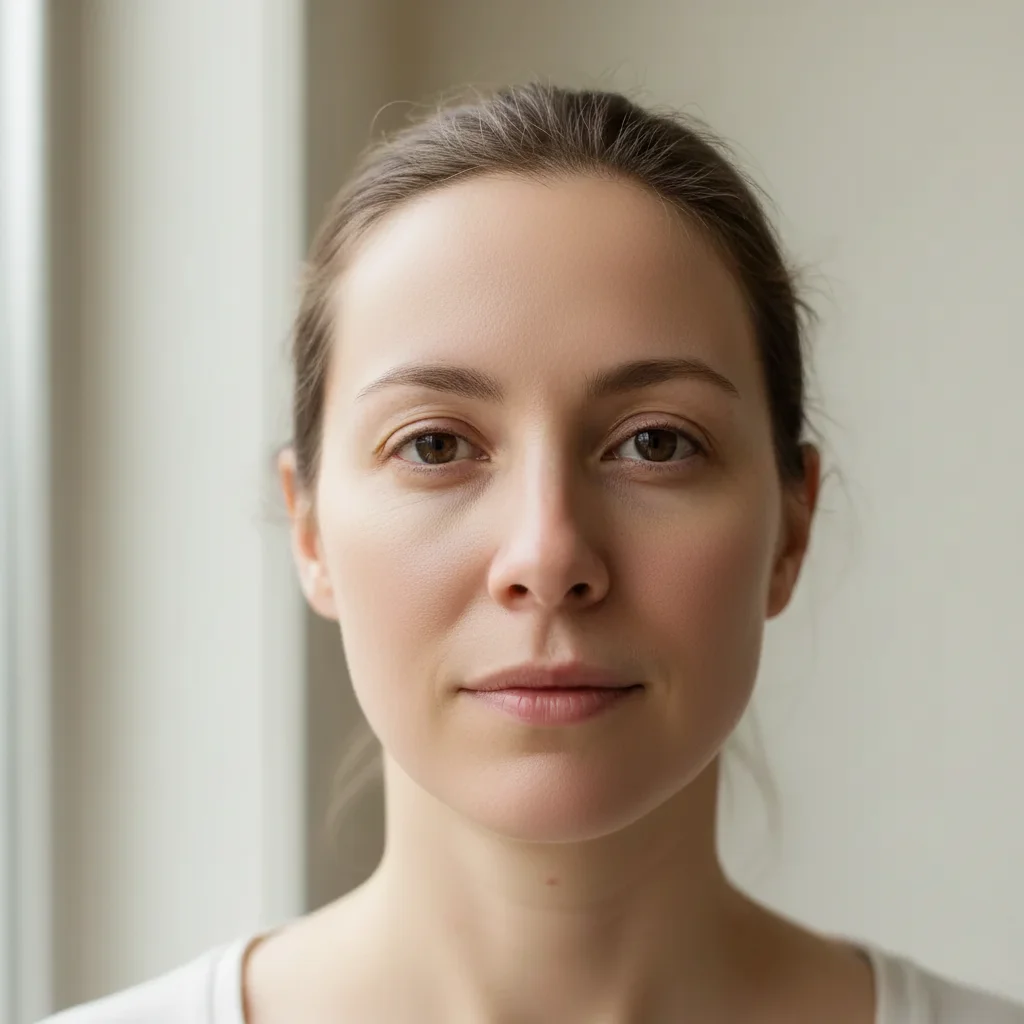
Prompt: "Smooth the skin naturally while keeping texture"
Removing Blemishes and Acne
Temporary blemishes like acne, bug bites, or scratches can be removed completely - they're not part of who someone is. This is different from skin smoothing, which is about overall texture.
Identify what to remove
Acne, pimples, cold sores, temporary marks. Leave permanent features like moles unless requested.
Be specific
'Remove the acne on the forehead and chin', 'clear up the blemishes', or tap to mark specific spots.
Preserve skin texture
Add: 'keep the natural skin texture where blemishes were'.
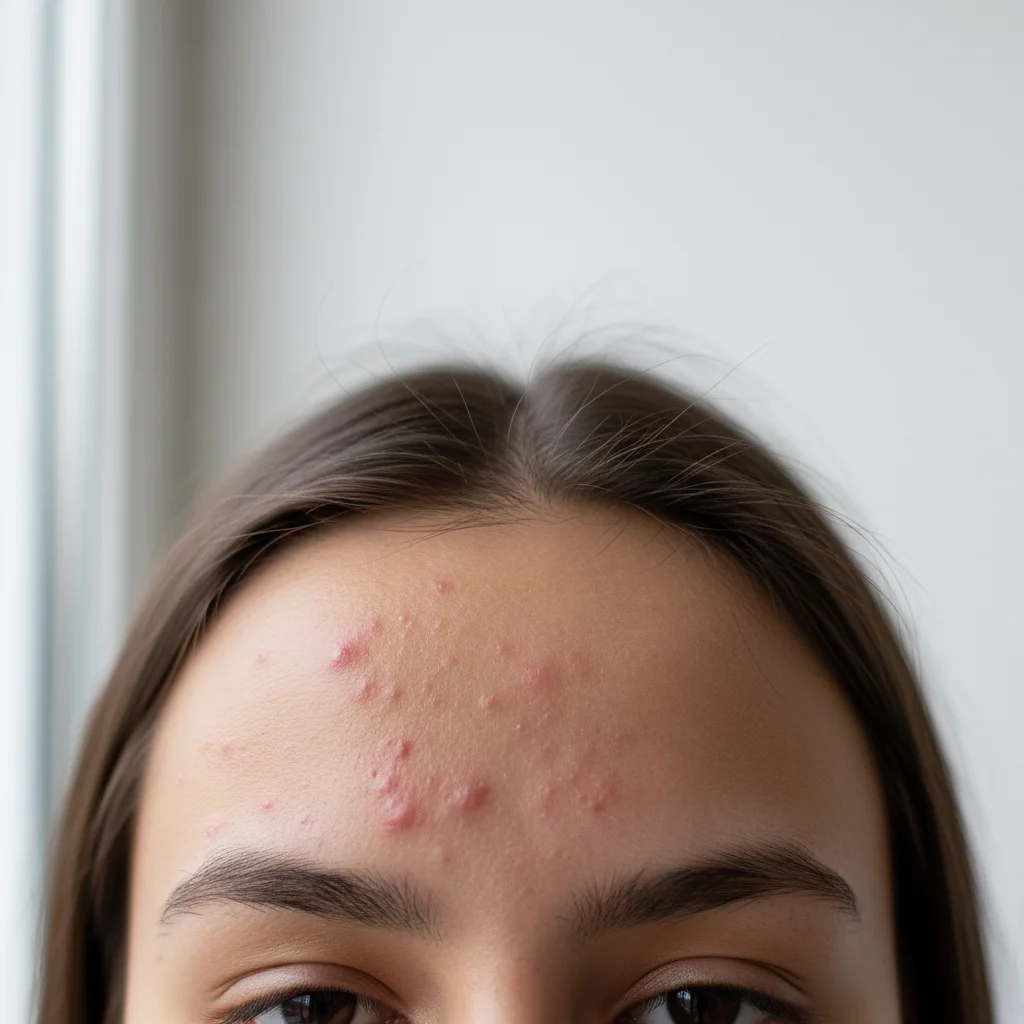
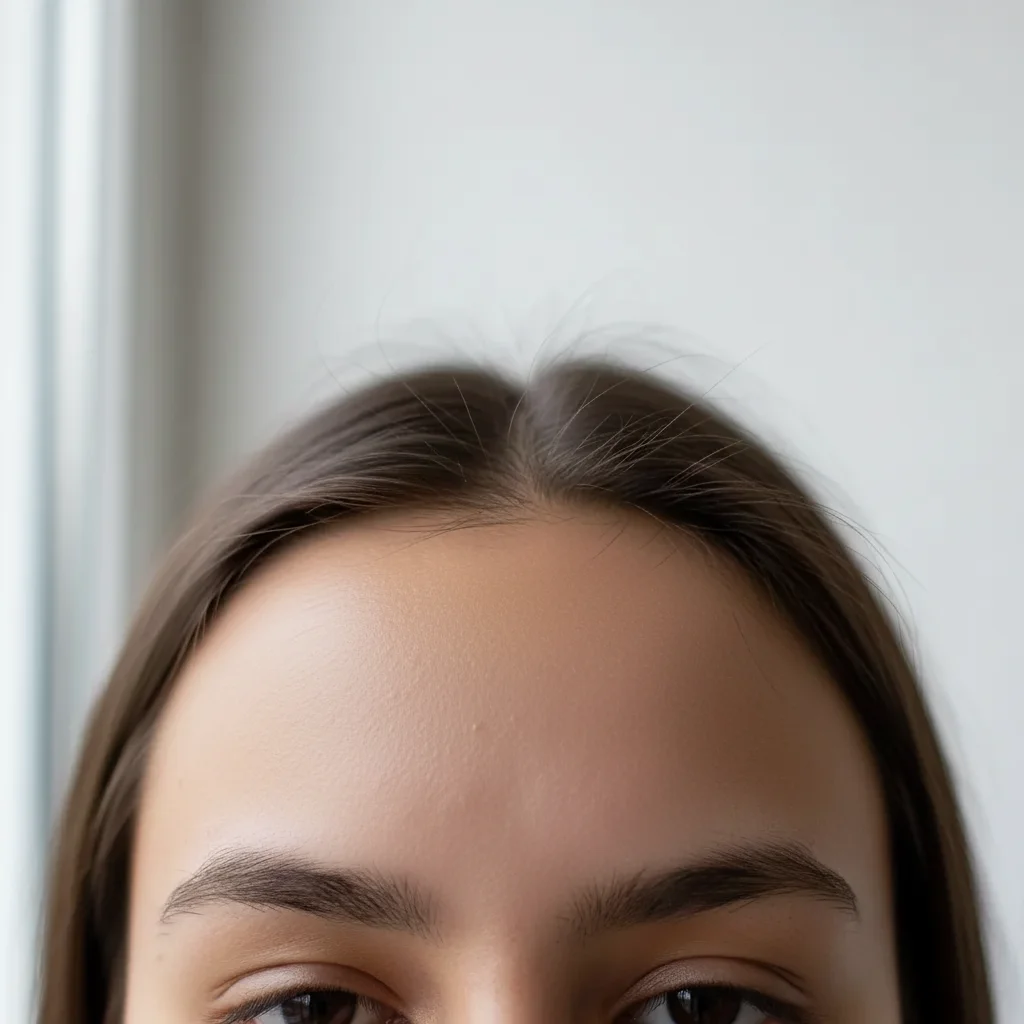
Prompt: "Remove the acne and blemishes, keep skin texture natural"
Whitening Teeth
Teeth whitening is one of the most requested portrait edits. The goal is bright but natural - not glowing white. Subtlety is key.
Start subtle
'Whiten the teeth slightly' or 'brighten the smile naturally'.
Adjust if needed
Too white? 'Make the teeth whitening more natural'. Not enough? 'Whiten teeth a bit more'.
Check consistency
All visible teeth should look consistent. 'Even out the teeth color' if some are whiter than others.
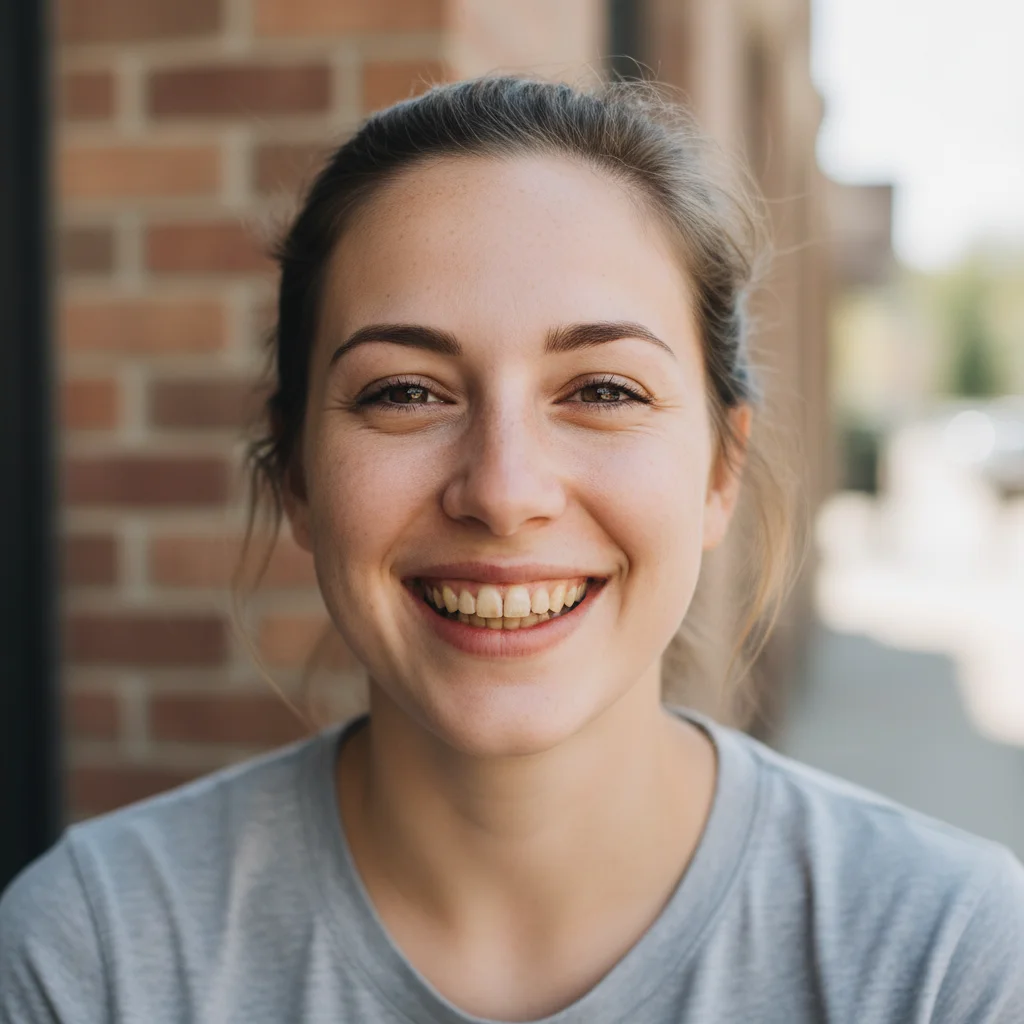
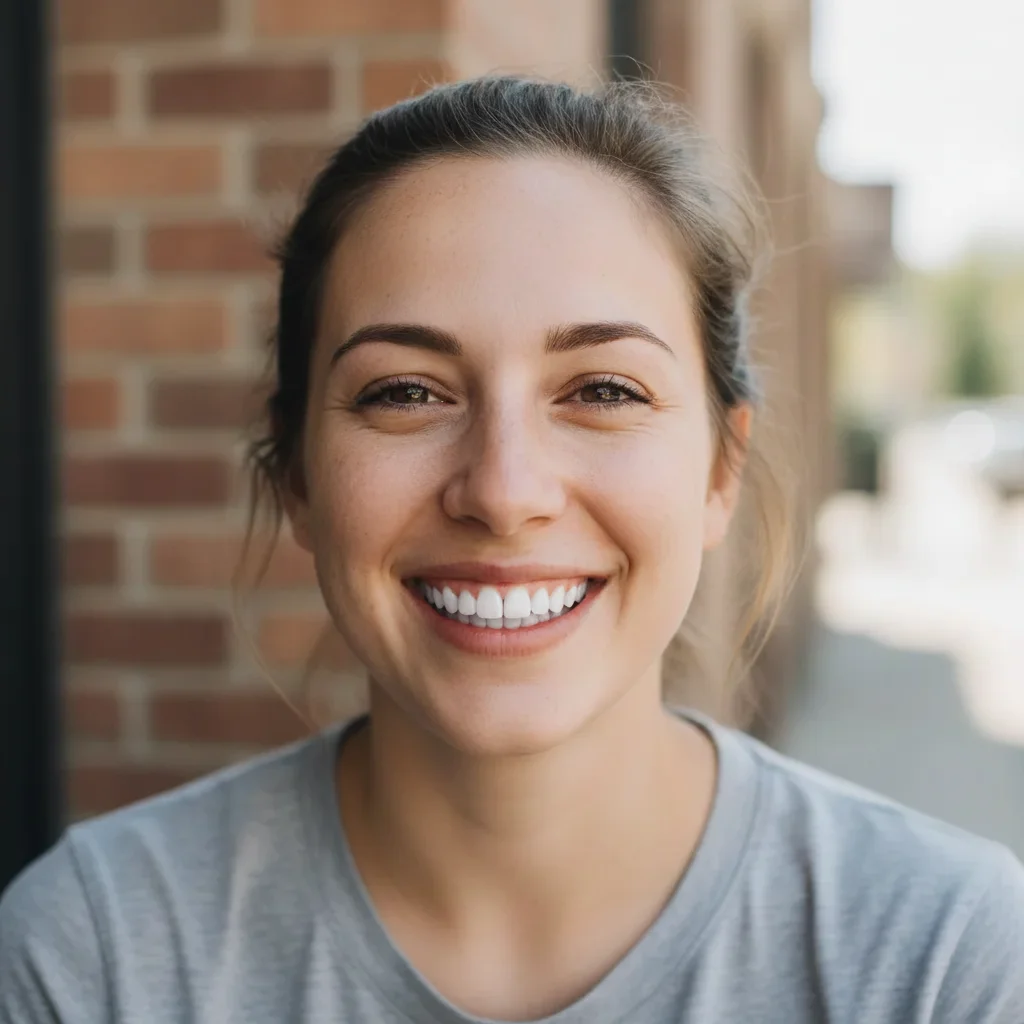
Prompt: "Whiten the teeth naturally"
Enhancing Eyes
Eyes are the focal point of portraits. Subtle enhancement can make them pop without looking unnatural. Common requests include brightening, reducing redness, and enhancing color.
Brighten eye whites
'Whiten the eye whites slightly' removes redness and tiredness.
Enhance catchlights
'Enhance the light reflections in the eyes' adds sparkle.
Reduce dark circles
'Reduce the dark circles under the eyes' for a well-rested look.
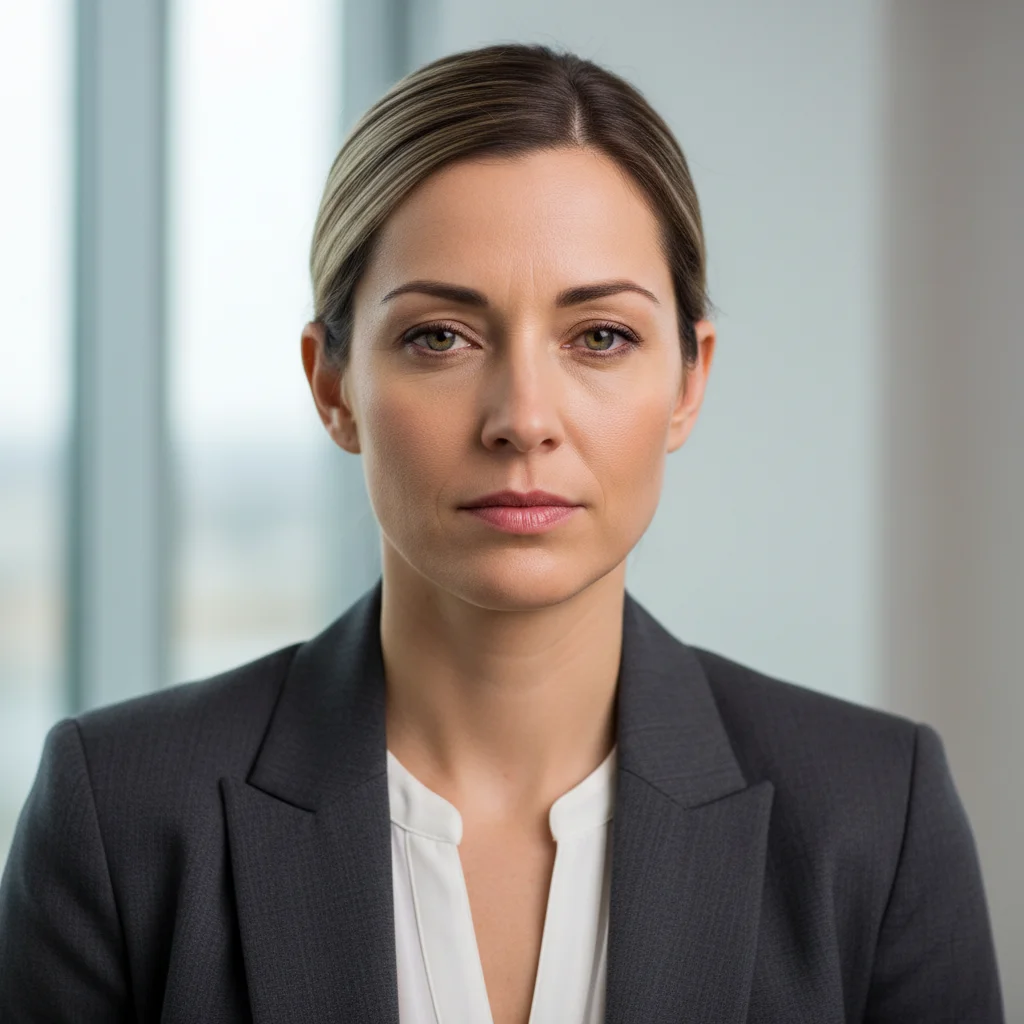
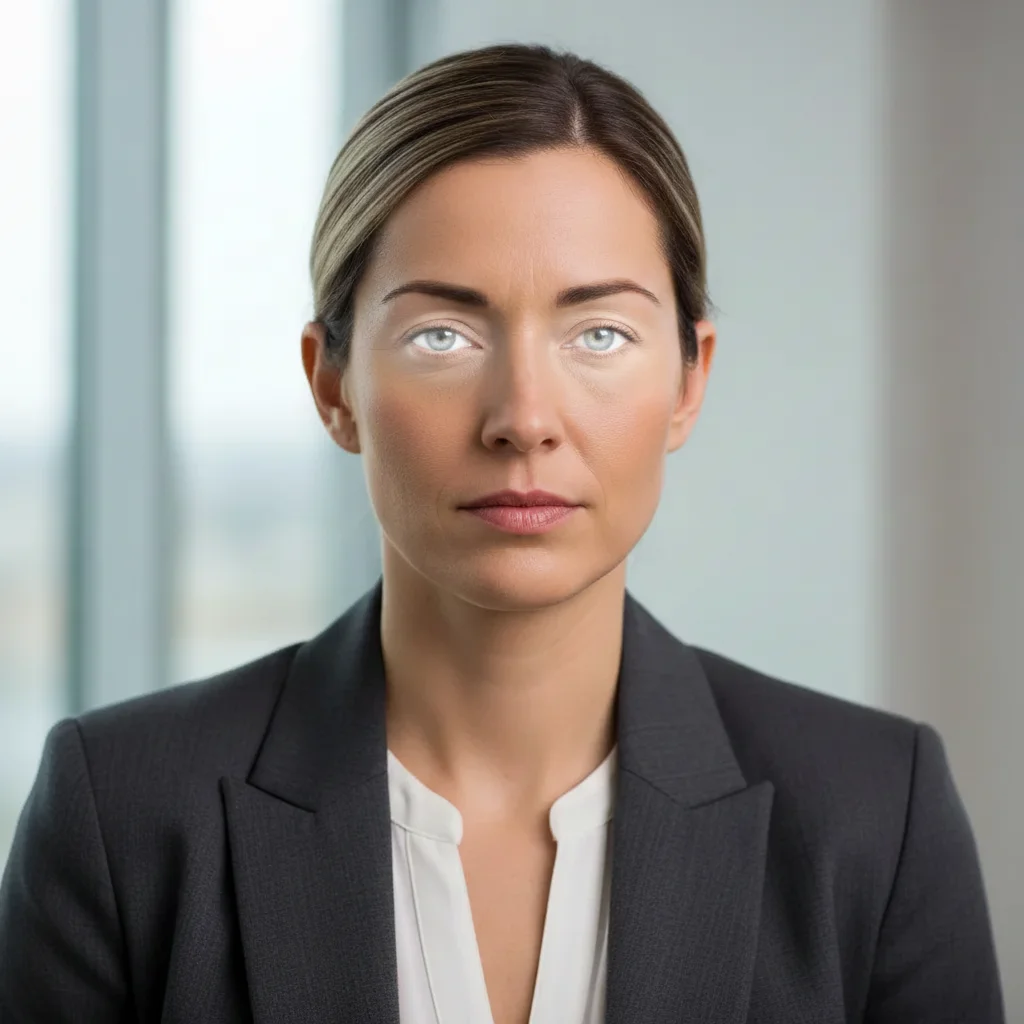
Prompt: "Brighten the eye whites and reduce redness"
Reducing Wrinkles Naturally
Wrinkle reduction requires the most careful touch. Remove too much and you erase character and make people look strange. The goal is usually softening, not eliminating.
Soften, don't remove
'Soften the wrinkles slightly' or 'reduce the depth of the forehead lines'.
Keep expression lines
Smile lines and crow's feet show emotion. 'Keep the smile lines but reduce harshness'.
Preserve age-appropriateness
A 60-year-old with no wrinkles looks uncanny. 'Reduce wrinkles while keeping a natural mature appearance'.
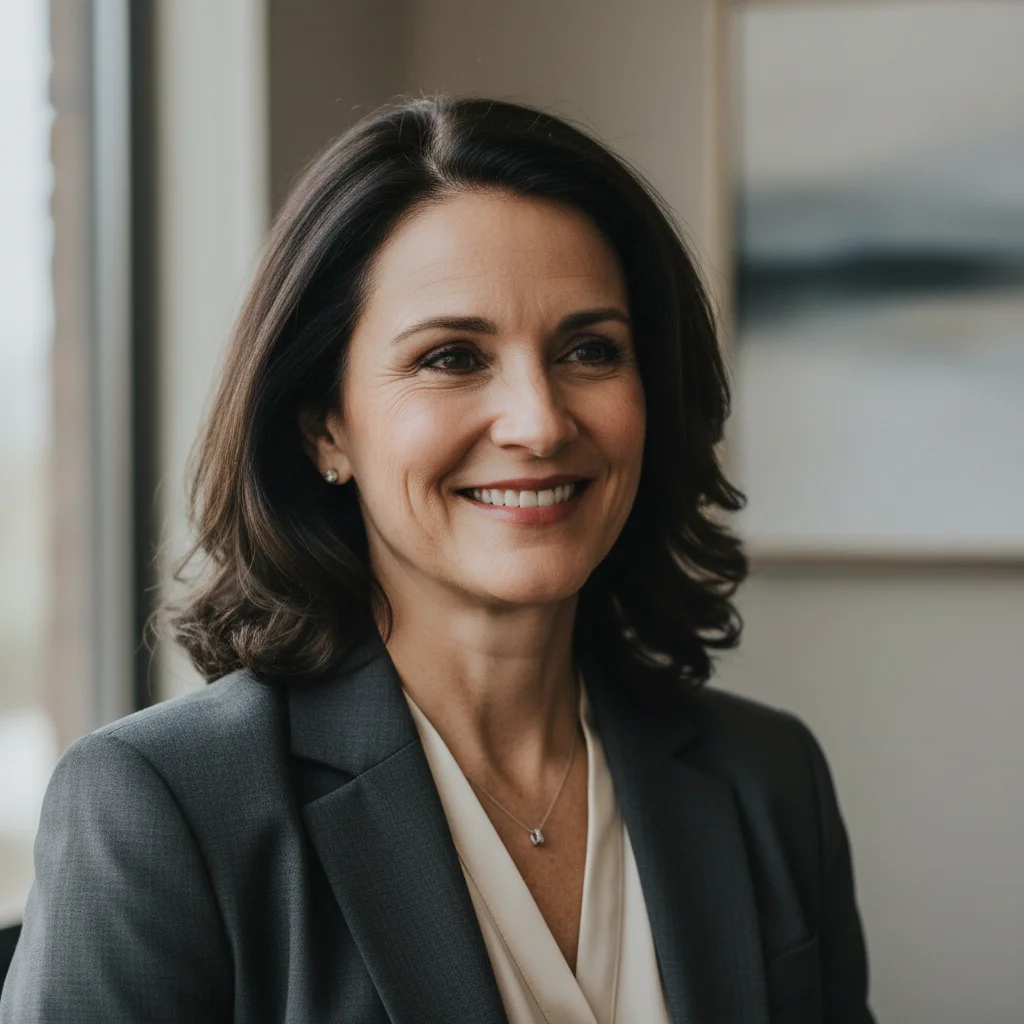
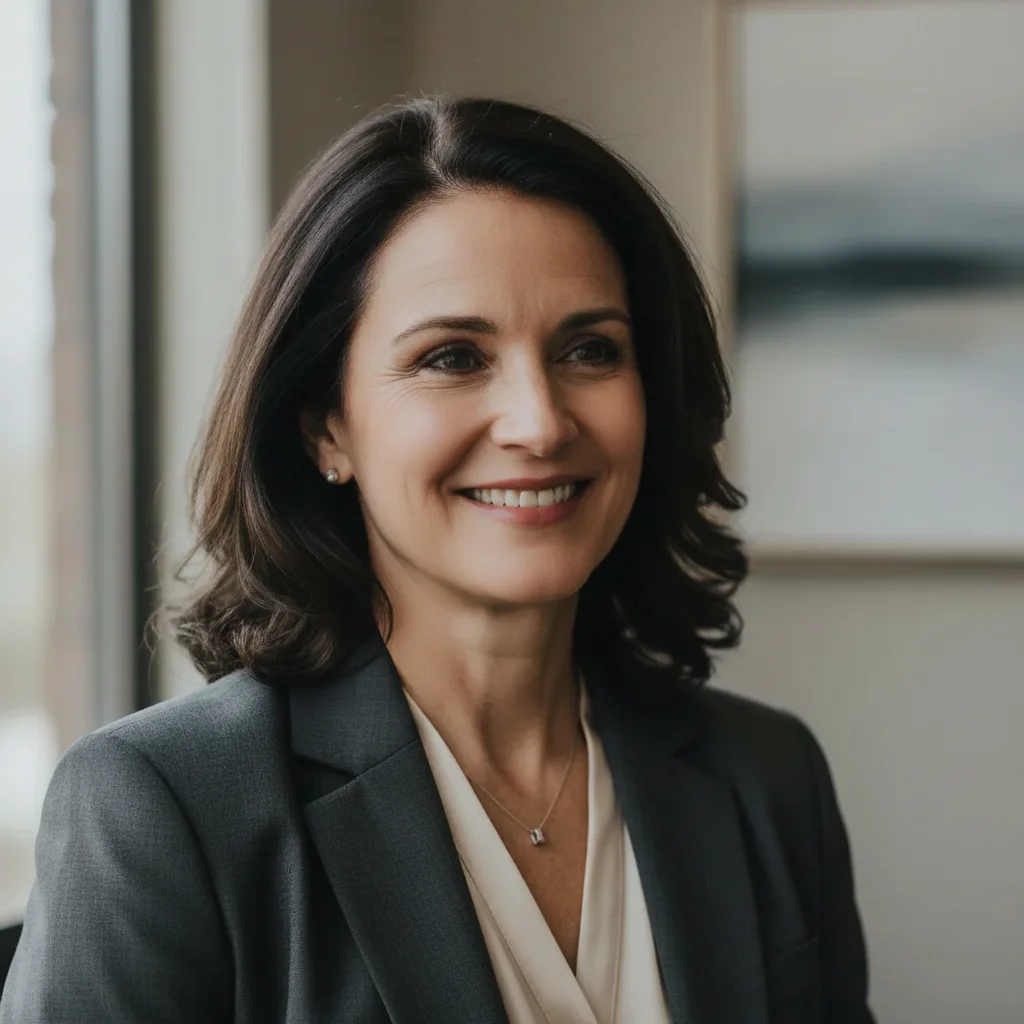
Prompt: "Soften the wrinkles while keeping a natural appearance"
Avoiding Common Mistakes
Portrait retouching gone wrong is immediately noticeable. Here are the most common mistakes and how to avoid them.
Don't over-smooth
Skin should have visible texture, pores, and natural variation. Porcelain-smooth skin looks fake.
Don't change bone structure
Reshaping faces, making noses smaller, or changing jawlines often looks unnatural. Stick to surface improvements.
Keep it consistent
If you smooth skin, the neck and hands should match. Inconsistent retouching is obvious.
Respect the subject
Enhance, don't transform. The person should still be recognizable as themselves.
Frequently Asked Questions
Ready to enhance your portraits?
Natural skin smoothing, teeth whitening, and more. Free, no signup required.
Try It Free