Do I need to mark the acne spots?
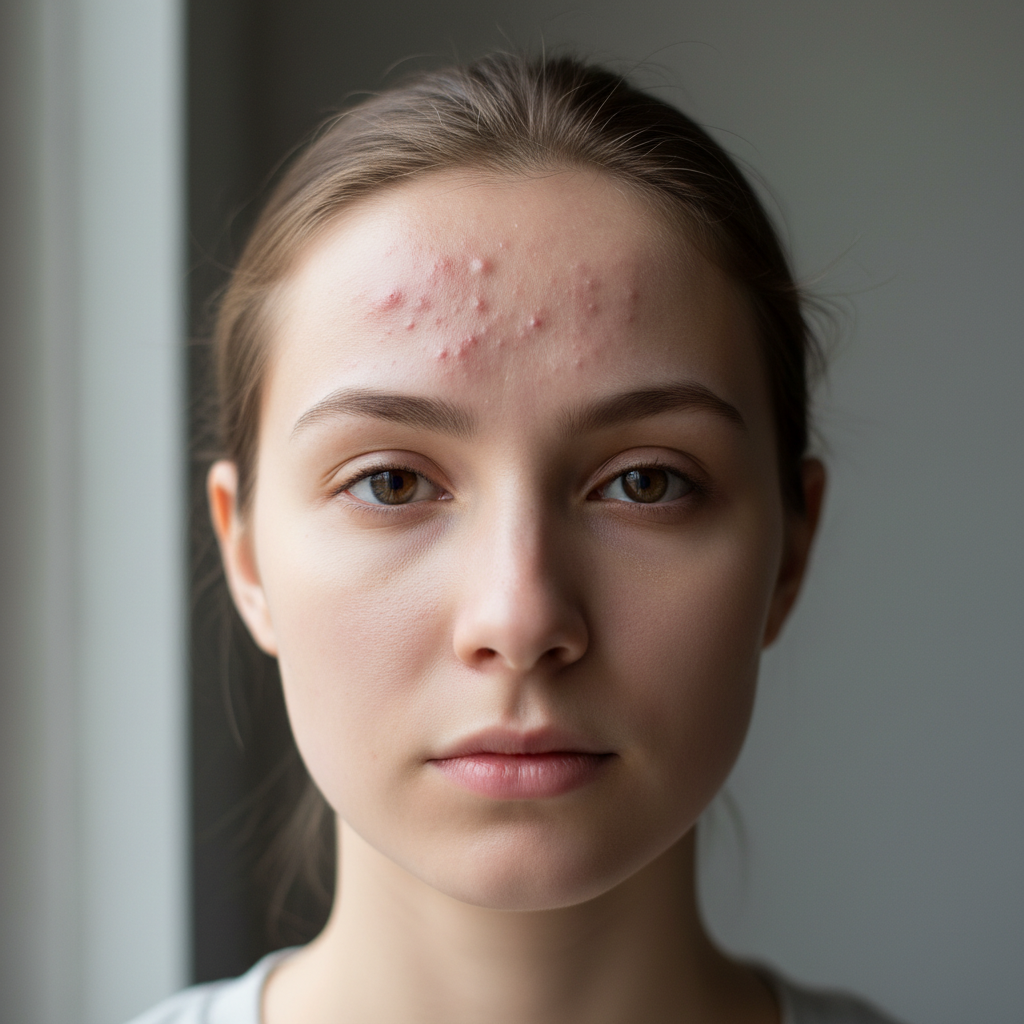
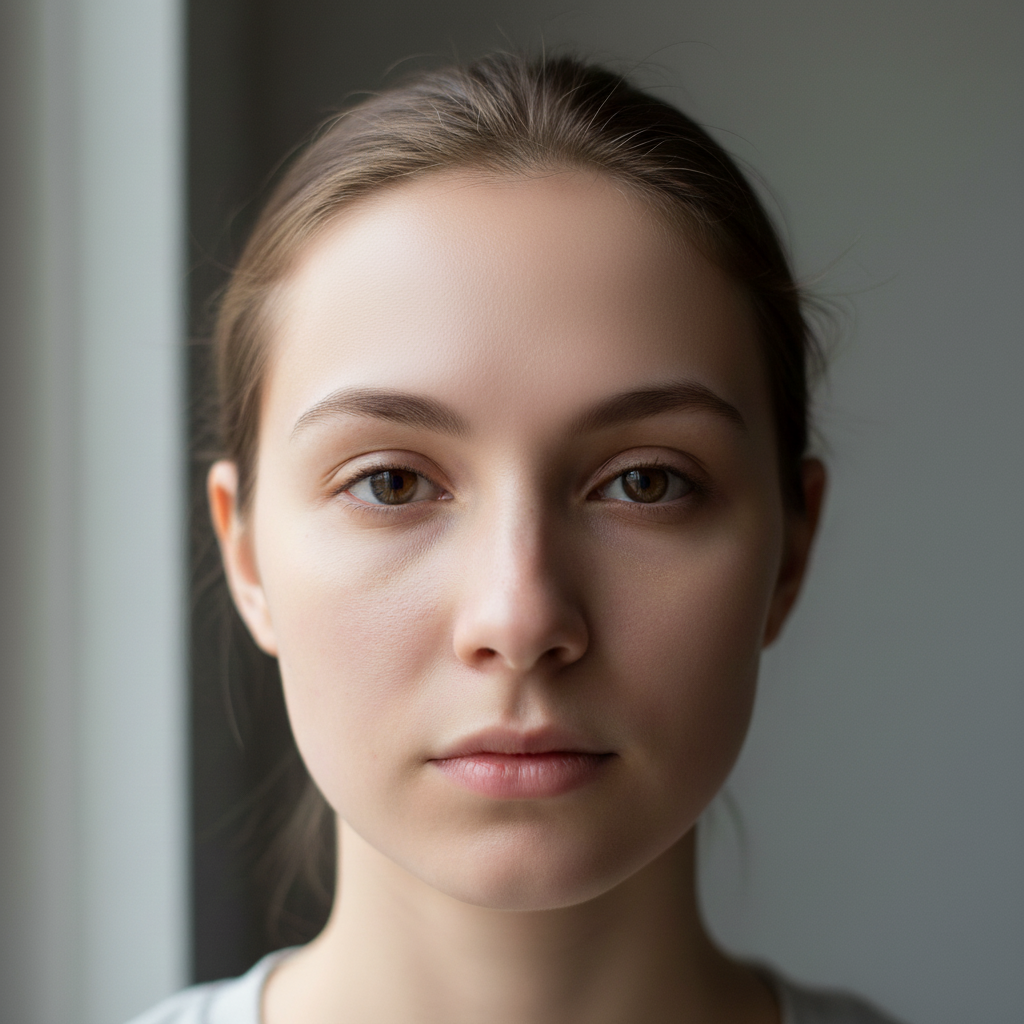
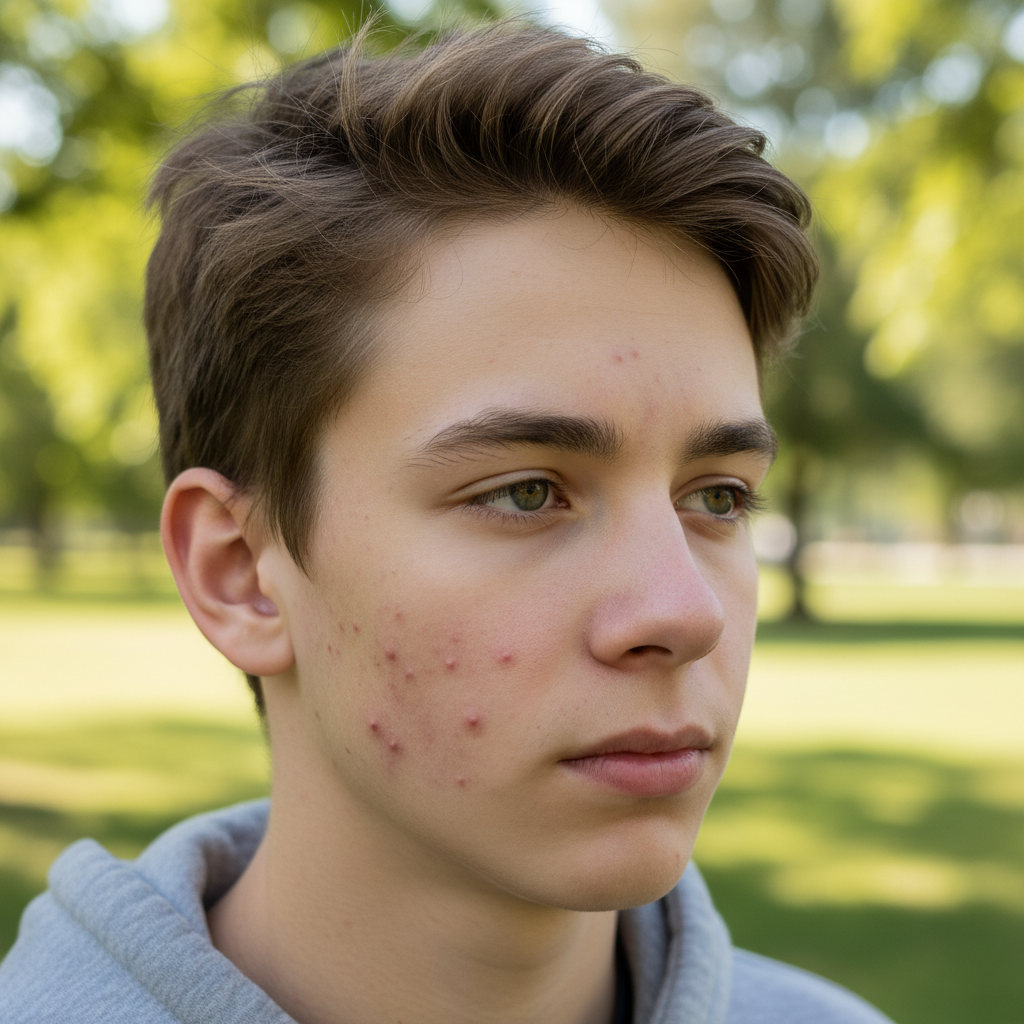
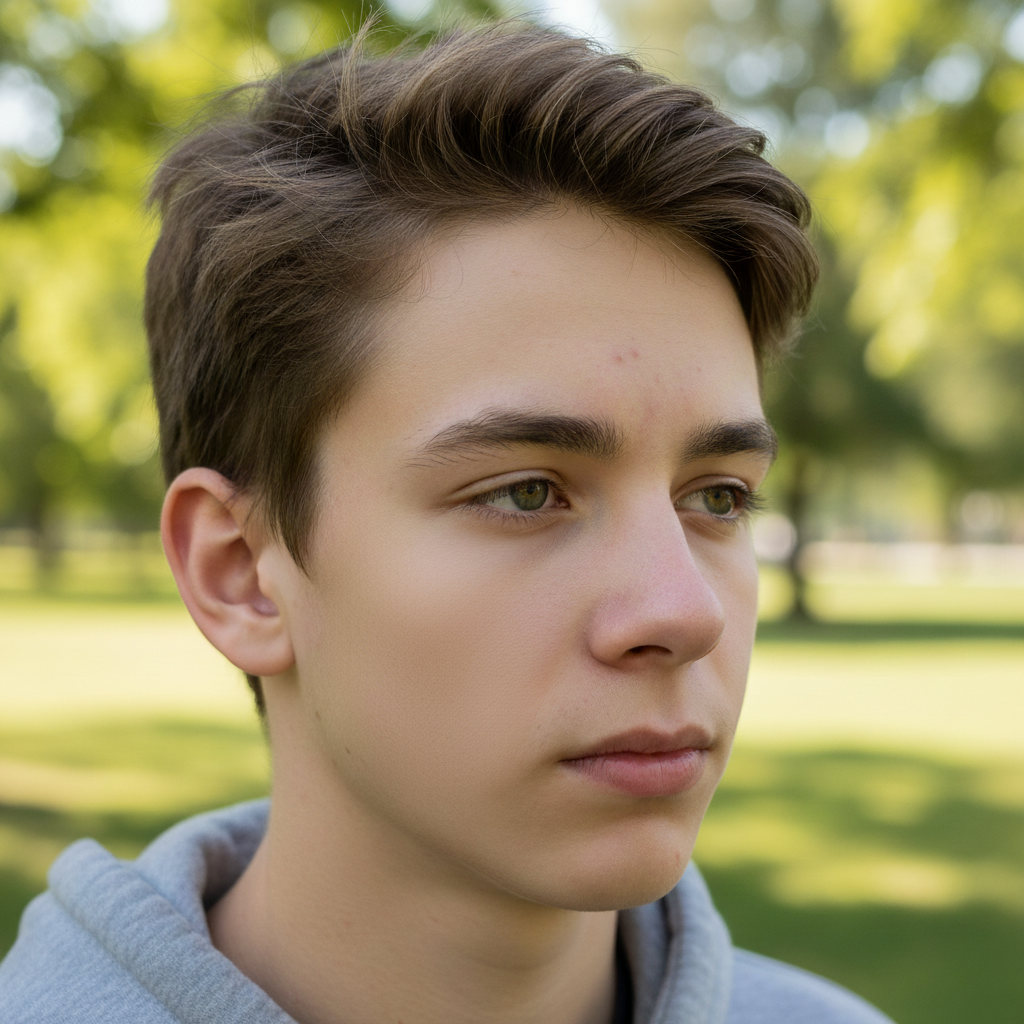
Yes, paint over each acne spot you want to remove using the brush tool. This tells the AI exactly which blemishes to eliminate while preserving the rest of your natural skin texture.
Will it look natural or obviously edited?
Our AI analyzes surrounding skin texture, tone, and pores to create natural-looking results. When used on well-lit photos with precise markings, the removal is virtually undetectable.
Can I remove acne scars or just active acne?
This tool works best on active acne, pimples, and fresh blemishes. For acne scars, try our AI Scar Remover which is specifically designed for textured scarring.
Does it work on all skin tones?
Yes, our AI is trained on diverse skin tones and accurately matches texture and color across light, medium, and dark skin. The key is having even, natural lighting in your photo.
Is EditThisPic's AI acne remover really free?
Yes — you get 1 free edit per week, no account needed. For unlimited edits, plans start at $3.99/month.
Can I remove acne on my phone?
Yes. EditThisPic works in any mobile browser — iPhone, Android, tablet. No app download needed.
What photo formats does the AI acne remover support?
JPG, PNG, WebP, and HEIC. Upload any common photo format and EditThisPic handles the rest.
How long does it take to remove acne?
Usually 15-30 seconds. Upload your photo, describe what you want, and the AI delivers the result.