Remove Pimple from Photo
Remove pimples naturally while keeping your real skin texture.
Type 'remove the pimple' or tap a marker on the spot and say 'clear this blemish' and EditThisPic's AI removes it in 15-30 seconds. The result looks natural, not airbrushed. Works on selfies, portraits, and professional headshots. Free to try, no account needed.
How it works
Upload your photo
Drop your image into EditThisPic. JPG, PNG, WebP up to 7MB. Close-up portraits and selfies work best for precise blemish removal.
Describe what you want
Type your instruction: 'remove the pimple on my cheek' or 'clear up the blemish on my forehead.' Be specific about location. For a single spot, you can tap a marker on it first for precision.
Copy one of these to get started:
remove the pimple and keep natural skin texture
remove the pimple on my forehead and blend with surrounding skin
remove the red pimple and match the surrounding skin tone
clear up all the pimples on my face but keep natural skin texture
2 more prompts
remove this blemish (use marker on spot first)
reduce the appearance of this pimple without completely removing it
Generate and review
Check the result at full zoom. The pimple should be gone but your skin should still look like real skin with natural pores and texture, not plastic.
Refine with markers if needed
If the AI missed the spot or you want to remove additional pimples, tap markers directly on them and regenerate. This is optional for most single-pimple removals.
"Had a breakout the day before my photoshoot. This saved me!" @portrait_client
See it in action
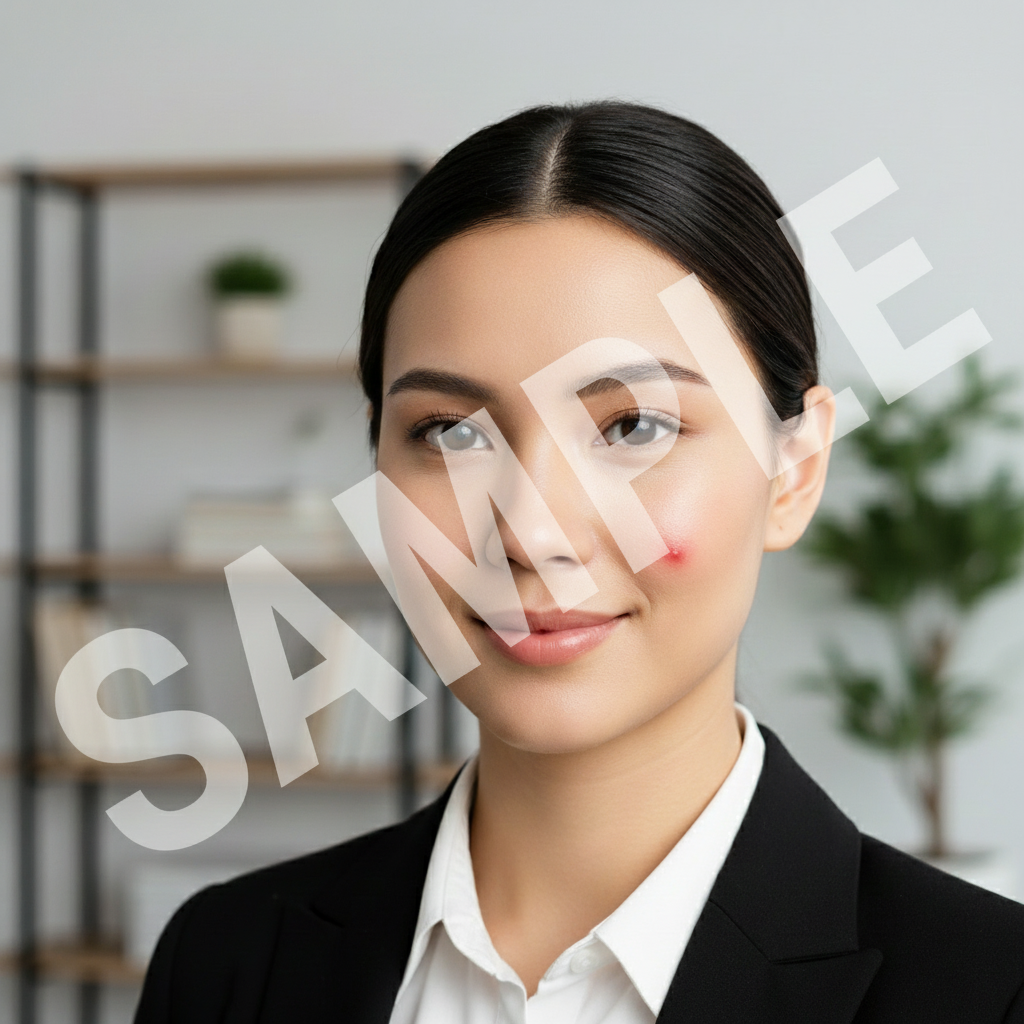
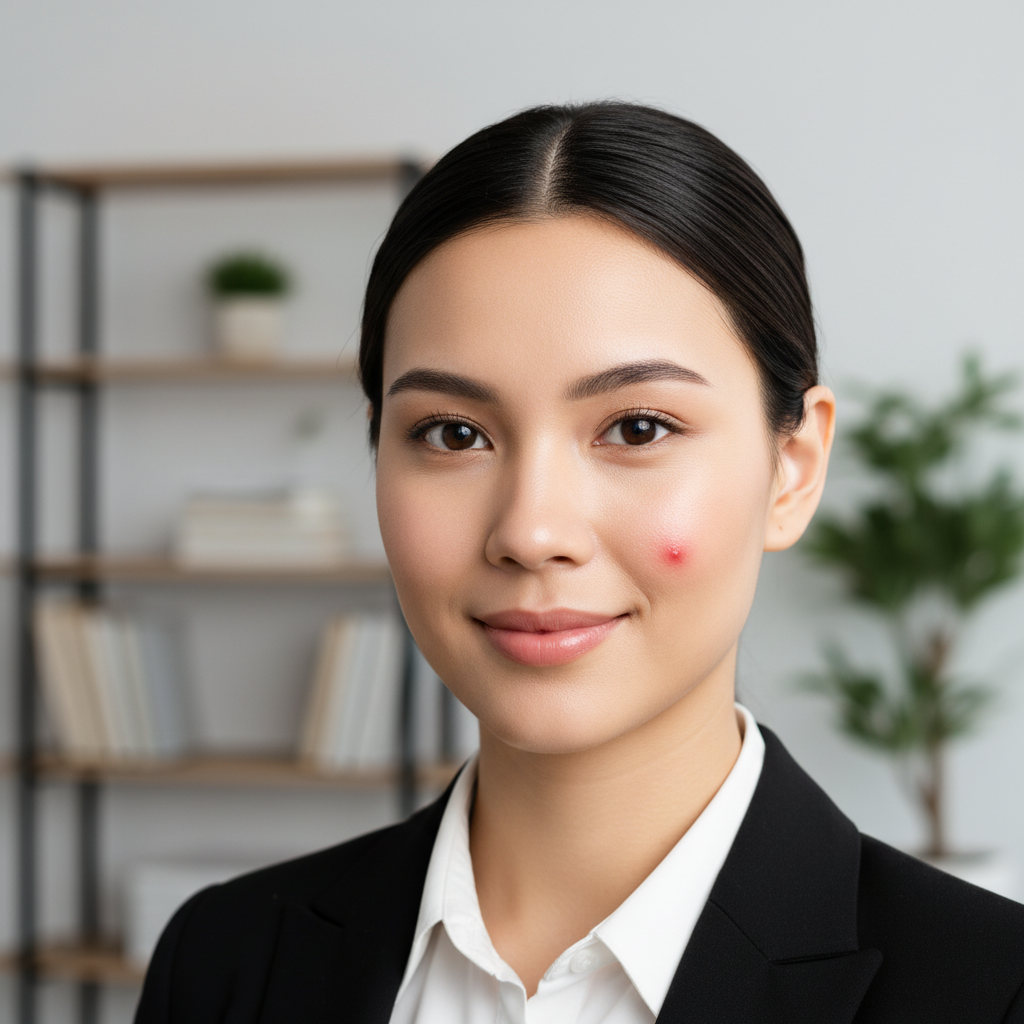
Cheek pimple removed naturally
Visible red pimple on cheek before a job interview. Removed cleanly while keeping natural skin texture.
remove the pimple on my cheek and keep natural skin texture
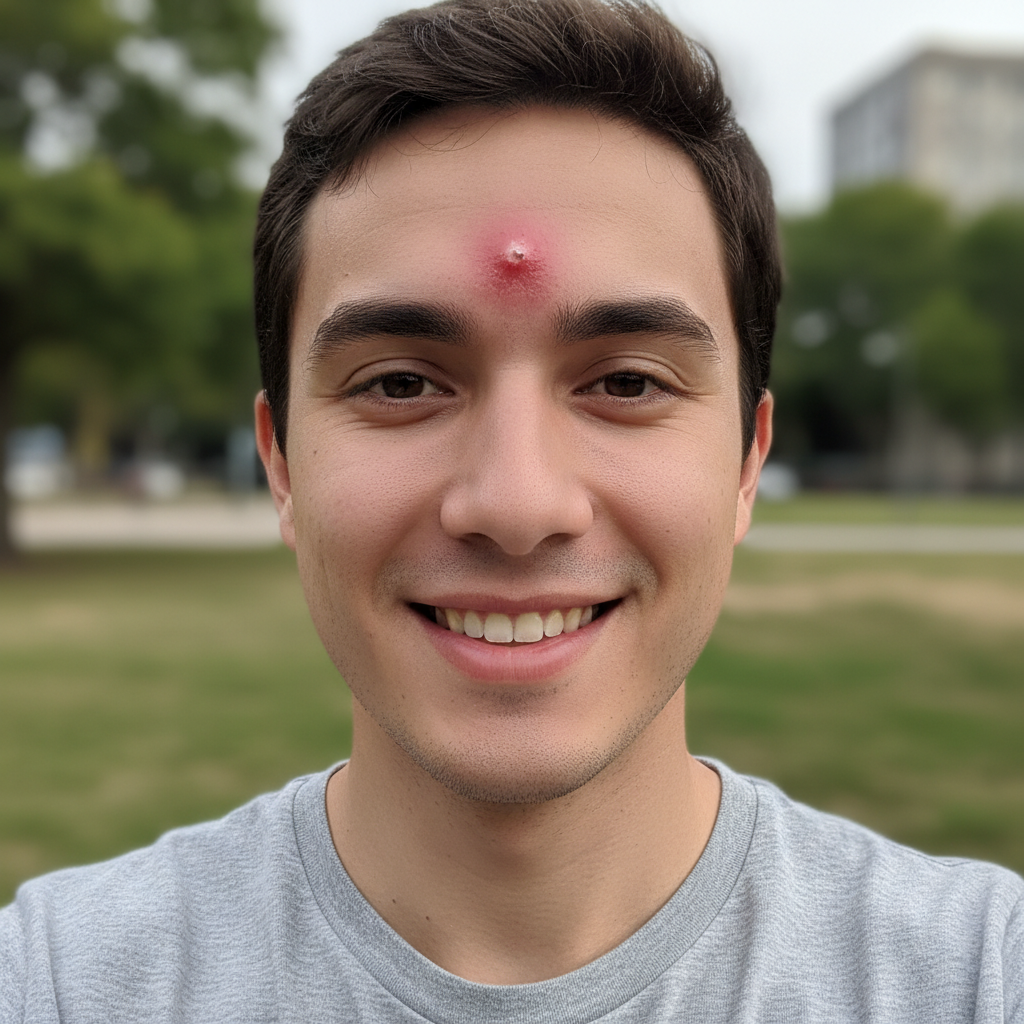
Forehead blemish cleared for selfie
Noticeable pimple on forehead ruining a selfie. Quick removal kept the photo usable.
remove the pimple on my forehead
Chin breakout fixed for dating profile
Small cluster of pimples on chin. Cleared up without looking over-edited.
clear up the pimples on my chin but keep natural skin texture
If something looks off
Skin looks too smooth or plastic
Why: The AI over-smoothed the area, removing natural skin texture along with the pimple.
redo but preserve the natural skin texture and pores
💡 Always include 'keep natural texture' in your original prompt to prevent this.
AI changed the wrong area or something I didn't want changed
Why: The AI couldn't determine exactly which blemish you meant from description alone. This happens when there are multiple spots.
Tap a marker on the specific pimple you want to remove, then regenerate with the same prompt
💡 Markers tell the AI 'I mean THIS one specifically.' Use them when description alone is ambiguous.
Color doesn't match surrounding skin
Why: The patched area has slightly different tone than the surrounding skin.
blend the skin tone where the pimple was removed to match surrounding area
💡 A second pass usually fixes color matching issues.
Pimple still slightly visible
Why: The AI reduced but didn't fully remove the blemish, often with very red or raised spots.
Tap marker on the remaining spot and say 'completely remove this blemish'
💡 Very inflamed pimples may need a second targeted pass with markers.
Quick answers
Do I need to mark the pimple before describing?
Not always! For obvious single pimples, just describe the location: 'remove the pimple on my forehead.' The AI usually finds it. Use markers when there are multiple spots and you want to target specific ones, or if the first attempt misses.
Will the result look fake or over-edited?
No, the AI preserves natural skin texture by default. Add 'keep natural texture' to your prompt for best results. You'll still have pores and real skin appearance, not the plastic airbrushed look.
Can I remove multiple pimples at once?
Yes! Say 'clear up all the pimples on my face' for a general pass. For specific spots, tap markers on each one you want removed. Multiple pimples may need 2-3 refinement passes.
Will it remove my freckles or moles too?
No, the AI targets blemishes specifically, not natural skin features. It knows the difference between a pimple and a freckle. If you're worried, use markers to target only the spots you want removed.
Ready to clear up your photos?
Free to try. No signup required.