Create 90s Yearbook Photo
← Browse all creative effectsLast updated
Type what you want. Get that iconic laser background yearbook look in seconds.

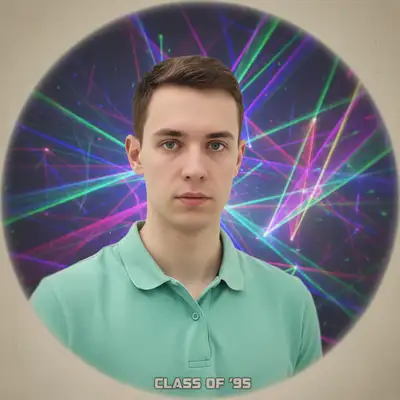
Upload photo to create 90s yearbook photo
"convert to 90s school photo style with soft blue and pink cloud background, gentle portrait lighting, vintage yearbook vignette, dreamy nostalgic feel"
Release to upload
50,000+photos edited
<30stypical edit
1 freeedit weekly
How it works
See it in action

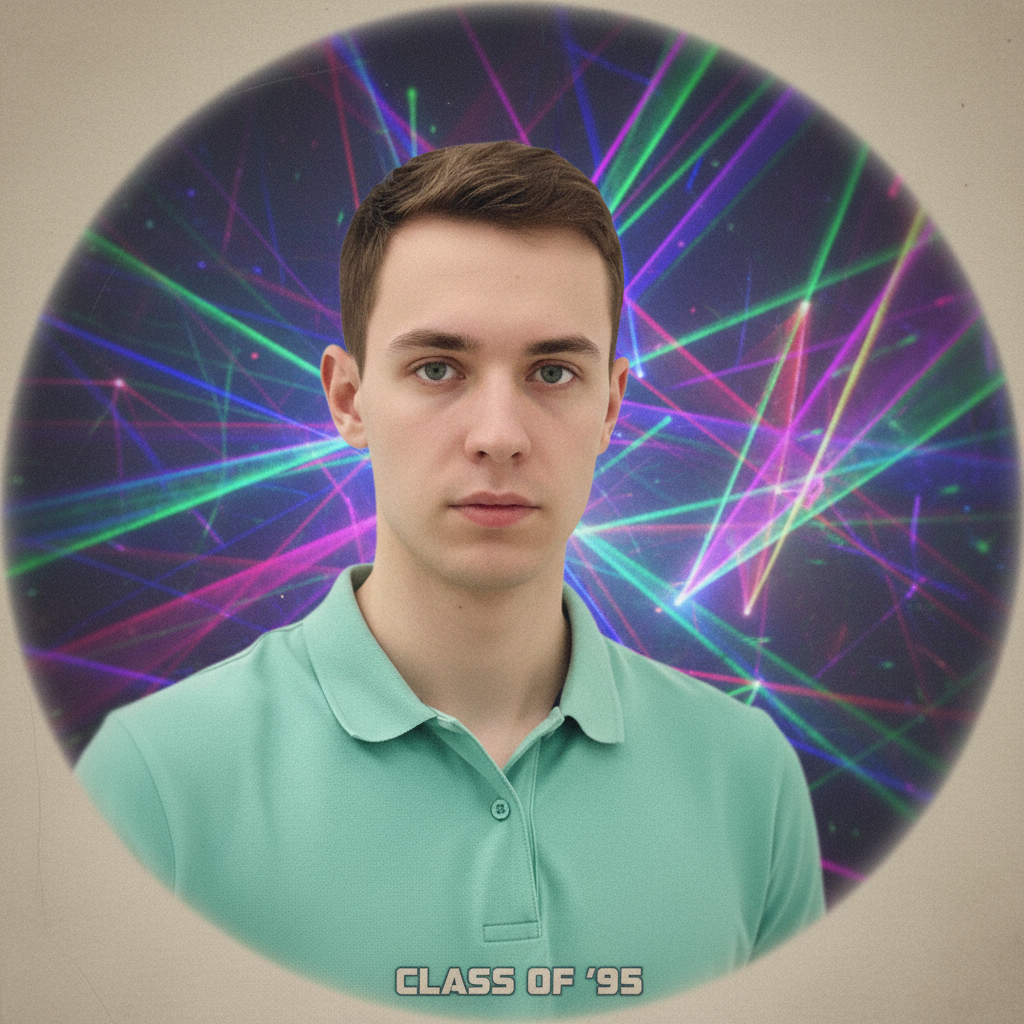
Modern selfie to laser yearbook
A contemporary portrait transformed into the iconic 90s laser background yearbook photo everyone remembers.
Prompt:
transform this photo into 90s yearbook portrait style with colorful laser background, soft focus portrait glow, feathered edges, nostalgic retro school photo aesthetic


Professional headshot to retro yearbook
A corporate headshot given the full 90s yearbook treatment with dreamy cloud background.
Prompt:
convert to 90s school photo style with soft blue and pink cloud background, gentle portrait lighting, vintage yearbook vignette, dreamy nostalgic feel
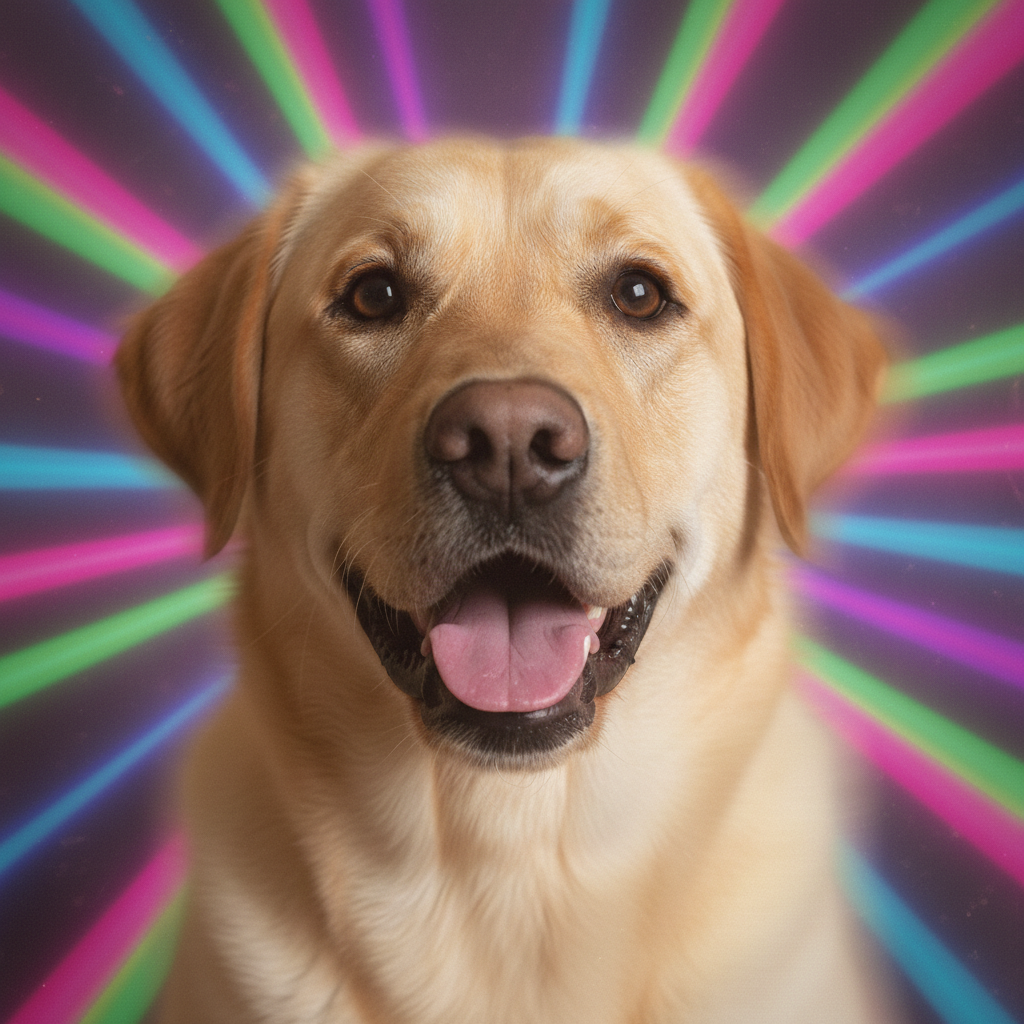
Dog gets yearbook photo
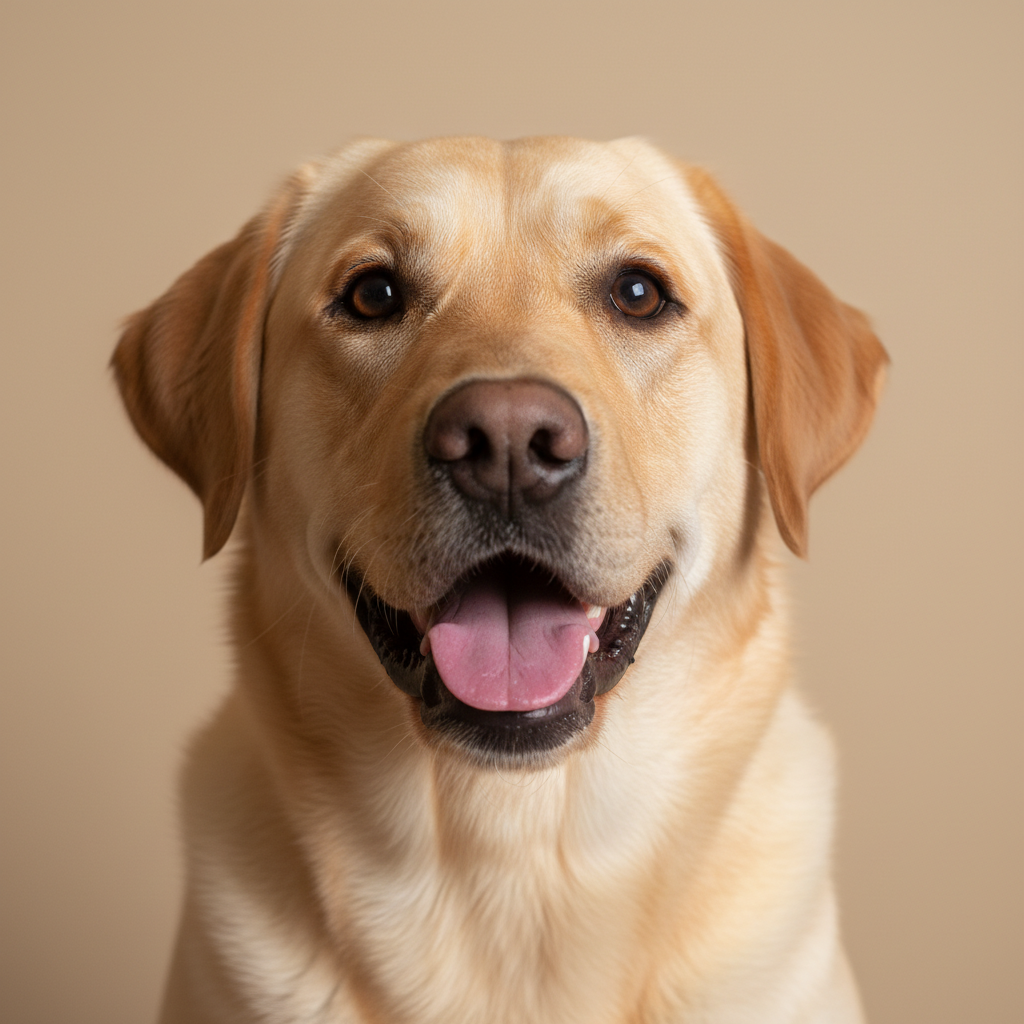
A pet photo transformed into a hilarious 90s yearbook portrait complete with laser background.
Prompt:
convert this pet photo to 90s yearbook style with laser background, soft portrait lighting, feathered edges around fur, nostalgic school photo aesthetic for pets
Quick answers
Popular use cases
Ready for your 90s yearbook moment?
Free to try. No signup required.