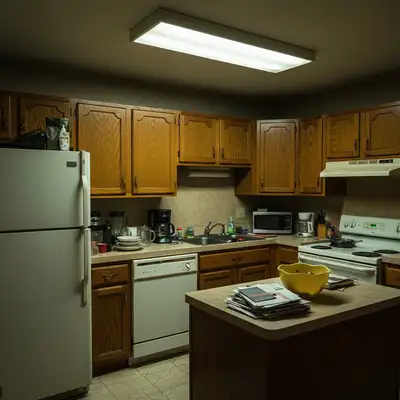
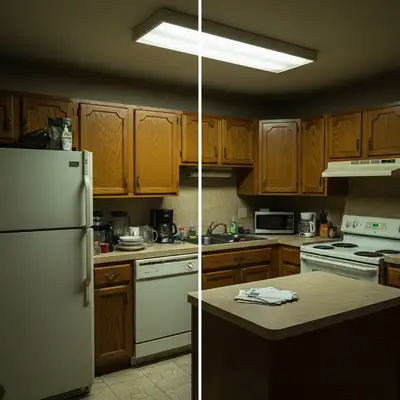
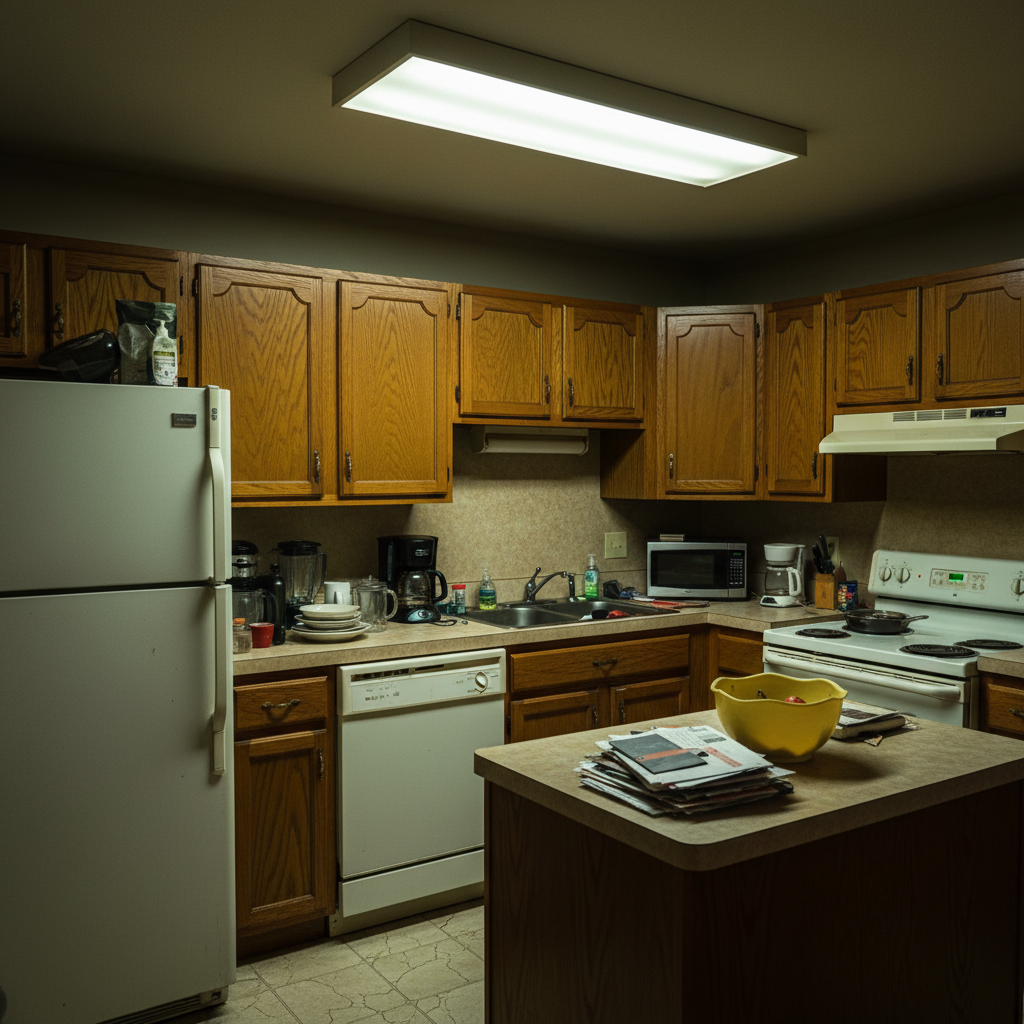
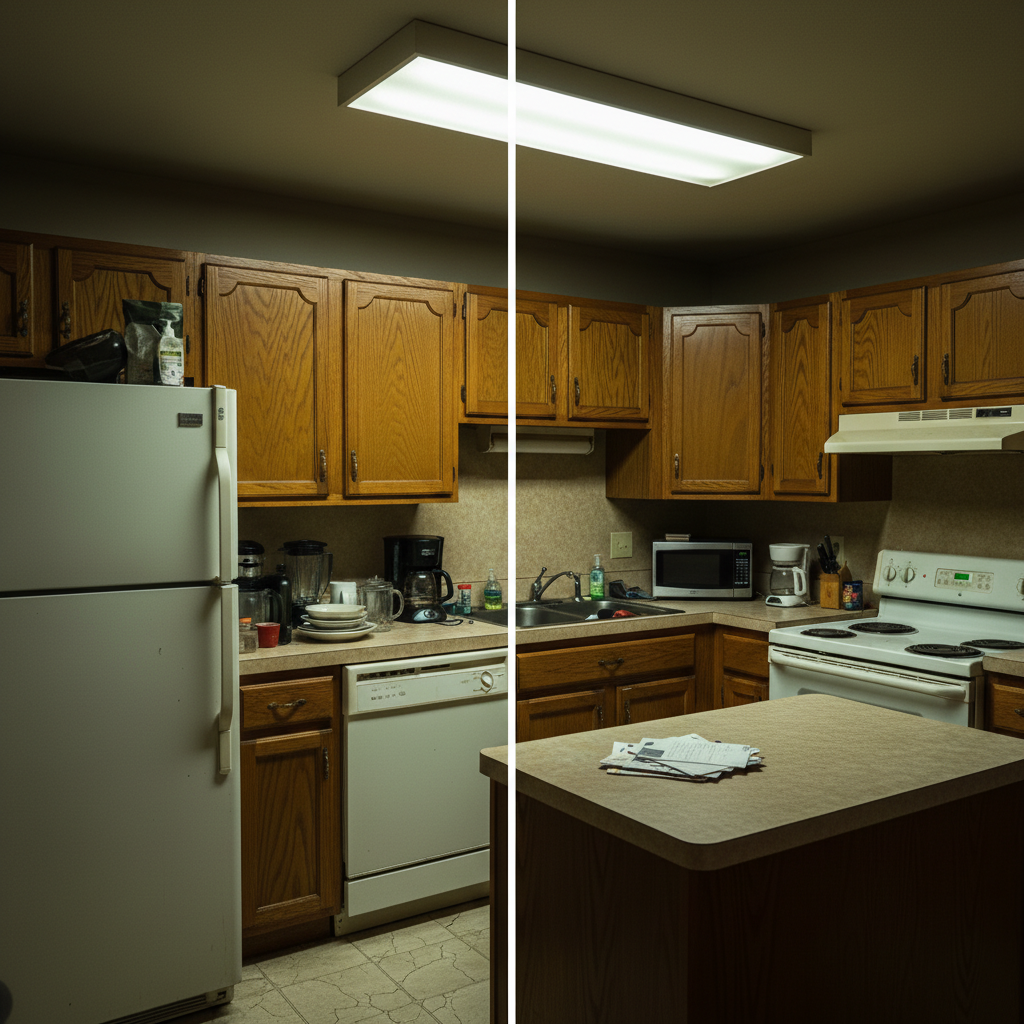
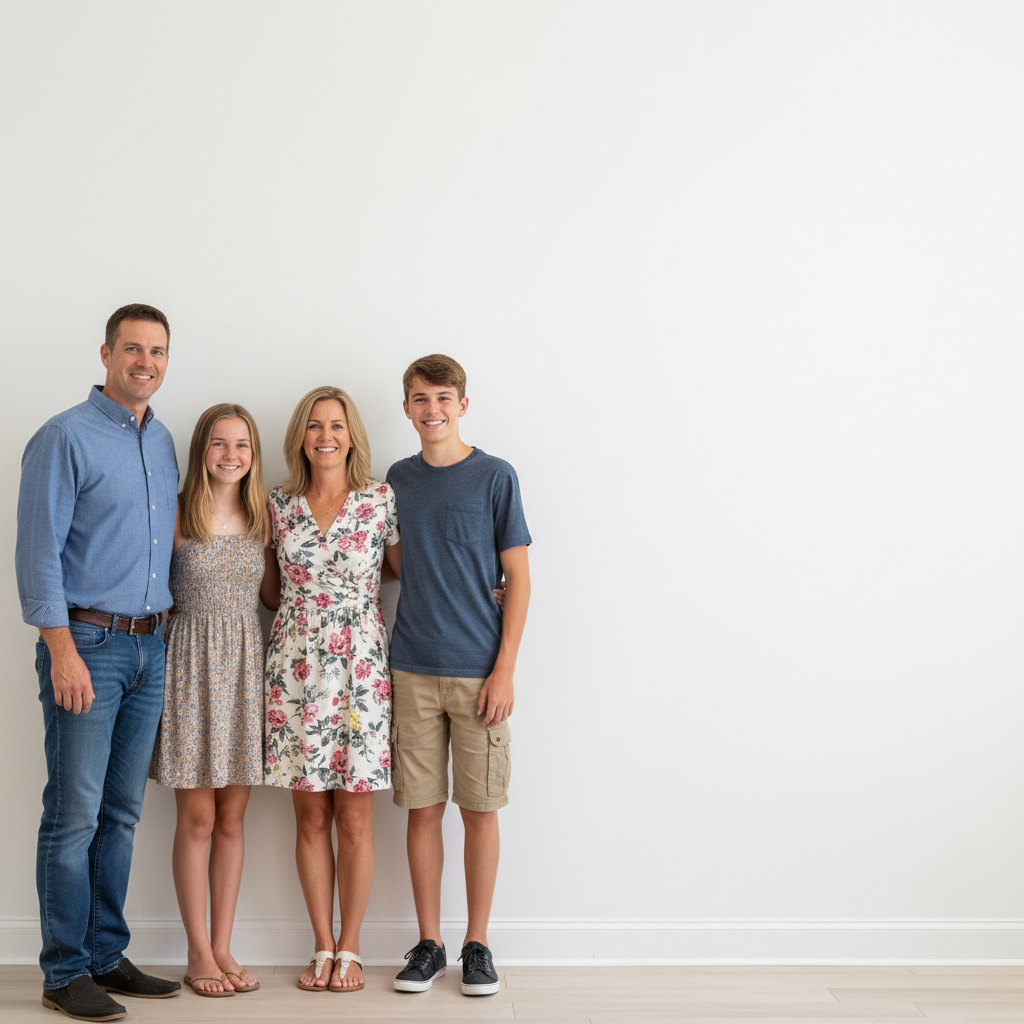
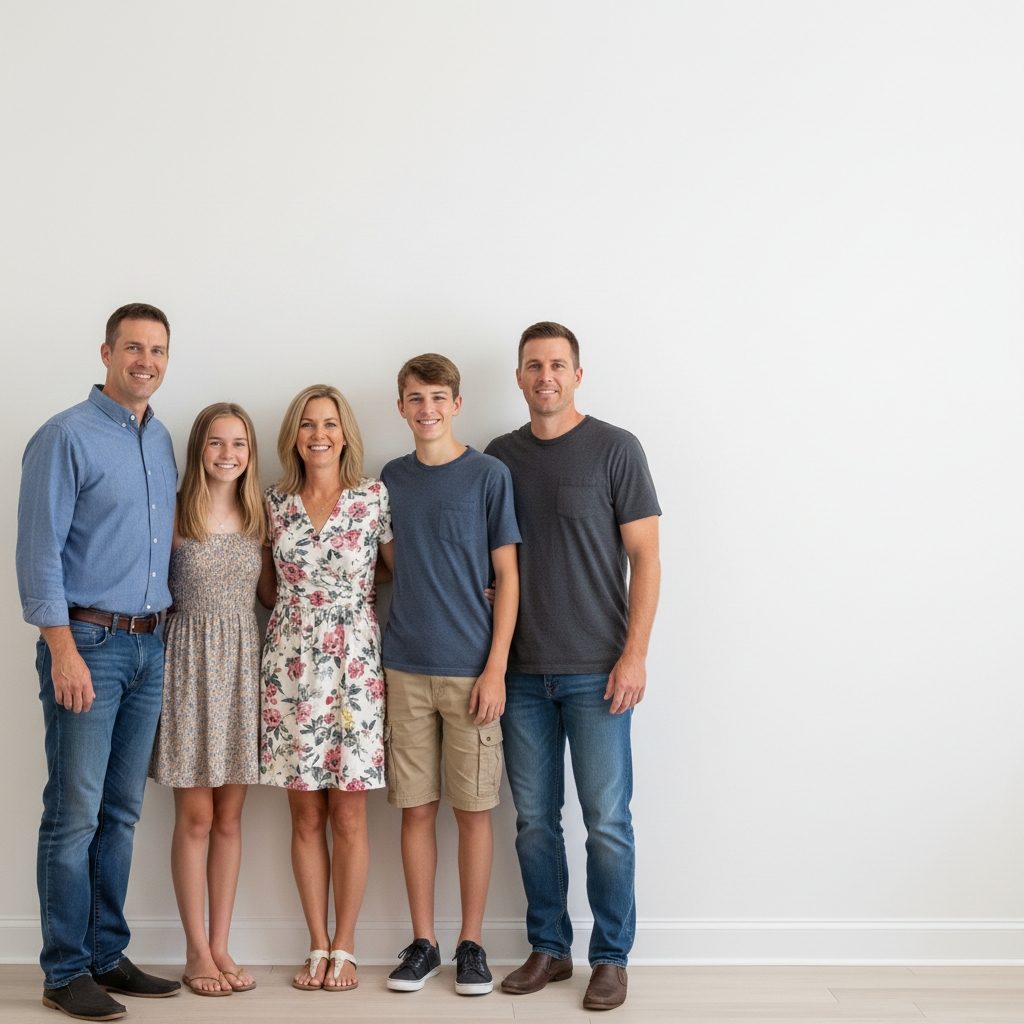
Do I need to position or arrange the photos myself?
No! Just describe the grid layout you want: 'create 3x3 photo grid with white spacing' or 'arrange in 2x2 collage with borders.' The AI automatically positions, sizes, and aligns all photos.
How do I make a photo grid for Instagram?
Upload your photos and use the prompt: 'create 3x3 photo grid with thin white spacing, square format for Instagram.' The AI will create a perfectly-sized square grid ready to post. Download and upload directly to Instagram without additional editing.
Is there a free photo grid maker that doesn't need an account?
Yes. EditThisPic is completely free to try with no signup required. You get free daily edits to create photo grids with AI. No watermarks, no subscriptions, no credit card needed.
What is the best free AI tool for making photo collages?
EditThisPic's AI Photo Grid Maker automatically handles spacing, alignment, and sizing—no manual dragging or resizing needed. Just describe your layout and the AI creates professional grids instantly.
Is EditThisPic's AI photo grid creator really free?
Yes — you get 1 free edit per week, no account needed. Credit packs start at $4.99 for 10 edits.
Can I create photo grid on my phone?
Yes. EditThisPic works in any mobile browser — iPhone, Android, tablet. No app download needed.
What photo formats does the AI photo grid creator support?
JPG, PNG, WebP, and HEIC. Upload any common photo format and EditThisPic handles the rest.
How long does it take to create photo grid?
Usually 15-30 seconds. Upload your photo, describe what you want, and the AI delivers the result.
How much does EditThisPic cost?
You get 1 free edit per week — no account needed. After that, one-time credit packs start at $4.99 for 10 edits, valid 12 months, no subscription. Power users who edit daily can pick Studio Membership, a monthly workspace at $49.99/mo for 300 edits. Purchased downloads are clean with no watermark.