Free • No signup Create Baseball card · Free

AI Baseball Card Maker

Turn any photo into a classic baseball trading card design with AI.

Baseball player portrait before card design
Before
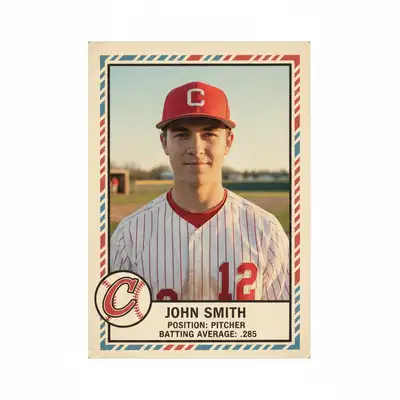
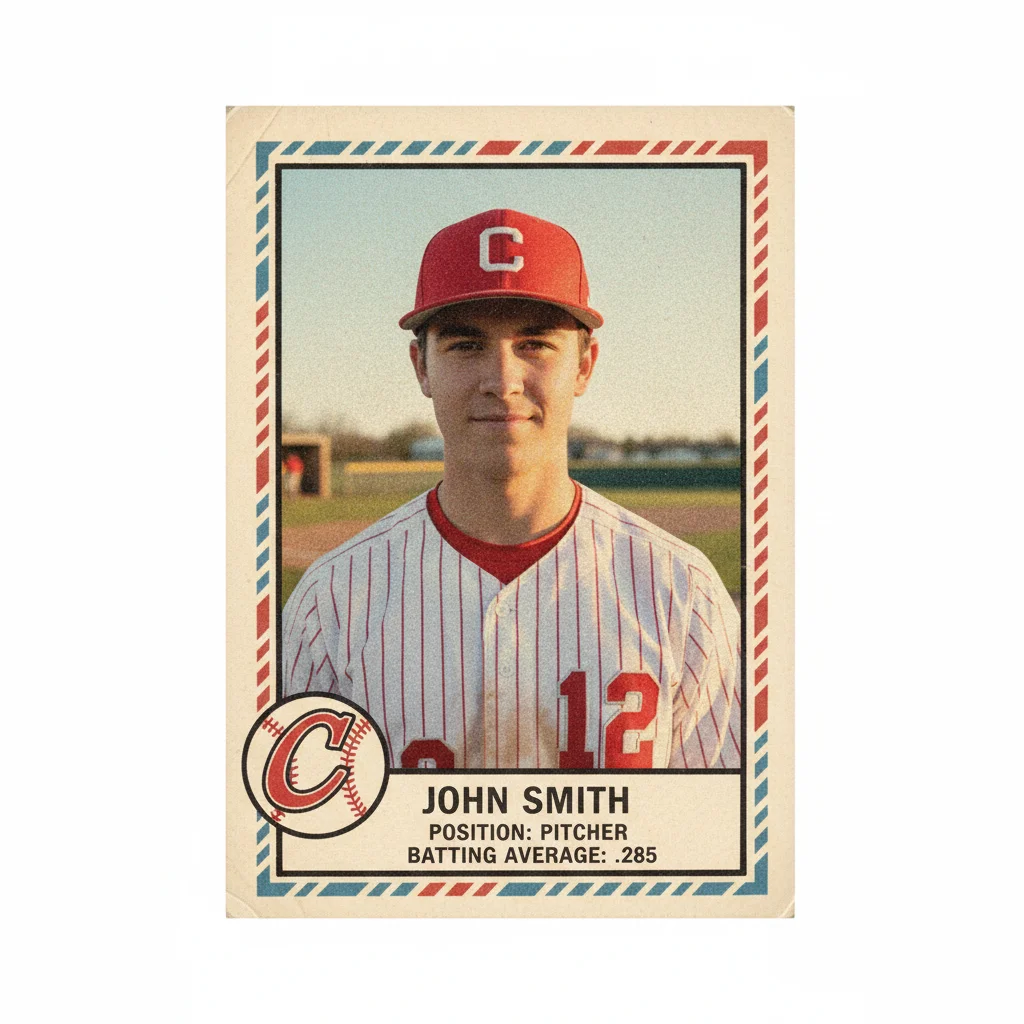
Vintage 1950s style baseball card with player stats
After

AI Baseball Card Maker

Drop your photo here

or click to browse

Release to upload

Free • No signup

Advertisement
Popular use cases:
  • youth baseball teams
  • little league coaches
  • sports memorabilia
  • fantasy baseball leagues
  • baseball card collectors
  • team gifts
  • sports banquets
  • end of season awards

Cost
Free No signup required
Time
Instant results in 15-30 seconds
Works on
Any device - browser, phone, tablet, desktop
Powered by
AI-powered photo editing
Scenario Prompt Time
Vintage 1950s card create a 1950s vintage baseball card design with this photo, include player name, position, team logo border, and batting average stats 30s
Modern glossy card make a modern baseball card design with this photo featuring glossy borders, bold team colors, player name and position in large text 35s
Youth league card design a youth baseball card featuring this photo with player name, age, position, and fun stats like favorite snack and batting stance 40s
Rookie card create a rookie baseball card with this photo featuring ROOKIE banner, player name, first season stats, and team logo 40s

How it works

  1. Upload your photo

    Drop your photo into EditThisPic. Works best with portrait or action shots of players. For authentic results, use photos with clear views of the player against simple backgrounds. JPG, PNG, WebP up to 7MB.

    Expect: Simple portrait photos: 30-40 seconds. Action shots with complex backgrounds: may need 1-2 refinements for optimal card framing.
  2. Describe what you want

    Type your instruction: 'create a vintage baseball card design with this photo, include player name John Smith, position Pitcher, and batting stats' or 'make a 1980s style baseball card with team colors red and blue.' Be specific about card era (vintage, modern), player details, and team branding. No marking needed—the AI understands how to compose baseball cards.

    Tip: Specify the card era for authentic styling: '1950s vintage style' gets classic design, '1990s modern style' adds glossy borders and bold graphics. Include team colors for branded look.

    Copy one of these to get started:

    Classic vintage baseball card create a 1950s vintage baseball card design with this photo, include player name, position, team logo border, and batting average stats
    Modern glossy baseball card make a modern baseball card design with this photo featuring glossy borders, bold team colors, player name and position in large text
    1980s style baseball card create a 1980s style baseball card with this photo showing player stats, team colors red and blue, classic card border design
    Little league baseball card design a youth baseball card featuring this photo with player name, age, position, and fun stats like favorite snack and batting stance
    3 more prompts
    Rookie card design create a rookie baseball card with this photo featuring ROOKIE banner, player name, first season stats, and team logo
    All-star commemorative card make an all-star commemorative baseball card with this photo showing special all-star border, season highlights, and achievement badges
    Custom team baseball card create a custom team baseball card with this photo featuring team name Eagles, school colors green and gold, player stats and jersey number
  3. Generate and review

    Click Generate and the AI creates your baseball card with borders, player info, stats, and era-appropriate styling. Zoom in to check text readability and photo framing.

  4. Refine with markers if needed

    If you want to adjust the player framing or reposition card elements, tap markers on specific areas and regenerate. Most cards look great without markers.

    Tip: Markers help if you need to recrop the player photo within the card frame, but try the description-only approach first.
Try it free

AI Baseball Card Maker

Drop your photo here

or click to browse

Release to upload

Free • No signup

"Made baseball cards for my kid's little league team. Looked so professional, parents thought I hired a designer!" @coachmark

See it in action

Baseball player portrait before card design
Before
->
Vintage 1950s style baseball card with player stats
After

Vintage 1950s Style Pitcher Card

Transformed a player portrait into an authentic 1950s vintage baseball card with classic borders and stats.

Prompt: create a 1950s vintage baseball card design with this photo, include player name, position Pitcher, team logo border, and batting average stats

Baseball action shot before modern card design
Before
->
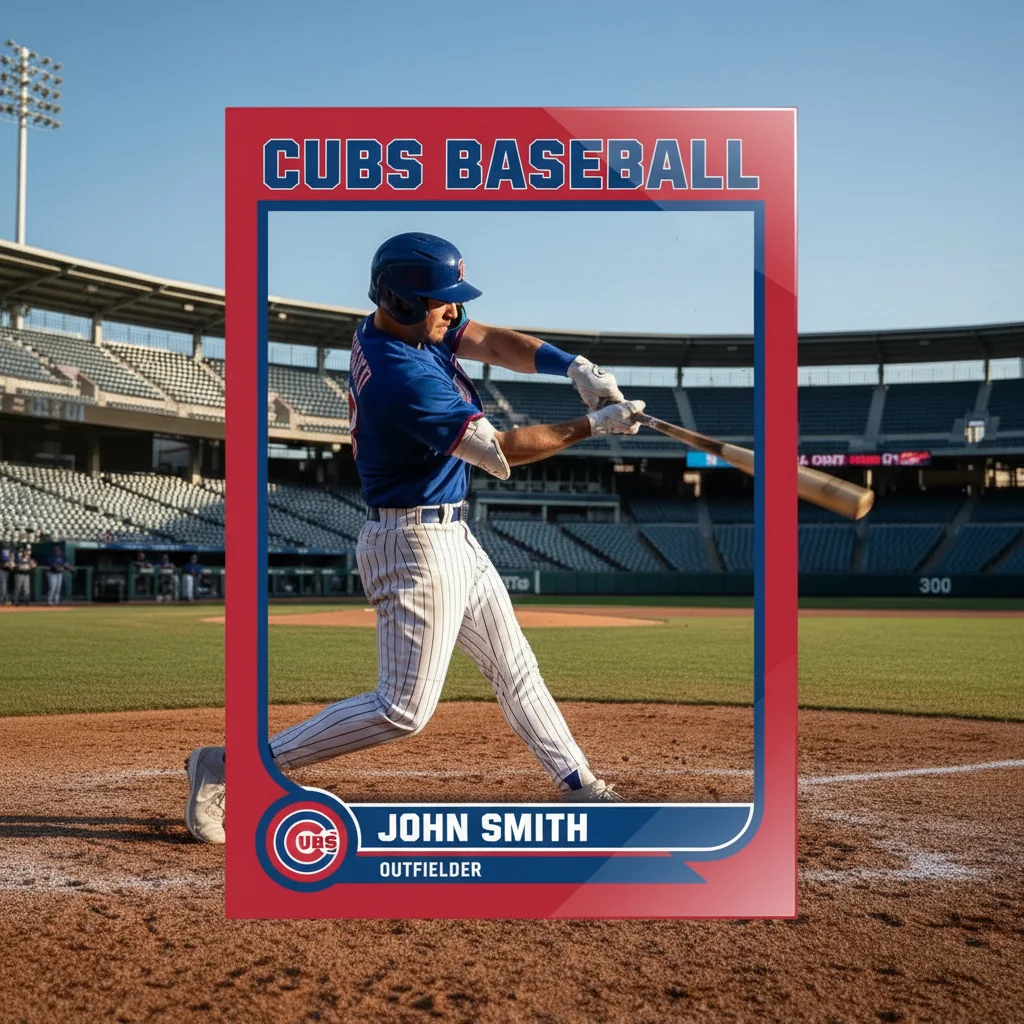
Modern glossy baseball card with bold graphics
After

Modern Glossy Outfield Card

Created a modern baseball card with bold colors and contemporary design from an action photo.

Prompt: make a modern baseball card design with this photo featuring glossy borders, bold team colors, player name and position in large text
Youth baseball player photo before card design
Before
->
Custom youth baseball card with fun stats
After

Youth League Custom Card

Designed a fun baseball card for a little league player complete with stats and personality details.

Prompt: design a youth baseball card featuring this photo with player name, age, position, and fun stats like favorite snack and batting stance
Advertisement

If something looks off

AI changed the wrong area or player isn't framed correctly

Why: The AI couldn't determine the ideal framing from description alone. This happens with busy backgrounds or unconventional poses.

Try: Tap a marker on the player's face or upper body, then regenerate with 'center player in baseball card frame with head and shoulders visible'

Tip: Markers tell the AI 'frame the card around THIS player.' Use them when auto-framing cuts off important parts.

Card text is hard to read or overlaps the photo

Why: The original photo may have colors or elements that conflict with text placement.

Try: Try 'create baseball card with high-contrast text background behind player name and stats for readability'

Tip: Photos with simple backgrounds produce cleaner text placement

Stats look generic or don't match the player

Why: The AI generates placeholder stats when you don't specify actual numbers.

Try: Include real stats: 'create baseball card with batting average .325, 15 home runs, 45 RBIs, position Outfield'

Tip: Providing specific numbers makes cards look more authentic and personalized

Card style doesn't match the era I wanted

Why: Generic 'baseball card' prompts may not produce era-specific design elements.

Try: Be explicit about era: '1950s vintage style with classic serif fonts' or '1990s modern style with metallic borders'

Tip: Each decade has distinct baseball card aesthetics—specifying the era ensures authentic styling

Team colors are wrong or missing

Why: The prompt didn't include specific color guidance.

Try: Add team colors: 'create baseball card with team colors navy blue and orange throughout borders and text'

Tip: Naming exact colors ensures the card matches your team's branding

Player photo is too zoomed in or too far out

Why: The AI's default framing may not match traditional baseball card composition.

Try: Specify framing: 'show head and shoulders portrait' or 'full upper body with uniform visible'

Tip: Classic baseball cards typically show head-to-chest or head-to-waist framing

Quick answers

Do I need to mark areas before describing the baseball card?

No! Just describe what you want: 'create a vintage baseball card with this photo' or 'make a modern baseball card with team colors blue and red.' The AI understands how to compose baseball cards. Only use markers if you want to adjust player framing after seeing the first result.

How do I make a baseball card from a photo for free?

Upload your photo to EditThisPic and type 'create a baseball card design with this photo.' The AI generates a custom trading card with borders, player info, and stats in 30-40 seconds. Free to use, no account or design skills needed.

Can I customize the stats and player information?

Yes! Include details in your prompt: 'create baseball card with player name Mike Johnson, position Shortstop, batting average .310, 12 home runs.' The AI will incorporate all the information you provide into the card design.

What card eras can the AI create?

The AI can replicate multiple baseball card eras: 1950s vintage (classic fonts, muted colors), 1970s (bold borders), 1980s-90s (glossy modern), and contemporary styles. Specify the era in your prompt for authentic period styling.

Can I print these baseball cards for my team?

Yes! Download the high-resolution image without watermarks and print at standard trading card size (2.5 x 3.5 inches). Perfect for youth sports teams, fantasy leagues, or personal collections. For best results, print on card stock.

Ready to create your custom baseball card?

Free to try. No signup required.

Try it free